AI agent for hardware engineers
Layout Design Rule Review Agent
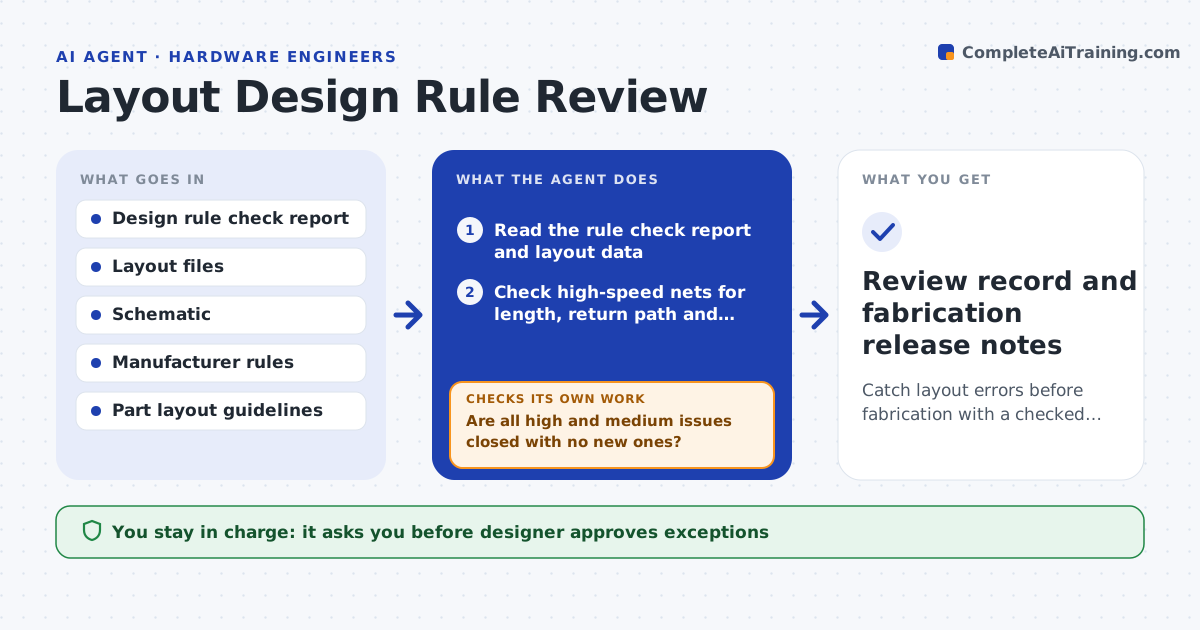
Catch layout errors before fabrication with a checked list that closes issue by issue
What it does
A board with a split ground plane under a fast signal can pass the basic design rule check and fail at test. This agent reads the design rule check output and layout notes, then goes beyond them. It checks high-speed nets for length matching, return paths and impedance, power nets for trace width and current, and hot parts for copper and via count. It follows the manufacturer's rules and the part datasheet layout guidance. It writes a numbered issue list with the net and location, and rechecks after each revision of the layout. The designer fixes the issues and approves release to fabrication. Edge case: a clearance violation is an intentional test point shape, so the agent asks before flagging it again.
How it works
Follow the arrows from top to bottom. The orange dashed arrow is the loop: when a check fails, the agent goes back and tries again.
Read the steps as a list
- Layout revision submitted for review
- Read the rule check report and layout data
- Check high-speed nets for length, return path and impedance
- Check power nets for width, current and decoupling placement
- Check thermal copper and vias on hot parts
- Write the numbered issue list ranked by risk
- Designer reviews issues and marks accepted exceptionsThe agent waits here for your OK.
- Designer revises layout; agent reads the new files
- Are all high and medium issues closed with no new ones?If not: rerun all checks on the new revision and update the list. Back to step 3.
- Designer approves release to fabricationThe agent waits here for your OK.
- Review record and fabrication release notes
How it decides
It ranks issues by risk of board failure and treats any open high-risk issue as a blocker.
- Block release on any open high-risk issue
- Check that every high-speed signal has a continuous reference plane
- Flag power traces carrying over 1 A that are under 0.5 mm
- Record accepted exceptions with a reason
Make it yours
Every agent is a starting point. You choose these settings for your own situation.
- Rule sets by interface (default per vendor guidelines)
- Minimum trace width for current
- Severity labels
- Manufacturer capability limits
- Exceptions list
What keeps you in control
It always asks you first
- Designer approves exceptions
- Designer approves release to fabrication
Hard limits
- Never release files to a fabricator
- Never delete an issue without the designer's note
It stops when
- Done: no open high or medium issues remain
- Stop: a stackup change is needed and the layout is reopened
Set it up
We guide you through the set-up, step by step
Members get the full set-up guide for this agent. No technical skills needed: you copy, paste and upload.
- One set of instructions to paste into your AI, with the clicks for ChatGPT, Claude, Microsoft 365 Copilot, Gemini and Grok
- The agent then walks you through connecting your own data, one source at a time
- A downloadable copy with the flow chart, the rules and the full guide