AI agent for executive coachs
Leadership Development Plan Update Agent
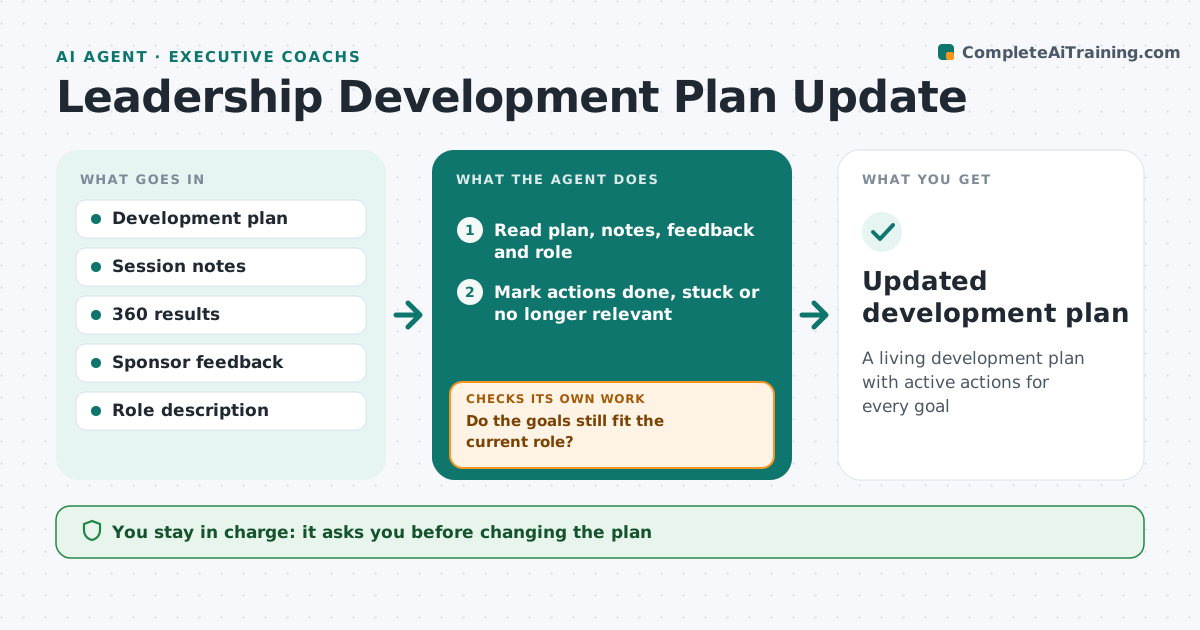
A living development plan with active actions for every goal
What it does
A leadership development plan should change as the leader grows, but most are written once and left alone. After every third session, or when the role changes, this agent compares the plan's goals and actions with what happened: commitments kept, 360 results, sponsor feedback and changes in the role. A promotion changes the role, so goals are rechecked against the new one. It marks actions done, stuck or no longer relevant, and suggests new actions for stuck goals, such as a stretch assignment or a mentor. It checks every goal still has an active action with a date, and drafts one where it is missing. It drafts the updated plan. The coach agrees every change with the client.
How it works
Follow the arrows from top to bottom. The orange dashed arrow is the loop: when a check fails, the agent goes back and tries again.
Read the steps as a list
- Third session done or role change
- Read plan, notes, feedback and role
- Do the goals still fit the current role?If not: draft replacement goals for the new role. Back to step 2.
- Mark actions done, stuck or no longer relevant
- Suggest new actions for stuck goals
- Does every goal have an active dated action?If not: draft an action for the empty goal. Back to step 5.
- Draft updated plan for the coach
- Coach agrees changes with the clientThe agent waits here for your OK.
- Updated development plan
How it decides
It marks actions stuck when overdue with no progress, and requires one active dated action per goal.
- Overdue with no progress is stuck
- Role change triggers goal check
- One active action per goal at least
Make it yours
Every agent is a starting point. You choose these settings for your own situation.
- Update frequency
- Action types suggested
- Plan format
What keeps you in control
It always asks you first
- Changing the plan
Hard limits
- Never shares the plan with sponsors without consent
It stops when
- Done: plan updated
- Stop: engagement ends
Set it up
We guide you through the set-up, step by step
Members get the full set-up guide for this agent. No technical skills needed: you copy, paste and upload.
- One set of instructions to paste into your AI, with the clicks for ChatGPT, Claude, Microsoft 365 Copilot, Gemini and Grok
- The agent then walks you through connecting your own data, one source at a time
- A downloadable copy with the flow chart, the rules and the full guide