AI agent for cfos
M&A Integration Finance Tracker Agent
Show verified synergy delivery against plan each month and drive action on shortfalls.
What it does
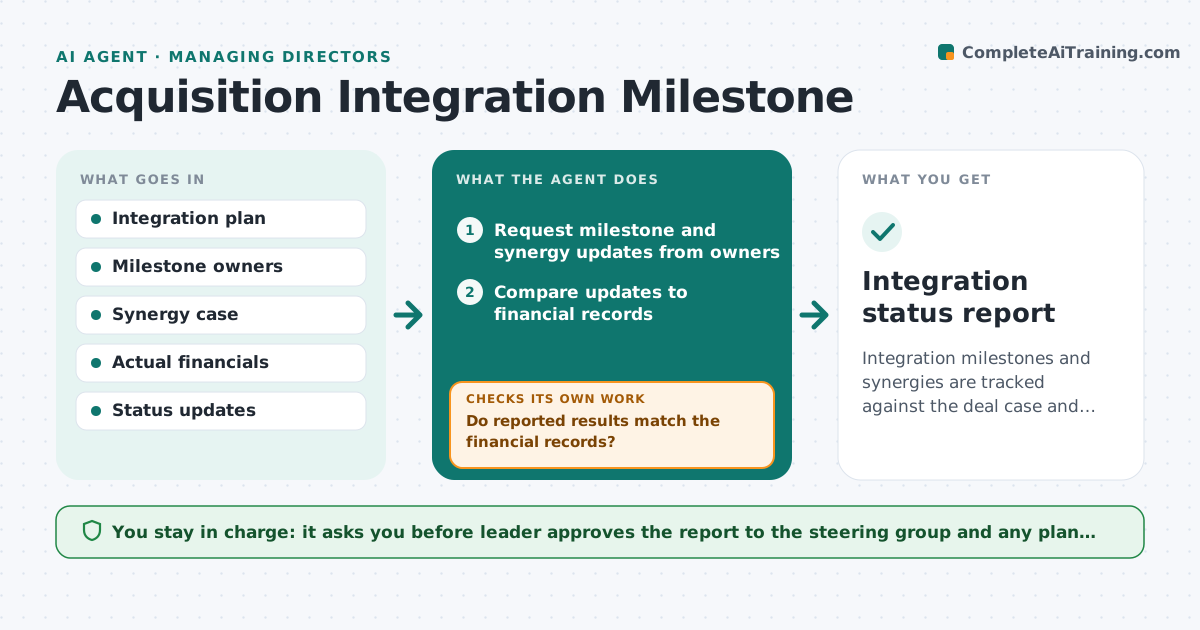
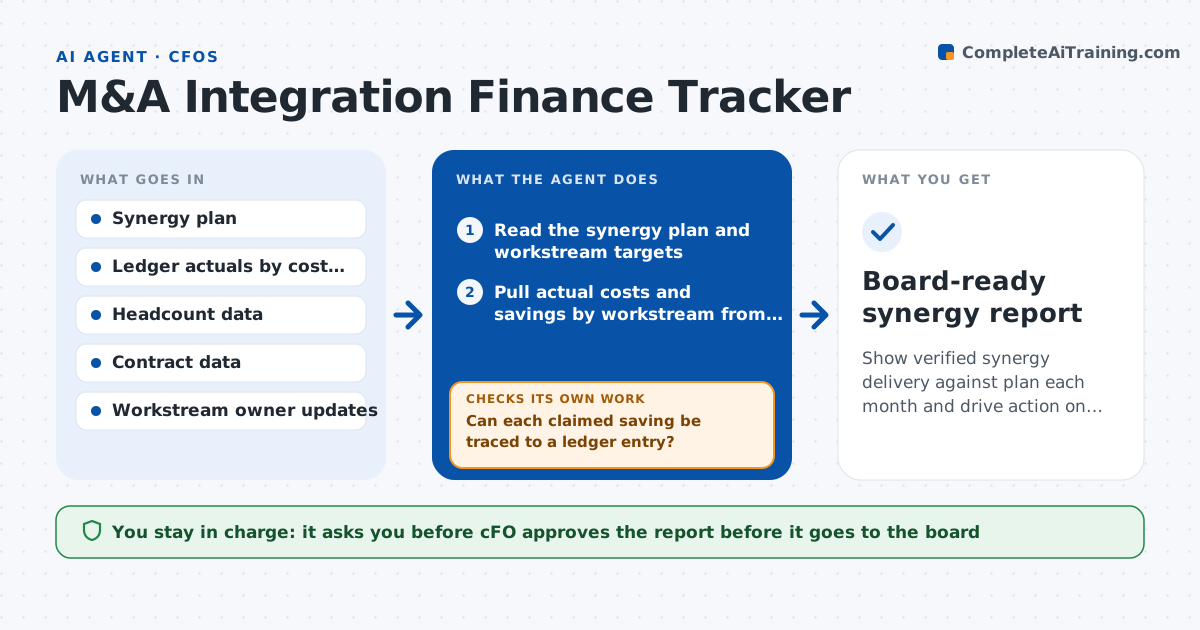
A deal is approved on promised savings, but a year later nobody can say how much was delivered. This agent reads the synergy plan with its workstreams, targets and timing. Each month it pulls actual savings and one-time costs from the ledger by workstream, and compares them with plan. For each shortfall it traces the cause, such as a delayed system cutover, a contract not yet renegotiated or savings counted twice. It drafts catch-up actions with owners and rechecks the next month. If a savings claim cannot be traced to the ledger, it marks it as unverified. The CFO approves the report that goes to the board.
How it works
Follow the arrows from top to bottom. The orange dashed arrow is the loop: when a check fails, the agent goes back and tries again.
Read the steps as a list
- Month closes
- Read the synergy plan and workstream targets
- Pull actual costs and savings by workstream from the ledger
- Compare actuals with plan for the month and cumulative
- Can each claimed saving be traced to a ledger entry?If not: ask the workstream owner for support and mark it unverified until found. Back to step 3.
- Trace the cause of each shortfall over the set limit
- Draft catch-up actions with owners and dates
- CFO approves the report for the boardThe agent waits here for your OK.
- Check progress on the previous month's actions
- Did the shortfalls shrink after the actions?If not: redraft stronger actions and flag for CFO review. Back to step 6.
- Board-ready synergy report
How it decides
It counts a saving only if it appears in the ledger, then explains each gap by comparing timing, scope and one-time costs.
- Count savings only when they appear in the ledger
- Investigate a shortfall over 10 percent of the monthly target
- Separate one-time costs from run-rate savings
- Mark a claim unverified after 2 months without support
Make it yours
Every agent is a starting point. You choose these settings for your own situation.
- Shortfall threshold (default 10 percent)
- Workstreams and owners
- Report format for the board
- Months of unverified status allowed (default 2)
What keeps you in control
It always asks you first
- CFO approves the report before it goes to the board
- CFO approves any change to the synergy targets
Hard limits
- Never changes ledger entries or targets
- Labels unverified savings clearly in every report
It stops when
- Done: monthly report approved with actions assigned
- Stop: ledger mapping to workstreams is missing
Set it up
We guide you through the set-up, step by step
Members get the full set-up guide for this agent. No technical skills needed: you copy, paste and upload.
- One set of instructions to paste into your AI, with the clicks for ChatGPT, Claude, Microsoft 365 Copilot, Gemini and Grok
- The agent then walks you through connecting your own data, one source at a time
- A downloadable copy with the flow chart, the rules and the full guide