
AI agent for marketing analysts
Marketing Attribution Anomaly Investigation Agent
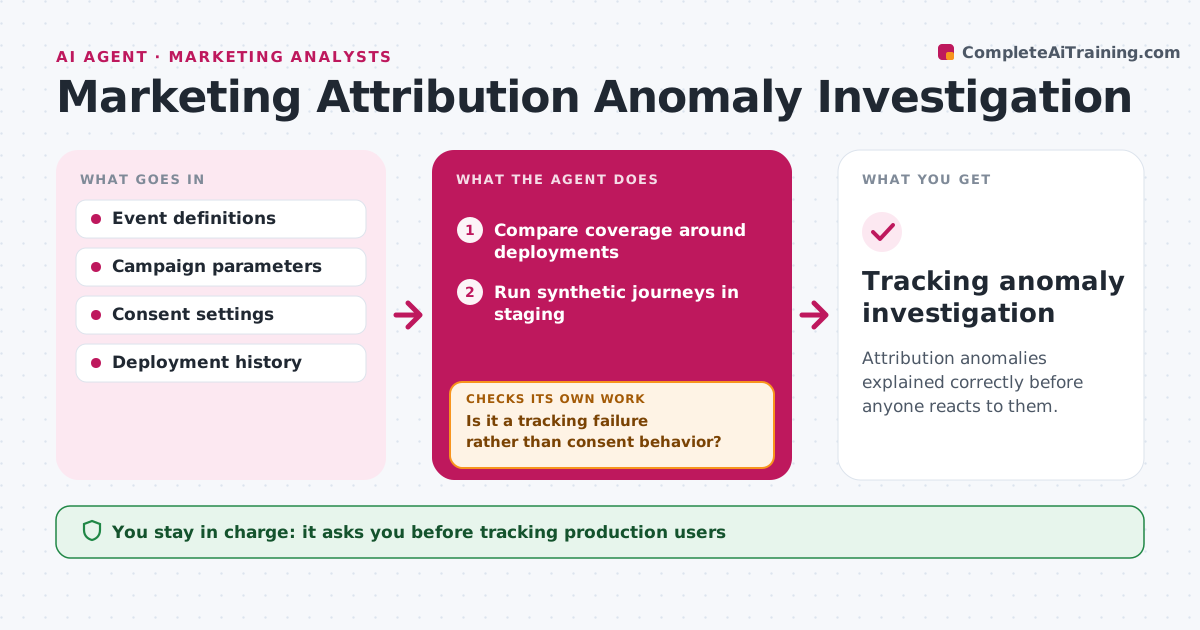
Attribution anomalies explained correctly before anyone reacts to them.
What it does
When a channel's conversions suddenly drop, it can be a real change or simply broken tracking. This agent compares event coverage before and after recent site deployments and runs test journeys in staging. It works to tell real instrumentation failures apart from expected changes caused by consent choices, such as visitors rejecting cookies. When the evidence does not fit, it revises its hypothesis and runs a different test. If it finds a real fault, it opens an issue with the evidence and checks the staged fix. The analytics lead approves any deployment or consent change. Edge case: missing events all come from consent-denied traffic after a banner change, which is expected behavior.
How it works
Follow the arrows from top to bottom. The orange dashed arrow is the loop: when a check fails, the agent goes back and tries again.
Read the steps as a list
- Sharp metric change
- Compare coverage around deployments
- Run synthetic journeys in staging
- Is it a tracking failure rather than consent behavior?If not: revise the hypothesis. Back to step 3.
- Create the issue and verify the staged fix
- Analytics lead approves deploymentThe agent waits here for your OK.
- Tracking anomaly investigation
How it decides
It chooses journeys that separate tracking failure from consent effects and revises the hypothesis accordingly.
- Separate consent effects from tracking failures before calling a bug.
- Revise the hypothesis when test journeys contradict it.
- No fix goes live without a verified staging test.
Make it yours
Every agent is a starting point. You choose these settings for your own situation.
- Size of change that triggers an investigation (default 25%)
- Synthetic journeys to run per channel
- Deployment log and analytics sources to read
- Who approves fixes and consent changes
What keeps you in control
It always asks you first
- Tracking production users
- Changing consent
- Deploying fixes
Hard limits
- Staging only.
It stops when
- Done: cause confirmed.
Set it up
We guide you through the set-up, step by step
Members get the full set-up guide for this agent. No technical skills needed: you copy, paste and upload.
- One set of instructions to paste into your AI, with the clicks for ChatGPT, Claude, Microsoft 365 Copilot, Gemini and Grok
- The agent then walks you through connecting your own data, one source at a time
- A downloadable copy with the flow chart, the rules and the full guide



