
AI agent for paid media specialists
Offline Conversion Upload Reconciliation Agent
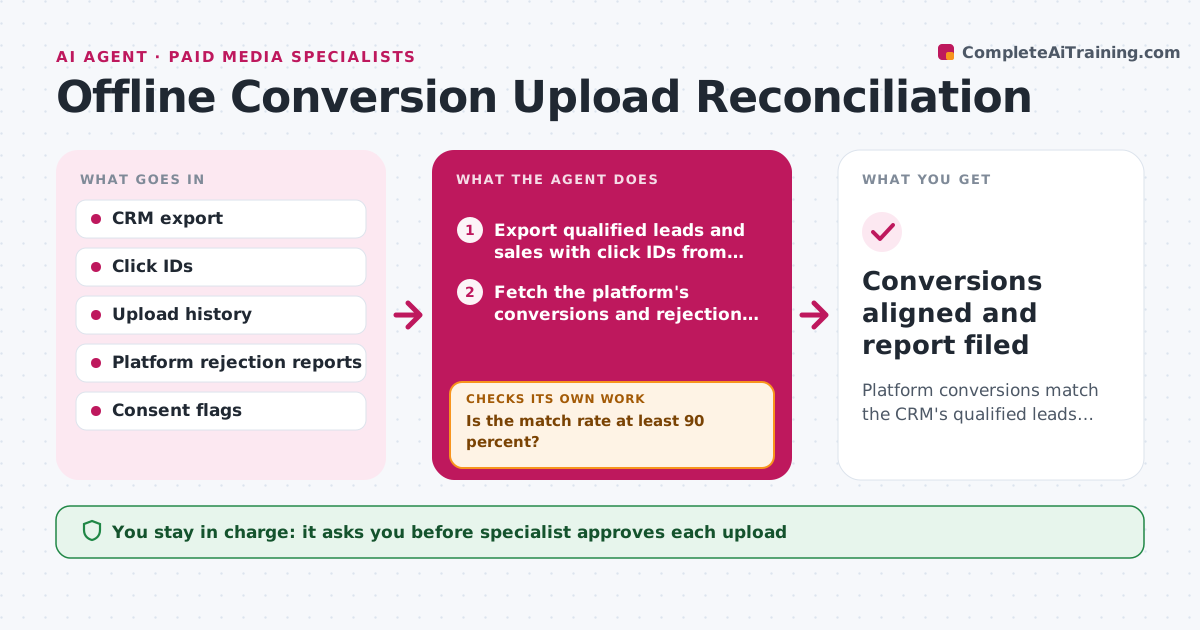
Platform conversions match the CRM's qualified leads and sales, so bidding learns from real outcomes.
What it does
When the CRM says 120 qualified leads and the ad platform shows 85 conversions, bidding learns from the wrong picture. Each week this agent exports qualified leads and sales from the CRM and matches click IDs to what has been uploaded. It checks match rates and the rejection reasons the platform gave, such as old click IDs, missing consent or bad formats. It corrects what it can, such as time zones and duplicate rows, and prepares a fresh upload. After the specialist approves it, the agent uploads and confirms the platform accepted the records. Any rejected rows loop back for another fix. Edge case: click IDs older than the platform's window are excluded and reported.
How it works
Follow the arrows from top to bottom. The orange dashed arrow is the loop: when a check fails, the agent goes back and tries again.
Read the steps as a list
- Weekly reconciliation run
- Export qualified leads and sales with click IDs from the CRM
- Fetch the platform's conversions and rejection report
- Match records by click ID and time
- Is the match rate at least 90 percent?If not: fix time zones, duplicates and formats, then rematch. Back to step 3.
- Prepare the upload file with corrected records
- Specialist approves the uploadThe agent waits here for your OK.
- Upload the file to the platform
- Did the platform accept all records?If not: read the rejection reasons, fix what is fixable and re-upload that set. Back to step 4.
- Write the reconciliation report with excluded records and reasons
- Conversions aligned and report filed
How it decides
It aims for a match rate of at least 90 percent and corrects only fixable errors, never inventing click IDs.
- Target a match rate of 90 percent or higher.
- Exclude click IDs older than the platform's window.
- Never upload records without consent flags.
- Re-upload only rejected rows, not the full set.
Make it yours
Every agent is a starting point. You choose these settings for your own situation.
- Match rate target (default 90 percent)
- Platforms covered
- Conversion types uploaded
- Run day
What keeps you in control
It always asks you first
- Specialist approves each upload
Hard limits
- Never upload without consent flags
- Never fabricate or alter click IDs
It stops when
- Done: match rate reached and records accepted.
- Stop: rejections continue after 2 retries, so the specialist reviews the setup.
Set it up
We guide you through the set-up, step by step
Members get the full set-up guide for this agent. No technical skills needed: you copy, paste and upload.
- One set of instructions to paste into your AI, with the clicks for ChatGPT, Claude, Microsoft 365 Copilot, Gemini and Grok
- The agent then walks you through connecting your own data, one source at a time
- A downloadable copy with the flow chart, the rules and the full guide



