
AI agent for epidemiologists
Outbreak Case Definition Revision Agent
Consistent case classification across versions of the definition, with comparable counts and a list of cases needing data
What it does
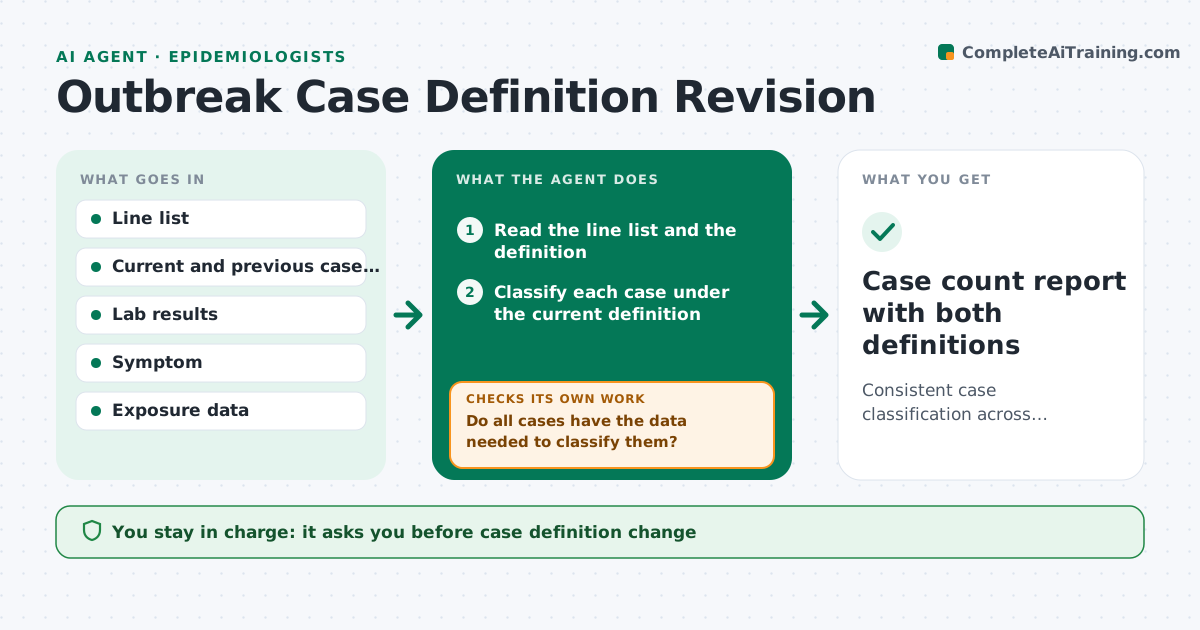
During an outbreak the case definition changes as more is learned, and counts from different weeks stop being comparable. This agent applies the current definition to the line list and classifies each case as confirmed, probable, suspect or not a case. When the definition changes, it reclassifies everyone and compares counts under the old and new rules. It flags cases that cannot be classified because data is missing, such as a symptom date. After new data arrives, it reruns the classification. The lead approves the definition and what goes into a report. Edge case: a revised definition adds a new lab test, so cases with pending results are held as suspect instead of moved to confirmed.
How it works
Follow the arrows from top to bottom. The orange dashed arrow is the loop: when a check fails, the agent goes back and tries again.
Read the steps as a list
- Line list updated or definition changed
- Read the line list and the definition
- Classify each case under the current definition
- Do all cases have the data needed to classify them?If not: list missing fields and request data from investigators. Back to step 3.
- Reclassify under the previous definition for comparison
- Compare counts by week under both definitions
- Are differences explained by definition changes and not data errors?If not: trace the changed cases and correct entries. Back to step 4.
- Draft the summary table and notes
- Lead approves the definition and the reportThe agent waits here for your OK.
- Case count report with both definitions
How it decides
A case moves to a higher class only when its data meets every criterion. Missing fields hold the case at its current class.
- Hold a case in its current class when data is missing
- Report counts under the old and the new definition for the transition period
- Flag a case that changes class twice in a week
- Never count a case as confirmed with a pending lab
Make it yours
Every agent is a starting point. You choose these settings for your own situation.
- Definition versions
- Case classes used
- Missing data tolerance
- Comparison weeks
What keeps you in control
It always asks you first
- Case definition change
- Counts released outside the team
Hard limits
- Never publishes counts
- Never changes data in the source system
It stops when
- Done: all cases classified and approved
- Stop: definition text is unclear
Set it up
We guide you through the set-up, step by step
Members get the full set-up guide for this agent. No technical skills needed: you copy, paste and upload.
- One set of instructions to paste into your AI, with the clicks for ChatGPT, Claude, Microsoft 365 Copilot, Gemini and Grok
- The agent then walks you through connecting your own data, one source at a time
- A downloadable copy with the flow chart, the rules and the full guide



