
AI agent for epidemiologists
Outbreak Exposure Questionnaire Analysis Agent
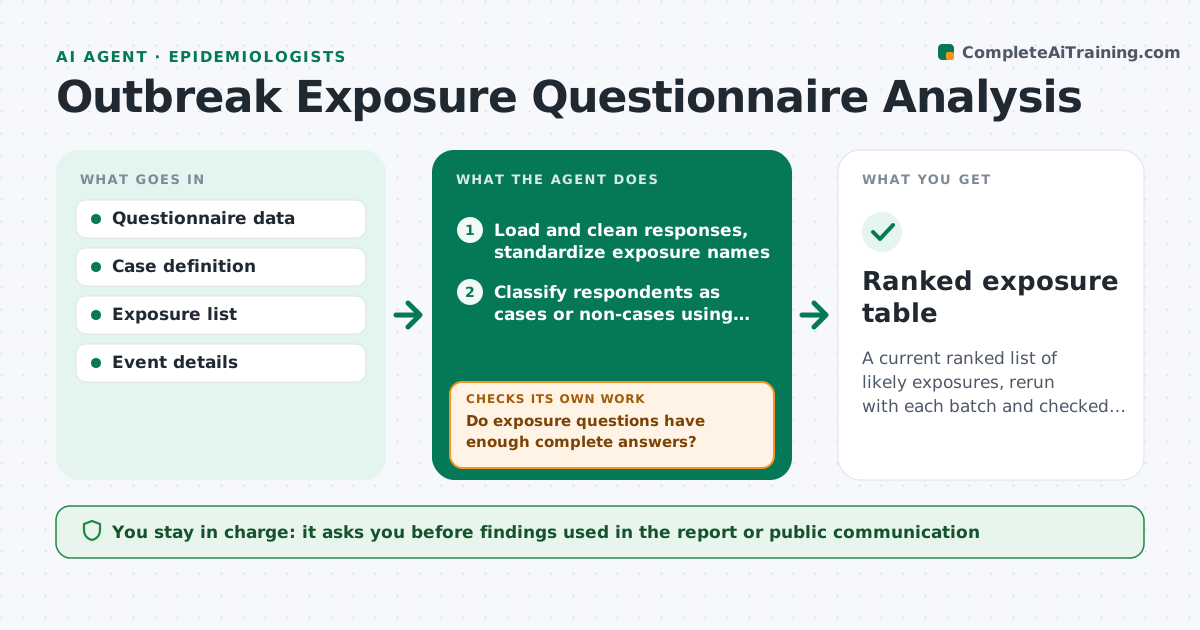
A current ranked list of likely exposures, rerun with each batch and checked for stability.
What it does
During an outbreak, questionnaires arrive in batches and the analysis waits until someone has time to clean and code the answers. This agent cleans the exposure questionnaire responses, standardizes foods and events, and calculates attack rates for each exposure among exposed and unexposed people. It ranks likely exposures by relative risk and flags questions with too many gaps. As new cases arrive, it reruns the analysis and tests whether the leading exposure is stable. It lists the data quality issues behind each result. You approve findings for the report. Edge case: a food eaten by almost everyone is shown as not informative rather than as low risk.
How it works
Follow the arrows from top to bottom. The orange dashed arrow is the loop: when a check fails, the agent goes back and tries again.
Read the steps as a list
- New questionnaire batch entered
- Load and clean responses, standardize exposure names
- Classify respondents as cases or non-cases using the case definition
- Do exposure questions have enough complete answers?If not: list questions with gaps and ask the interviewers to follow up. Back to step 2.
- Calculate attack rates and relative risk for each exposure
- Rank exposures with confidence intervals
- Is the leading exposure stable when incomplete responses are excluded?If not: rerun with alternative handling of missing data and compare. Back to step 4.
- Write the findings table and data quality notes
- Epidemiologist approves the findings for the reportThe agent waits here for your OK.
- Ranked exposure table
How it decides
It ranks exposures by relative risk and attack rate difference with confidence intervals. An exposure is a leading candidate only if it holds when data quality issues are handled.
- Exposure eaten by over 95 percent of respondents: not informative
- Question with over 20 percent missing: flag and ask for follow-up
- Relative risk above 2 with a confidence interval above 1: candidate exposure
- Leading exposure changes after a new batch: flag as unstable
Make it yours
Every agent is a starting point. You choose these settings for your own situation.
- Case definition
- Missing data limit (default 20 percent)
- Statistics used
- Exposure categories
- Report template
What keeps you in control
It always asks you first
- Findings used in the report or public communication
Hard limits
- Never publish or share results
- Never drop respondents without noting it
It stops when
- Done: stable ranked list approved
- Stop: too few respondents for analysis
Set it up
We guide you through the set-up, step by step
Members get the full set-up guide for this agent. No technical skills needed: you copy, paste and upload.
- One set of instructions to paste into your AI, with the clicks for ChatGPT, Claude, Microsoft 365 Copilot, Gemini and Grok
- The agent then walks you through connecting your own data, one source at a time
- A downloadable copy with the flow chart, the rules and the full guide



