
AI agent for paid media specialists
Platform Policy Change Impact Agent
Find policy changes early and fix affected content before it is removed or loses reach.
What it does
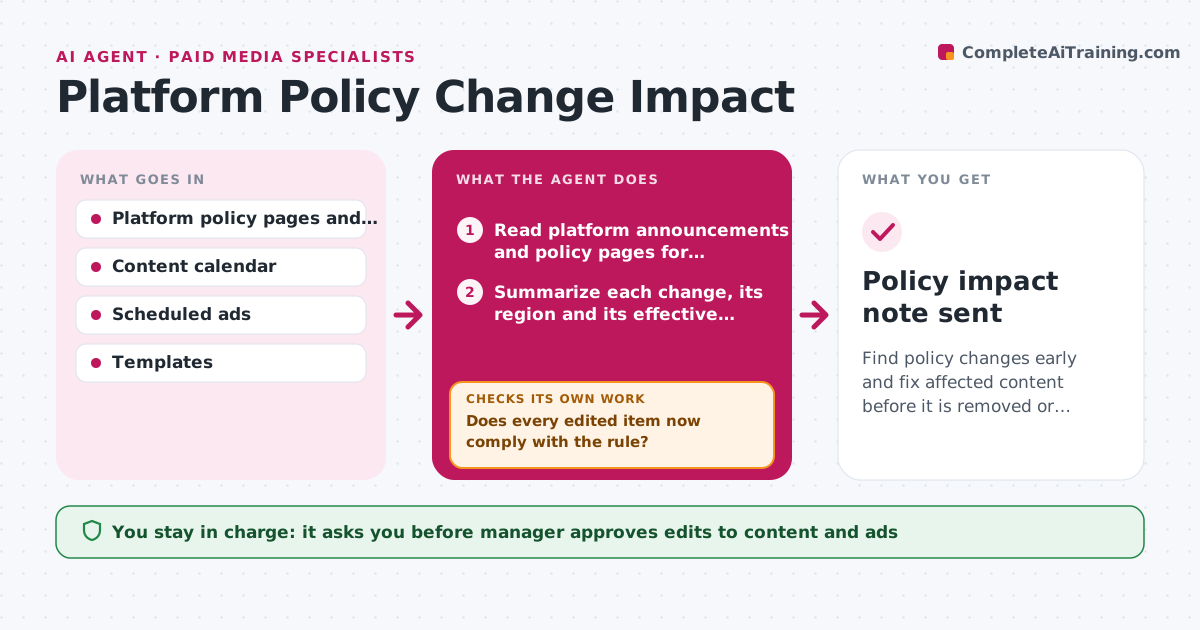
A platform changes its rules on links, giveaways or ad text, and the team learns about it when a post is removed. The agent monitors the announcement pages, developer notes and policy updates of the platforms the team uses. When a change appears, it reads it and lists what is affected, such as caption limits, banned claims or new disclosure rules. It compares each change with the content calendar, scheduled ads and standing templates to find items at risk. It proposes edits, like a new disclosure line or a changed format, and the date after which the old format fails. After edits, it checks the affected items again against the new rule. Edge case: a rule announced for a region the team does not target. The agent marks it as no action. The manager approves the changes.
How it works
Follow the arrows from top to bottom. The orange dashed arrow is the loop: when a check fails, the agent goes back and tries again.
Read the steps as a list
- Daily policy check
- Read platform announcements and policy pages for changes
- Summarize each change, its region and its effective date
- Decide whether the change applies to the team
- Search the content calendar, ads and templates for affected items
- Propose edits for each affected item
- Manager approves the changesThe agent waits here for your OK.
- Re-check the edited items against the new rule
- Does every edited item now comply with the rule?If not: revise the edit and re-check. Back to step 6.
- Update the templates and guidelines
- Policy impact note sent
How it decides
A change matters when it applies to the team's region and format and the effective date is within 90 days. Items at risk are those that break the new rule.
- Mark a change as relevant only for the team's regions and formats
- Fix items due before the effective date first
- Treat unclear wording as a question for the platform support
- Update the templates, not only the individual posts
Make it yours
Every agent is a starting point. You choose these settings for your own situation.
- Platforms to monitor
- Regions that matter
- Lead time (default 90 days)
- Who receives notes
- Content areas checked
What keeps you in control
It always asks you first
- Manager approves edits to content and ads
- Manager approves changes to templates
Hard limits
- Never edit live posts or ads itself
- Cite the policy source in each note
It stops when
- Done: all affected items comply
- Stop: a rule is unclear, ask the platform contact through the manager
Set it up
We guide you through the set-up, step by step
Members get the full set-up guide for this agent. No technical skills needed: you copy, paste and upload.
- One set of instructions to paste into your AI, with the clicks for ChatGPT, Claude, Microsoft 365 Copilot, Gemini and Grok
- The agent then walks you through connecting your own data, one source at a time
- A downloadable copy with the flow chart, the rules and the full guide



