AI agent for real estate investors
Rental Portfolio Performance Review Agent
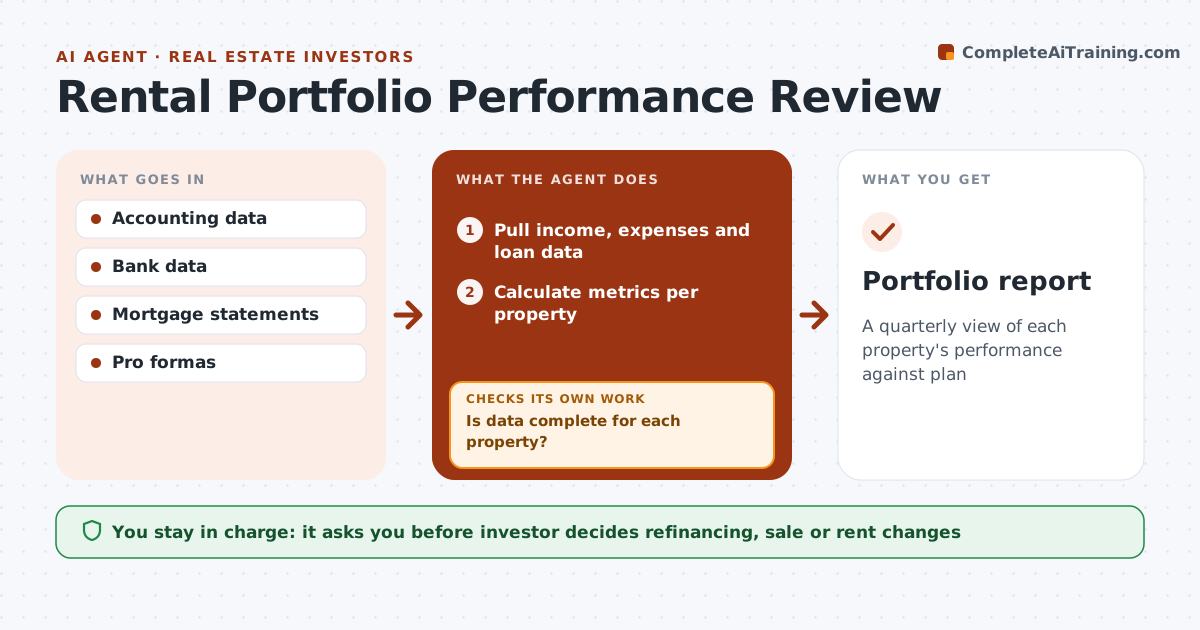
A quarterly view of each property's performance against plan
What it does
Investors with several properties need to know which ones are earning their keep. Each quarter this agent pulls income, expenses, mortgage, vacancy and repairs from accounting and bank data. It checks that data is complete for each property and lists missing items before going on. It calculates cash flow, cap rate and return on equity per property, using a current value estimate. It compares results with the original pro forma and the market. Properties more than 15% below plan are flagged with a list of likely causes from the data. Major one-time repairs are shown with and without them. The investor decides actions like raising rent, refinancing or selling. Edge case: a property with one big roof bill is not labeled an underperformer until the repair is shown both ways.
How it works
Follow the arrows from top to bottom. The orange dashed arrow is the loop: when a check fails, the agent goes back and tries again.
Read the steps as a list
- Quarter ends
- Pull income, expenses and loan data
- Is data complete for each property?If not: list missing items and wait. Back to step 2.
- Calculate metrics per property
- Compare with pro forma and market
- Is every property within 15% of plan?If not: list likely causes from the data, showing one-time repairs both ways. Back to step 4.
- Draft the portfolio summary
- Investor decides actionsThe agent waits here for your OK.
- Portfolio report
How it decides
Properties more than 15% below pro forma cash flow are underperformers.
- 15% below plan flagged
- One-time repairs shown both ways
- Return on equity uses current value estimate
Make it yours
Every agent is a starting point. You choose these settings for your own situation.
- Underperformance threshold
- Metrics
- Value estimate source
- Report format
What keeps you in control
It always asks you first
- Investor decides refinancing, sale or rent changes
Hard limits
- Not financial advice
- Never moves money
It stops when
- Done: report delivered
- Stop: data unavailable
Set it up
We guide you through the set-up, step by step
Members get the full set-up guide for this agent. No technical skills needed: you copy, paste and upload.
- One set of instructions to paste into your AI, with the clicks for ChatGPT, Claude, Microsoft 365 Copilot, Gemini and Grok
- The agent then walks you through connecting your own data, one source at a time
- A downloadable copy with the flow chart, the rules and the full guide