
AI agent for paid media specialists
Search Term Negative Keyword Agent
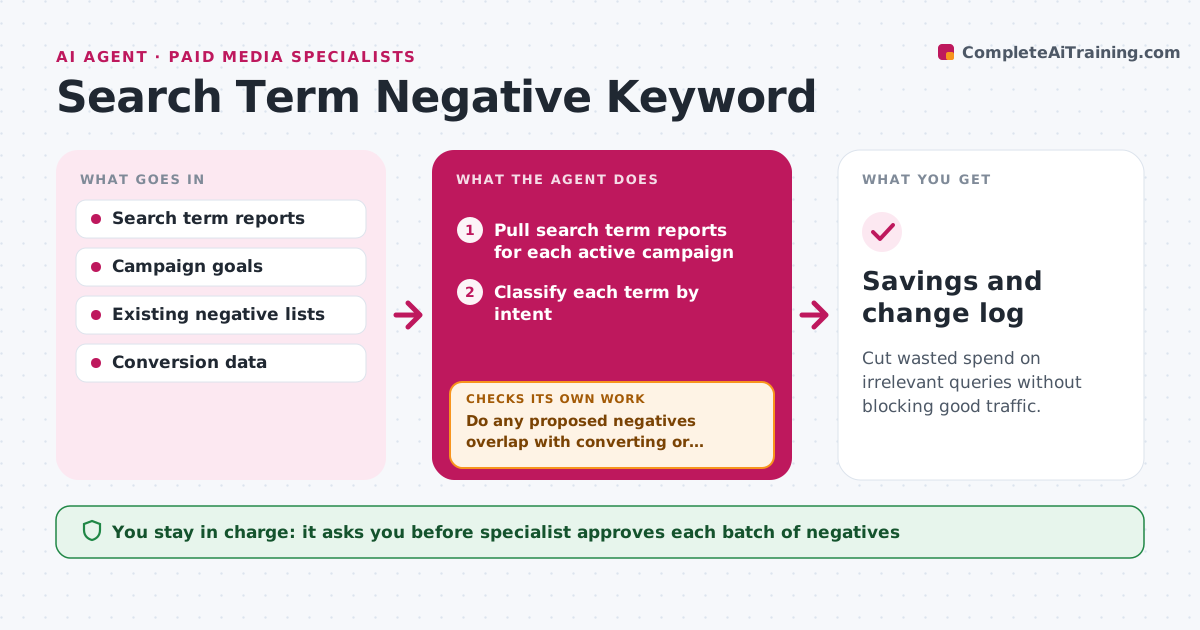
Cut wasted spend on irrelevant queries without blocking good traffic.
What it does
A search campaign can spend hundreds of dollars a week on queries like 'free', 'jobs' or competitor products that will never convert. Each week the agent reads the search term report for every active campaign. It classifies each term by intent, such as buyer, researcher, job seeker or irrelevant, and checks cost, clicks and conversions over a long enough window. It proposes negative keywords with the match type, and the campaign or account level where each should apply. After the specialist approves a batch and it is applied, the agent rechecks impressions and conversions for the good terms to see whether the negatives accidentally blocked them. If a good term lost traffic, it proposes removing or narrowing the negative. Edge case: a term that looks irrelevant but brings sales. The specialist approves each batch.
How it works
Follow the arrows from top to bottom. The orange dashed arrow is the loop: when a check fails, the agent goes back and tries again.
Read the steps as a list
- Weekly review starts
- Pull search term reports for each active campaign
- Classify each term by intent
- Check cost, clicks and conversions over the last 30 days
- Propose negative keywords with match type and level
- Do any proposed negatives overlap with converting or target keywords?If not: narrow the match type or remove the negative. Back to step 4.
- Specialist approves each batchThe agent waits here for your OK.
- Apply the approved negatives in the ad account
- After 7 days, compare impressions and conversions of core terms
- Did good terms keep their impressions and conversions?If not: propose removing or narrowing the negative that caused the loss. Back to step 4.
- Savings and change log
How it decides
A term becomes a negative candidate when it has spend over the threshold with no conversions and its intent does not match the offer. Terms with conversions are never proposed.
- Propose a negative when a term has 20 dollars of spend and no conversions in 30 days
- Never propose a term that converted
- Use phrase or exact match when the word has more than one meaning
- Flag drops over 15 percent in good-term impressions
Make it yours
Every agent is a starting point. You choose these settings for your own situation.
- Spend threshold (default 20 dollars)
- Review window (default 30 days)
- Match type preferences
- Campaigns included
- Check delay after changes (default 7 days)
What keeps you in control
It always asks you first
- Specialist approves each batch of negatives
- Specialist approves reversing a negative
Hard limits
- Never add negatives to the account itself without approval
- Do not touch brand keywords
It stops when
- Done: batch applied and verified
- Stop: conversion tracking is broken, do not propose anything
Set it up
We guide you through the set-up, step by step
Members get the full set-up guide for this agent. No technical skills needed: you copy, paste and upload.
- One set of instructions to paste into your AI, with the clicks for ChatGPT, Claude, Microsoft 365 Copilot, Gemini and Grok
- The agent then walks you through connecting your own data, one source at a time
- A downloadable copy with the flow chart, the rules and the full guide



