AI agent for event planners
Season Awards and Banquet Planning Agent
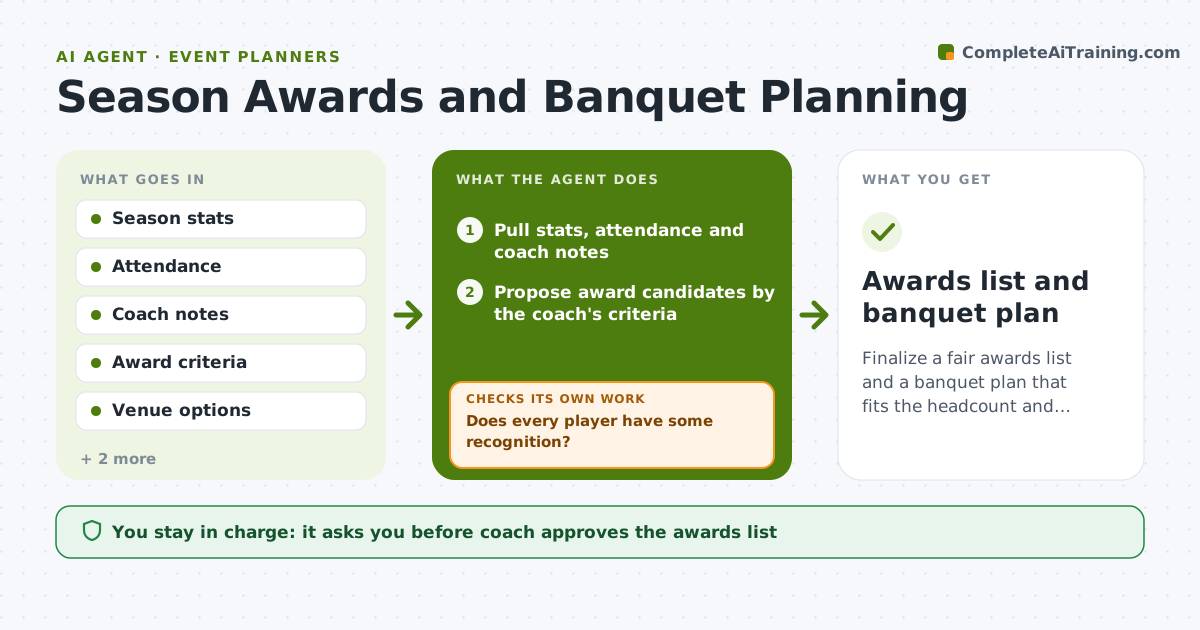
Finalize a fair awards list and a banquet plan that fits the headcount and budget
What it does
The banquet is in three weeks and the coach is still deciding who gets what. This agent pulls season stats, attendance and the coach's notes, then proposes award candidates by the criteria the coach sets, such as most improved, best teammate and top scorer. It checks that every player receives meaningful recognition and flags anyone left out, adding a fitting award or a personal note. It then plans the event: venue, food, budget and schedule, and checks the headcount against RSVPs. If the count or cost does not fit, it revises the order and checks again. The coach approves the award list and the booking. Edge case: a player who left mid-season is flagged for a decision on a mailed certificate.
How it works
Follow the arrows from top to bottom. The orange dashed arrow is the loop: when a check fails, the agent goes back and tries again.
Read the steps as a list
- Banquet planning window opens
- Pull stats, attendance and coach notes
- Propose award candidates by the coach's criteria
- Does every player have some recognition?If not: Add a fitting award or personal note for each missing player. Back to step 3.
- Draft the event plan: venue, food, schedule and budget
- Compare RSVPs with seats and food counts
- Do counts and cost fit the venue and budget?If not: Adjust food order or venue and recheck the numbers. Back to step 5.
- Coach approves awards and the bookingThe agent waits here for your OK.
- Draft the invitation and award announcements
- Awards list and banquet plan
How it decides
It ranks candidates by the coach's criteria and checks that no player is left without recognition. It checks food and space counts against RSVPs.
- Rank award candidates only on the coach's written criteria
- Ensure every rostered player gets a named recognition
- Add 10 percent to the food count for walk-ins
- Choose the venue that fits the RSVP count within budget
Make it yours
Every agent is a starting point. You choose these settings for your own situation.
- Award categories (default scoring, improvement, teammate)
- Budget limit (default the team fund)
- Walk-in buffer (default 10 percent)
- Invitation wording (default warm and brief)
What keeps you in control
It always asks you first
- Coach approves the awards list
- Coach approves bookings and spending
Hard limits
- Never book or pay without coach approval
- Never announce awards before the coach approves
- Base awards on written criteria
It stops when
- Done: Awards and plan approved and booked by the coach
- Stop: Budget cannot cover any suitable venue, so hand to the coach
Set it up
We guide you through the set-up, step by step
Members get the full set-up guide for this agent. No technical skills needed: you copy, paste and upload.
- One set of instructions to paste into your AI, with the clicks for ChatGPT, Claude, Microsoft 365 Copilot, Gemini and Grok
- The agent then walks you through connecting your own data, one source at a time
- A downloadable copy with the flow chart, the rules and the full guide