
Learning path
Learning AI as a Sports Coach
This path helps sports coaches use AI for practice plans, player feedback, game prep, and admin. It starts with setup, then connects your tools, teaches job skills, and includes a prompt course with video lessons.
Your path
Everything in the Sports Coach AI kit, in the order that makes sense. Members tick off each step and see their progress.
Set up your AI
We guide you through each click.
Let skills do your everyday tasks
Connect your apps and pick your AI apps
Hand whole tasks to AI agents
Build your own tools
Keep growing
Everything for sports coachs
All the courses, certifications, AI tools, MCP servers and apps for sports coachs, most relevant first. Open any list to see more.
Take the prompt courses
A short framework course to learn how to ask, then 9 lessons with ready-to-use prompts for sports coachs.
Start with this framework: how to talk to AI
CO-STAR fits coaching because audience and tone shape your parent email about playing time and your fiery pregame talk to players.
Then your prompt course for sports coachs- 1Practice Planning Basics3 prompts
- 2Teaching Skills and Tactics3 prompts
- 3Individual Player Feedback3 prompts
- 4Assessing Player Performance2 prompts
- 5Game Strategy and Opponent Prep3 prompts
- 6Analyzing Game Footage and Stats2 prompts
- 7Athlete Health and Load Management2 prompts
- 8Parent Communication2 prompts
- 9Team Logistics and Admin2 prompts
Watch the video courses or add them to your Favorites for later
83 video courses our AI picked for sports coachs, most useful first. Save the ones you want to watch later with the heart.
Favorites are saved to your account: sign in or get your AI kit first.
Show all 83 video courses
Get certified, or add certifications to your Favorites
Every course ends in an exam and a certificate you can add to LinkedIn. Save the certifications you are aiming for with the heart.
Favorites are saved to your account: sign in or get your AI kit first.
More certifications for sports coachsShow all 24 certifications
Try the AI tools for sports coachs
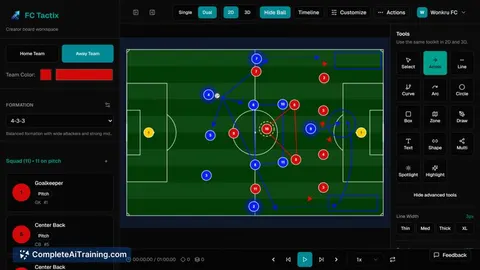
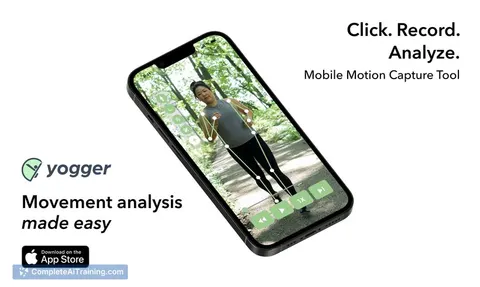
24 AI tools our AI matched to the work of sports coachs, best fit first. Each review shows what it does, its alternatives and the jobs it suits.
Favorites are saved to your account: sign in or get your AI kit first.
Show all 24 AI tools
Connect your AI to the apps sports coachs use
MCP servers let ChatGPT, Claude or Copilot look things up and get work done in other apps, like your email, calendar or bookkeeping software. These 12 fit the work of sports coachs best, well-known apps first.

TrainingPeaks MCP server
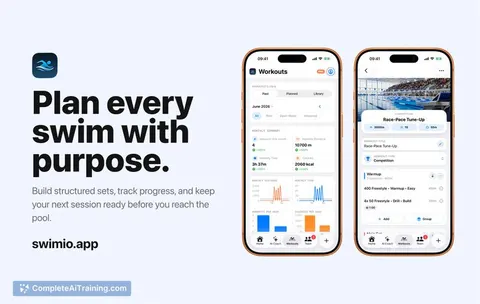
by JamsusMaximusAsk your AI to look up workouts, plan sessions, and track your fitness in TrainingPeaks.

Google Calendar MCP server
by takumi0706Lets your AI read, create, change, and delete events in your Google Calendar for you.

Temporal Cortex MCP server
by temporal-cortexLet your AI check calendars, find free slots, and book meetings without double-booking.
ProductivityMeetingsNo install
RunDida MCP server
by XWeaponX7Lets your AI work out running paces, heart rate zones, race predictions and marathon dates for you.
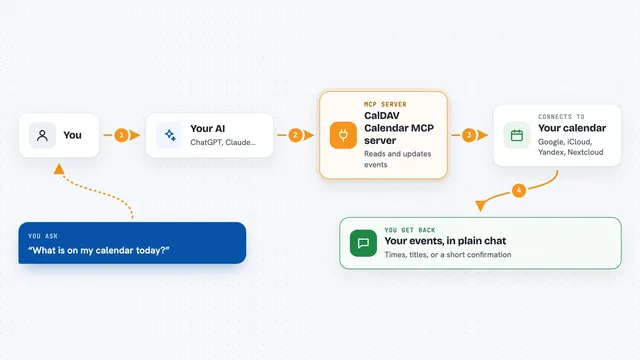
CalDAV Calendar MCP server
by madbonezLet your AI read and create calendar events on Yandex, Google, Nextcloud, iCloud and other CalDAV calendars.
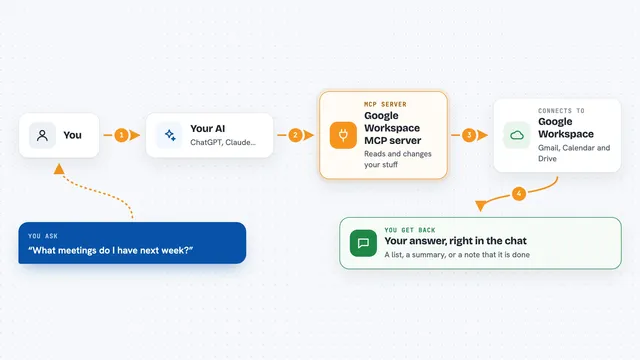
Google Workspace MCP server
by giuseppe-cocoLets your AI read and send Gmail, manage Calendar events, and work with Drive files for you.
Show all 12 MCP servers

macalc Calculator MCP server
by tresor4kLets your AI run everyday calculators: taxes, salary, mortgage, BMI, conversions and more.
Finance and cryptoNo install
Pingfyr MCP server
by PingfyrLet your AI schedule reminders and notifications by email, Slack, Discord, Telegram, or webhook.
Productivity Official
CalDAV / CardDAV MCP server
by PhilflowIOLet your AI read and change your calendars, contacts and tasks on Nextcloud, Baikal, Radicale or iCloud.
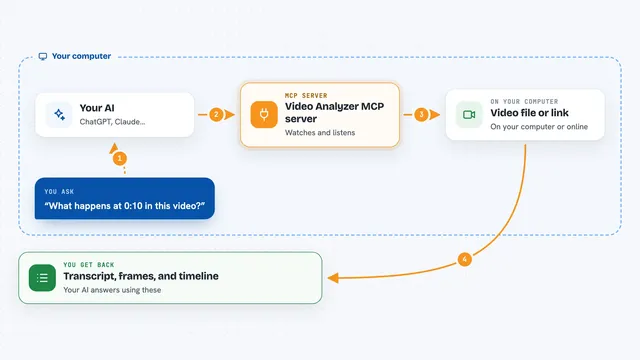
Video Analyzer MCP server
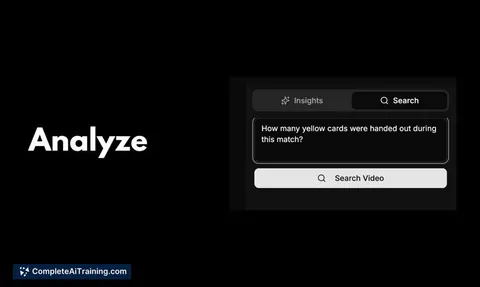
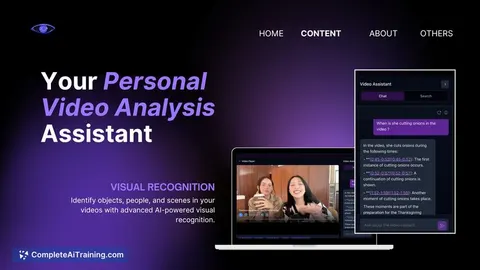
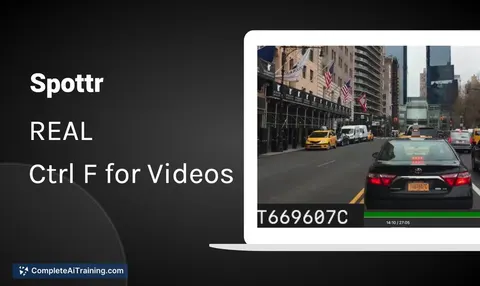
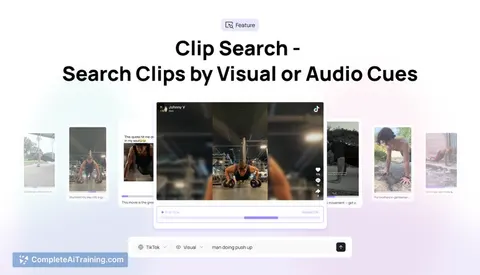
by guimatheus92Lets your AI watch a video link and pull out the transcript, key frames, on-screen text, and a timeline.

Klaket MCP server
by huseyinstifLet your AI watch a video and pull out what was said, who said it, and where each moment is.

Chronary calendar MCP server
by ChronaryLets your AI manage Chronary calendars, events, and meeting times for you in plain chat.
ProductivityMeetings Official
















































































About this learning path
6 topicsA Practical AI Path for Sports Coaches
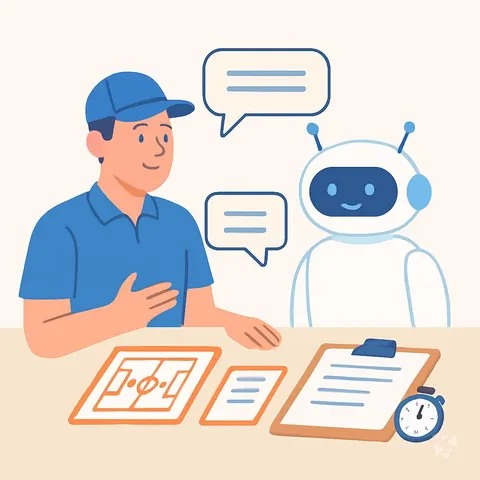
You already plan practices, watch players, and talk with families. This path shows where AI can help with the paperwork and thinking, while you keep the coaching judgment.
Start with simple setup questions. Then connect ChatGPT, Claude, or Gemini to your notes, learn job skills, and practice with prompts made for coaches.
Why AI Matters Now
You handle more than drills and games. You track player progress, prepare for opponents, manage schedules, and answer messages. AI can help you sort that information faster so you spend more time watching and teaching.
It does not replace your eye for the game. It gives you a quiet assistant for drafts, summaries, and plans you can adjust.
What the Path Includes
You begin with setup questions and connecting your AI tool. Then you build job skills inside your AI, take this prompt course, and watch video lessons chosen for coaches and their certifications.
The lessons cover practice planning, skill teaching, player feedback, assessment, game strategy, scouting, stats, health, parent messages, and team admin.
How It Saves You Time
AI can draft a practice plan, turn notes into a scouting report, or shape a parent email in minutes. You still edit and decide. The saved time goes back to athletes, rest, or your own family.
Small tasks add up. When you stop starting from a blank page, the week feels lighter.
How It Protects Your Career
Coaches who can use AI well bring more value to a program. You become faster with planning, clearer with feedback, and better prepared for games. That makes you harder to replace and ready for larger roles.
You also learn where to check privacy, keep athlete information safe, and stay in charge of final decisions.
How to Start
Pick one task you dislike, like writing parent updates or organizing tryout notes. Try a simple prompt from the course. See what the AI gets right and what needs your voice.
Then add one more task each week. Keep your standards high, your notes private, and your coaching voice clear.
Frequently asked questions
Do I need to be technical to use this path?
No. The path starts with setup questions and plain steps for ChatGPT, Claude, or Gemini. If you can write a team email, you can learn these prompts.Will AI replace coaches?
No. AI cannot read a locker room or make the final call in a close game. It helps with drafts, planning, and patterns so you can coach with more information and time.What if I coach a youth team?
The lessons work for any level. You can use AI for practice plans, parent notes, player goals, and simple stats. Just keep athlete information private and follow your league rules.How much time should I set aside?
Short sessions work well. Try a small block before practice to plan, or a few minutes after a game to turn notes into feedback. The goal is steady use, not a big overhaul.