AI agent for biologists
Sequencing Result Review Agent
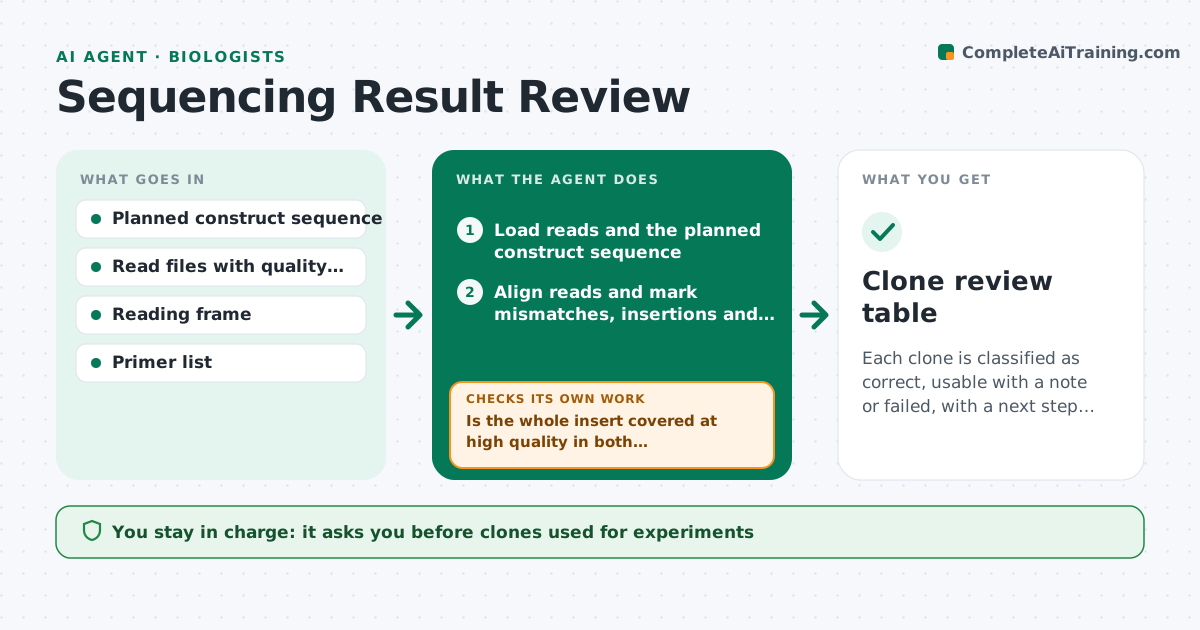
Each clone is classified as correct, usable with a note or failed, with a next step for every failure.
What it does
After sending ten clones for sequencing, you spend an afternoon scrolling through chromatograms to find the one with the right insert. This agent aligns the reads to the planned sequence, flags every mismatch, and classifies each as silent, conservative or harmful using the reading frame. It also checks read quality around each mismatch, so a poor-quality base is not counted as a mutation. For failed clones it suggests what to do, such as rechecking primers, trimming a low-quality end or picking more colonies, and then reviews the new data when it arrives. You approve clones for use. Edge case: a mismatch only in one direction with low quality is marked as a probable read error and the clone is kept pending a reverse read.
How it works
Follow the arrows from top to bottom. The orange dashed arrow is the loop: when a check fails, the agent goes back and tries again.
Read the steps as a list
- Sequencing results received
- Load reads and the planned construct sequence
- Align reads and mark mismatches, insertions and deletions
- Check base quality around each variant
- Classify each variant as silent, conservative or harmful
- Is the whole insert covered at high quality in both directions?If not: list uncovered regions and suggest primers or a repeat read. Back to step 2.
- For failed clones, suggest the next step, such as new colonies or primer checks
- Scientist approves clones to use and next stepsThe agent waits here for your OK.
- Review new reads for repeated clones
- Does a clone now pass?If not: recommend redesign or new cloning, and stop after the retry limit. Back to step 7.
- Clone review table
How it decides
A clone is correct if reads cover the whole insert with high-quality bases and no harmful change. Harmful or unreadable regions send it to follow-up.
- Harmful change in coding sequence: fail the clone
- Silent change in the insert: usable with a note
- Mismatch with quality score under 20: treat as a read error until confirmed
- Low coverage at the cloning junction: request another read
Make it yours
Every agent is a starting point. You choose these settings for your own situation.
- Quality score cutoff (default 20)
- Reading frame and features to protect
- Number of clones expected per construct
- Retry limit
- Output format
What keeps you in control
It always asks you first
- Clones used for experiments
- Orders for repeat sequencing
Hard limits
- Never call a clone correct without full coverage
- Never order sequencing or discard clones without approval
It stops when
- Done: at least one correct clone per construct, or failures logged
- Stop: three rounds of failure, review the design
Set it up
We guide you through the set-up, step by step
Members get the full set-up guide for this agent. No technical skills needed: you copy, paste and upload.
- One set of instructions to paste into your AI, with the clicks for ChatGPT, Claude, Microsoft 365 Copilot, Gemini and Grok
- The agent then walks you through connecting your own data, one source at a time
- A downloadable copy with the flow chart, the rules and the full guide