
AI plugins · Grok Bot
AI plugins for Grok Bot: one for every job
One message that sets up a whole team of Grok Bot agents for your job. Find your job below: every plugin gives Grok Bot the skills, prompts and app ideas for that job, and takes about 5 minutes to install.
How to install a plugin in Grok Bot (5 minutes)
- Download the Grok Bot version and unzip it.
- Open Grok Bot and create a new bot. Name it Your job Team Lead.
- Open
SETUP-MESSAGE.md, copy everything and paste it as your first message. - The team lead sets up its own role and walks you through adding each specialist bot, one at a time.
- Add the Complete AI Training connector in Grok Bot so your team lead gets the daily news and ideas for your job.
 AI plugin
Actors
Get 8 skills, 26 prompts, 3 apps, and 10 Grok Bot agents for auditions, character work, self-tapes, and career admin. One download puts them inside the AI you use.
8 skills · 26 prompts · 3 apps AI plugin
Animators
Get 8 animation skills, 24 prompts, 3 apps and 10 Grok Bot agents inside the AI you already use, so shots, sync and client notes stop eating your week.
8 skills · 24 prompts · 3 apps AI plugin
Art Directors
One download gives your AI 17 art direction skills, 24 prompts, 8 apps and 12 Grok Bot agents, so briefs, reviews and approvals move faster.
17 skills · 24 prompts · 8 apps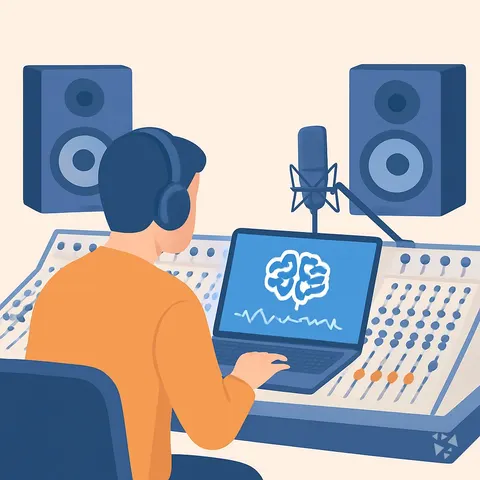 AI plugin
Audio Engineers
One download gives your AI 9 skills, 24 prompts, 3 apps and 7 Grok Bot agents for mixing, editing, mastering, sync and studio admin.
9 skills · 24 prompts · 3 appsInstall guides per AI
Every plugin works in all of these. Pick yours to see the steps.