

Box MCP server
by boxLet your AI search your Box files, answer questions about them, and pull out details for you.
Productivity Official
AI Library · 4,361 MCP servers
Let your AI search your Box files, answer questions about them, and pull out details for you.

Manage your GitHub Gists from chat: create notes, update files, add comments, and reuse prompts.
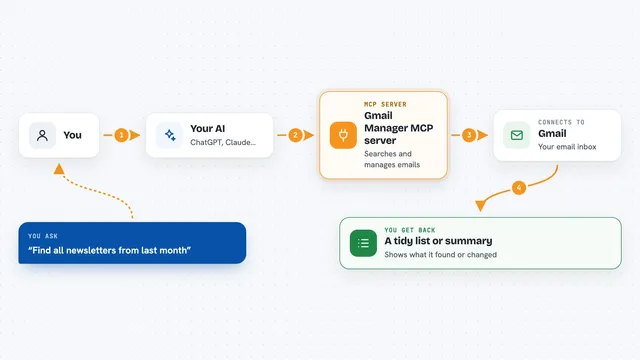
Let your AI search, clean, label and draft emails in your Gmail inbox for you.
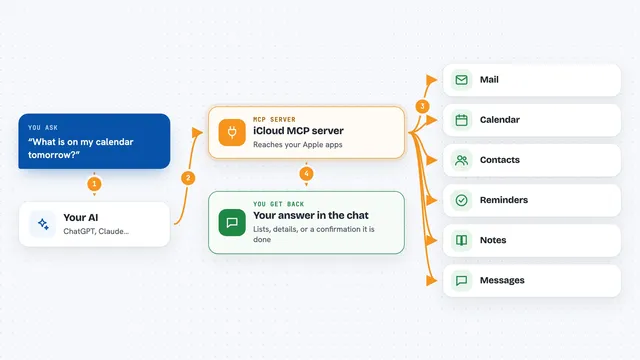
Lets your AI read and send your iCloud email, calendar, contacts, reminders, notes and messages for you.

Let your AI see your Buildable project, pick the next task, and report progress as it works.
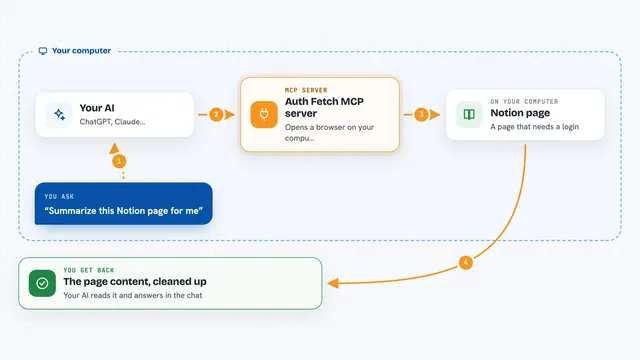
Let your AI read pages that need a login, like Notion, Google Docs, Jira or Confluence.

Lets your AI ask questions about your files, databases and apps using simple SQL, all from one small local program.
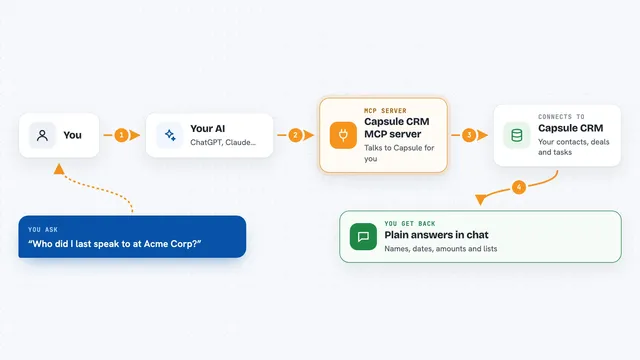
Connect your AI to Capsule CRM so it can look up contacts, deals, projects and tasks for you.
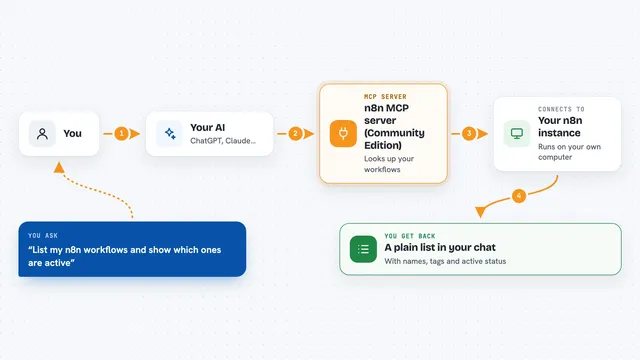
Let your AI look at and manage your self-hosted n8n workflows, runs, and tags, safely.
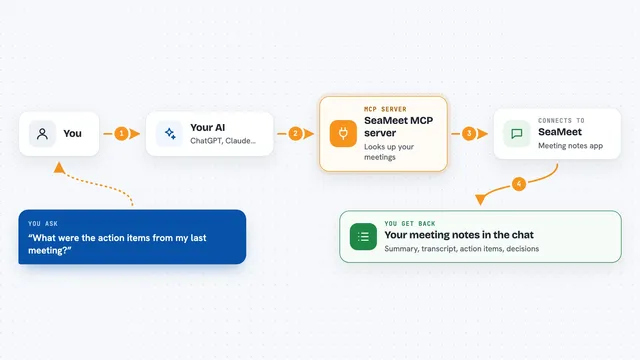
Lets your AI record meetings, read transcripts and summaries, and transcribe audio or video files for you.

Let your AI work with Gmail, Slack, Stripe, Notion, GitHub and hundreds more apps through one connection.

Ask your own documents questions and get answers with citations, plus podcasts, videos, and study aids.

Let your AI format Markdown and drop the finished article into your WeChat Official Account drafts.
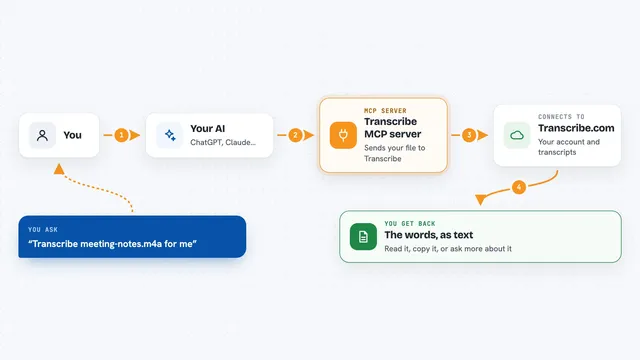
Turn audio and video files into text, and read or manage your existing transcriptions, right from your AI chat.

Ask your AI to build an invoice and get a ready-to-review link that downloads as a PDF.

Turn Markdown your AI writes into a branded PDF deck, a narrated video, or an MP3 audio file.

Let your AI edit Word, PowerPoint and Excel files, with changes you can review before saving.

Let your AI create or update Notion pages and build markdown books from your content.

Lets your AI read your Outlook calendar and mail, and write draft emails for you.

Let your AI read, write, search and organize your Apple Notes for you.

Lets your AI check a repo's rules, draft issue briefs, and coach you before you open a pull request.
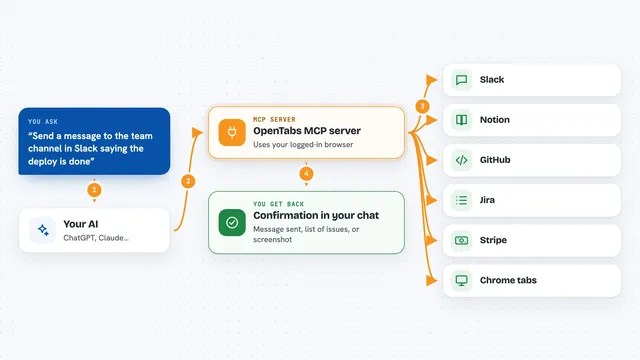
Lets your AI use the web apps you are already logged into, like Slack, Notion, and GitHub.

Ask your AI for a plain-English business report from your Odoo data, with a verdict on how things are going.

Let your AI create and send business proposals through your Offorte account.