AI tool
App Store Screenshots
App Store Screenshots is an open-source skill for coding agents like Claude Code, Codex, and Cursor that builds a local editor for designing and exporting app store screenshots. It is for developers who want to retain full design control while gen...
About App Store Screenshots
App Store Screenshots is a free, open-source skill for coding agents like Claude Code, Codex, and Cursor. It builds a local screenshot editor inside a project, using app captures and a brief to generate store listing images. The tool runs locally and exports PNG bundles for iPhone, iPad, Mac, and Android in multiple languages.
Review
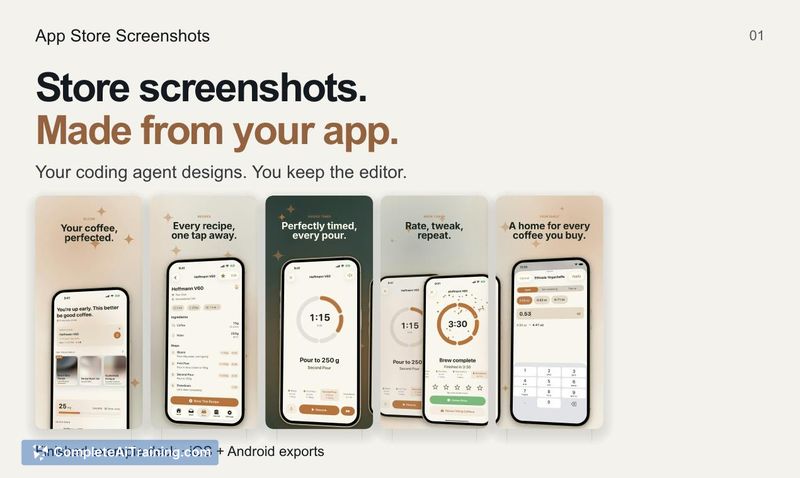
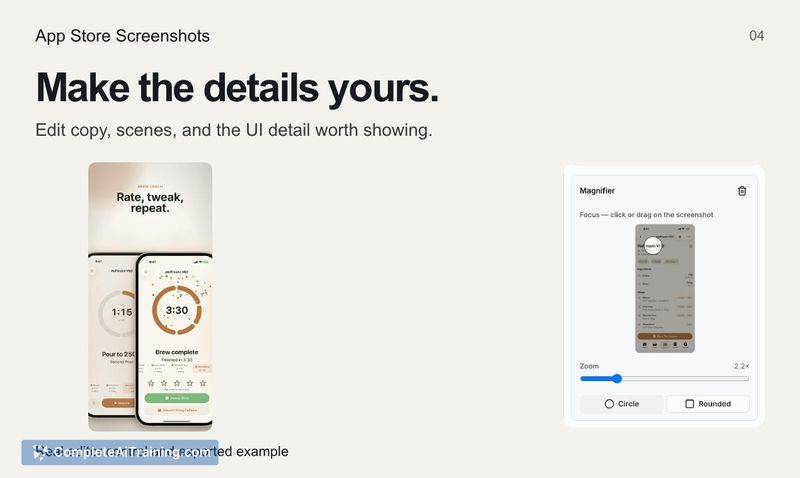
App Store Screenshots takes a different approach from standalone design tools or subscription-based screenshot generators. Instead of a separate web app, it installs as a skill that a coding agent uses to construct an editor within the project's own repository. The output is a set of store screenshots that can be manually adjusted for copy, device frames, spacing, and other UI details before export.
Key Features
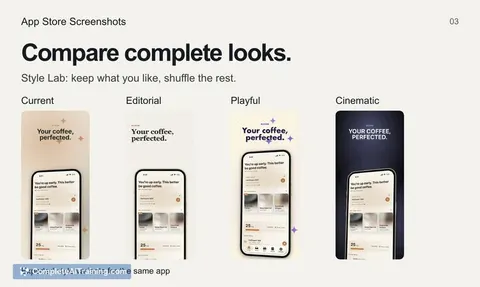
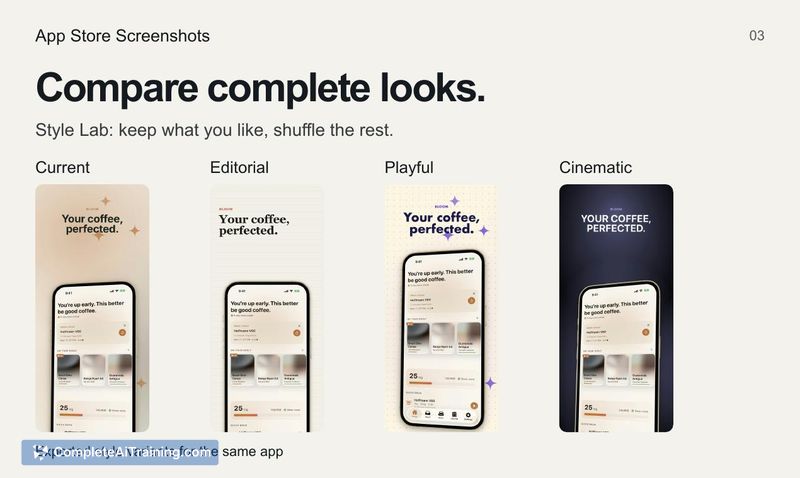
- Style Lab with 18 starting styles. Users can apply different styles and compare complete screenshot looks side by side, rather than iterating on one style at a time.
- Local project-based editor. The skill generates an editor that lives with the project files, so screenshot designs and copy can be versioned alongside the app's source code.
- Manual editing controls. After the agent generates screenshots, users can directly edit copy, device frames, spacing, and other visual details within the editor.
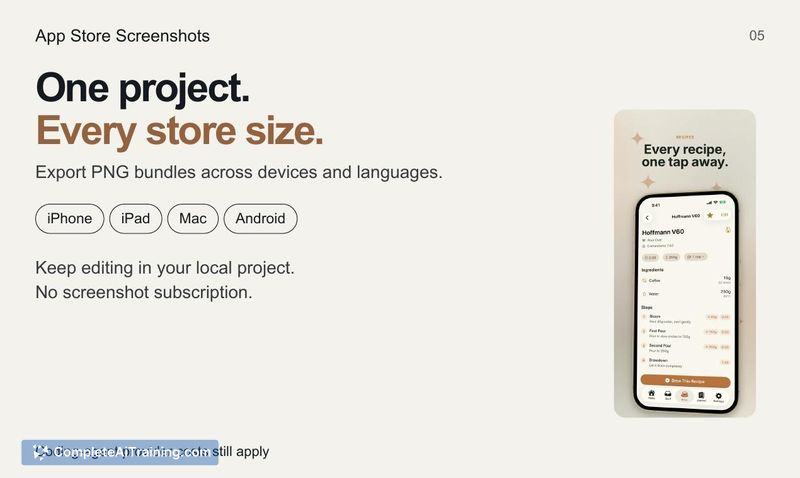
- Multi-device and multi-language export. The tool exports PNG bundles sized for iPhone, iPad, Mac, and Android, and handles multiple languages in a single export batch.
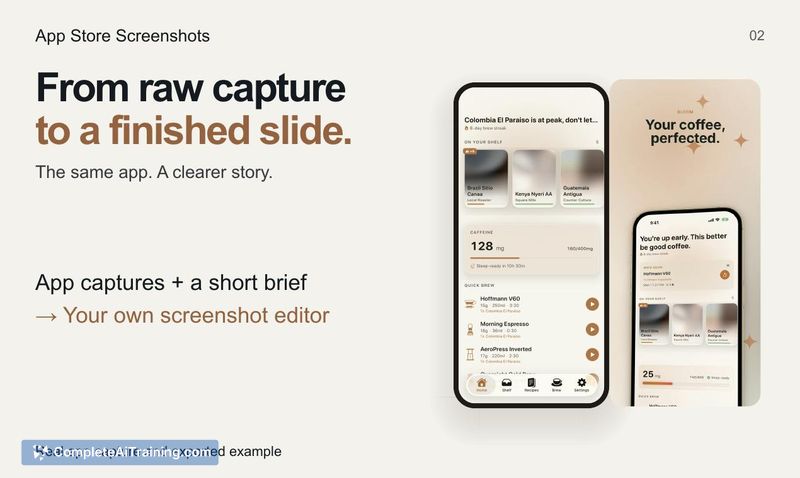
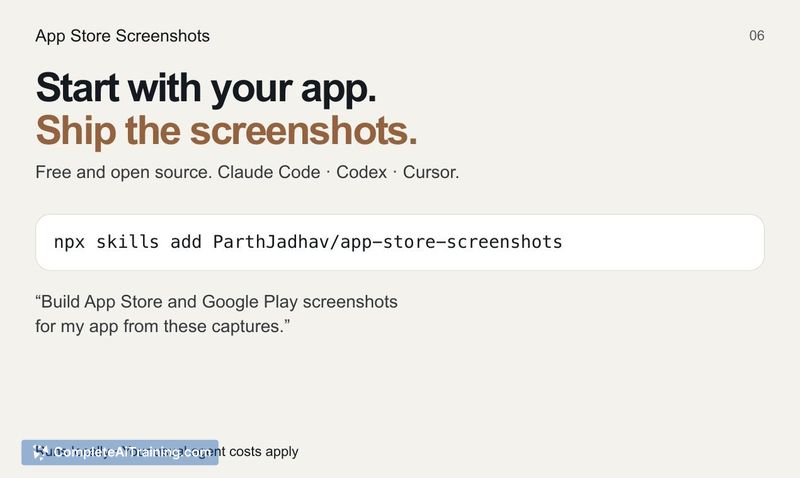
- Agent-driven workflow. Users provide app captures and a short brief to their coding agent, which then runs the skill to produce the initial screenshots.
Pricing and Value
The skill itself is free and open-source. There is no separate screenshot subscription. Users pay only their existing coding agent costs, since the tool runs locally and does not require a third-party service.
Pros
- Generates screenshots across iOS, iPadOS, macOS, and Android from one set of inputs.
- Keeps screenshot designs in the project repository, which can simplify updates when the app's UI changes.
- Style Lab lets users preview multiple complete looks before committing to a direction.
- No additional subscription beyond standard agent usage fees.
- Manual editing controls allow adjustments to copy, frames, and layout without leaving the generated editor.
Cons
- Requires a compatible coding agent (Claude Code, Codex, or Cursor) - it won't function as a standalone design tool outside that environment.
- The tool is not well suited for teams that don't use coding agents in their workflow or prefer fully GUI-based design tools.
- Export behavior for linked copy across sizes and locales isn't yet documented in detail; a user asked whether a single headline edit propagates through every export variant, and the maker hasn't clarified that interaction.
App Store Screenshots fits developers who already work with a supported coding agent and want store visuals that stay in sync with their project files. It's less applicable for designers or teams operating outside agent-based workflows. For solo developers or small teams shipping apps across Apple and Android platforms, the local editor and one-shot multi-device export may reduce the repetitive work of resizing and re-localizing screenshots by hand.