AI tool
OpenRadView
OpenRadView is a free, open-source desktop viewer that opens DICOM and NIfTI medical images from discs, zip files, or folders. It provides linked cross-sectional views, distance and angle measurements, and experimental 3D rendering on Windows, Mac...
About OpenRadView
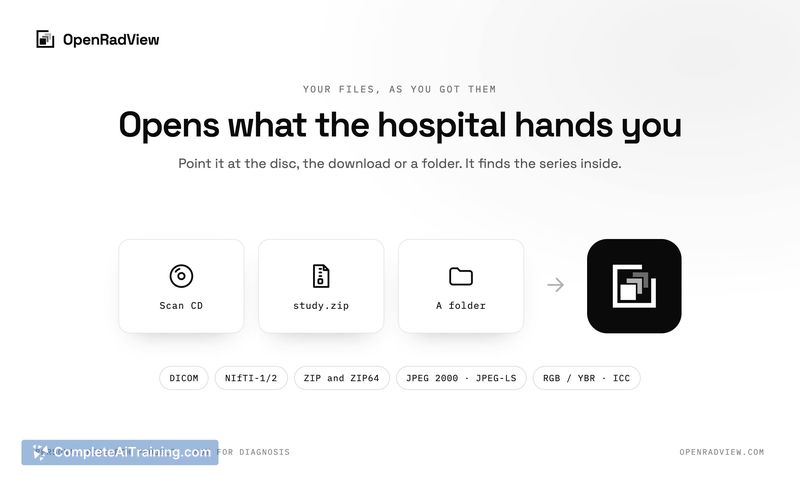
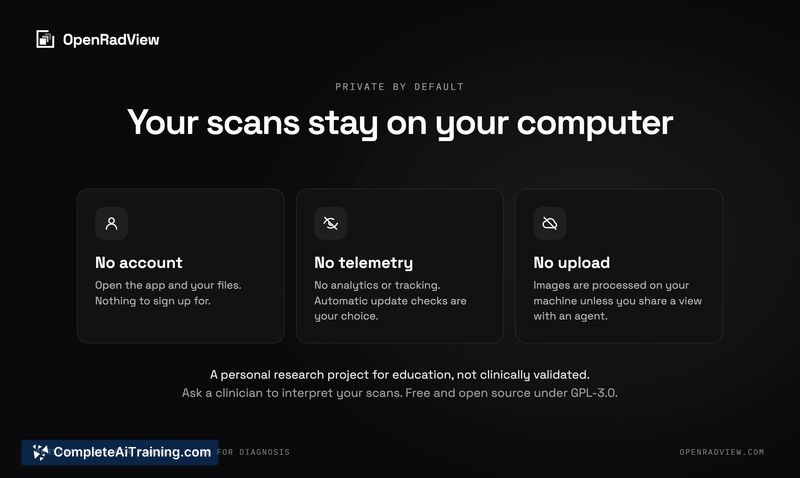
OpenRadView is a free, open-source desktop application for viewing personal medical scans. It opens DICOM and NIfTI files from a CD, zip file, or folder directly on a user's own computer, with no account, telemetry, or upload required. The tool is a personal research project built for education and has not been clinically validated.
Review
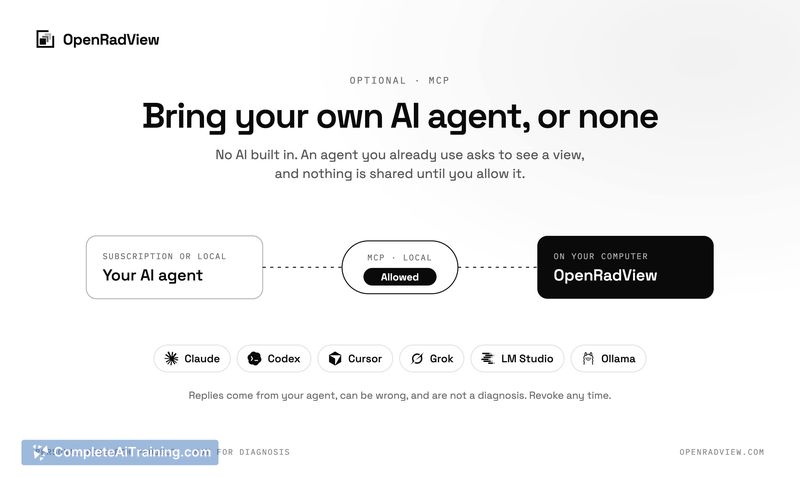
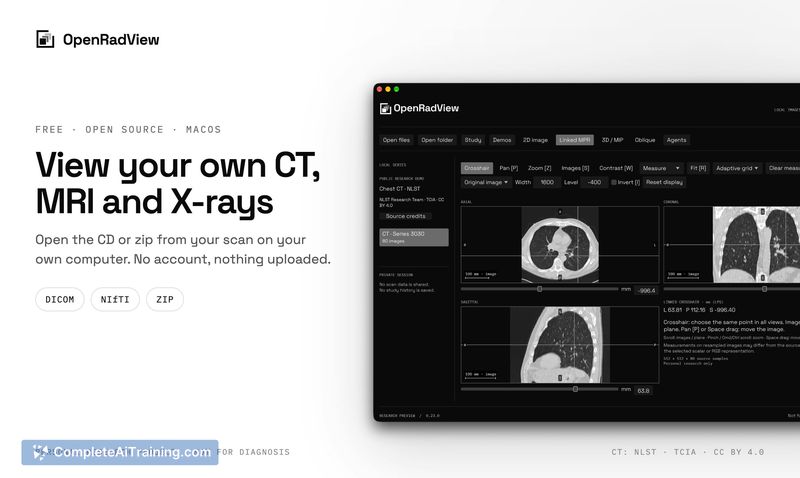
OpenRadView addresses a narrow but real gap: patients who receive their own CT, MRI, or X-ray images on physical media or as downloads and cannot open them, particularly on macOS. The application reads the files locally and displays them with standard radiological views. An optional MCP interface allows a user's own AI agent to interact with rendered images, though this capability is explicitly separated from the core viewer.
Key Features
- Linked axial, coronal, and sagittal views with oblique planes for navigating volumetric data.
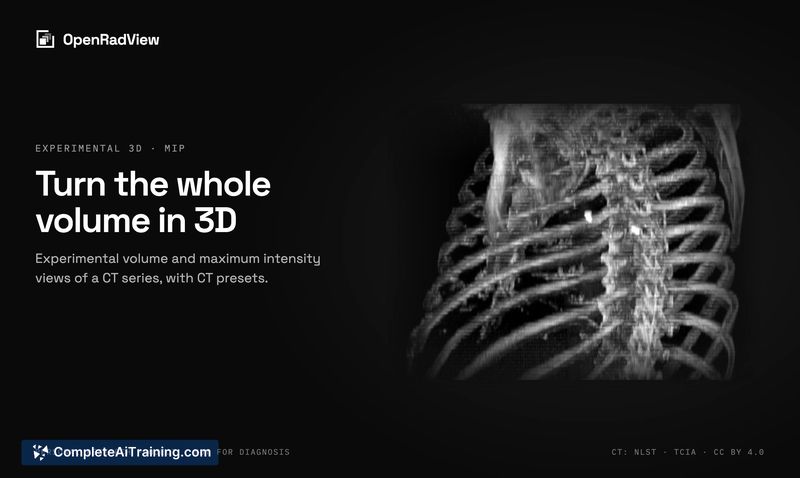
- Experimental 3D rendering and tools for distance and angle measurements.
- GPU-accelerated rendering via Metal on Apple Silicon, and support for Windows and Linux with a dedicated GPU.
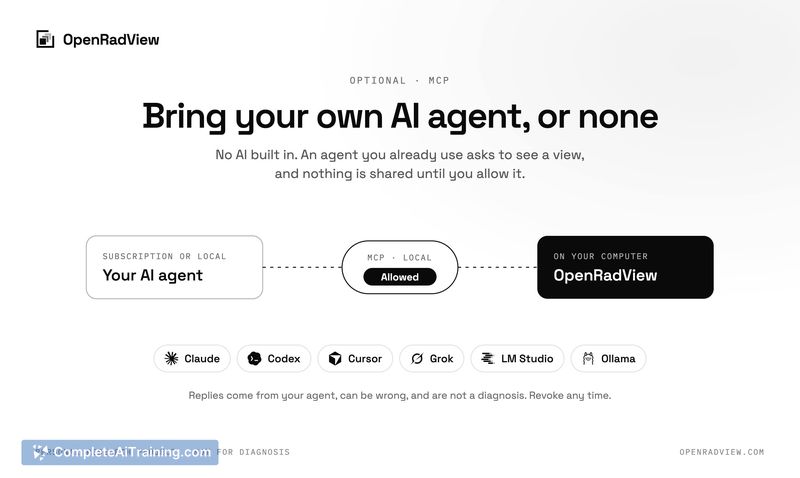
- Optional MCP server access, which lets an approved external AI agent request rendered views, measurements, and geometry-the agent never receives the original DICOM or NIfTI files.
- Per-session access controls: a popup displays the recipient, selected series, image preview, and available tools before anything is shared, with options to restrict tools or require approval for each changed view.
Pricing and Value
OpenRadView is free and open-source, with source code available on GitHub. There are no paid tiers, accounts, or in-app purchases. The project is maintained as a personal research effort, so users should not expect commercial-grade support or a formal update cadence.
Pros
- Runs locally without uploads, accounts, or telemetry, keeping scan data on the user's machine.
- Cross-platform: works on macOS with Metal acceleration, as well as Windows and Linux with a dedicated GPU.
- Written in Rust with egui and wgpu, which keeps the application self-contained and GPU-rendered.
- MCP integration is opt-in and gives the user fine-grained control over what an external agent can see or request.
- Handles both DICOM and NIfTI formats, covering the two most common medical imaging file standards.
Cons
- The 3D rendering is labeled experimental, so visual artifacts or incomplete rendering of certain scan types should be expected.
- Not clinically validated; the developer explicitly states the app should not be used for decisions about care, and AI agent responses can be inconsistent across models.
- Not well suited for users who need a regulated, certified diagnostic viewer or who expect a polished, fully supported medical software product.
OpenRadView fits a specific scenario: a technically comfortable person who has their own scan files, wants to explore them on a Mac or Linux machine where the bundled vendor viewer won't run, and understands the tool's educational rather than clinical purpose. It may also interest developers curious about how an MCP-enabled agent can interact with medical imaging data under strict local access controls. Anyone seeking a validated diagnostic tool or a guided interpretation should look elsewhere and consult a qualified clinician.