AI tool
Llama Windows
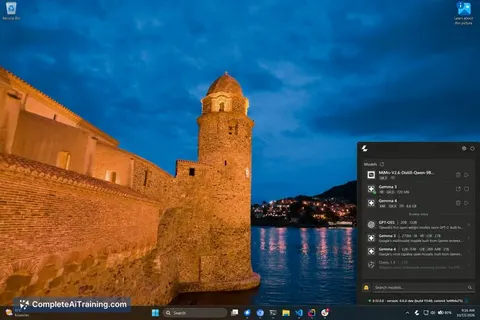
Llama Windows is a system tray app that runs local language models via llama.cpp on Windows 11. It recommends models for your hardware, provides a global chat shortcut, and exposes an OpenAI-compatible server for other desktop applications.
About Llama Windows
Llama Windows places a llama.cpp runtime in the Windows 11 system tray, acting as a local AI server for desktop applications. It downloads open models from Hugging Face with a single click, exposes an OpenAI-compatible API on localhost, and reuses a shared Hugging Face model cache so multiple tools don't need separate copies of the same large files. The software is free and open source, running without terminal commands, admin rights, or cloud inference.
Review
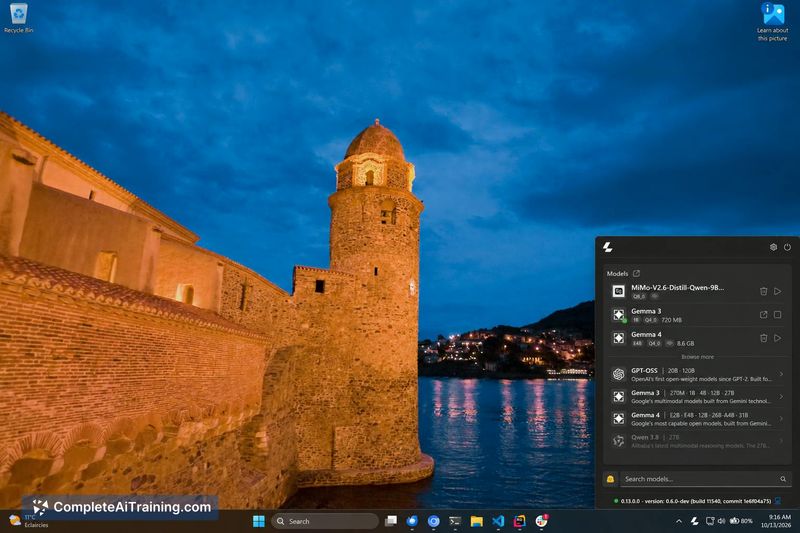
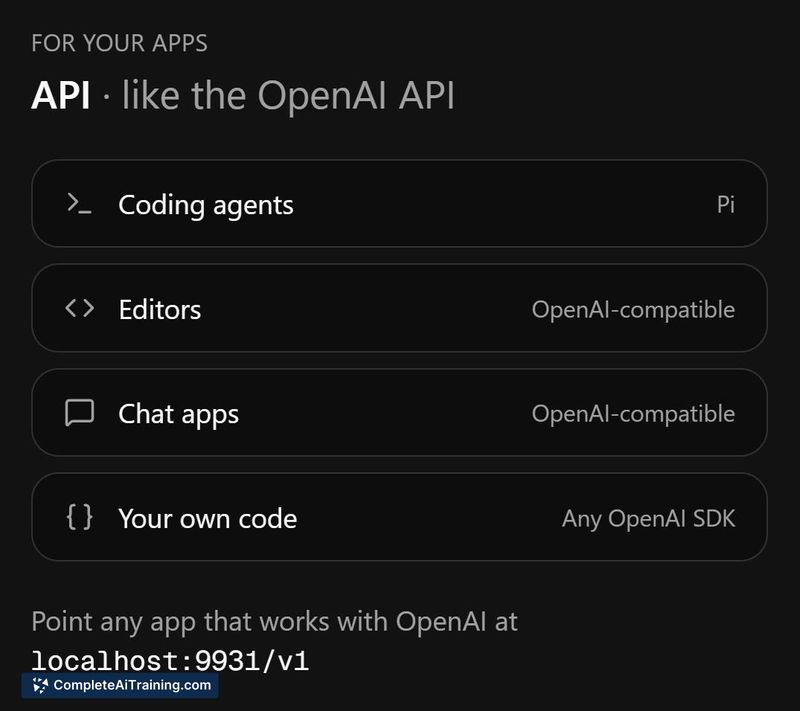
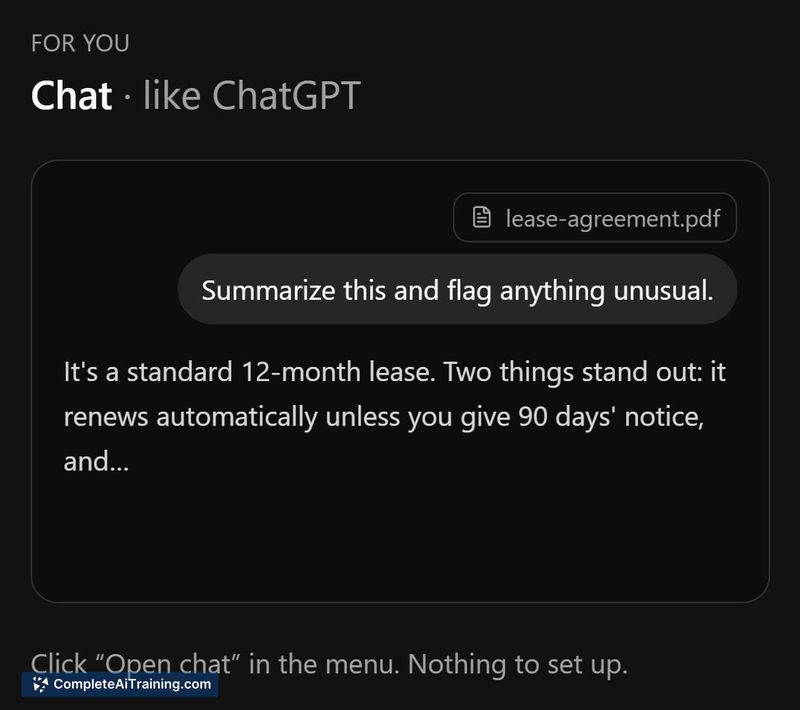
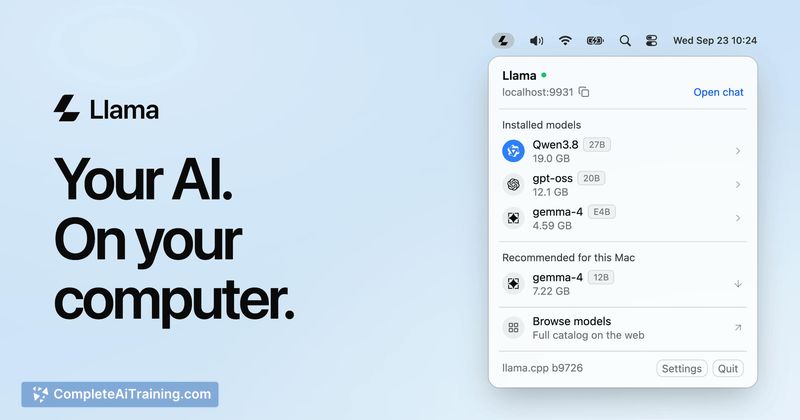
Llama Windows packages the llama.cpp inference engine into a system tray utility that handles model discovery, download, and serving. The Alt+Space hotkey brings up a chat interface that connects to whichever local model is currently loaded. Because it speaks the OpenAI-compatible API format, other desktop tools-coding agents, editors, scripts-can point to localhost:9931/v1 and share both the running server and the Hugging Face cache directory.
Key Features
- System tray server. The llama.cpp runtime sits in the notification area. No terminal windows or manual process management are required to start or stop the local API.
- One-click model downloads from Hugging Face. The interface recommends models that fit the PC's hardware and fetches them directly, storing files in the standard Hugging Face cache location.
- Alt+Space chat overlay. A system-wide keyboard shortcut opens a chat window for the currently active local model, available from any application.
- Shared OpenAI-compatible endpoint. Any tool that accepts a custom API base URL can send requests to
localhost:9931/v1, reusing the same server and model cache instead of maintaining its own copy. - Shared model cache. Multiple applications reference one set of downloaded model weights, avoiding redundant 20 GB downloads per tool.
Pricing and Value
Llama Windows is free and open source. The project does not list paid tiers, subscription fees, or usage-based charges. All functionality described on the launch page is available at no cost. The value for users comes from eliminating per-app model downloads and removing cloud API dependencies-this matters most for offline workflows, sensitive data handling, and teams who want inference costs to stay at zero beyond local electricity and hardware.
Pros
- Removes the need for terminal interaction when running llama.cpp on Windows 11.
- Multiple apps share one local server and one Hugging Face cache, cutting down disk usage.
- Works offline once models are downloaded, with no token limits or cloud API calls.
- Alt+Space gives quick access to a chat interface without switching windows.
- Open-source codebase allows inspection and modification.
Cons
- The tool is tied to Windows 11; users on macOS, Linux, or older Windows versions cannot run it.
- The launch page does not describe how concurrent requests for different models are handled-whether it swaps models or keeps both in memory remains an open question from early user feedback.
- Not well suited for teams that need managed inference infrastructure with guaranteed uptime, load balancing, or centralized monitoring, since it runs as a single local process with no built-in orchestration layer.
Llama Windows fits developers and privacy-conscious professionals who already work on Windows 11 and want a low-friction way to run local LLMs. It reduces the overhead of managing model files across multiple AI-enhanced desktop tools. Those who rely on cross-platform workflows or production-grade serving infrastructure will find it limited to single-machine, single-OS use.