AI tool
AppuBot
AppuBot creates AI teammates that control your actual desktop apps by clicking, typing, and filling in forms. It works with your existing AI subscriptions and can be managed from a phone or Telegram. The tool is for professionals who want to autom...
About AppuBot
AppuBot is a desktop application that creates AI teammates capable of operating the software on your Mac, Windows, or Linux machine. These bots click, type, and fill in forms within your actual applications while you watch or take control. The tool runs on AI plans you already subscribe to-such as Claude Code, ChatGPT, Cursor, or Grok-and the desktop app itself is free, with an optional cloud subscription for 24/7 operation.
Review
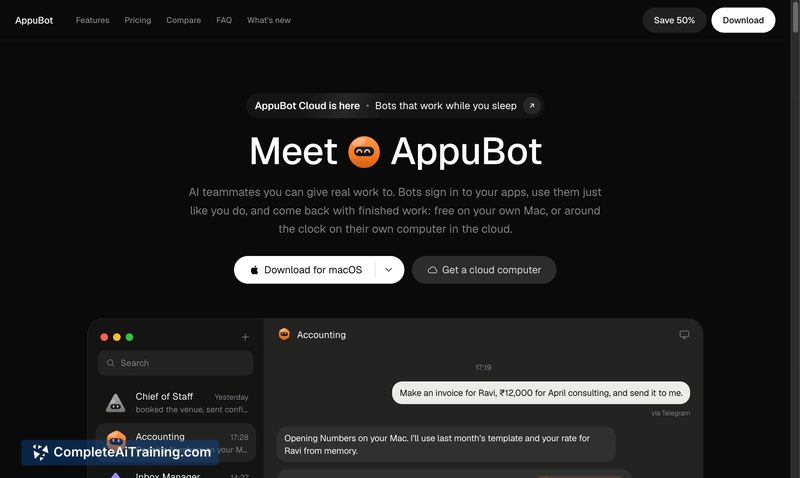
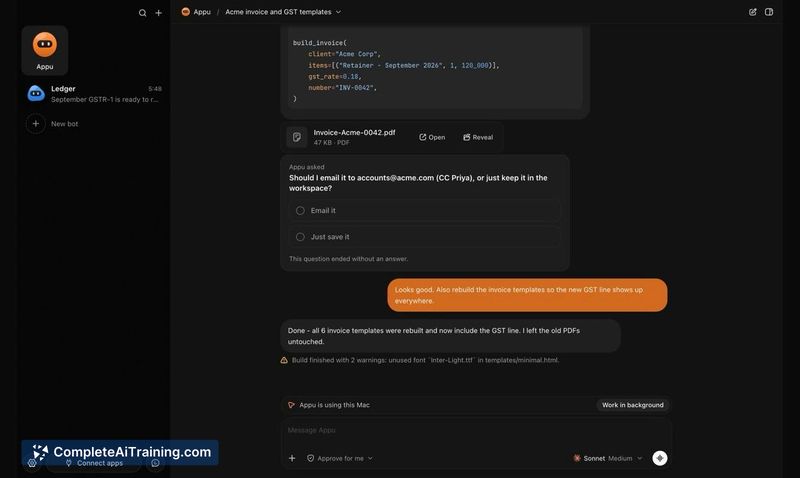
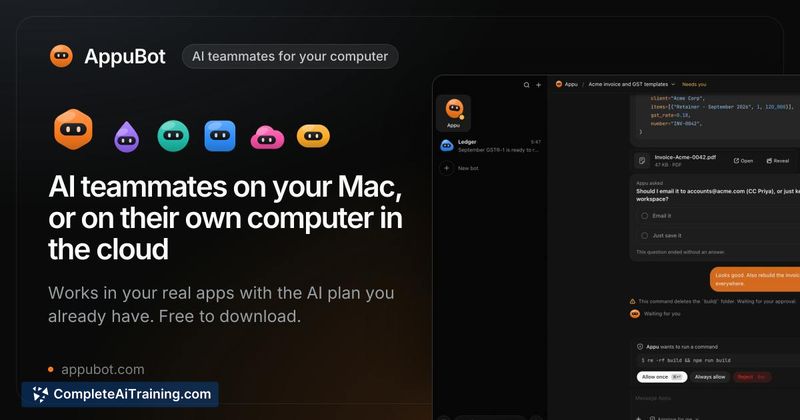
AppuBot approaches task automation by giving an AI direct mouse and keyboard control over your local applications, rather than connecting through APIs in a browser tab. This means a bot can work inside Numbers, Mail, or any desktop program just as a human would. The free desktop app and the use of existing AI subscriptions keep the initial cost at zero, though the approach raises practical questions about reliability and oversight.
Key Features
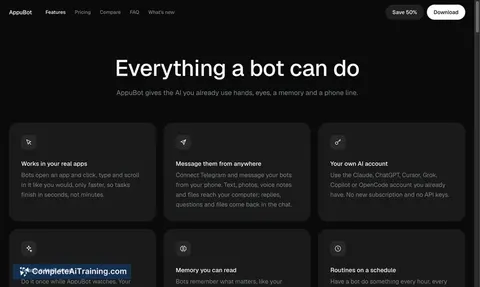
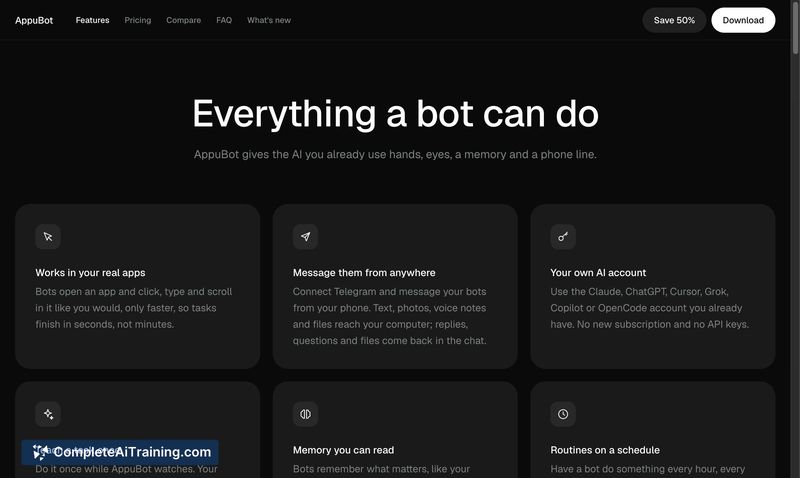
- Direct desktop interaction: Bots open and operate your real applications-clicking, typing, and filling fields-while you can watch the screen or take over at any point.
- Runs on your existing AI plan: The tool connects to Claude Code, Codex (ChatGPT), Cursor, Grok, Copilot, and others without requiring separate API keys or additional AI bills.
- Remote messaging: You can assign tasks to bots via text or voice from your phone or through Telegram.
- Scheduled routines: Bots can run recurring tasks such as a morning brief, weekly report, or follow-ups on a set schedule.
- Multi-bot collaboration: Bots can work together in group chats, coordinated by a designated "chief" bot, with over 1,000 app connections available (Gmail, Calendar, Slack, Notion, GitHub, and others).
Pricing and Value
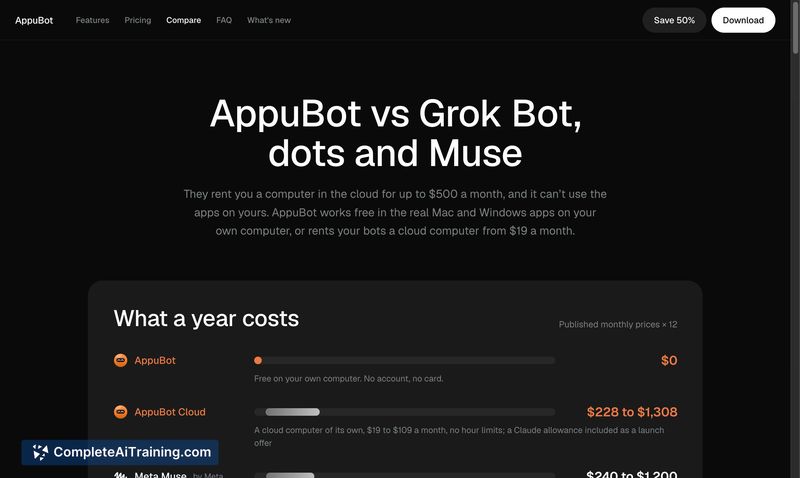
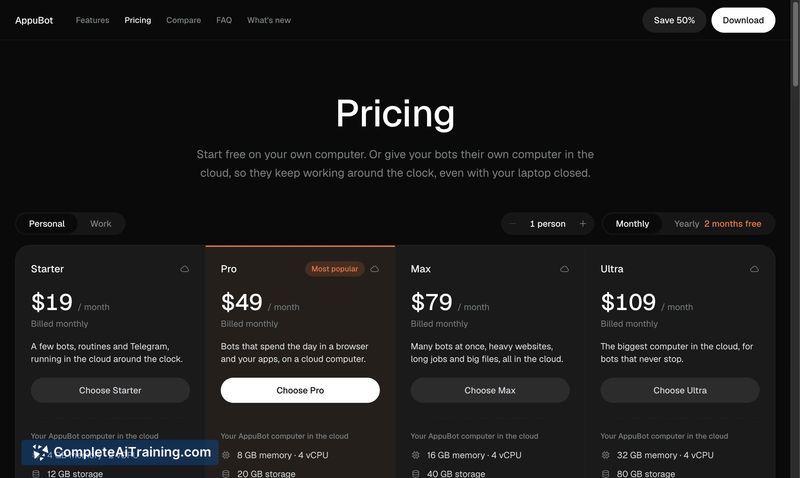
The AppuBot desktop application is free on Mac, Windows, and Linux. It uses the AI subscription you already pay for, so there is no added cost for the AI itself. For bots to continue working when your laptop is closed, AppuBot Cloud provides a remote computer starting at $19 per month. No other pricing tiers or details have been published at this stage.
Pros
- No additional AI subscription required-works with plans you already have.
- Can manipulate virtually any desktop application, not just those with API access.
- Allows remote task assignment through phone or Telegram.
- Supports scheduled routines for recurring workflows.
Cons
- The tool is not well suited for environments where strict security policies prohibit third-party screen control or unattended desktop access.
- Handling unexpected UI elements like unfamiliar popups or login screens typically causes the bot to stop and ping you, which can interrupt longer workflows.
- As a product launched this week, long-term stability, community support, and documentation are still unproven.
AppuBot fits users who already pay for a capable AI plan and want to hand off repetitive, GUI-based tasks that don't have API alternatives. It's less practical for those in locked-down corporate IT settings or anyone who needs fully autonomous, unattended execution without occasional human intervention. The free desktop entry point makes it easy to test with your own apps and workflows before committing to the cloud plan.