AI tool
AutoBandStudio
AutoBandStudio turns your melody into full backing tracks - AI-predicted chords, editable guitar and drums, and exportable stems for fast, polished song arrangements.
About AutoBandStudio
AutoBandStudio is a Windows desktop app that turns a hand-drawn melody into a full arrangement using AI. You sketch a melody on a piano roll and the app generates chords, drums, bass and guitar while keeping the original melodic idea intact.
Review
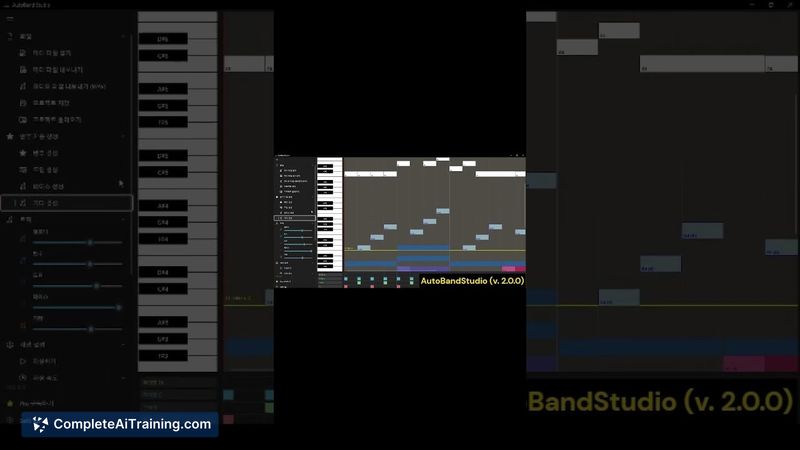
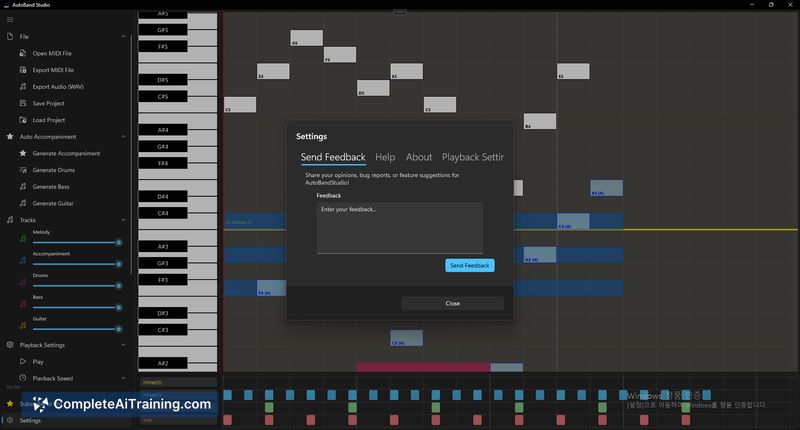
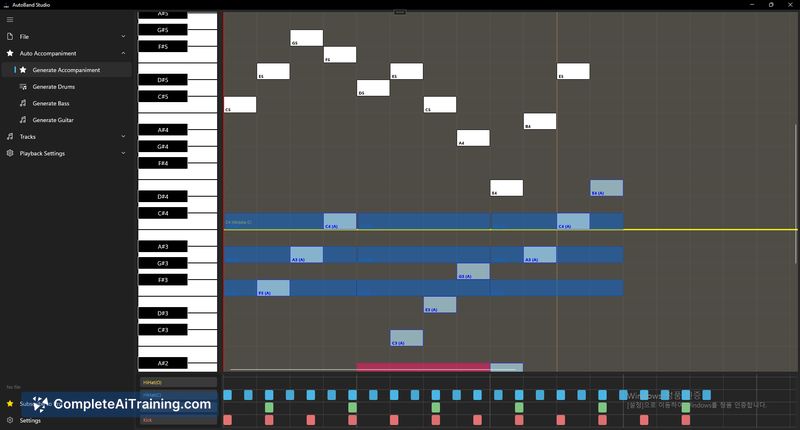
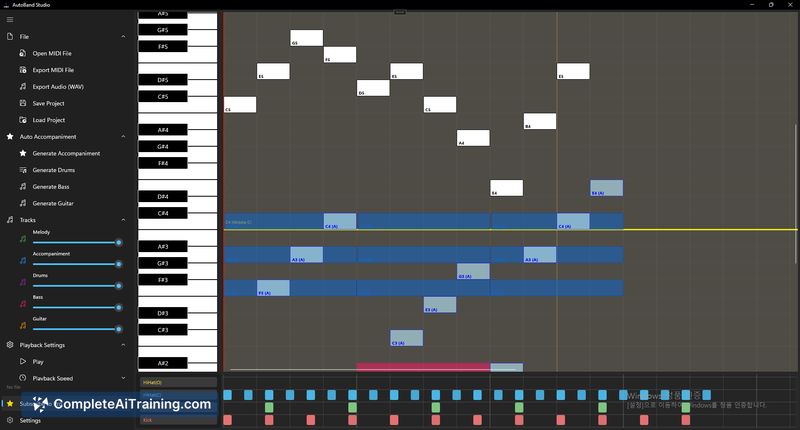
AutoBandStudio focuses on a melody-first workflow, letting creators keep their lead line while receiving a complete backing track quickly. The interface is straightforward: draw the melody, let the AI produce accompaniment, tweak drums or guitars, then export as MIDI or audio.
Key Features
- AI chord prediction that suggests harmonies to match your melody
- Guitar generation with four distinct styles
- Editable drums and the ability to regenerate sections
- Export options for MIDI and audio files
- Save/load project support for iterative work
Pricing and Value
The app is available for free on Windows, which allows users to test the core workflow and generate arrangements. A Pro subscription removes export limits and is aimed at users who want frequent or unlimited exports; for casual sketching the free tier provides solid value, while active creators will likely find Pro worthwhile.
Pros
- Preserves the user's original melody rather than replacing it
- Fast melody-to-arrangement workflow that reduces setup time
- Multiple instrument outputs (chords, drums, bass, guitar) including selectable guitar styles
- Editable drums and section regeneration make iteration easy
- Free tier lets you evaluate the tool before committing
Cons
- Windows-only desktop app, so no native macOS or web client at launch
- Free tier limits export count, which can be restrictive for heavy users
- AI arrangements can occasionally require manual tweaking for unconventional genres or complex rhythmic ideas
AutoBandStudio is best for songwriters and producers who start with a melody and want rapid backing-track ideas without losing their original line. It's also a practical sketching tool for musicians who need quick MIDI/audio exports, with Pro suited to frequent exporters and project-heavy users.
Jobs AutoBandStudio suits
We checked AutoBandStudio against 500+ jobs; these get the most out of it.
Alternatives to AutoBandStudio
Other tools that do the same main job. Our AI compared AutoBandStudio with similar tools and kept the ones you could use instead.