
Learning path
Learning AI as a Freelancer
Freelancers juggle clients, projects, and admin. This path shows you how to use AI to handle the busywork and focus on the work you love.

Your path
Everything in the Freelancer AI kit, in the order that makes sense. Members tick off each step and see their progress.
Set up your AI
We guide you through each click.
Let skills do your everyday tasks
Connect your apps and pick your AI apps
Hand whole tasks to AI agents
Build your own tools
Keep growing
Everything for freelancers
All the courses, certifications, AI tools, MCP servers and apps for freelancers, most relevant first. Open any list to see more.
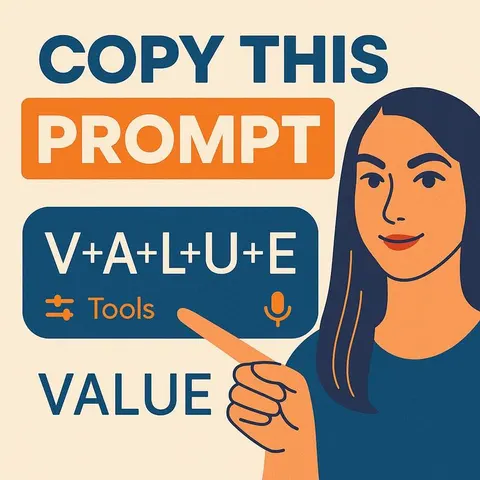
Take the prompt courses
A short framework course to learn how to ask, then 8 lessons with ready-to-use prompts for freelancers.
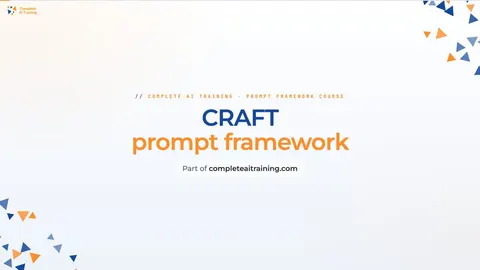
Start with this framework: how to talk to AI
CRAFT fits freelancers because it sets context, role, action, format, and tone, like writing a client's LinkedIn post in their voice.
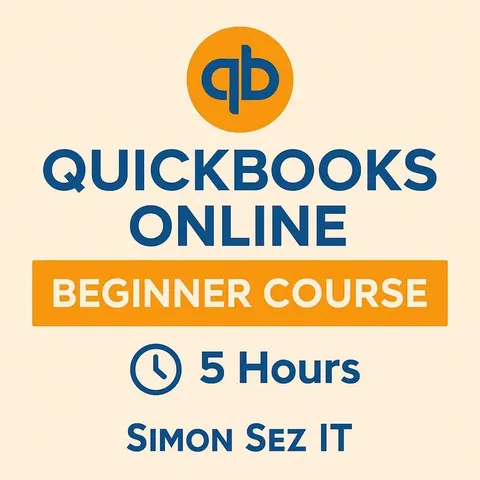
Then your prompt course for freelancersWatch the video courses or add them to your Favorites for later
135 video courses our AI picked for freelancers, most useful first. Save the ones you want to watch later with the heart.
Favorites are saved to your account: sign in or get your AI kit first.
Show all 135 video courses
Get certified, or add certifications to your Favorites
Every course ends in an exam and a certificate you can add to LinkedIn. Save the certifications you are aiming for with the heart.
Favorites are saved to your account: sign in or get your AI kit first.
More certifications for freelancersShow all 24 certifications
Try the AI tools for freelancers
24 AI tools our AI matched to the work of freelancers, best fit first. Each review shows what it does, its alternatives and the jobs it suits.
Favorites are saved to your account: sign in or get your AI kit first.
Show all 24 AI tools
Connect your AI to the apps freelancers use
MCP servers let ChatGPT, Claude or Copilot look things up and get work done in other apps, like your email, calendar or bookkeeping software. These 12 fit the work of freelancers best, well-known apps first.

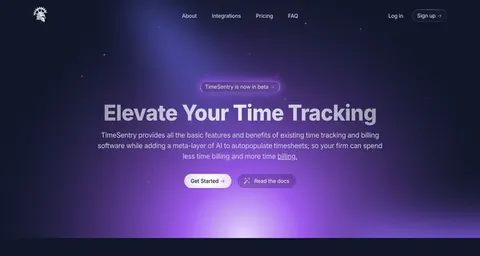
Harvest MCP server
by ianaleckAsk your AI to log time, check projects and pull Harvest time reports.

Toggl Track MCP server
by louis030195Start and stop your Toggl timers, check today's hours, and list projects right from your AI chat.

SignWell MCP server
by BidsketchSend documents for e-signature, track who signed, and download the signed PDFs, all from your AI chat.
Productivity Official
Google Workspace MCP server (multi-account)
by oriegConnect several Gmail, Calendar, Drive, Sheets and Docs accounts and let your AI work across all of them.

Clockify MCP server
by tracegazerAsk your AI about your Clockify hours, projects, and reports, and log time by just typing.

Timebook MCP server
by squidcodeLet your AI track your work hours in Timebook: start timers, log time, and fix entries by just asking.
Productivity OfficialShow all 12 MCP servers

GigaMail MCP server
by adecubedLet your AI read, search and draft your email, with you approving every send or delete.

MCP Emails server
by AlbretsenLet your AI read, search, send and organize email in your own mailbox.
EmailNo install
Peil MCP server
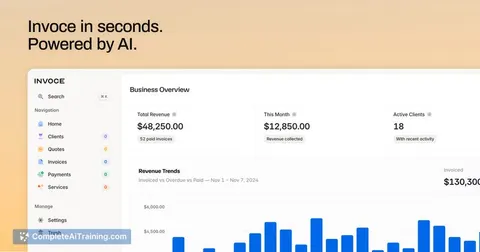
by LumincLog your hours, draft invoices from unbilled time, and check what clients still owe you, all from a chat.
Finance and crypto Official
Gmail MCP server
by A1-x-TechLet your AI read, search, draft and send your Gmail, and keep labels and trash tidy, from the chat.

OfficeAgent MCP server
by ilia-sokolovLet your AI edit Word, PowerPoint and Excel files, with changes you can review before saving.
Productivity Official
Fluxmail MCP server
by churichardLet your AI read, search, draft, send and organize email across your mailboxes.
Email OfficialBuild your own AI apps for freelancers
Apps you build yourself with your own AI, no coding needed and no monthly fee. Our AI picked the 12 that fit the work of freelancers.
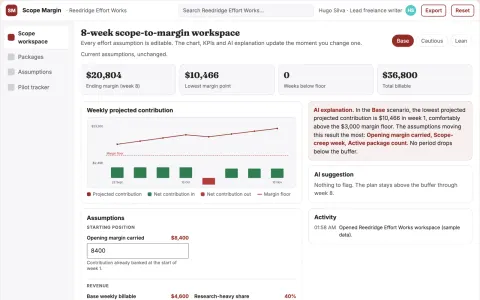
Freelance writing scope-to-margin planner
Quote sustainable packages using explicit effort assumptions.
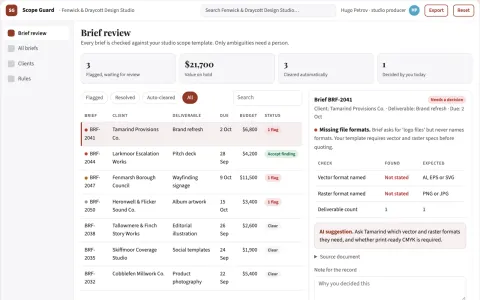
Creative brief ambiguity checker
Turn vague creative requests into reviewable scope decisions.
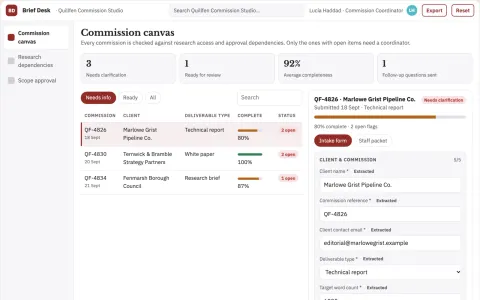
Writing commission boundary planner
Expose research and approval dependencies before quoting.
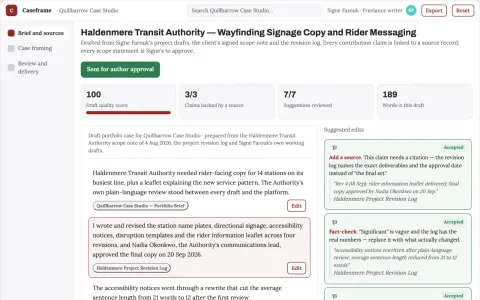
Writing portfolio case framing
Show actual contribution without inflated outcomes.
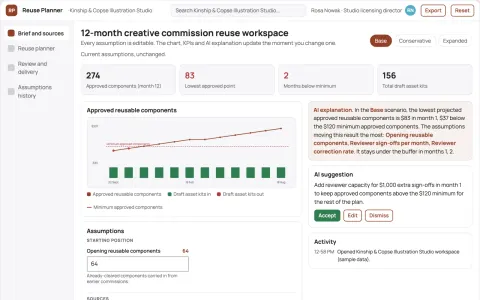
Creative commission reuse planner
Reuse planning bounded by client permissions.
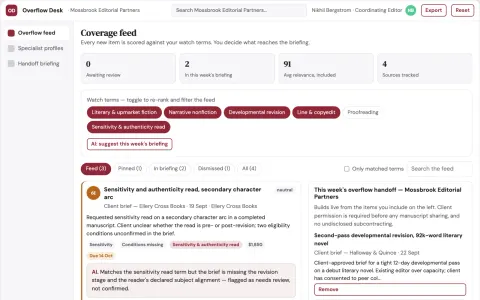
Editorial revision overflow cooperative
Preserve revenue and delivery quality through transparent specialist collaboration.
Show all 12 apps
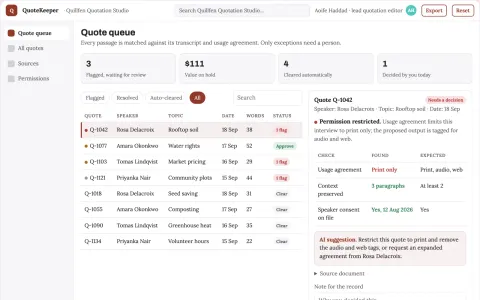
Author interview quotation organizer
Find quotes with context and permission attached.
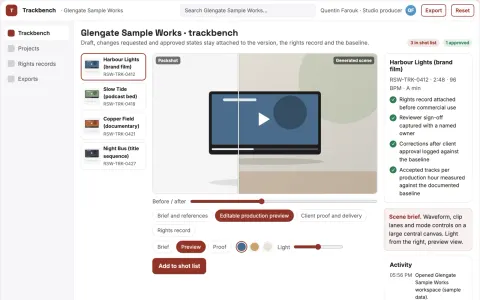
Managed AI music production and review workbench
Reduce the number of rented music tools while keeping one reviewed, rights-documented track library the client owns.
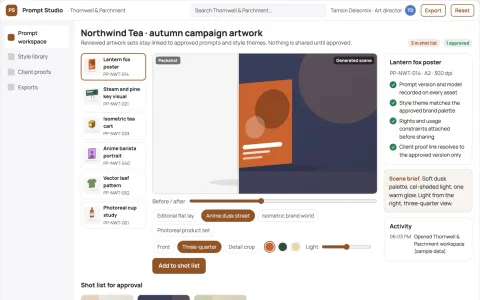
Prompt-to-artwork production studio
Reduce tool switching and rework while keeping one owned record of prompts, styles and approved artwork.
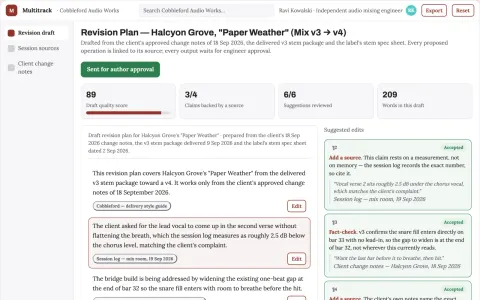
Multitrack revision execution studio
Deliver repeat mix revisions with less routine editing.
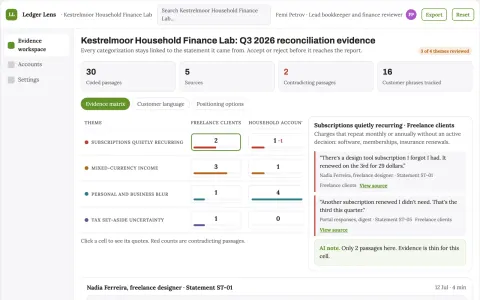
Personal finance evidence and reporting workspace
Reduce manual bookkeeping and reporting effort while keeping every figure traceable.
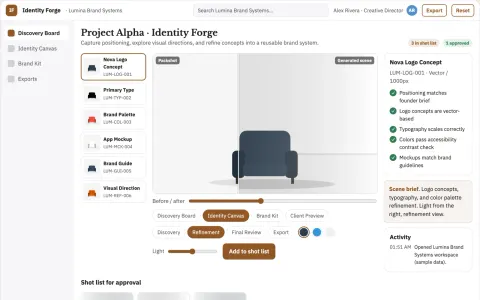
Brand identity studio
A usable identity system tied to positioning and real customer touchpoints.






























































































































About this learning path
6 topicsUse AI to Run Your Freelance Business
As a freelancer, you wear many hats. AI can help with the parts that take time away from your craft.
This path is built for freelancers who want practical help. You will learn to use AI for client work, admin, and planning.
Why AI Matters for Freelancers
Clients expect fast replies and clear work. AI helps you keep up without burning out. It can draft emails, plan projects, and spot issues before they grow.
What the Path Includes
You start with setup questions to match AI to your work. Then you connect your AI, learn job skills inside it, and take this prompt course. You also get video courses picked for freelancers and their certifications.
How It Saves You Time
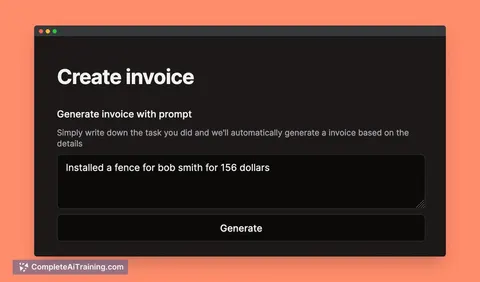
AI handles first drafts, schedules, and invoices. You spend less time on repetitive tasks and more on billable work. Even saving a few hours a week adds up.
How It Protects Your Career
Freelancers who use AI well can take on more clients without dropping quality. You stay competitive and show clients you are organized. The skills are yours to keep.
How to Start Today
Begin with the setup questions. Then try one prompt from the course on a real task. Small steps build confidence.
Frequently asked questions
Do I need to be technical?
No. The path is designed for freelancers who use everyday tools. If you can write an email, you can use these prompts.Will AI replace me?
AI is a helper, not a replacement. Your judgment, creativity, and client relationships are still the core of your work. AI just handles the repetitive parts.How much time does this take?
You can go at your own pace. Most lessons are short and practical. You can apply them right away.Is my client data safe?
You will learn how to use AI without sharing sensitive details. The course covers privacy basics for freelancers. Always follow your client agreements.