
AI tool
Awakado
Awakado keeps a Mac awake during long-running AI agent tasks and lets it sleep once they finish. Its Pro feature detects usage limits and wakes the Mac just before the limit resets. It is for developers who run AI coding agents like Claude Code ov...
About Awakado
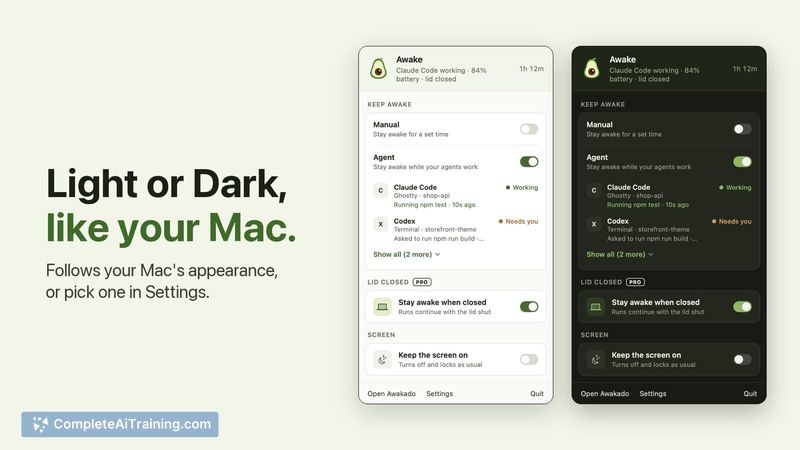
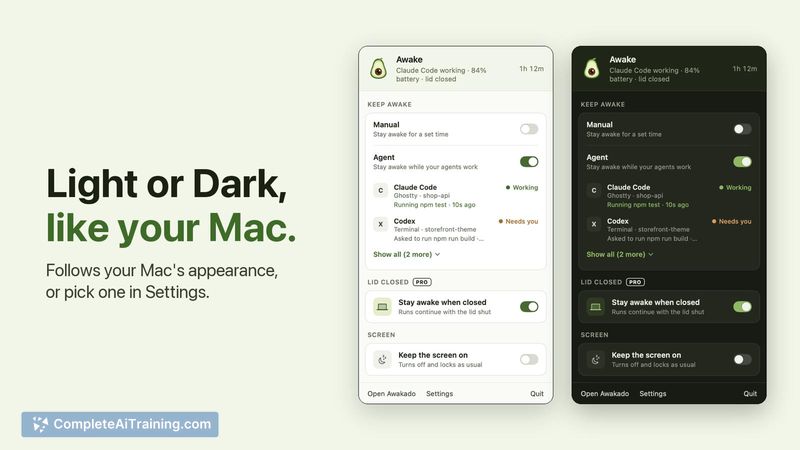
Awakado is a Mac menu-bar app that prevents the system from sleeping during active AI agent sessions. It monitors hooks from agents like Claude Code, Codex, Gemini CLI, and Cursor, then allows the Mac to sleep a few minutes after tasks complete. The tool was built by a small studio in New Zealand to address the specific problem of Macs falling asleep during long-running agent workflows.
Review
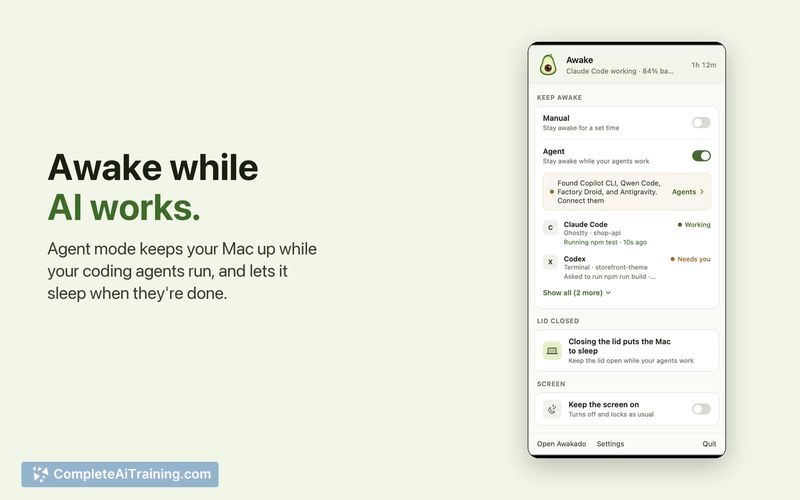
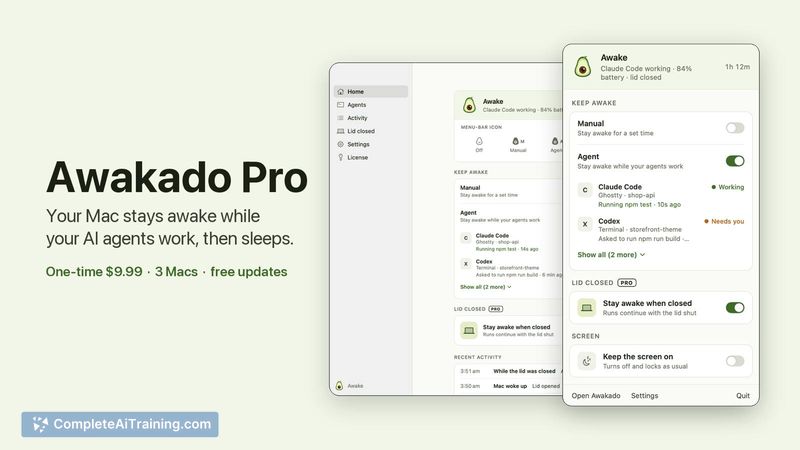
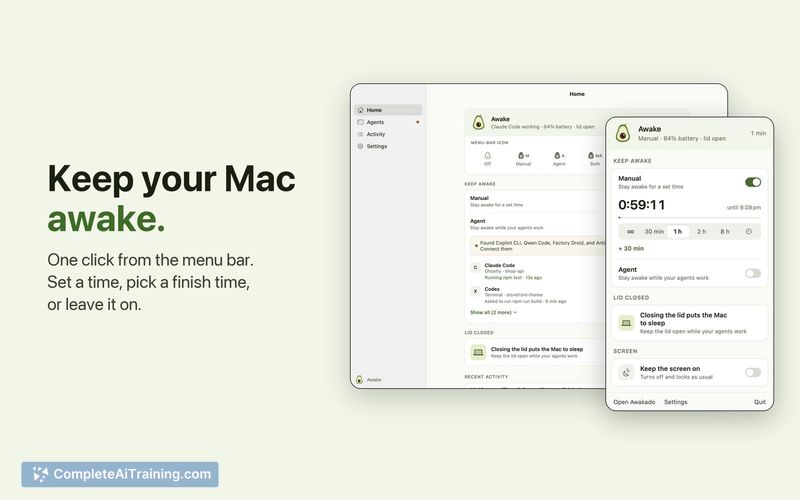
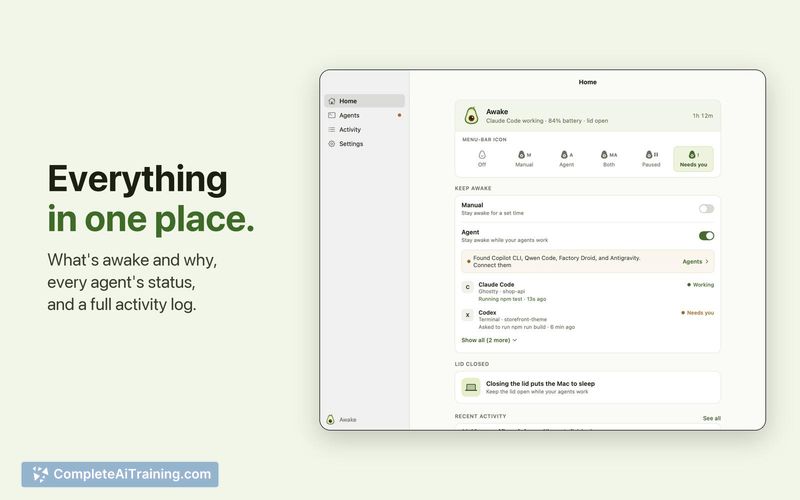
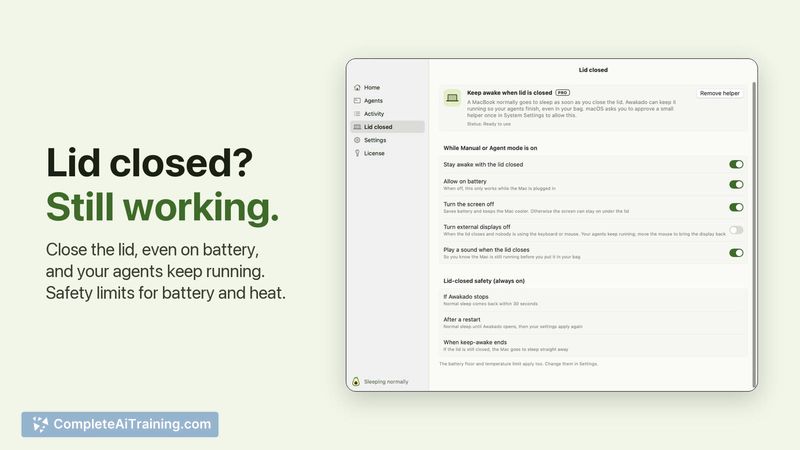
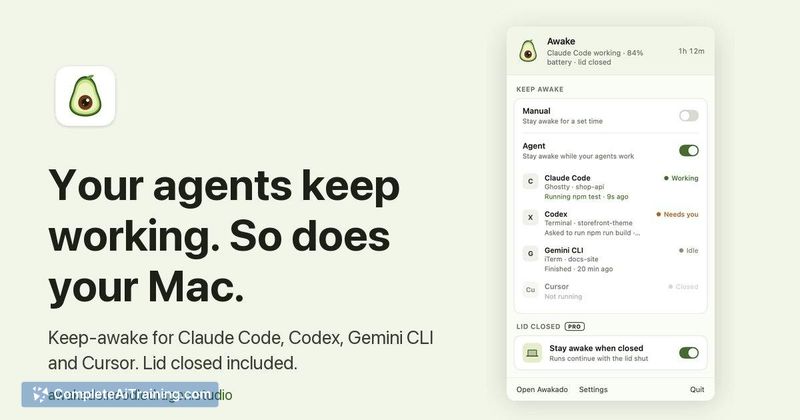
Awakado addresses a narrow but practical friction point for developers who run AI agents that can take hours to finish. Rather than overriding system sleep settings globally, it ties wakefulness to actual agent activity. The free tier covers the basic use case, while the paid Pro version adds two specific capabilities for users who run agents with the lid closed or who hit usage limits overnight.
Key Features
- Listens to each agent's own hooks to detect when an agent is working, waiting for user input, stuck at a usage limit, or finished
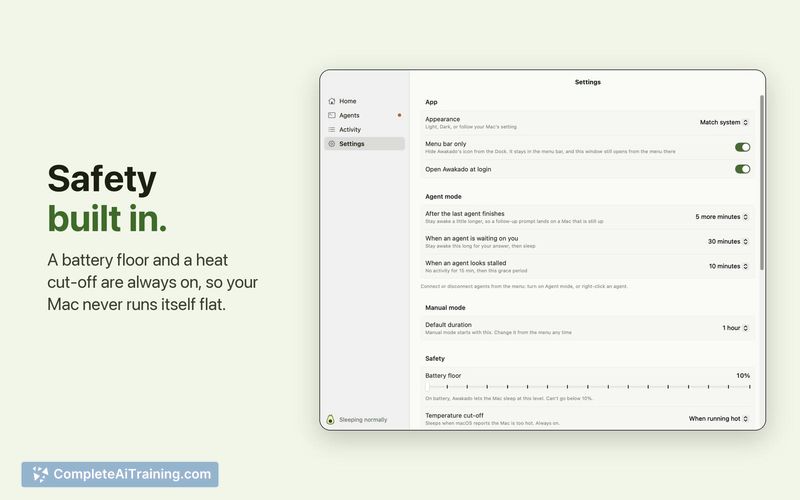
- Keeps the Mac awake only during active agent work and lets it sleep a few minutes after the last agent finishes
- Pro tier enables Clamshell Mode, which keeps the Mac awake with the lid closed while agents run
- Pro tier includes a wake timer that detects when a Claude Code usage limit resets and wakes the Mac two minutes beforehand
Pricing and Value
The base app is free to download. A Pro upgrade costs $9.99 as a one-time purchase and covers up to 3 Macs. The Pro tier unlocks lid-closed operation and the usage-limit wake feature. There are no recurring subscription fees at this time.
Pros
- Targets a specific, real-world annoyance without adding unrelated functionality
- One-time Pro payment instead of a subscription model
- Sleep behavior is tied to agent hooks, so the Mac isn't kept awake unnecessarily
- Supports multiple agent tools from a single menu-bar interface
Cons
- Only useful for macOS users; Windows and Linux are not supported
- Depends on agent hooks, so behavior may vary if an agent's hook implementation changes
- Not well suited for users who don't run long-duration AI agent tasks or who already manage sleep settings manually
Awakado fits best for developers who regularly run multi-hour agent sessions and want to step away without their Mac sleeping mid-task. The Pro tier's usage-limit wake feature is most relevant for Claude Code users who encounter rate limits during overnight runs. For anyone whose agent workflows are short or who works interactively at the keyboard the whole time, the tool doesn't add much beyond what manual sleep settings already handle.



