AI tool
Bloblings
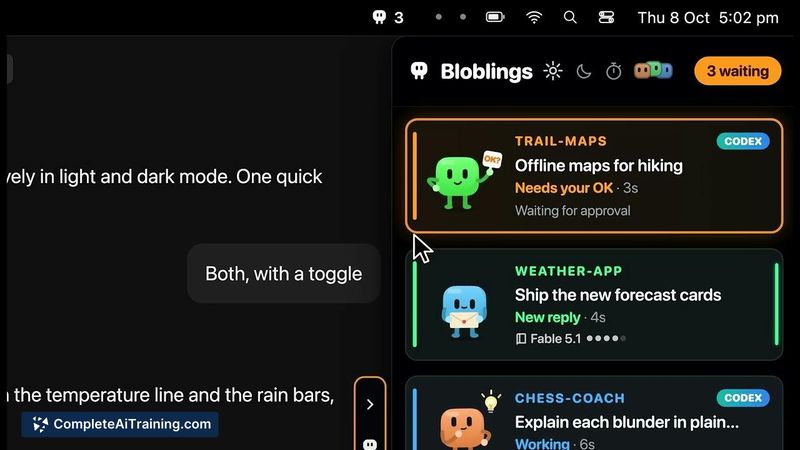
Bloblings gives every Claude Code session a visual pet in a screen-edge drawer that shows its status at a glance, so you can see which thread needs approval or has a question. It also lets your threads pass short notes and form teams with shared g...

About Bloblings
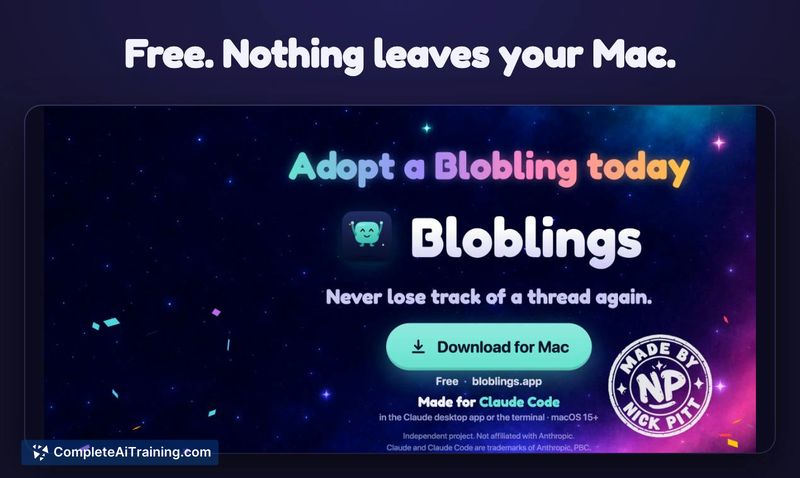
Bloblings is a native macOS utility that assigns a visual pet to each active Claude Code or Codex session. These pets display in a screen-edge drawer, indicating thread activity, test runs, and moments when user input is needed. The tool also enables inter-thread note passing, team linking with shared goals, and one-click navigation to any session.
Review
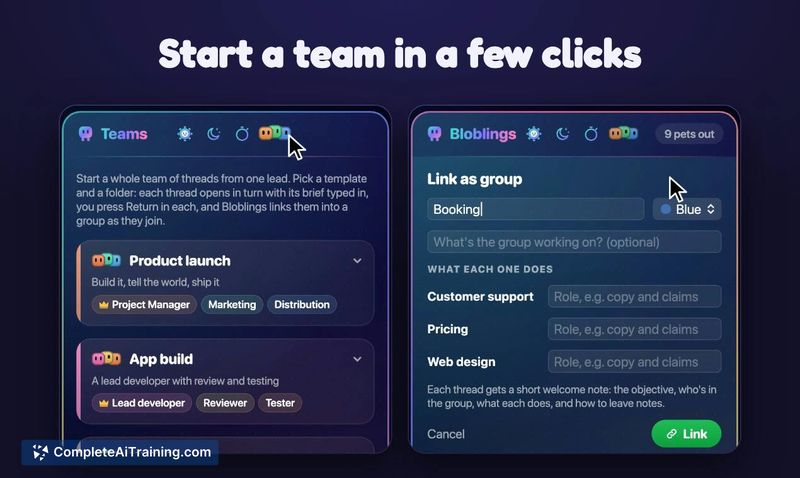


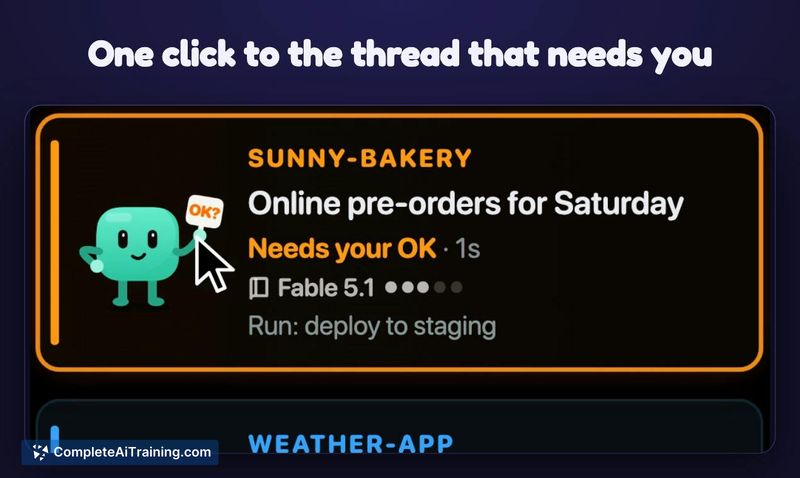
Bloblings addresses a specific friction point for developers running multiple AI coding sessions simultaneously: losing track of which thread needs attention. The pets act as lightweight status indicators, changing behavior based on what the session is doing. The tool runs entirely locally, with no network calls, accounts, or analytics, and it never sends prompts or approvals on the user's behalf.
Key Features
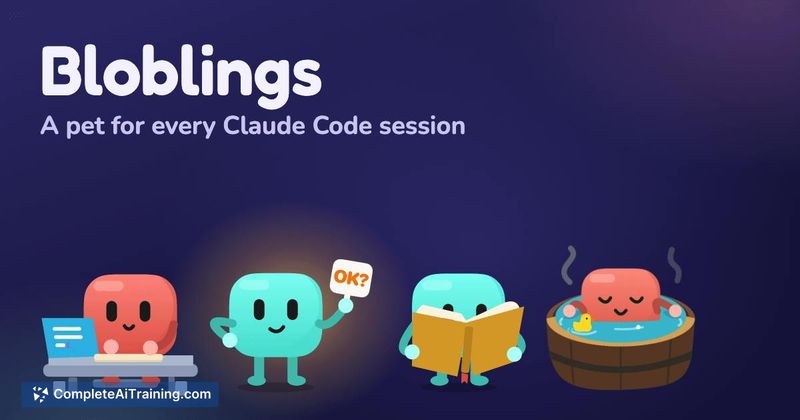
- A drawer of animated pets that type during edits, hammer during test runs, display an "OK?" sign when approval is needed, and raise a hand for questions
- One-click navigation from any pet directly to its corresponding Claude Code thread or terminal window
- Inter-thread note passing, with automatic forwarding by default or a manual approval option
- Team linking with shared goals and assigned roles, plus a Huddle function that gathers a five-line report from each member
- Cross-platform thread communication between Claude app, terminal, and Codex sessions, with Google Antigravity connectivity also available
Pricing and Value
Bloblings is free. The app is distributed as a native Swift binary, approximately 4 MB, notarized for macOS, with no in-app purchases or subscription tiers described in the available materials.
Pros
- Operates without network access, keeping all session data local to the Mac
- Installs a small hook that writes status updates in milliseconds, with a clean uninstall path and settings backup
- Reduces manual context-pasting between threads through automatic note passing
- Visual idle detection helps prevent stalled sessions-ignored pets gradually turn into skeletons
- Finished threads get a visual sendoff (cinema, hot tub, or beach), making session lifecycle obvious at a glance
Cons
- Mac only at this stage; Windows and Linux users cannot run the tool
- Relies on writing to local session files and a hook that modifies Claude Code settings, which some users may prefer to avoid in a development environment
- The tool is not well suited for developers who run only one coding session at a time, since the multi-thread tracking and team features provide little utility in single-session workflows
Bloblings fits developers who routinely juggle several Claude Code or Codex threads and want a peripheral awareness system instead of manually checking each terminal. It may also appeal to those experimenting with multi-agent setups, where threads pass notes and report status through Huddles. The free, local-only design keeps the barrier to entry low for anyone on macOS who wants to try it.