AI tool
Boltbar
Boltbar is a native macOS chat bar that provides quick access to AI assistants via a keyboard shortcut in any app. It is for developers and users who want to query models like GPT or Claude without leaving their current window, and includes an age...
About Boltbar
Boltbar is a native macOS chat bar built in Swift. It lets users query GPT or Claude from any application by pressing ⌥ Space, without switching windows. The tool also includes an agent mode that hands a project folder to Claude Code or Codex with configurable permissions.
Review
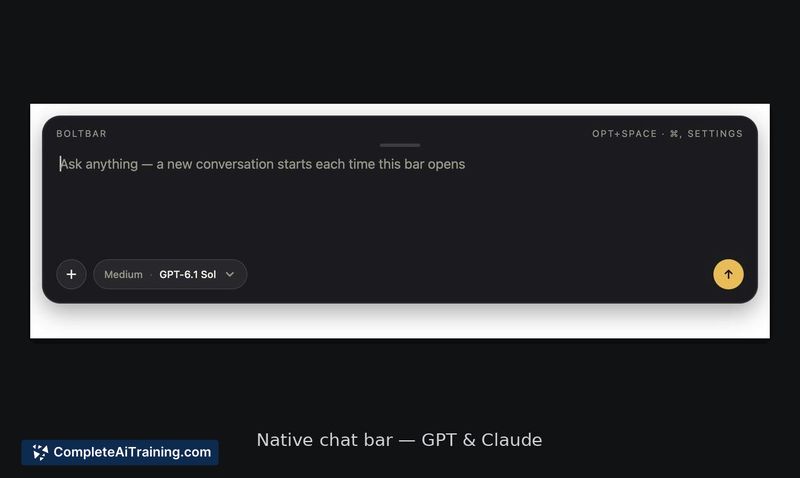
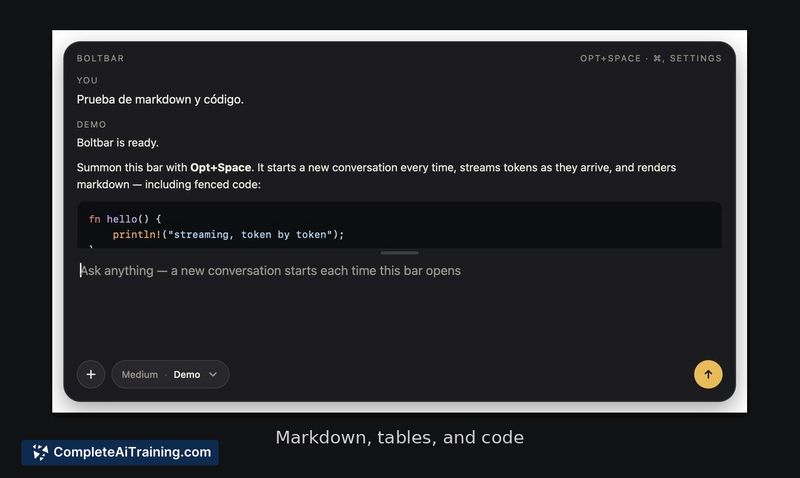
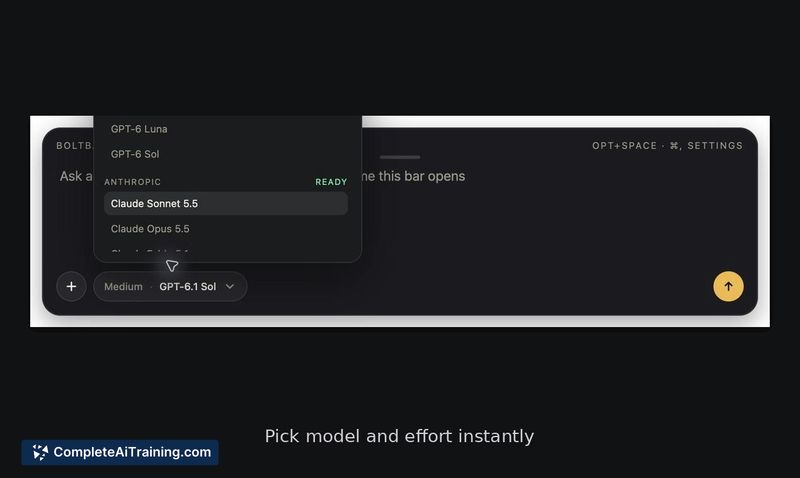
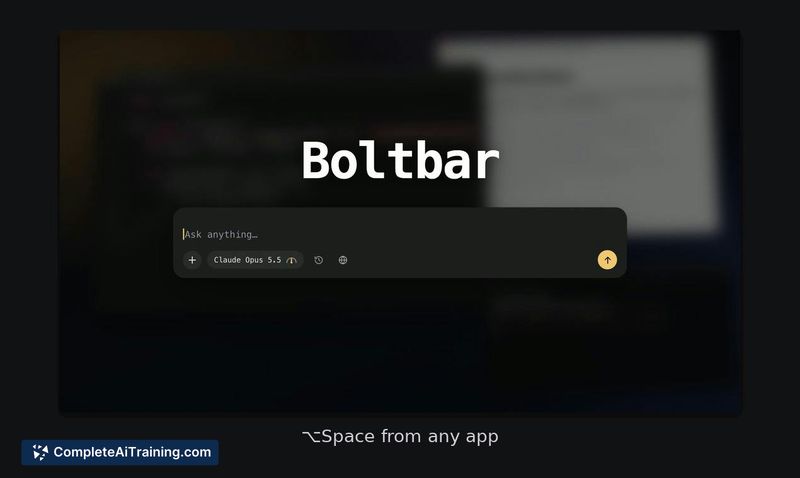
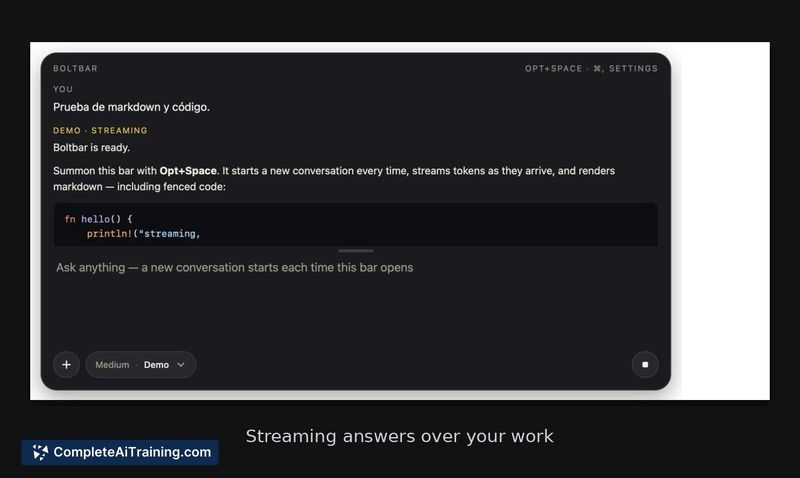
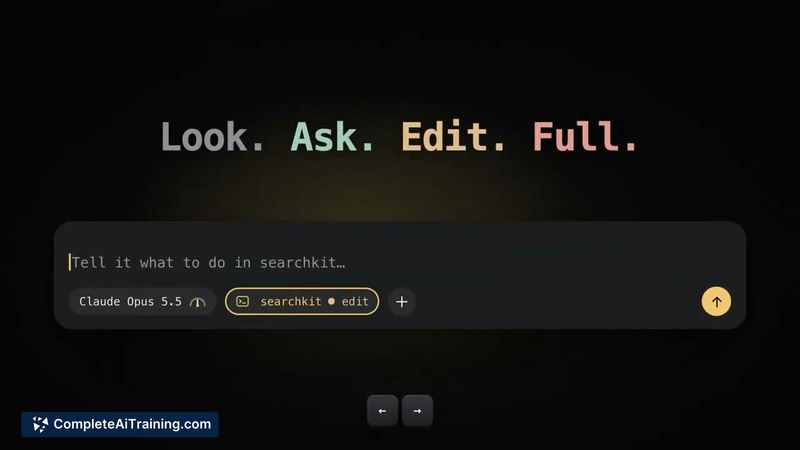
Boltbar places AI access directly into the macOS menu bar, reducing the friction of app-switching for quick queries. The agent mode introduces a permission ladder for handing project folders to coding agents. It's open source under MIT, signed, and notarized.
Key Features
- Global shortcut (⌥ Space) launches a chat bar overlay in any app
- Agent mode with Look, Ask, Edit, and Full permission levels for Claude Code or Codex
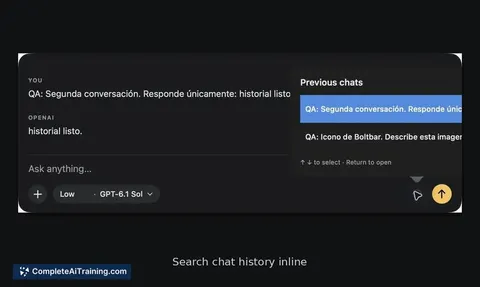
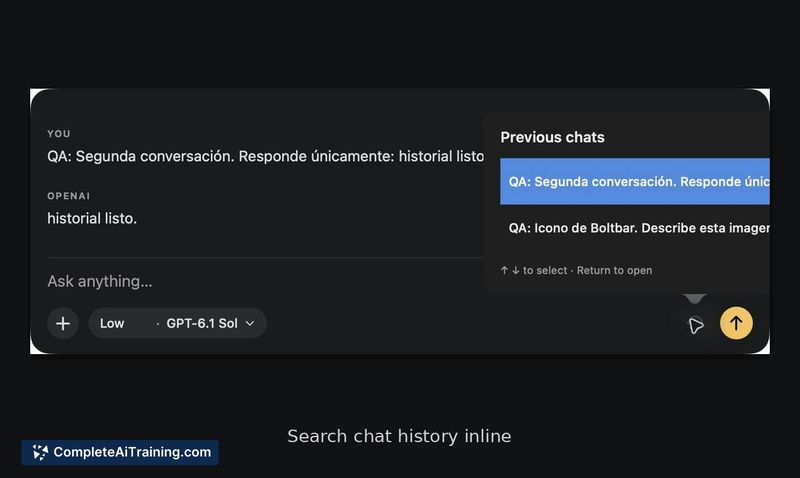
- Local chat history stored in ~/Library/Application Support/Boltbar, with attachment support
- No cloud sync - all data stays on the machine
- Installable via DMG or Homebrew
Pricing and Value
Boltbar is free and open source. The maker offers an optional €19 supporter license, though what that license includes beyond supporting development hasn't been detailed. API usage costs for GPT or Claude are separate and handled through your own keys.
Pros
- Native Swift app with a small footprint - no Electron overhead
- Chats persist locally between restarts and are searchable
- Agent permissions are granular, not a blanket yes/no at handoff
- MIT license means the code is open for inspection and modification
Cons
- Agent mode permission enforcement during chained agent actions isn't fully clear from current documentation
- No cloud sync means chat history won't follow you across devices
- Not well suited for users who need a cross-platform solution - macOS only, with no Windows or Linux build planned
Boltbar fits developers and Mac power users who want fast, keyboard-driven AI access without leaving their current workspace. The local-only storage and open-source code will appeal to those with privacy or compliance requirements. Teams that need shared chat histories or cross-platform support should look elsewhere.