AI tool
Caplo
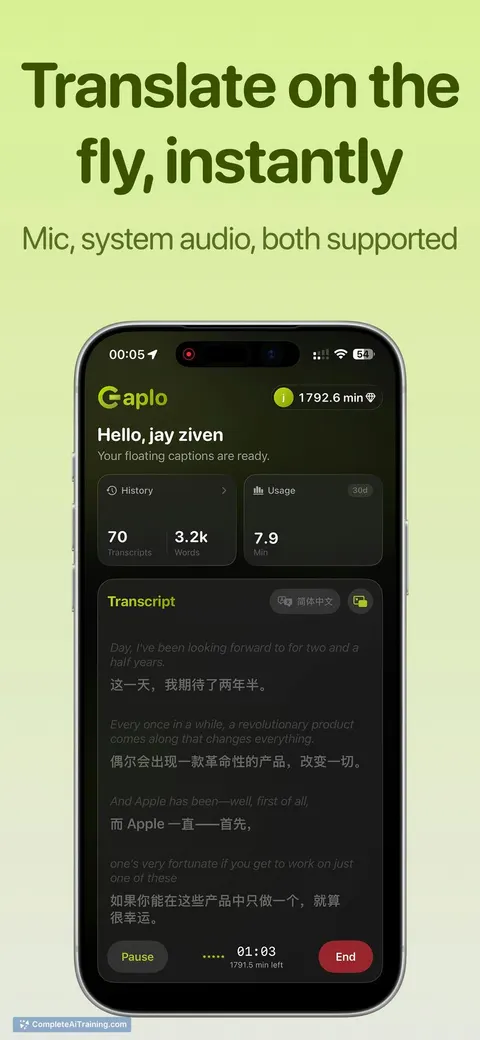
Caplo reads audio from any app and displays live captions in a floating Picture-in-Picture window-real-time subtitles on your phone without app integrations, so you can follow foreign media and conversations effortlessly.
About Caplo
Caplo provides real-time AI captions and translation for apps on iOS, capturing system audio to display live subtitles in a floating Picture-in-Picture (PiP) window. It supports a range of languages and aims to make spoken content easier to follow on the go.
Review
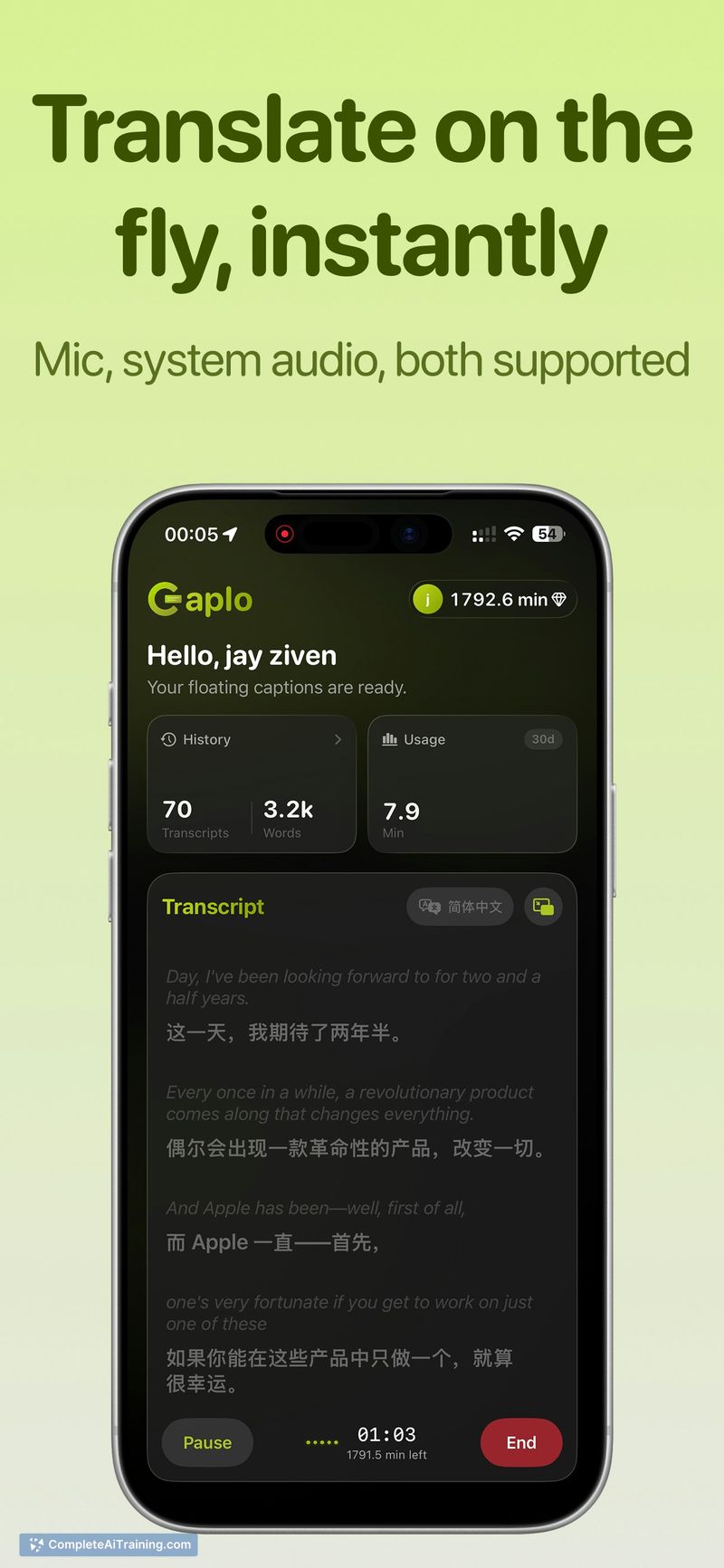
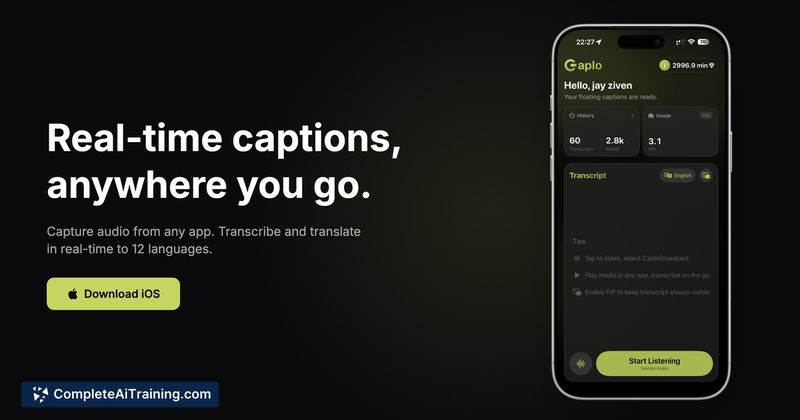
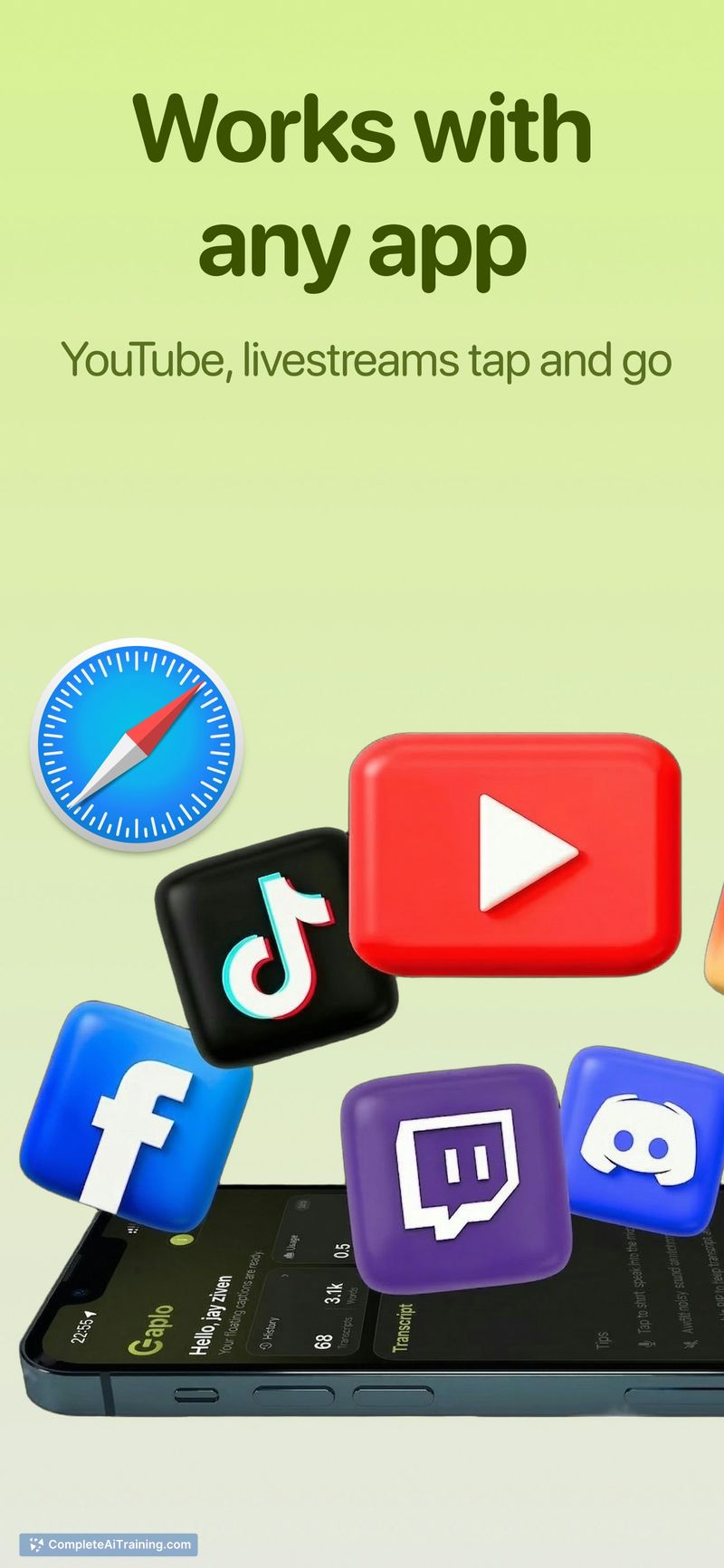
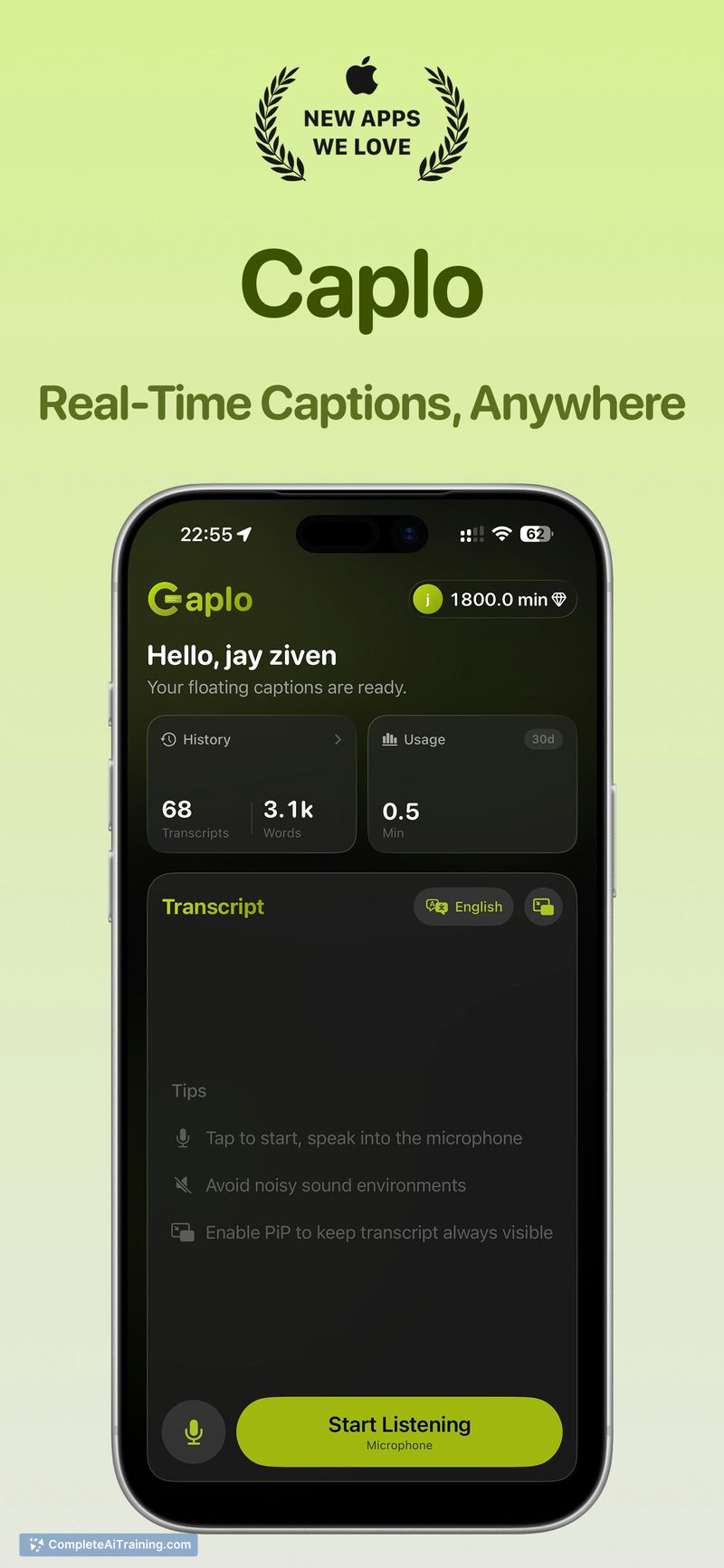
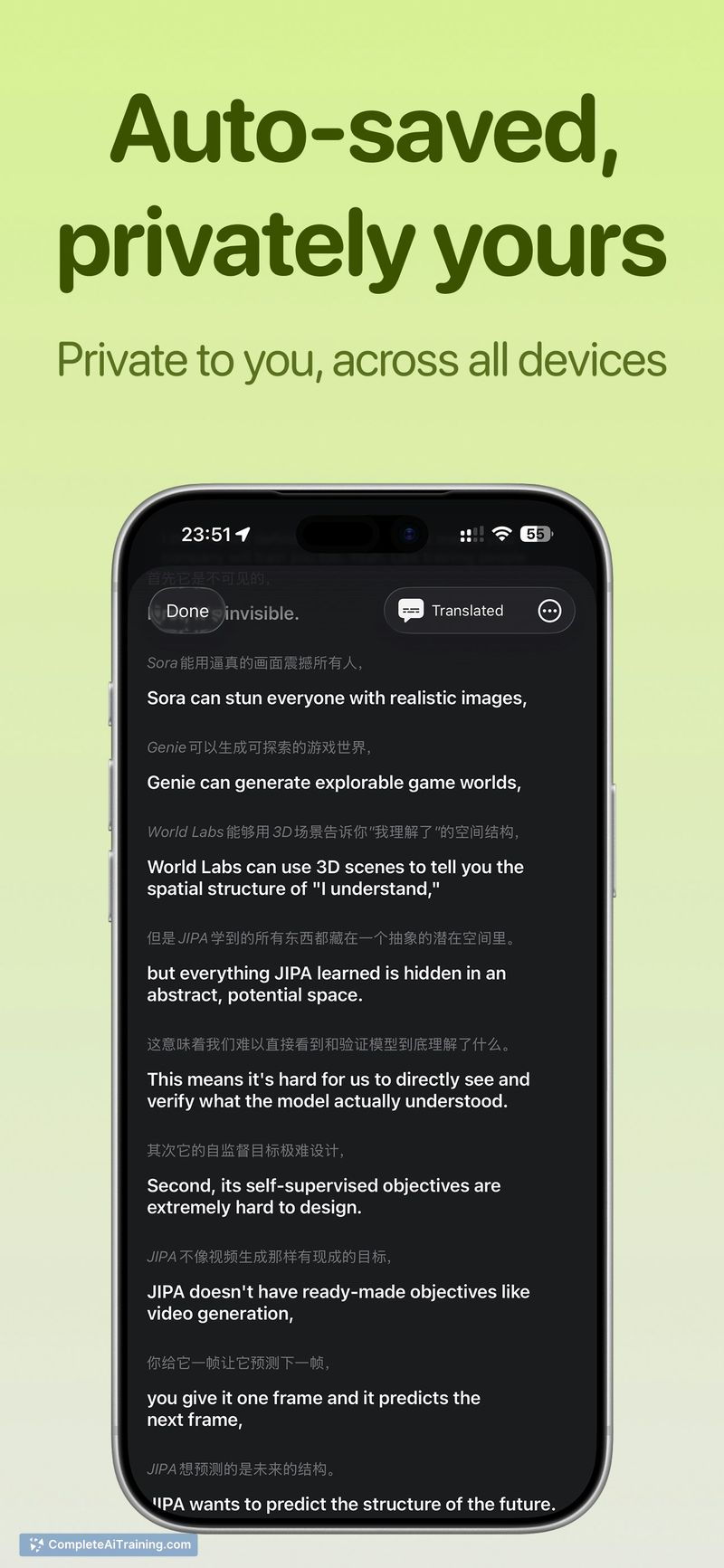

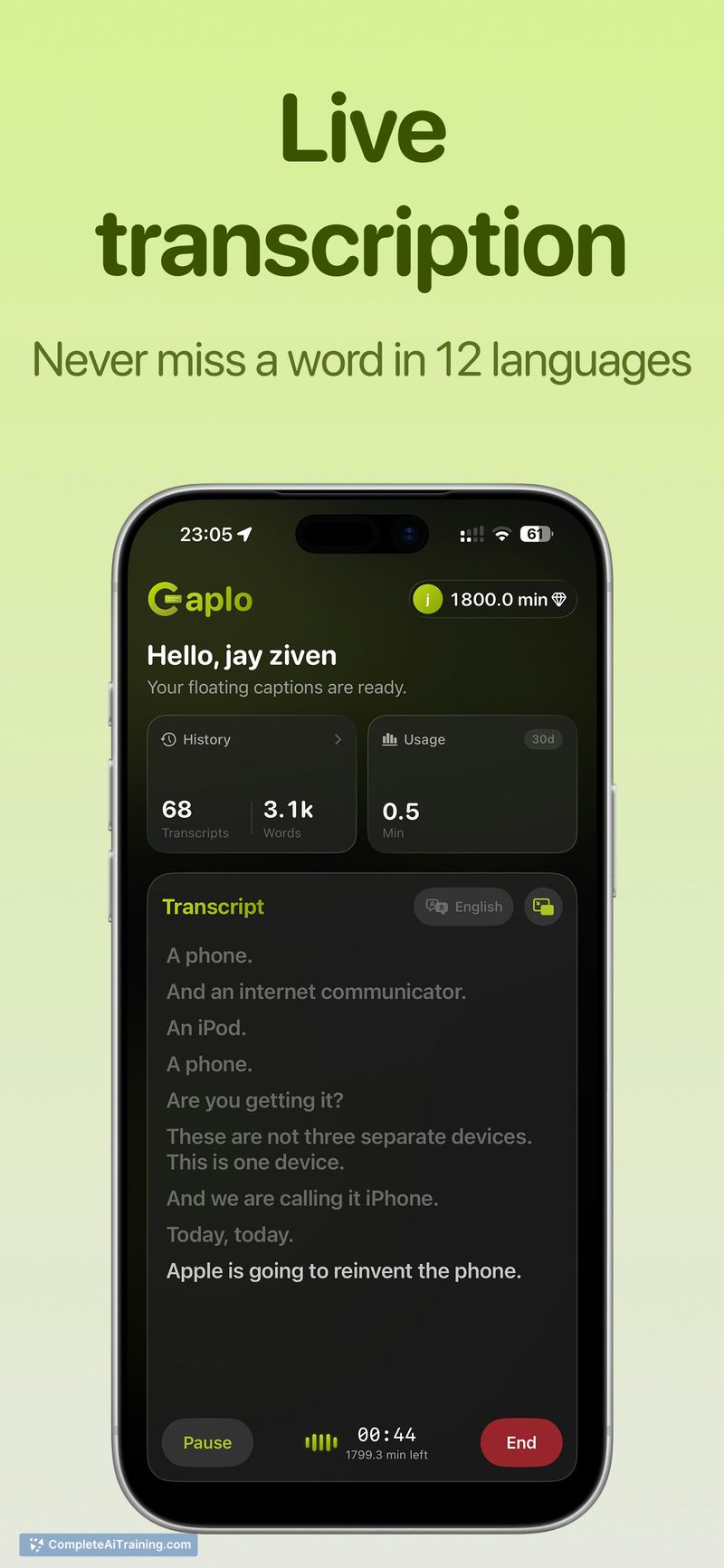
Caplo is focused on delivering live transcription and translations directly over any app via a small PiP overlay. The implementation is straightforward and convenient for users who want subtitles for streams, meetings, or other audio playing on their device.
Key Features
- Real-time transcription and translation with AI-based processing
- Floating Picture-in-Picture subtitle window that overlays other apps
- Support for a dozen-plus languages, including major Asian and European languages
- System audio capture and microphone modes to handle both internal and external audio sources
- Designed to work across many apps without internal integrations
Pricing and Value
The launch notes indicate the product is paid, with free trial credit available so users can test the core features before committing. Pricing appears to follow a usage- or subscription-based model (details vary by plan), which makes sense for a service that processes live audio; the free credit option helps assess accuracy and fit. For users who frequently consume foreign-language content or need live captions in meetings, the convenience and cross-app coverage can justify the cost.
Pros
- Very convenient PiP overlay keeps subtitles visible while using other apps
- Multi-language support covers common translation needs
- Works without deep integrations, so it can caption many media sources
- Fast transcription makes it suitable for live events and streams
Cons
- Accuracy can vary in noisy environments or with strong accents
- Session history and replaying past transcriptions are not available at launch
- Limited to mobile devices, which may affect battery and performance during long sessions
Caplo is best for travelers, multilingual viewers, and anyone who needs quick, on-device subtitles for live audio on their phone. It fits users who want immediate, in-context captions across apps and are willing to trade off occasional accuracy issues for the convenience of live translation.
Jobs Caplo suits
We checked Caplo against 500+ jobs; these get the most out of it.
Alternatives to Caplo
Other tools that do the same main job. Our AI compared Caplo with similar tools and kept the ones you could use instead.