
Learning path
Learning AI as a Student
This learning path helps you use AI to study smarter, from understanding lectures to managing deadlines. It includes setup, prompt lessons, video courses, and certifications chosen for students.

Your path
Everything in the Student AI kit, in the order that makes sense. Members tick off each step and see their progress.
Set up your AI
We guide you through each click.
Let skills do your everyday tasks
Connect your apps and pick your AI apps
Hand whole tasks to AI agents
Build your own tools
Keep growing
Everything for students
All the courses, certifications, AI tools, MCP servers and apps for students, most relevant first. Open any list to see more.
Take the prompt courses
A short framework course to learn how to ask, then 8 lessons with ready-to-use prompts for students.
Start with this framework: how to talk to AI
As a student, chain of thought and step-back prompting help you solve multi-step problems, like physics word problems.
Then your prompt course for studentsWatch the video courses or add them to your Favorites for later
72 video courses our AI picked for students, most useful first. Save the ones you want to watch later with the heart.
Favorites are saved to your account: sign in or get your AI kit first.
Show all 72 video courses
Get certified, or add certifications to your Favorites
Every course ends in an exam and a certificate you can add to LinkedIn. Save the certifications you are aiming for with the heart.
Favorites are saved to your account: sign in or get your AI kit first.
More certifications for studentsShow all 24 certifications
Try the AI tools for students
24 AI tools our AI matched to the work of students, best fit first. Each review shows what it does, its alternatives and the jobs it suits.
Favorites are saved to your account: sign in or get your AI kit first.
Show all 24 AI tools
Connect your AI to the apps students use
MCP servers let ChatGPT, Claude or Copilot look things up and get work done in other apps, like your email, calendar or bookkeeping software. These 12 fit the work of students best, well-known apps first.

NotebookLM MCP server
by roomi-fieldsAsk your own documents questions and get answers with citations, plus podcasts, videos, and study aids.

Canvas MCP server
by admin978Ask your AI about your Canvas courses, assignments, deadlines, modules and grades in one chat.
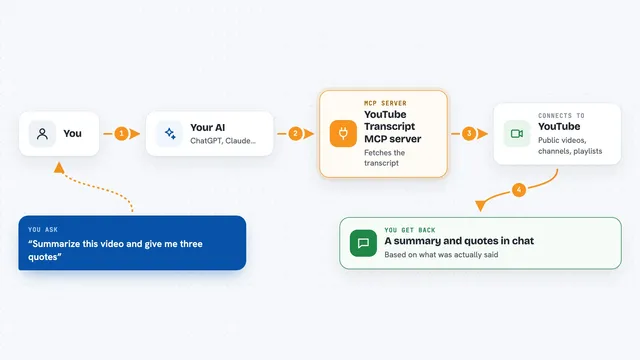
YouTube Transcript MCP server
by artemchuikinLet your AI read YouTube videos, pull transcripts, and search videos, channels, and playlists for you.
Social mediaResearch Official
Google Scholar MCP server
by HasDataLets your AI search Google Scholar and pull ready-made citations for papers you find.
ResearchNo install
BrainTube MCP server
by lildaddyoLets your AI search and cite everything you have saved: videos, podcasts, articles, PDFs and notes.
NotesNo install
Campus CLI MCP server
by alejooroncoyLets your AI read your Blackboard courses, assignments, grades, announcements, and materials for you.
Show all 12 MCP servers

Brightspace MCP server
by RohanMuppaAsk your AI about your Brightspace grades, due dates, assignments, announcements and course files.

DuckDuckGo Search MCP server
by zhsamaLets your AI search the web through DuckDuckGo and bring back results for you.
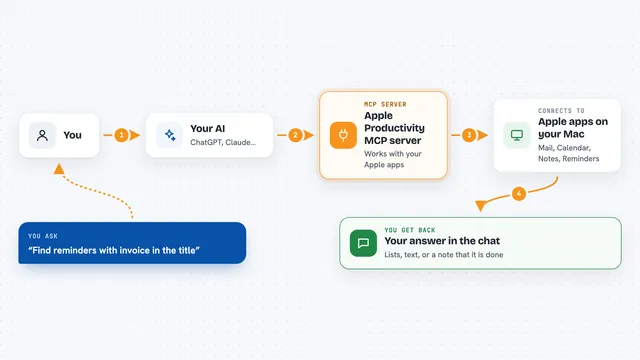
Apple Productivity MCP server
by gambadioLets your AI work with Mail, Calendar, Notes, Reminders, Pages, Numbers and more on your Mac.

Annota MCP server
by dengls24Let your AI read your Zotero papers, highlight key findings, explain formulas, and save reading notes back to your library.

Brightspace D2L MCP server
by AnonymousOnyx22Ask your AI about Brightspace deadlines, grades, assignments and announcements, using your own student sign-in.
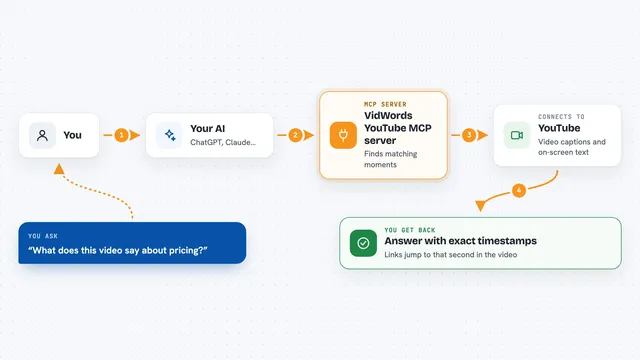
VidWords YouTube MCP server
by haljishiLet your AI read YouTube videos and answer with the exact second it found the answer.
Research OfficialBuild your own AI apps for students
Apps you build yourself with your own AI, no coding needed and no monthly fee. Our AI picked the 12 that fit the work of students.
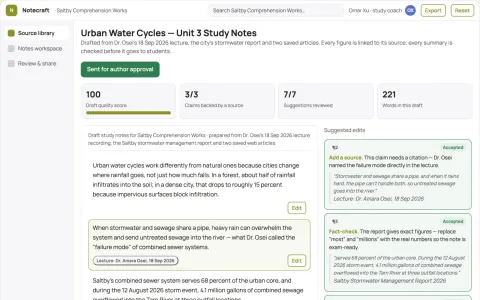
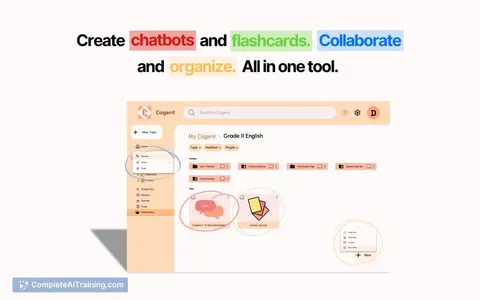
Source-based study notes and audio workspace
Reduce the time spent assembling notes from mixed sources while keeping every claim linked to its source.
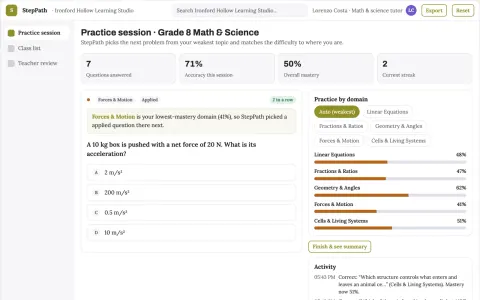
Step-by-step tutoring and homework practice platform
Give students guided step-by-step help and give teachers evidence of where each learner is stuck.
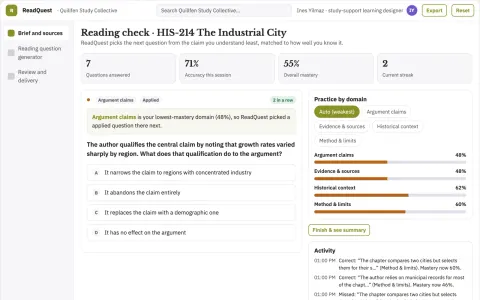
Academic reading question generator
Active reading grounded in the assigned text.
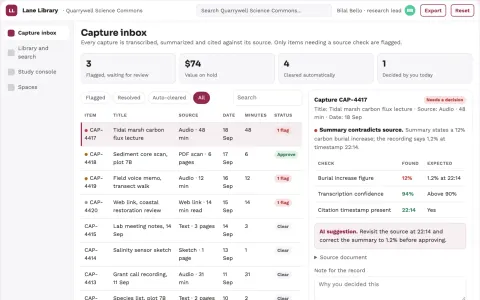
Multi-source research capture and study library
Reduce time spent organizing and revisiting research material while keeping sources traceable.
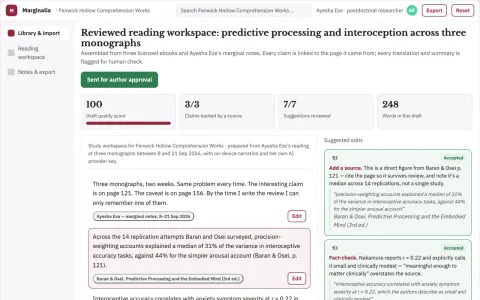
Source-grounded ebook reading and study workspace
Reduce study time per book while keeping every answer traceable to its source passage.
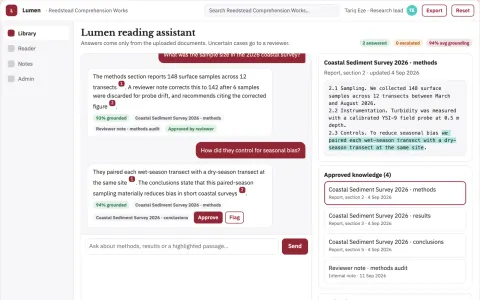
Source-linked document explanation and study console
Reduce reading time while keeping every explanation traceable to the source.
Show all 12 apps
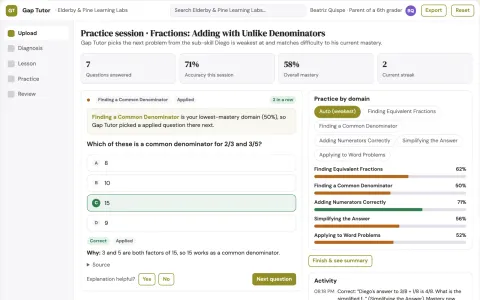
Gap Tutor
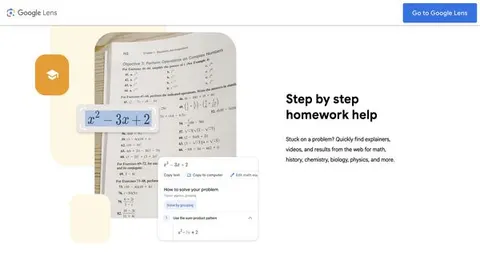
A precise diagnosis of the exact missing sub-skill from a photo of handwritten work, combined with a patient voice-led lesson and adaptive practice that checks back days later.
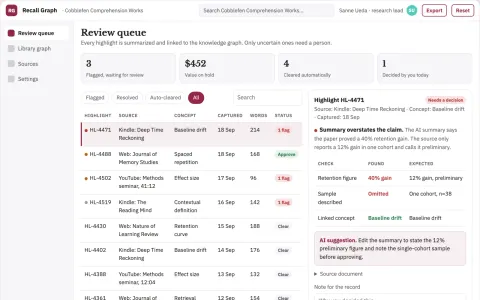
Reading highlight retention and knowledge graph console
Reduce the effort of turning scattered highlights into reviewed, connected and retained knowledge.
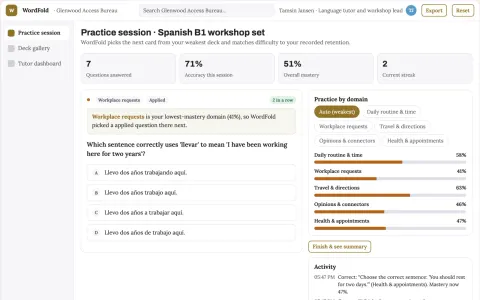
Vocabulary retention practice and workshop platform
Reduce the number of separate vocabulary tools a learner or tutor rents while keeping one owned record of words, reviews and progress.
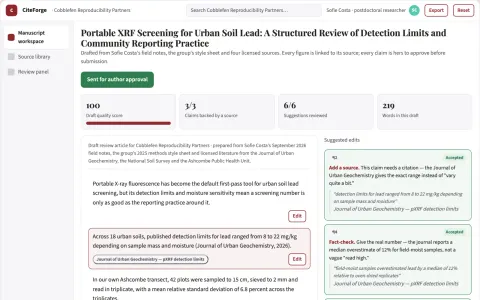
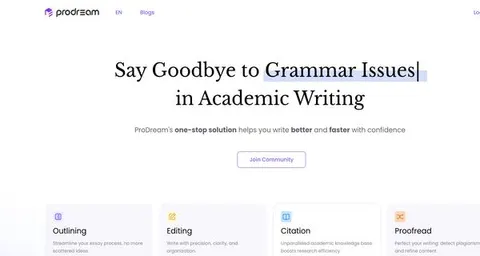
Cited academic drafting and source workspace
Reduce citation rework and source-checking time while keeping the author's argument and evidence intact.
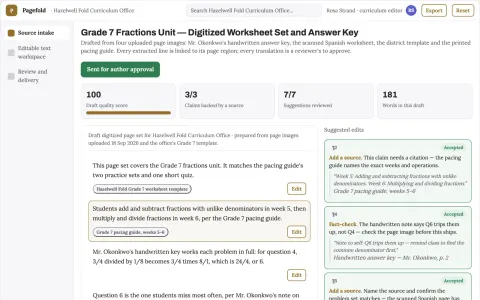
Source image to editable text workspace
Reduce manual retyping and translation handling while keeping the source image and the reviewer's corrections attached to the result.
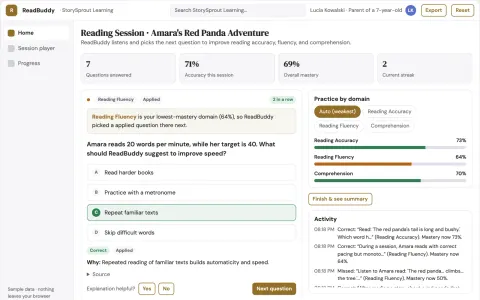
Personal AI Tutor
A tutor that hears a child read aloud, corrects within seconds, and generates content about the child's favourite animal in her mother tongue, all in one affordable subscription.






































































About this learning path
7 topicsUse AI to Study Well and Save Time
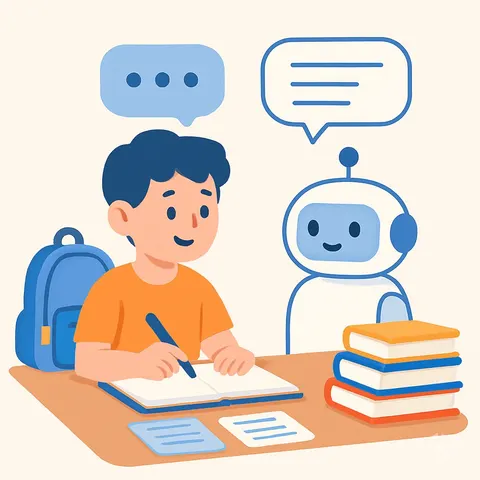
AI is already part of how people work and learn. As a student, you can use it to understand difficult material, prepare for exams, and keep your projects on track.
This path shows you how to set up AI tools, connect them to your study habits, and use prompts that fit your courses. You will also find video courses and certifications that match your field.
Why AI matters for students now
Classes move fast, readings pile up, and deadlines overlap. AI can help you turn confusion into clear next steps, so you spend less time stuck and more time learning.
What the path includes
You start with setup questions that help you choose the right AI tool and connect it to your daily routine. Then you move through skills for your job as a student, like summarizing lectures and planning study sessions.
The path also includes this prompt course and video courses picked for students, along with the certifications those courses offer. Everything is designed to fit around your class schedule.
How it saves you time
AI can draft a study plan, turn a long reading into key points, or help you outline an essay in minutes. That gives you back hours for deeper review, rest, or the parts of student life you enjoy.
How it protects your academic career
Using AI well means being honest about your work and following your school's rules. You will learn how to use AI as a helper, not a replacement, so your skills stay sharp and your integrity stays intact.
Video courses and certifications
The path points you to video courses that match your field of study, from writing to research to time management. Each course comes with a certification you can add to your resume or portfolio.
How to start
Begin with the setup questions and connect your AI tool. Then take the prompt course at your own pace, one lesson at a time. Pick a video course that fits your next exam or project, and practice with a real assignment.
Frequently asked questions
Do I need any technical skills to use this path?
No. The path starts with simple setup steps and plain language explanations. If you can use a web browser, you can use these tools.Will using AI count as cheating at my school?
That depends on your school's rules and your instructor's guidelines. The course teaches you how to use AI as a study aid and how to cite it properly. Always check your syllabus first.How much time does the path take?
You can move through the lessons at your own speed. Most students finish the prompt course in a few sittings, and the video courses are broken into short clips.What if I get stuck or need help?
The path includes a lesson on seeking academic support, with prompts for emailing instructors and preparing for office hours. You will also learn how to use AI to get unstuck without giving up on learning.