AI tool
CodeCrab
CodeCrab is a local-first desktop app that uses AI to speed up code reviews. It runs multiple reviews in parallel, flags bugs and missing tests, and keeps all code on your machine.
About CodeCrab
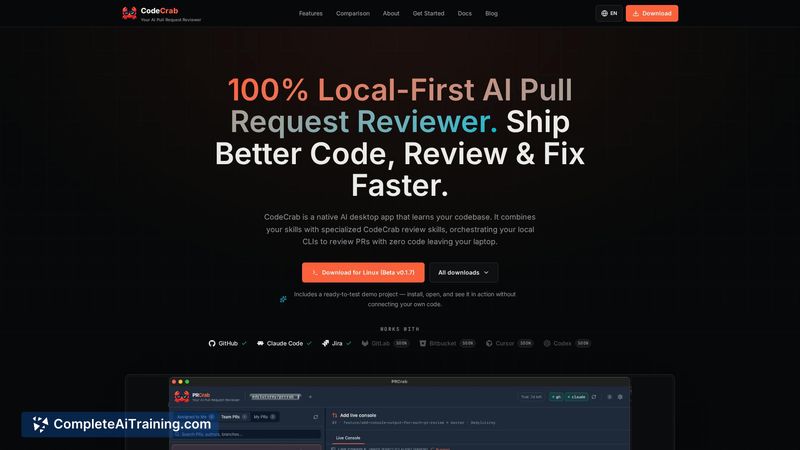
CodeCrab is a native desktop application that reviews pull requests using your local CLIs. Built with Tauri, the app runs entirely client-side - code never leaves the machine and isn't uploaded to third-party servers. It reuses your existing Claude Code tokens or subscription, with support for Cursor and Codex listed on the roadmap.
Review
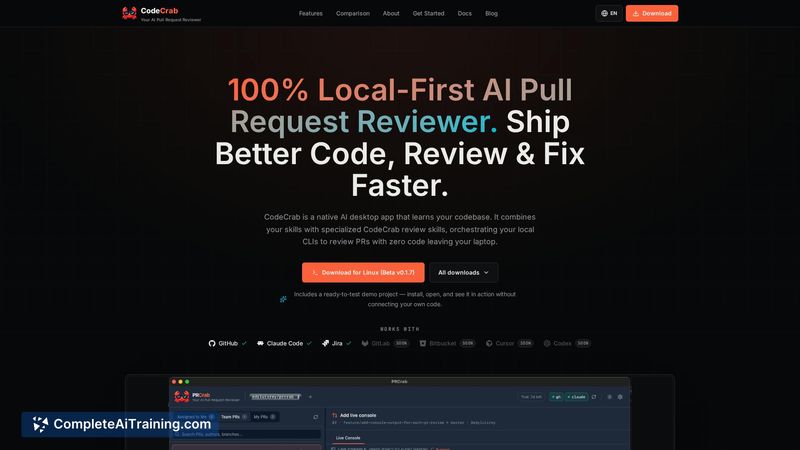
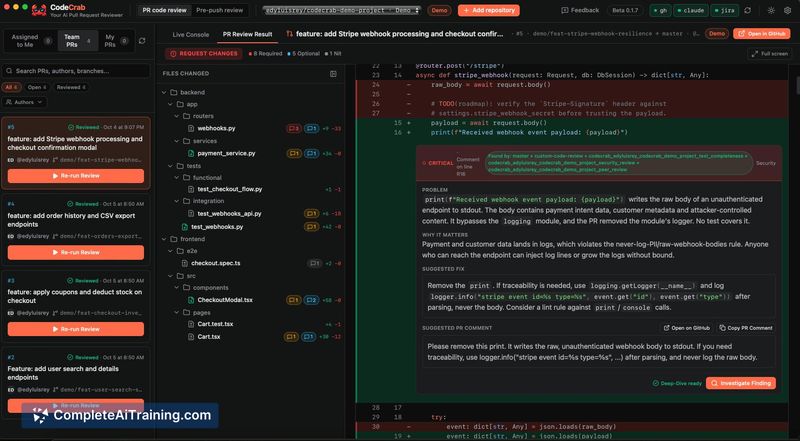
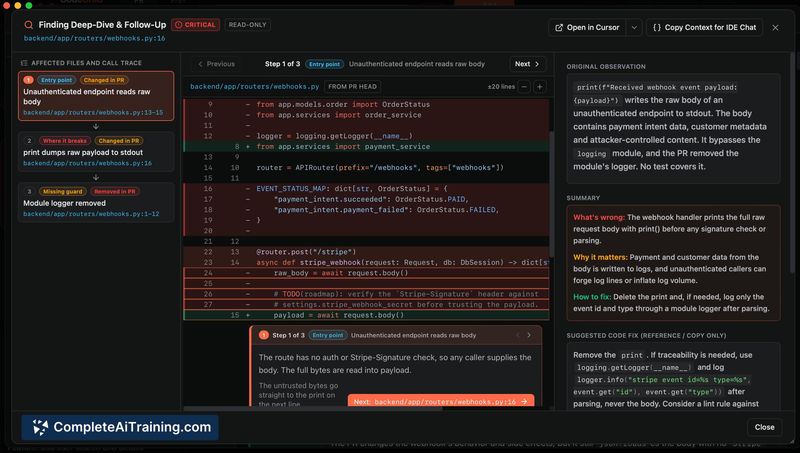
CodeCrab tackles a specific pain point: the bottleneck of reviewing AI-generated pull requests that pile up quickly. The maker built it to speed up their own review workflow, and the tool now handles reviews in seconds while keeping all code local. It's a focused utility, not a full platform, and its design reflects that constraint.
Key Features
- 100% local-first architecture - code stays on your machine and is never sent to external servers
- Parallel review execution - run 5, 10, or more reviews simultaneously in the background
- Direct reuse of Claude Code API keys or subscription, avoiding additional per-review costs
- Human-in-the-loop interface that surfaces bugs and missing tests for your final decision
- Lightweight Tauri-based desktop app with low memory footprint on the CodeCrab side
Pricing and Value
CodeCrab itself is free. It doesn't charge for the app - costs come only from the API tokens you already hold. You reuse your Claude Code subscription or API keys directly. The maker states there are no extra costs beyond what you already pay for those services. For local LLM support, you'd use your own hardware and models, which also incurs no additional CodeCrab fees.
Pros
- Code never leaves the machine, which addresses data privacy requirements directly
- Parallel reviews let you queue multiple PRs and switch to other tasks while they process
- No separate subscription needed - the app piggybacks on tokens you already have
- Runs on a lightweight Tauri shell, so the app itself consumes minimal system resources
- Shows specific findings like bugs and missing tests rather than generic summaries
Cons
- Currently supports only Claude Code for API-based reviews; Cursor and Codex integration is planned, not shipped
- RAM usage scales with the number of concurrent reviews, since each one spawns a separate CLI process
- Not well suited for teams that require server-side review orchestration or centralized audit trails
CodeCrab fits developers who review their own or teammates' pull requests frequently and already have Claude Code access. It's less relevant for teams needing shared review queues or org-wide policies, since everything runs on a single machine. For solo devs or small groups comfortable with local toolchains, it removes the friction of context-switching between a browser and terminal during code review.