AI tool
Praex
Praex is an AI coding agent that runs on its own model family and works in the terminal, desktop app, and browser. It is for developers who want to start a coding session on one device and continue from another.

About Praex
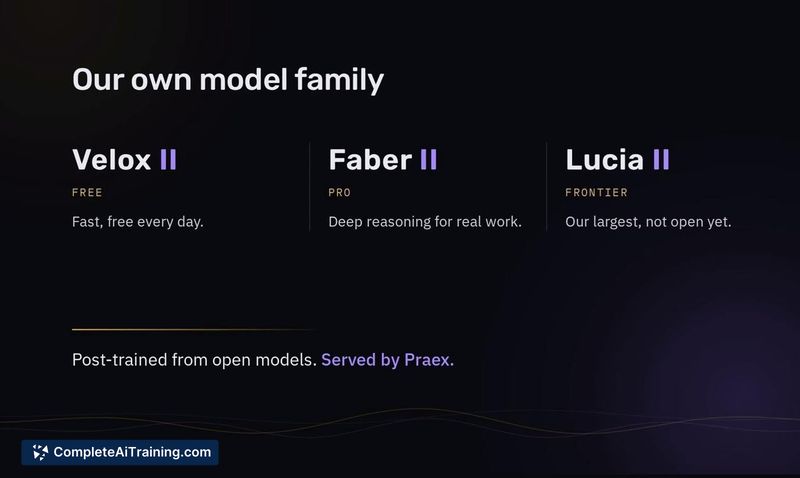
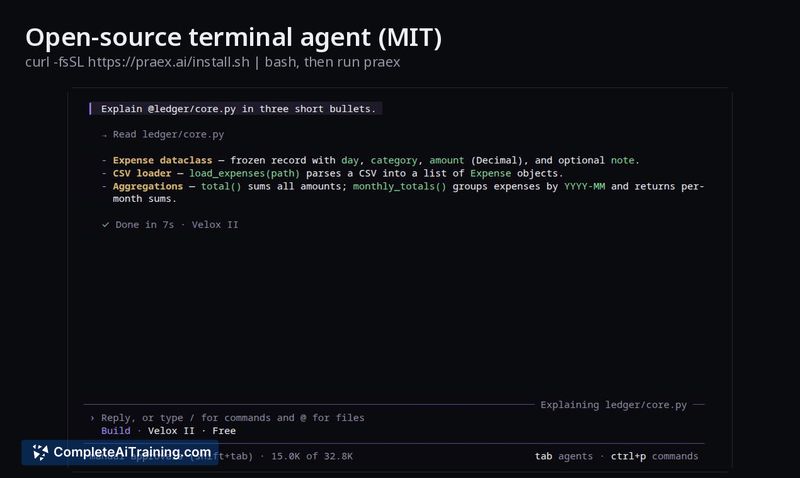
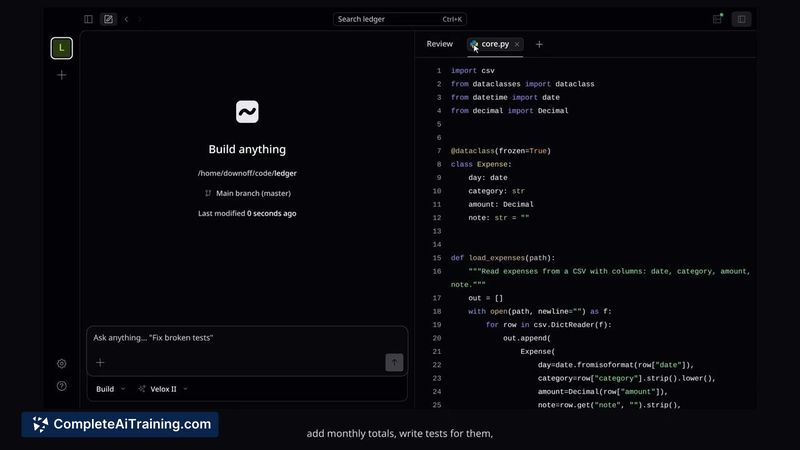
Praex is an AI coding agent that operates on its own post-trained model family: Velox II, Faber II, and the upcoming Lucia II. It reads code repositories, proposes edits for user approval, executes tests, and explains each change. The tool can be used in the terminal, a desktop app, or a browser, and an open-source terminal agent is available under the MIT license.
Review
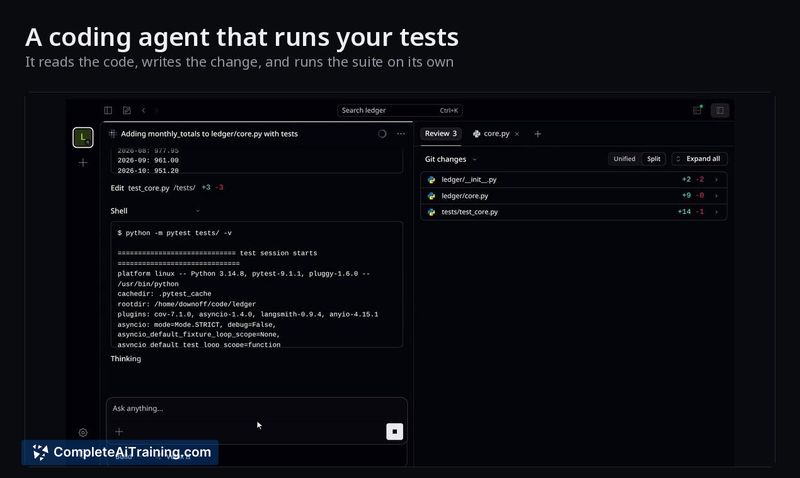
Praex enters the AI coding tools category with a self-hosted model approach rather than relying on external APIs. The founder, Davor Jerkovic, has built three distinct models for different use cases and released the terminal component as open source. This review examines what the tool currently ships, how the models differ, and where it fits for working developers.
Key Features
- Three-model family: Velox II runs as the free, fast option; Faber II handles deeper reasoning tasks on the Pro tier; Lucia II is listed as "coming soon" and targets frontier-level performance.
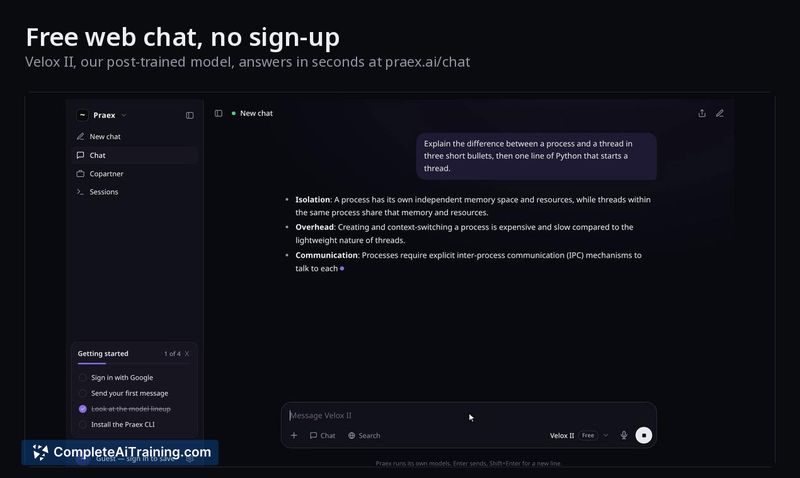
- Multi-interface access: The agent works inside the terminal, a desktop application, and a browser-based chat interface at praex.ai/chat.
- Session continuity with /rc: Starting a session on one device and resuming it from a phone is possible. The phone interface shows pending approvals, including the exact command or file change requested, with Allow once, Allow always, or Deny options.
- Open-source terminal agent: The command-line component is published under the MIT license and can be installed via a shell script.
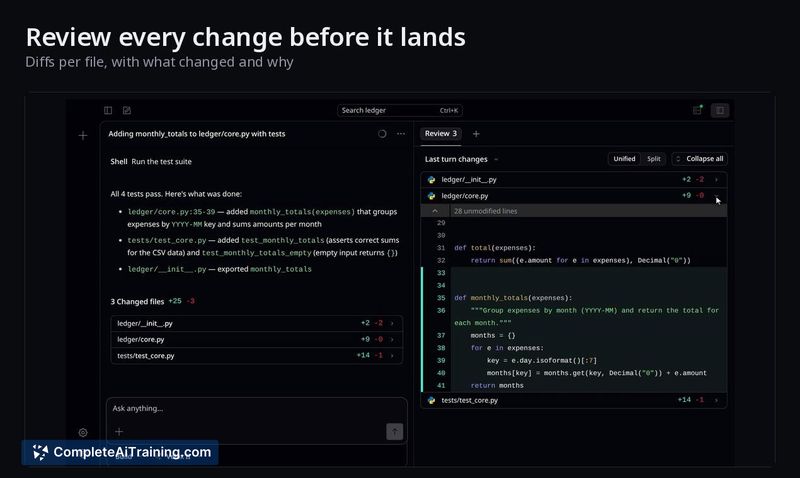
- Approval workflow with diff previews planned: The agent requires user approval before making changes. A full diff preview for edits is on the roadmap, not yet shipped.
Pricing and Value
Praex is free to start. The Pro plan costs $20 per month and unlocks additional usage and access to the Faber II model. The free tier includes Velox II. Lucia II's pricing or availability details are not yet defined. There is no mention of team or enterprise pricing at this stage.
Pros
- Self-contained model family reduces dependency on third-party AI providers.
- MIT-licensed terminal agent lets developers inspect, modify, and self-host the core tool.
- Cross-device session handoff addresses the common scenario of stepping away while an agent waits for input.
- Explicit approval step before any file modification or command execution gives users control over changes.
- Free tier with no sign-up required lowers the barrier to testing on real codebases.
Cons
- Lucia II, the most capable model in the family, is not yet available - current performance caps at Faber II.
- The tool is not well suited for teams that need built-in project management, role-based access, or organizational billing features.
- As a solo-founder project launched this week, long-term support cadence and community size remain unproven.
Praex fits individual developers who want a coding agent they can run from the command line, inspect as open-source software, and continue from a phone when away from the desk. The model family structure means the free tier uses a lighter model while the Pro tier taps a reasoning-focused one, though the most ambitious model is still on the roadmap. Developers evaluating it should test against their own repositories to see where the current models break on real-world code.