AI tool
Agent Pets
Agent Pets places a visual pet on your Chrome pages that shows what your coding agent sessions are doing and bounces when they need approval. It is for developers running multiple CLI agents who want to monitor and respond to prompts without switc...

About Agent Pets
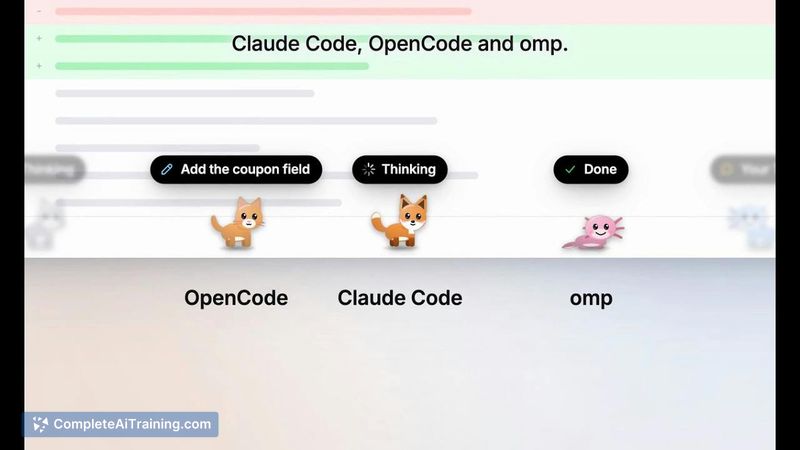
Agent Pets is a Chrome extension that turns local coding agent sessions into animated pets walking along the bottom of browser pages. It currently works with Claude Code, OpenCode, and omp sessions, displaying what each agent is doing through a status capsule. The tool runs entirely on the user's machine with no account or cloud component.
Review
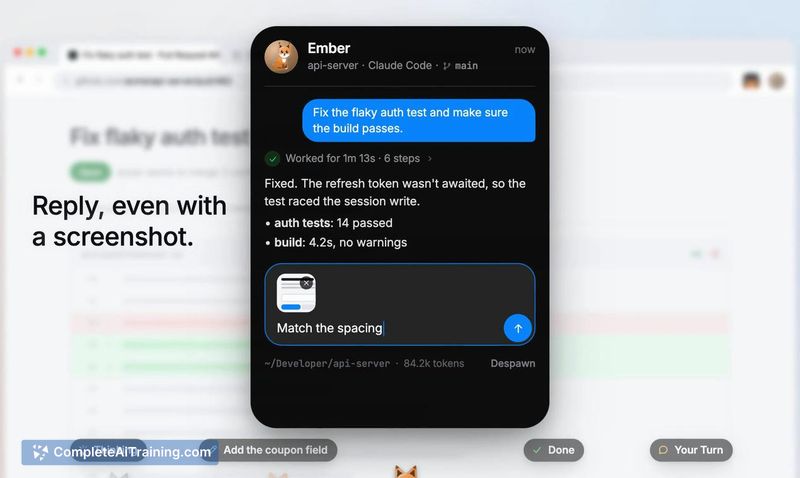
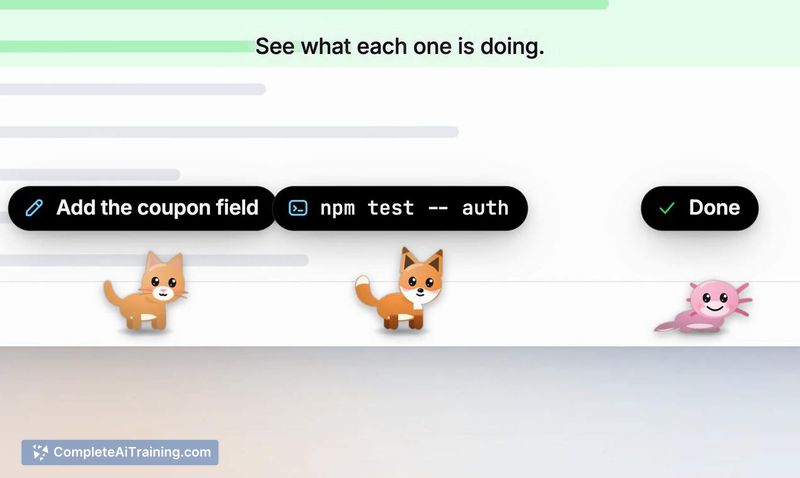
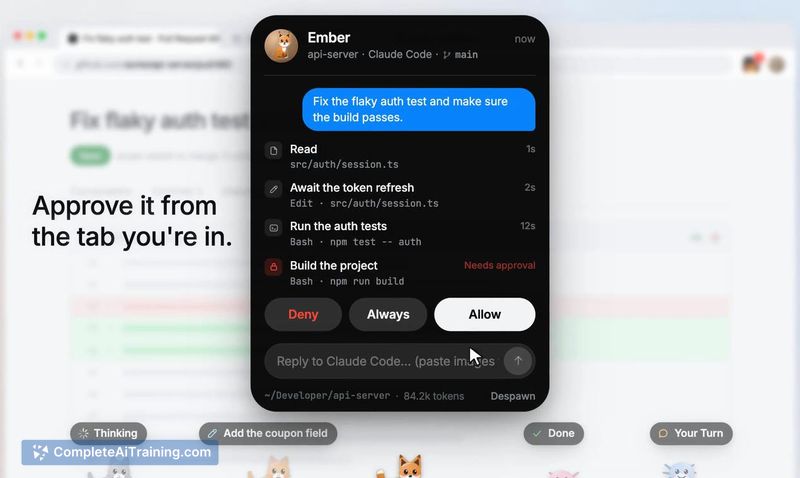
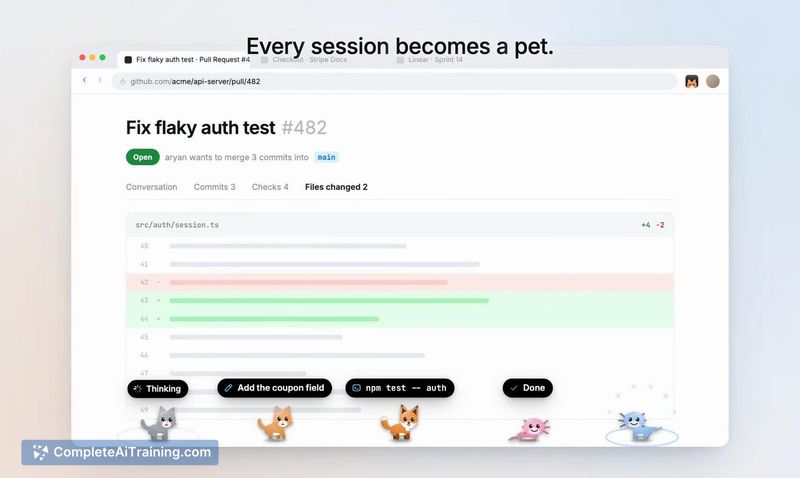
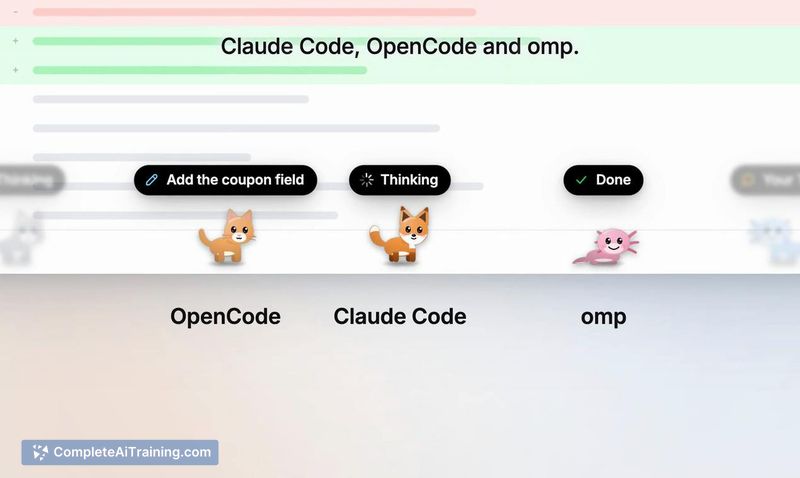
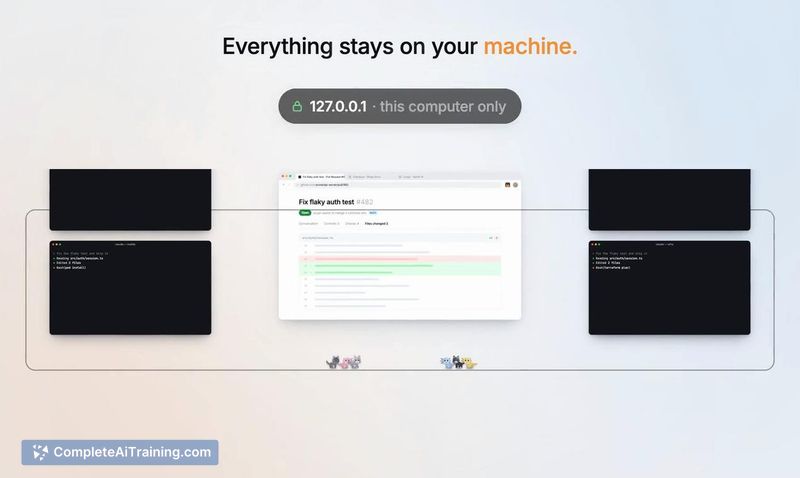
Agent Pets addresses a specific friction point for developers who run multiple terminal-based coding agents simultaneously. When an agent hits a permission prompt or needs input, the corresponding pet bounces and displays its status, letting you approve commands or reply from any Chrome tab. The local-only architecture means code and prompts stay on your machine.
Key Features
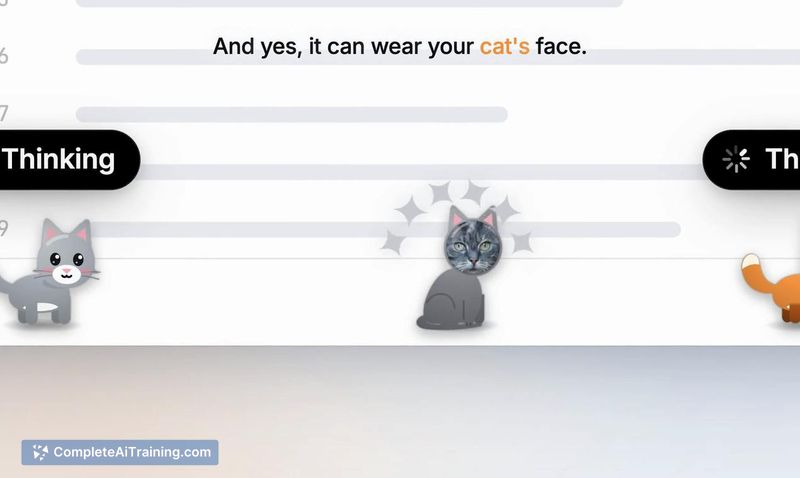
- Shows a capsule above each pet indicating the agent's current state: Thinking, Your Turn, Allow Bash?, or Done
- Bouncing animation when an agent needs attention, with click-to-approve directly from the browser
- Custom pet creation using your own cat photo - crop the face, pick a body color, and name it
- Runs locally with no account or cloud dependency; one $6 license covers up to 3 browsers
- MacOS auto-start and auto-update; Linux and Windows require manual start via npx getagentpets start
Pricing and Value
The launch price is a $6 one-time payment, with the regular price listed at $25. One license covers installation on 3 browsers. A 7-day refund window is available. The checkout, tax handling, and license key delivery run through Dodo Payments.
Pros
- Surfaces agent status across tabs so you don't miss permission prompts in background terminals
- Local execution keeps code and prompts off external servers
- Custom pet photos add a personal touch without affecting functionality
- One-time pricing avoids subscription fatigue common in developer tools
- Built on Claude Code hooks, enabling bidirectional communication between browser and CLI
Cons
- Not yet available on the Chrome Web Store - setup requires running npx getagentpets init and loading an unpacked extension manually
- omp approvals still happen in the terminal rather than through the browser interface
- Not well suited for developers who work primarily with agents outside the supported set of Claude Code, OpenCode, and omp
Agent Pets fits developers who regularly juggle multiple Claude Code or OpenCode sessions and want browser-level visibility into agent state without switching terminals. Teams waiting on Gemini CLI, Codex, or Hermes support should check the roadmap before purchasing, as those integrations are planned but not yet shipped. The manual setup process and Chrome Web Store absence make this a better match for users comfortable with command-line extension loading.