AI tool
Docker
Docker provides a trusted supply chain, isolated runtime with Docker Sandboxes, and team-wide AI governance for building and running AI agents. It is for development teams managing agent workloads that require security and policy control.
About Docker
Docker is a platform for building, sharing, and running applications inside containers. A container packages code and its dependencies so the software runs the same way on a laptop, a private data center, or a public cloud. The tool isolates processes from the host system and from other containers, which removes the "works on my machine" class of environment mismatch bugs.
Review
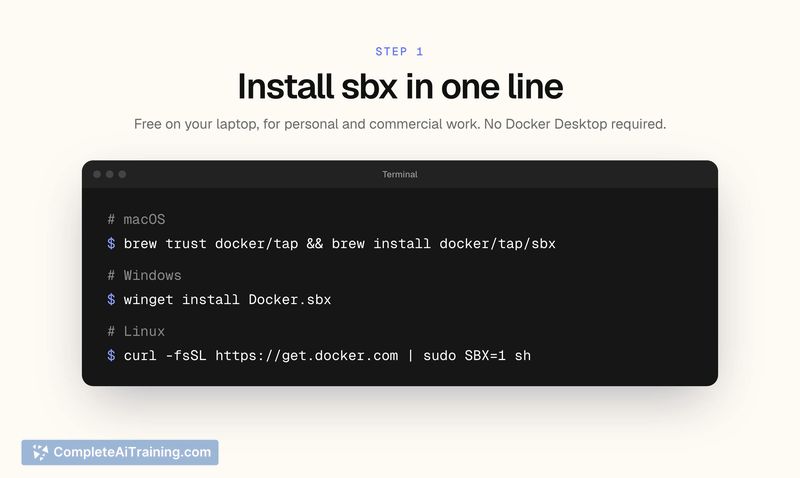
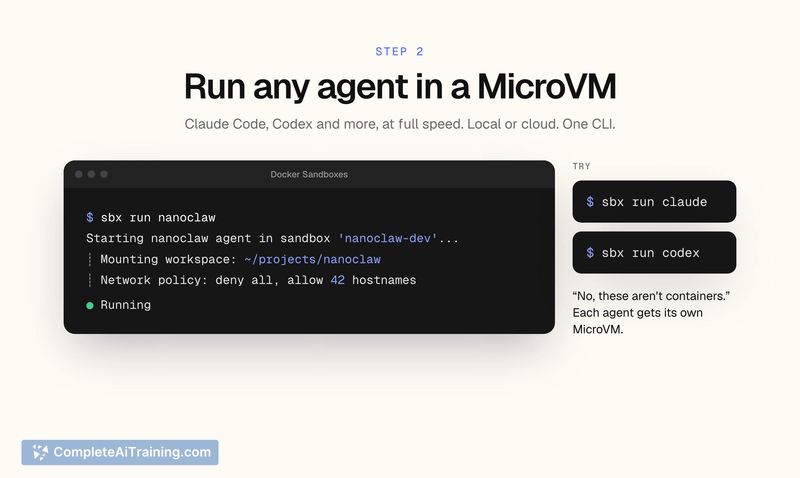
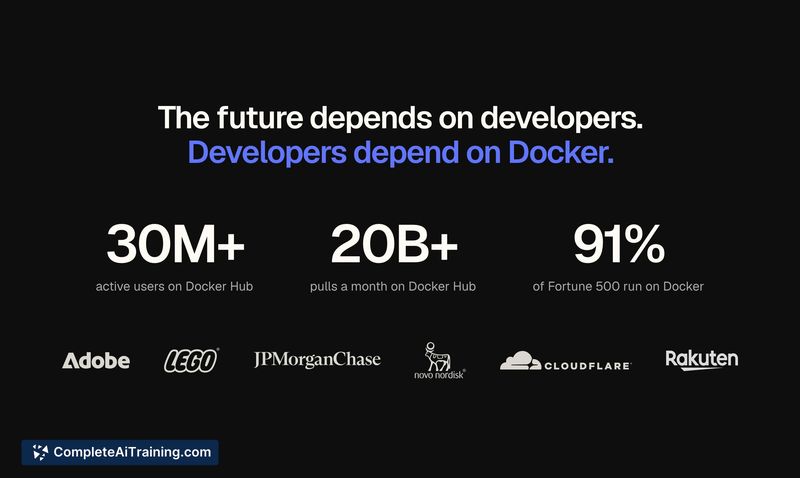
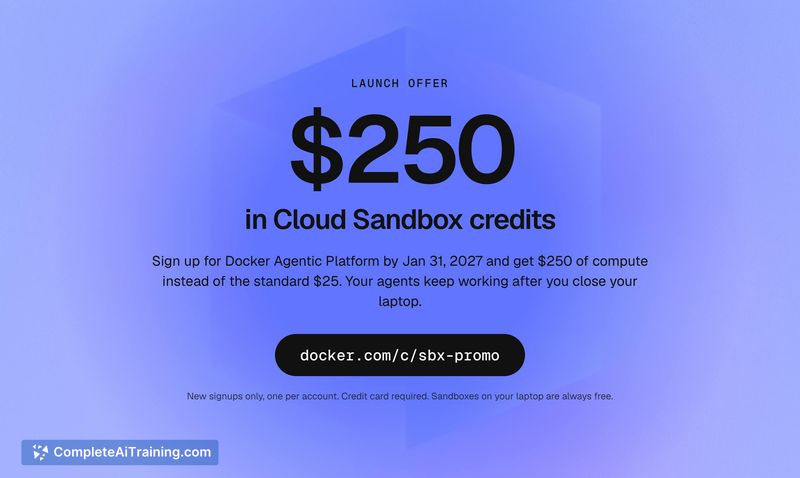
Docker defines a workflow around a Dockerfile-a declarative text file that specifies the environment, dependencies, and runtime instructions for a piece of software. Build that file into an image, ship the image to a registry, and run it as a container anywhere the Docker engine is installed. The platform has recently expanded its scope toward agentic workloads, introducing sandboxing and governance primitives designed for AI coding agents that act on files, APIs, and network resources.
Key Features
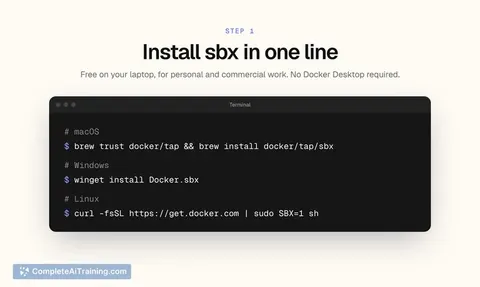
- Container runtime and image format. Docker packages applications into portable images that execute as isolated containers on Linux, macOS, and Windows, with the same filesystem, process space, and network namespace every time.
- Dockerfile-based builds. A single text file declares the base OS image, software packages, environment variables, and startup command. The build process produces a layered, versioned image that can be stored in any OCI-compatible registry.
- Docker Compose. Multi-container applications are defined in a YAML file that specifies services, networks, and volumes. A single command starts the entire stack with the declared topology.
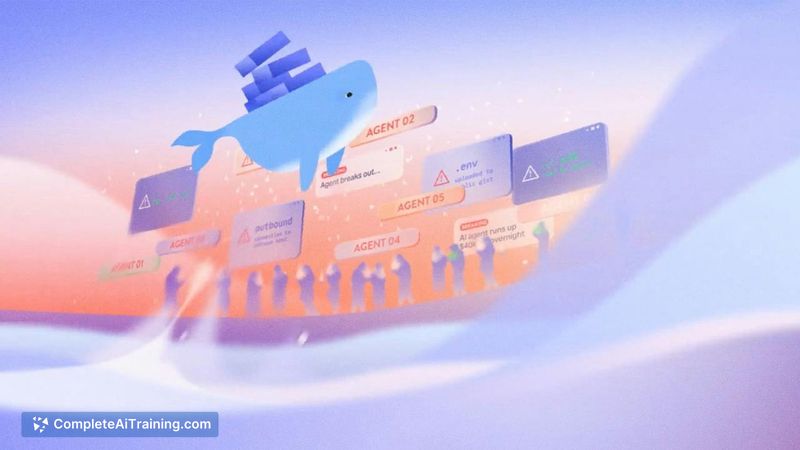
- Docker Sandboxes (new). Agents such as Claude Code and OpenAI Codex can run inside MicroVMs with deny-by-default networking. Sandboxes start in under a second and isolate the agent's file access and network calls from the host.
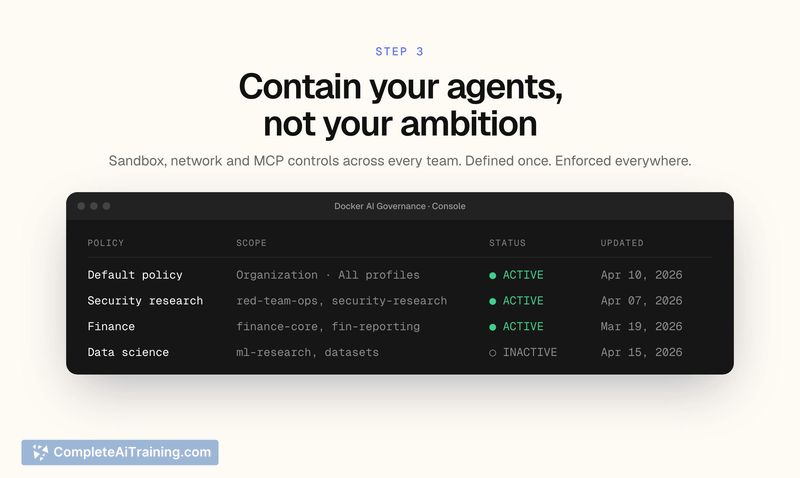
- Docker AI Governance (new). Policies for sandbox configuration, network egress, and MCP access are set once and enforced across every machine where agents run, whether local or cloud-hosted.
Pricing and Value
Docker Desktop is available under a free personal subscription for individual developers, small businesses (fewer than 250 employees and under $10 million in annual revenue), and non-commercial open-source projects. Paid Docker Business subscriptions exist for larger organizations; exact per-seat pricing is not listed on the product page reviewed here. Docker Hub, the default image registry, offers free public repositories and a limited number of private repos on the free tier.
Pros
- Eliminates environment drift between development, staging, and production by running the same image everywhere.
- Isolates services with conflicting dependency versions-Python workers and API servers can coexist on the same host without breaking each other.
- Lets teams try new software safely; containers run without installing packages directly onto the host OS.
- Docker Compose simplifies spinning up multi-service stacks with a single configuration file and a single command.
- The newly added sandbox runtime gives AI coding agents a deny-by-default execution boundary, reducing the blast radius of an unattended agent.
Cons
- Image sizes can grow large unless someone actively enforces discipline-first builds often exceed a gigabyte because nothing in the default output warns about bloat.
- Layer caching is sensitive to instruction order; a small Dockerfile change can invalidate the cache and turn a fast rebuild into one that takes several minutes, with no built-in report showing which layer changed and why.
- Docker is not well suited for teams that need consistently fast mounted-volume performance on macOS-latency on larger projects remains a known friction point even after multiple updates.
Docker fits teams that want a single, reproducible packaging format from development through production and are willing to invest time learning the Dockerfile syntax and layer-caching model. It also targets organizations experimenting with AI coding agents who need a runtime isolation story stronger than a plain container. Solo developers on macOS who work with large source trees mounted into containers should test volume performance against their specific project size before committing to the workflow.