AI tool
Dropstone CLI
Dropstone CLI is a terminal-based AI coding agent that uses your project context and persistent memory to understand codebases, make changes, and run development tasks. It is built for developers who want AI assistance across tools without losing ...
About Dropstone CLI
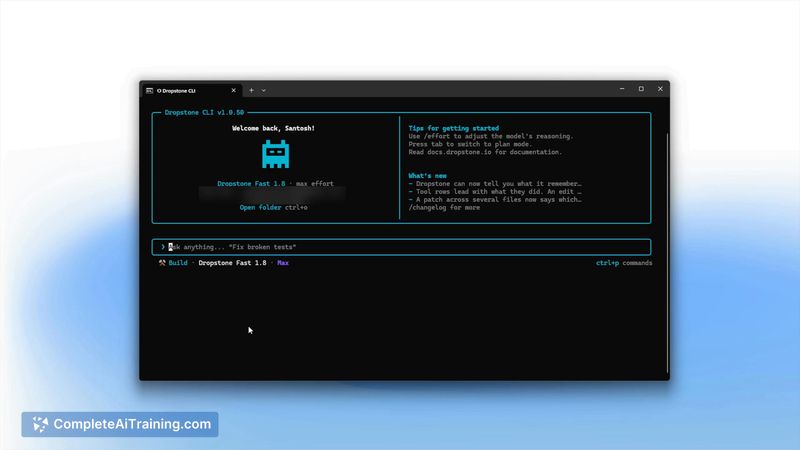
Dropstone CLI is a terminal-based coding agent that works directly within a project's repository. It reads the codebase, edits across multiple files, runs commands and tests, and verifies its own output before reporting completion. The tool uses persistent memory to retain corrections across sessions, so a fix taught once doesn't need to be repeated.
Review
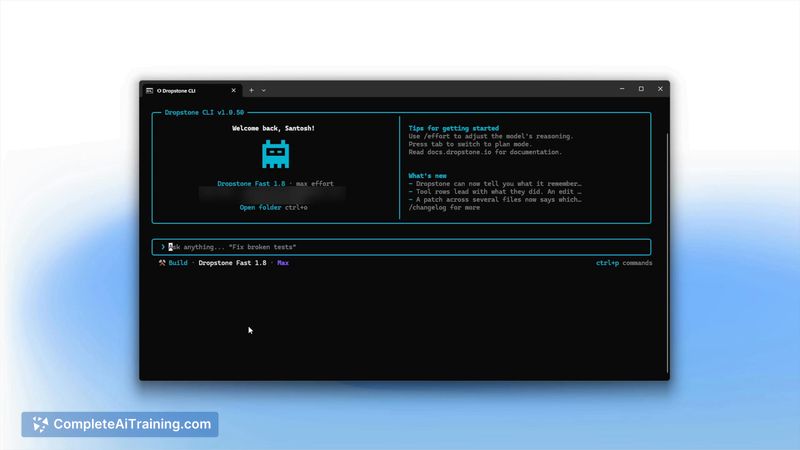

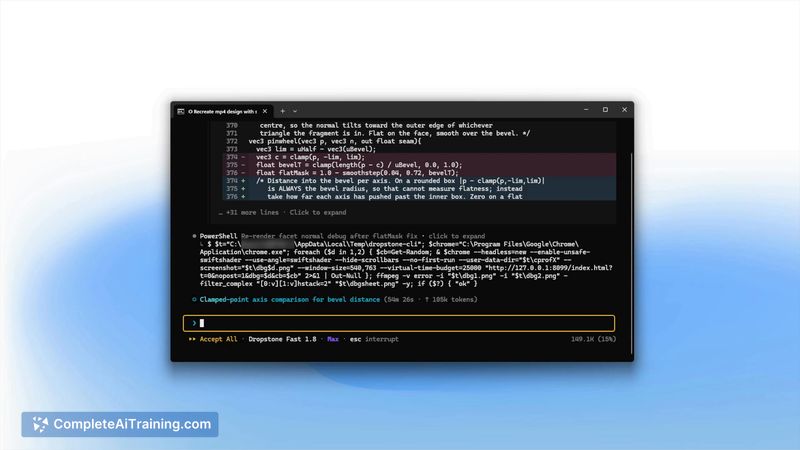
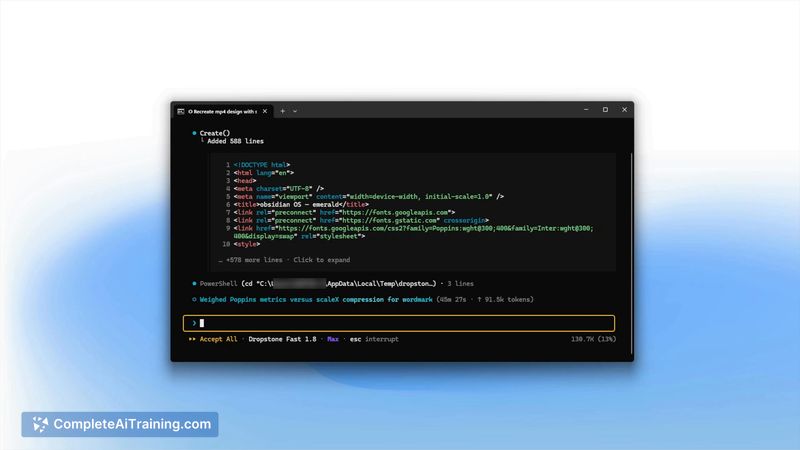
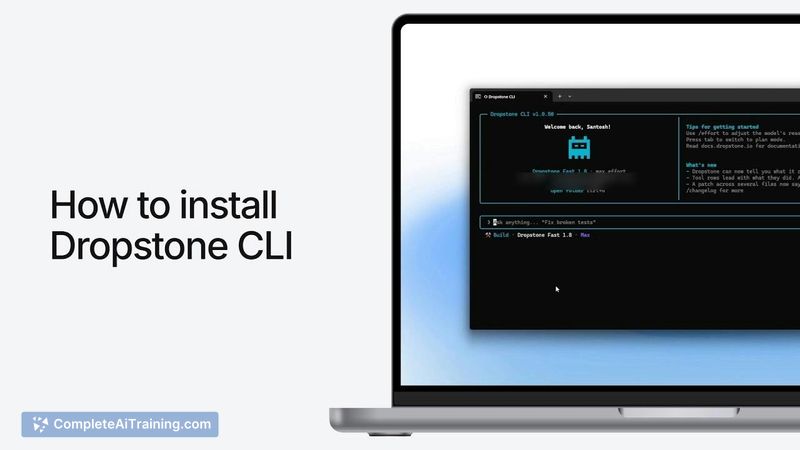
Dropstone CLI enters a crowded field of AI coding assistants with a specific focus on terminal workflows and cross-session learning. The agent operates on the project context it gathers from the repo, making changes, executing development tasks, and checking results-all from the command line. Its memory model means the tool recalls user corrections, which shapes how it handles similar situations in later sessions.
Key Features
- Persistent memory that keeps user-taught corrections across sessions
- Multiple model tiers: Fast, Pro, and Heavy, selectable based on task complexity
- Planning mode that maps out changes before the agent begins building
- Configurable command execution rules-commands can auto-run, prompt for confirmation, or be blocked entirely
- GitHub issue integration: commenting on an issue triggers the agent to open a pull request
Pricing and Value
Dropstone CLI includes a Free tier with access to all plans. Paid plans range from $5 to $150, and enterprise deployment is available for larger teams through direct discussion. The maker's launch statement indicates the pricing structure aims to keep costs predictable, though the exact feature differences between the $5 and $150 tiers aren't detailed in the current product page.
Pros
- Runs natively in the terminal, fitting naturally into existing command-line workflows
- Persistent memory reduces repetitive corrections when the agent makes the same type of mistake
- Planning step lets users review intended changes before any files are modified
- Fine-grained command permissions give control over what the agent can execute without asking
- Free tier includes the full feature set rather than a stripped-down version
Cons
- The tool is newly launched, so long-term reliability and memory behavior across large codebases remain unproven
- VS Code and SDK integrations are mentioned in the broader Dropstone ecosystem but the CLI itself doesn't include a graphical interface
- Not well suited for developers who prefer guided GUI interactions over terminal-only workflows
Dropstone CLI fits teams and individual developers who spend most of their time in the terminal and want an agent that remembers project-specific preferences. The planning mode and command permissions make it usable for those who need to review AI-generated changes before they land. Developers who rarely touch the command line or who work primarily in full-featured IDEs may find the terminal-only approach limiting compared to editor-integrated alternatives.