AI tool
GitGlow
GitGlow helps developers review agent-generated code changes before committing. It clarifies diffs, tracks review state, and flags edits that invalidate prior checks. An optional Pro plan adds concurrent workspaces and managed agent workflows.
About GitGlow
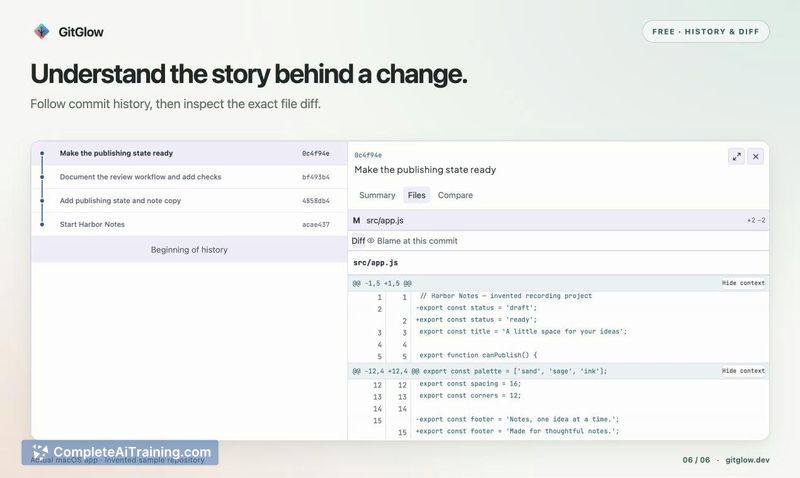
GitGlow is a local Git workspace desktop application built with Tauri, combining a React interface with Rust-based Git operations. It centers on staging, commit history, conflict resolution, and a checkout-aware terminal. The Pro tier adds review marks that track subsequent edits, managed agent workflows, and release preparation tools.
Review
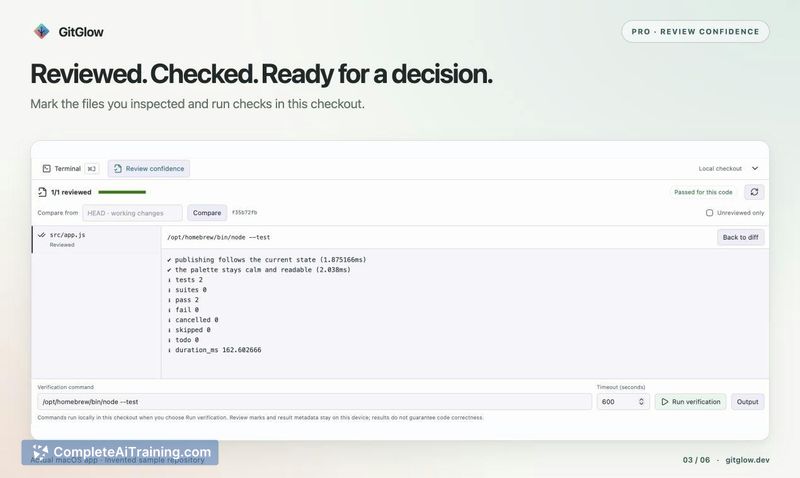
GitGlow arrives at a moment when coding agents produce changes faster than many developers can review them. The tool doesn't replace your Git client so much as it reshapes the commit workflow around a single question: do your review checks still apply to the code you're about to ship? It runs locally, requires no account for the free tier, and keeps the focus on what changed and whether those changes have been inspected.
Key Features
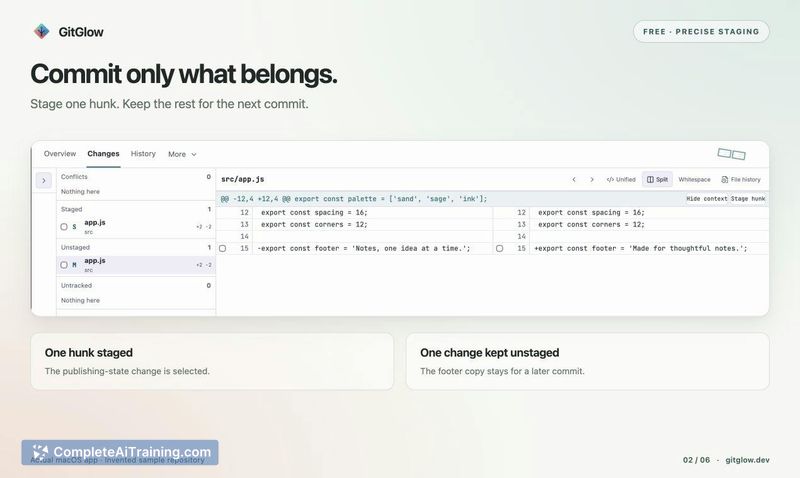
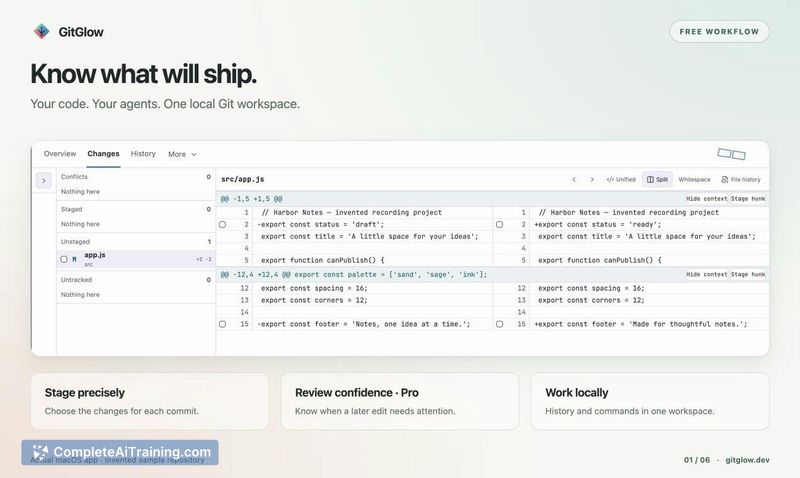
- Precise staging that lets you select exactly what goes into a commit, rather than staging whole files.
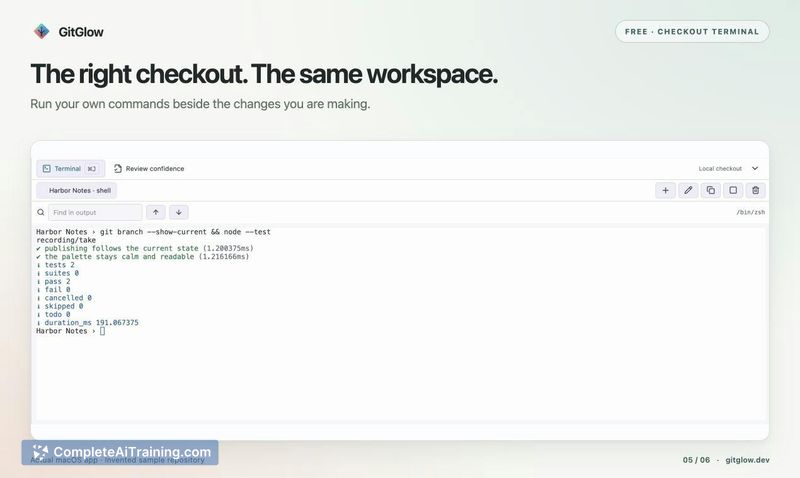
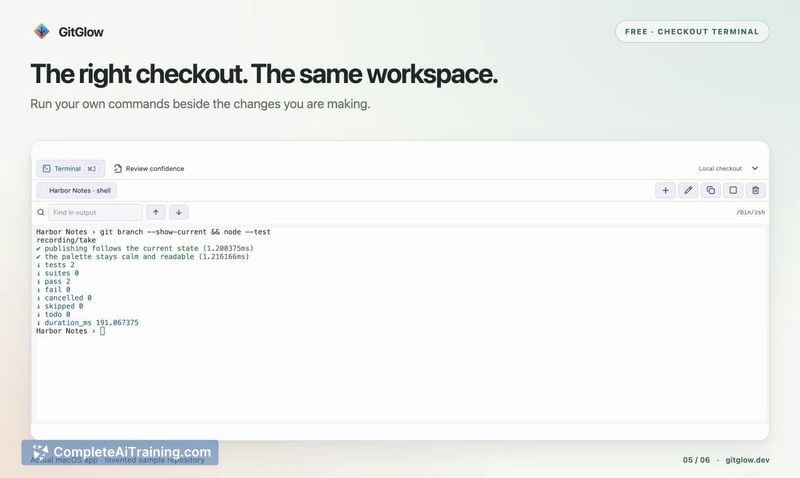
- Checkout-aware terminal tabs that stay tied to the active branch, so you don't accidentally run commands against the wrong checkout.
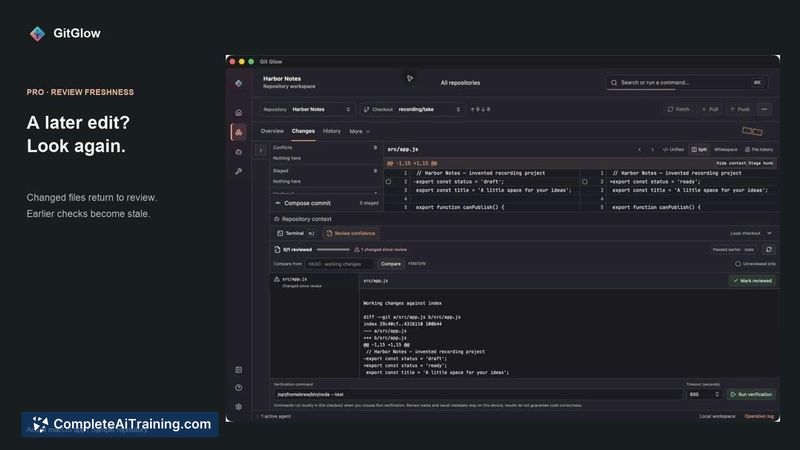
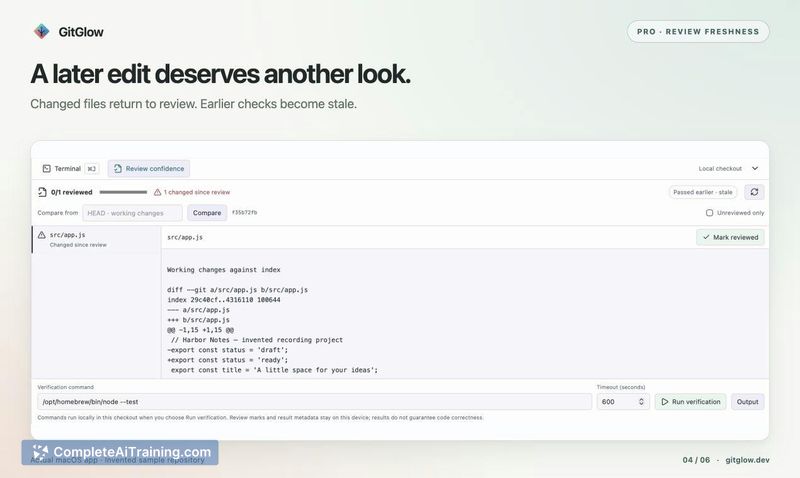
- Review marks in Pro that track files you've reviewed; if a file is edited again, the mark becomes stale and the file returns to your attention.
- Verification command support in Pro that flags previous results as stale when related code changes, matching a workflow where green tests alone aren't enough.
- Managed agent workflows and native approval for supported MCP writes, along with GitHub integration and concurrent workspaces in Pro.
Pricing and Value
The everyday workflow is free for private local clones, with no account required. Pro costs €2.99 per month or €29 per year and includes review marks, stale detection, managed agent tools, concurrent workspaces, GitHub integration, and release preparation. AI provider subscriptions and API usage are separate costs, not included in the Pro price. Packages are available for macOS, Windows, and Linux.
Pros
- Free tier covers core staging, history, and conflict resolution without any account creation.
- Stale review marks address a specific gap: agent-generated edits that happen after you've already signed off on a file.
- Checkout-aware terminal reduces the risk of running commands in the wrong branch context.
- Desktop app runs locally, so repository data stays on your machine.
- Cross-platform support across macOS, Windows, and Linux from a single codebase.
Cons
- Pro features like review marks and agent workflows are behind a subscription, which may not suit teams with existing review tooling.
- AI provider costs sit outside the Pro subscription, so the total monthly expense depends on external API usage.
- The tool is not well suited for developers who prefer a fully browser-based or CLI-only Git workflow with no graphical interface.
GitGlow fits solo developers and small teams who work with coding agents and want a tighter feedback loop between code generation and commit decisions. It also works for anyone who runs manual verification passes-like timing runs or real-app testing-alongside automated checks. Teams with deeply integrated CI review pipelines may find the local-first approach adds a step they don't need.