AI tool
Godwit
Godwit is an open-source email client with an AI assistant, Wit, that answers mail questions, reads attachments, and drafts replies using your chosen model. It is for people who want to control the AI models and tools in their inbox across macOS, ...
About Godwit
Godwit is an open-source desktop email client that connects to any IMAP/SMTP account on macOS, Windows, and Linux. It includes an AI assistant called Wit that can read, summarize, translate, and draft mail using a model of the user's choice, including local models. The tool is in early preview under the Apache 2.0 license.
Review
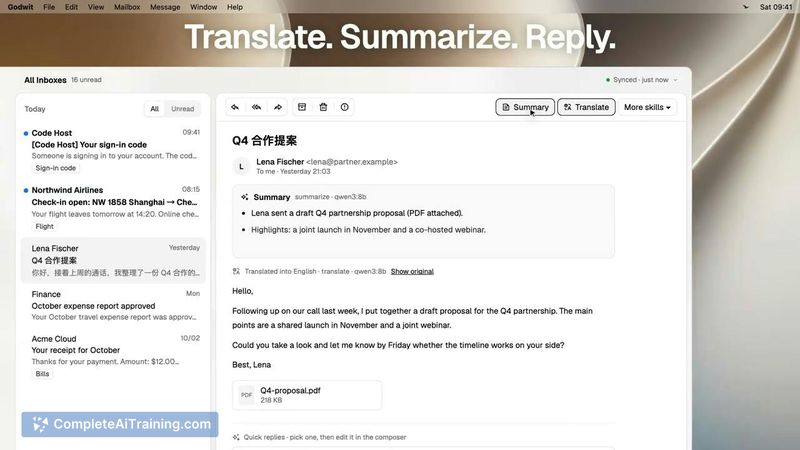
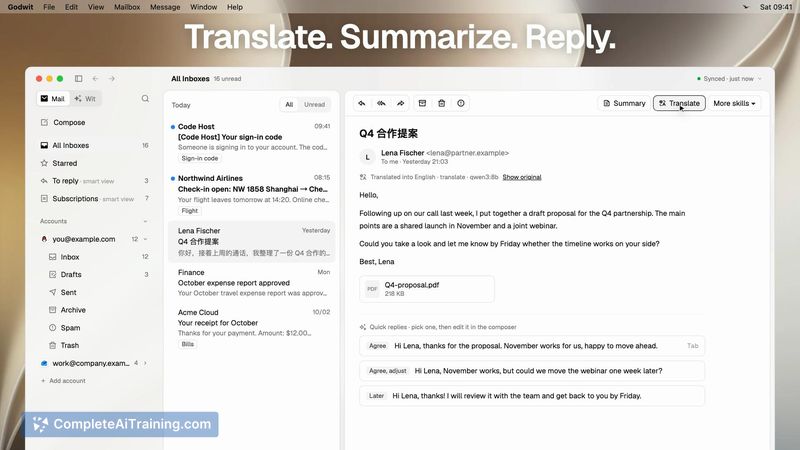
Godwit enters the email client space with a specific focus: giving users control over both their mail and the AI models that interact with it. The client handles standard IMAP/SMTP connections, while Wit sits alongside as an assistant that reads attachments, answers questions about mail, and helps compose replies. It's an early preview, so the feature set is functional but still developing.
Key Features
- Wit AI assistant reads attachments, answers questions about mail content, and drafts replies without sending anything until the user approves.
- Per-account Wit Instructions let you set your name, details, and writing style for each email account, and drafts go out from whichever account you select.
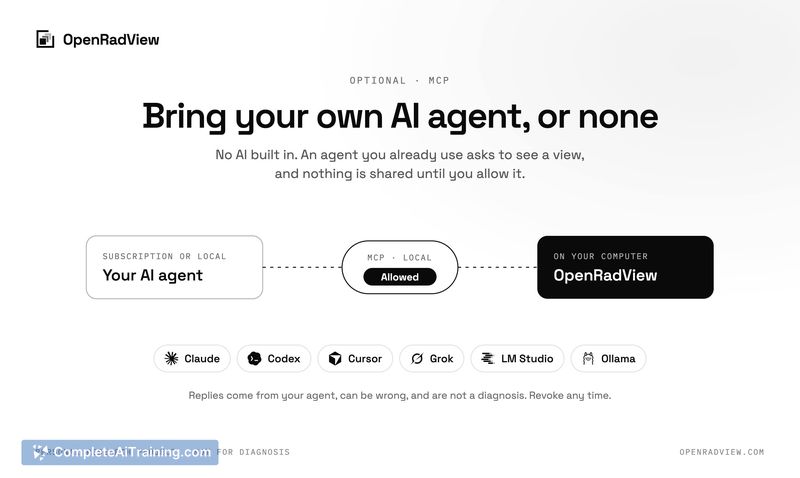
- Extension points include skill files for creating custom actions, plugin support, and MCP server connections, which also let other agents access mail and draft tools.
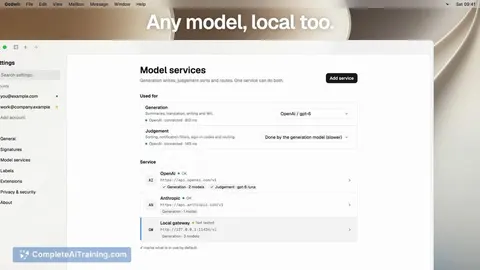
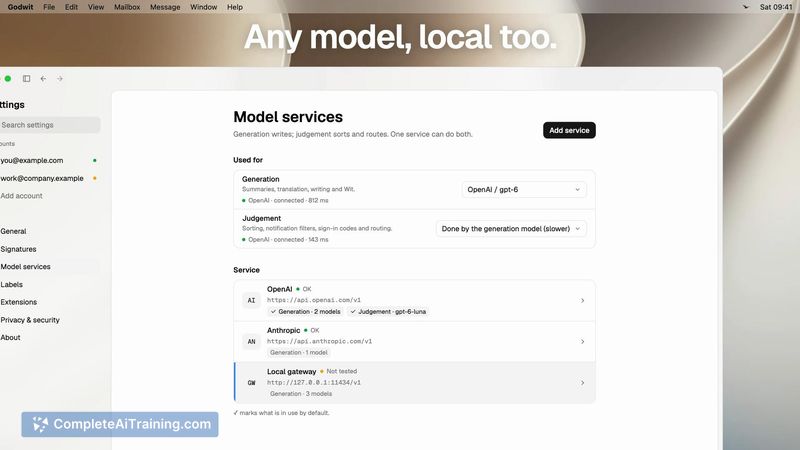
- Model selection is flexible - you can use local models or cloud-based ones, and the built-in AI actions use the same extension points available to users.
- Microsoft OAuth sign-in works for personal Outlook accounts; Gmail connects via IMAP with an app password.
Pricing and Value
Godwit is free and open source under the Apache 2.0 license. There is no paid tier, subscription, or commercial licensing mentioned. The pricing model for any future versions is not yet defined.
Pros
- You choose the AI model, including local ones, so data doesn't have to leave your machine if you don't want it to.
- Drafts never send without explicit approval, which reduces the risk of an AI sending something unintended.
- The extension system uses the same skill files, plugins, and MCP servers that are available to users, so customizations aren't locked behind a separate API.
- Per-account Wit Instructions keep work and personal writing styles distinct, even though there's no hard wall between accounts yet.
- Being open source means you can inspect how the client handles mail and AI interactions.
Cons
- Gmail OAuth isn't available yet - you connect via IMAP with an app password, which blocks access on Google Workspace accounts where admins have disabled app passwords.
- Work/school Microsoft 365 accounts aren't supported; only personal Outlook accounts work with OAuth right now.
- This tool is not well suited for users who need a mature, battle-tested email client - the early preview status means rough edges are expected, and some authentication paths are still in the roadmap.
Godwit fits users who are comfortable with early-stage open-source software and want an email client where they control the AI model and extension logic. It's also a practical option for anyone who wants to experiment with giving an agent access to their inbox through MCP, without committing to a closed-source assistant. People who rely on Google Workspace with strict admin policies or Microsoft 365 work accounts should wait until the OAuth support lands.