AI tool
Gotcha
Gotcha is an open-source AI co-pilot for Android that automates tasks through UI control and terminal access. It targets users who want a local, privacy-focused assistant capable of executing commands, scripts, and app interactions without relying...
About Gotcha
Gotcha is an open-source (AGPLv3) AI copilot for Android that controls the phone through natural language. It was launched this week on Product Hunt. The tool combines UI automation, terminal access, and voice control in one on-device application.
Review
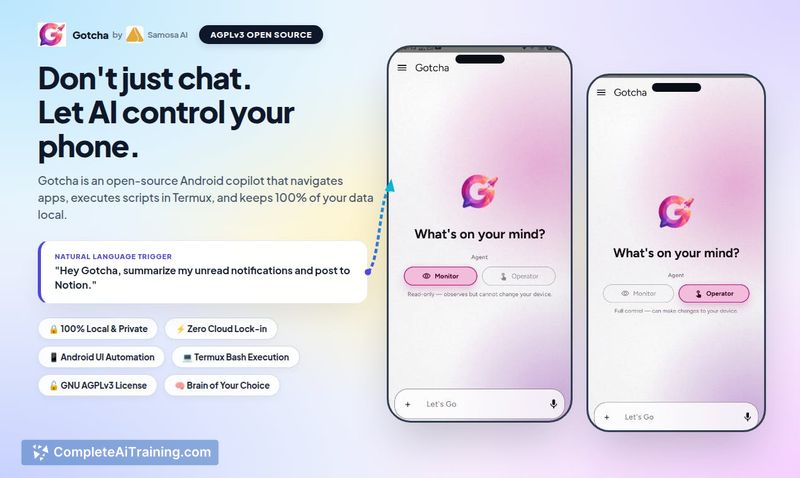
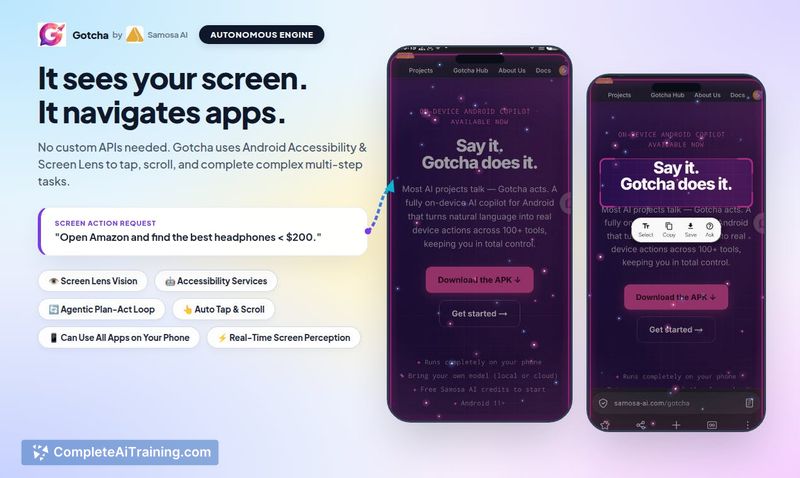
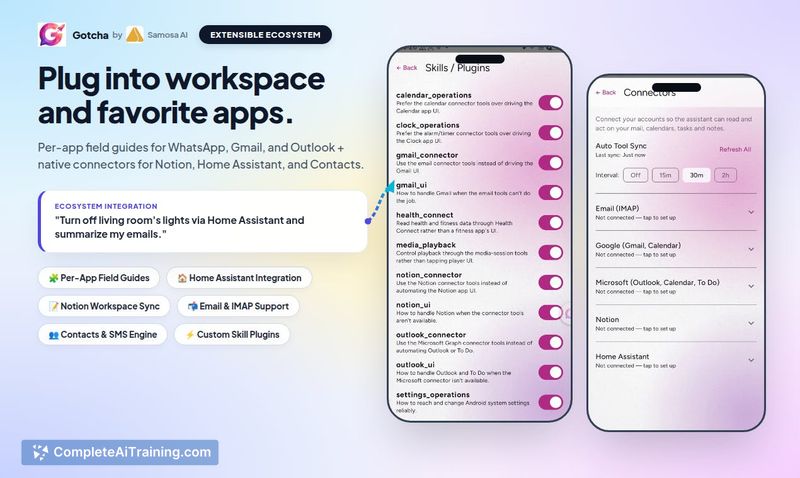
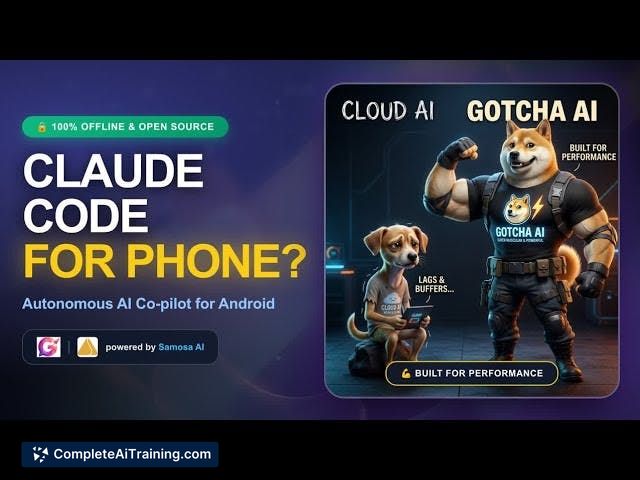
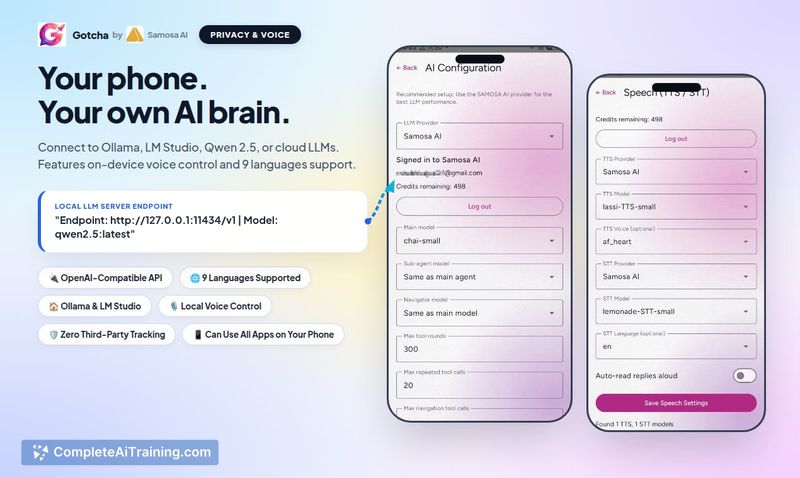
Gotcha positions itself as the "World's First AI Copilot for Android," with the tagline "You talk. It acts." Rather than answering questions in a chat window, the agent takes direct action on the device. The project has 88 followers on Product Hunt at the time of writing.
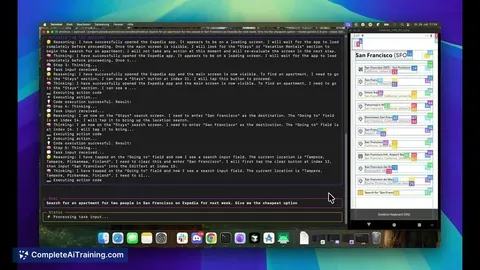
The core loop is plan, execute, observe, adapt. It reads the screen or terminal output, then performs actions accordingly. The architecture relies on Android Accessibility Services for UI manipulation and Termux for command-line operations.
Key Features
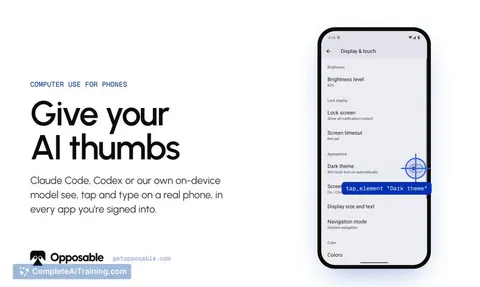
- UI Automation - Uses Android's Accessibility Services to navigate apps, tap buttons, fill forms, and scroll like a human would.
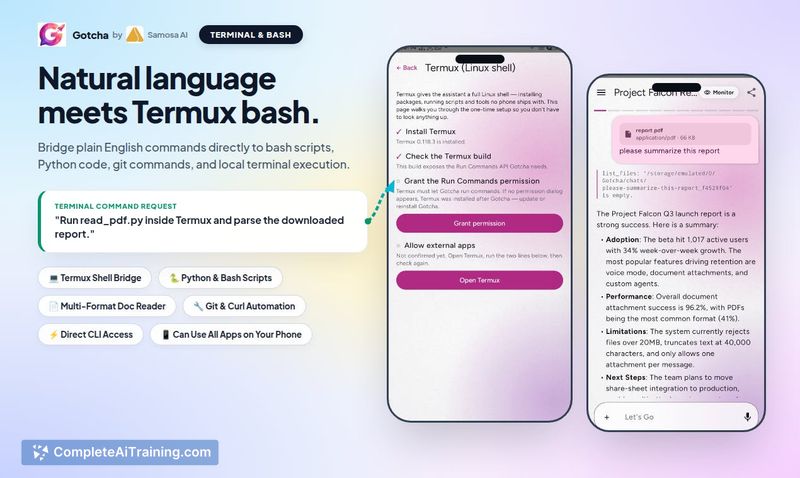
- Termux & Terminal Access - Runs bash scripts, Python code, git commands, and curl requests inside Termux from natural language commands.
- Local & Cloud LLM Support - Connects to local LLM servers (Ollama, LM Studio, llama.cpp with Qwen 2.5) or cloud models (Gemini 1.5 Flash, Groq, OpenAI).
- 100+ Native Device Tools - Includes native integrations for Home Assistant, Notion, Android Contacts, SMS, and Health Connect metrics.
- Hands-free Wake Word - Local "Hey Gotcha" wake-word engine with support for 9 languages.
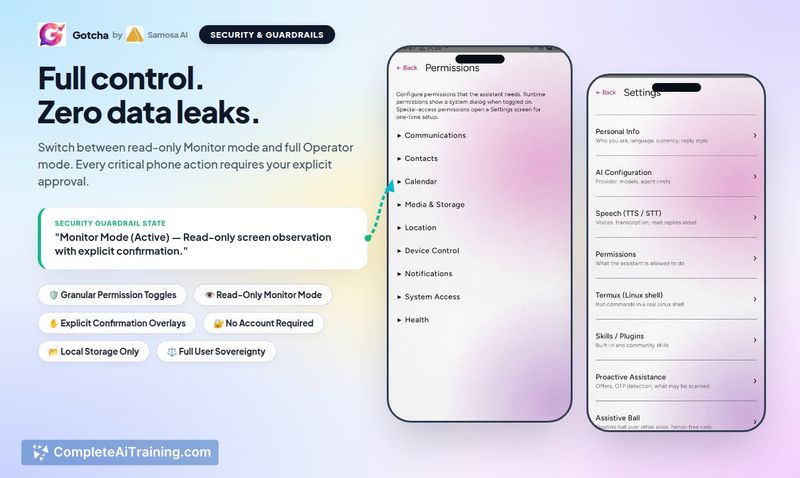
- Dual Safety Modes - The tool ships with two safety configurations, though the specifics of each mode are not detailed in the launch material.
Pricing and Value
Gotcha is free and open-source. No account is required to use the APK, which can be built from source or downloaded directly from GitHub. For users who don't want to set up a local LLM server first, the team provides free foundational credits on their proxy router (Samosa AIR) so the tool works immediately after installation. The project is built with Termux Lite, Ollama, Home Assistant, LM Studio, and opencode.
Pros
- Runs entirely on-device with local LLMs, so device data doesn't leave the phone when using that mode.
- Combines UI automation with terminal execution, which covers both app interactions and scripting workflows.
- Works with multiple LLM backends, both local and cloud, giving users flexibility in their setup.
- No account creation or signup required to use the tool.
Cons
- The launch post acknowledges that Android OEM skins (Samsung OneUI, Pixel, Xiaomi MIUI) create compatibility challenges, so behavior may vary across devices.
- Getting the full experience requires setting up a local LLM server, which involves technical configuration beyond a typical app install.
- Gotcha is not well suited for users who want a managed, cloud-hosted assistant with customer support, since the project is community-driven and self-hosted by design.
Gotcha suits Android users who are comfortable with open-source software and willing to configure their own LLM backend. The tool is most useful for people who want to automate device actions through voice or text without sending data to third-party servers. Those who prefer a polished, commercially supported assistant with predictable behavior across devices should look elsewhere for now.
Jobs Gotcha suits
We checked Gotcha against 500+ jobs; these get the most out of it.
Alternatives to Gotcha
Other tools that do the same main job. Our AI compared Gotcha with similar tools and kept the ones you could use instead.