
AI tool
Arc
Arc is an AI assistant that reads your screen across any app to summarize text, read content aloud, or rewrite messages where you type. It is for anyone who wants to work with on-screen information without copying and pasting into a chatbot.
About Arc
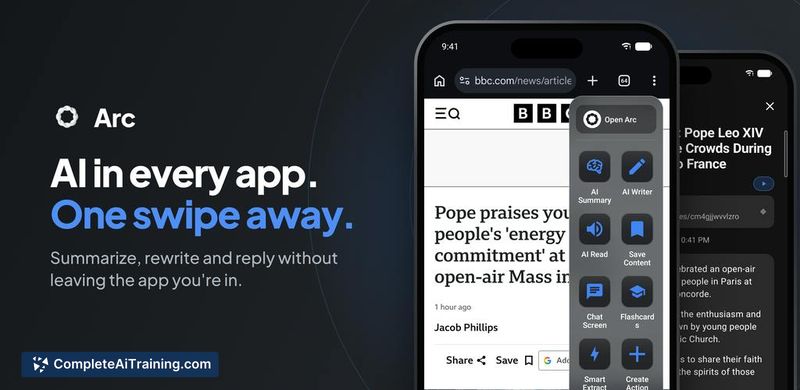
Arc is a free AI assistant that operates as a floating overlay on top of any app on Android and Mac. It reads the contents of your current screen so you can run one-tap actions-like summarizing, fact-checking, or rewriting-without copying text or switching between applications. The tool also includes a library of community-built actions and can handle tasks such as reading screens aloud or extracting data from what's displayed.
Review
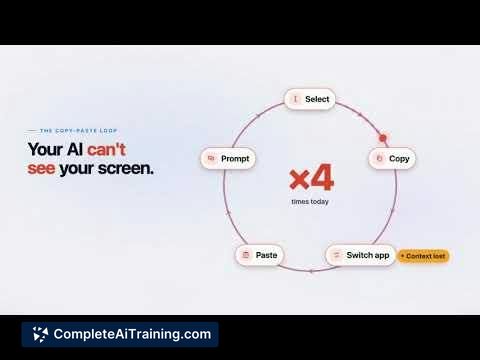
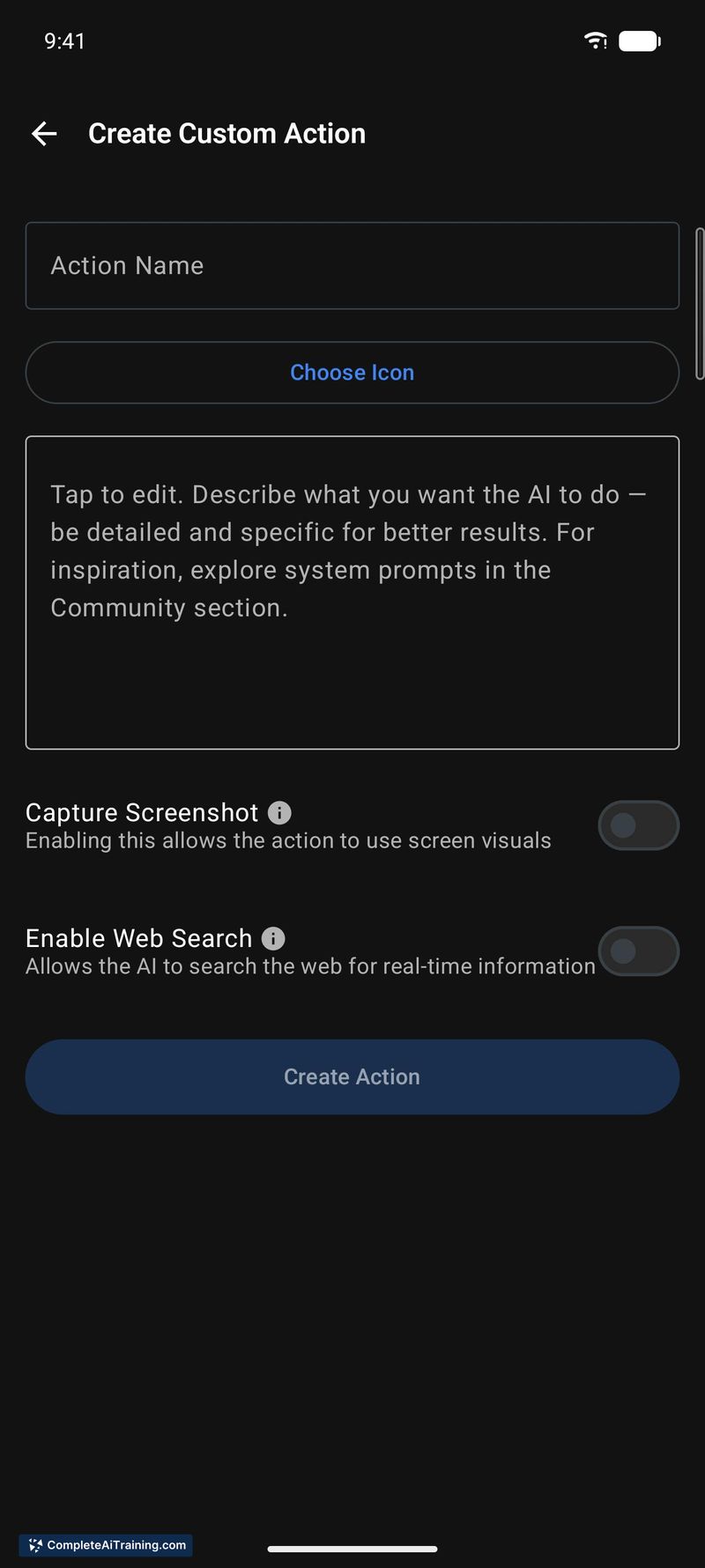

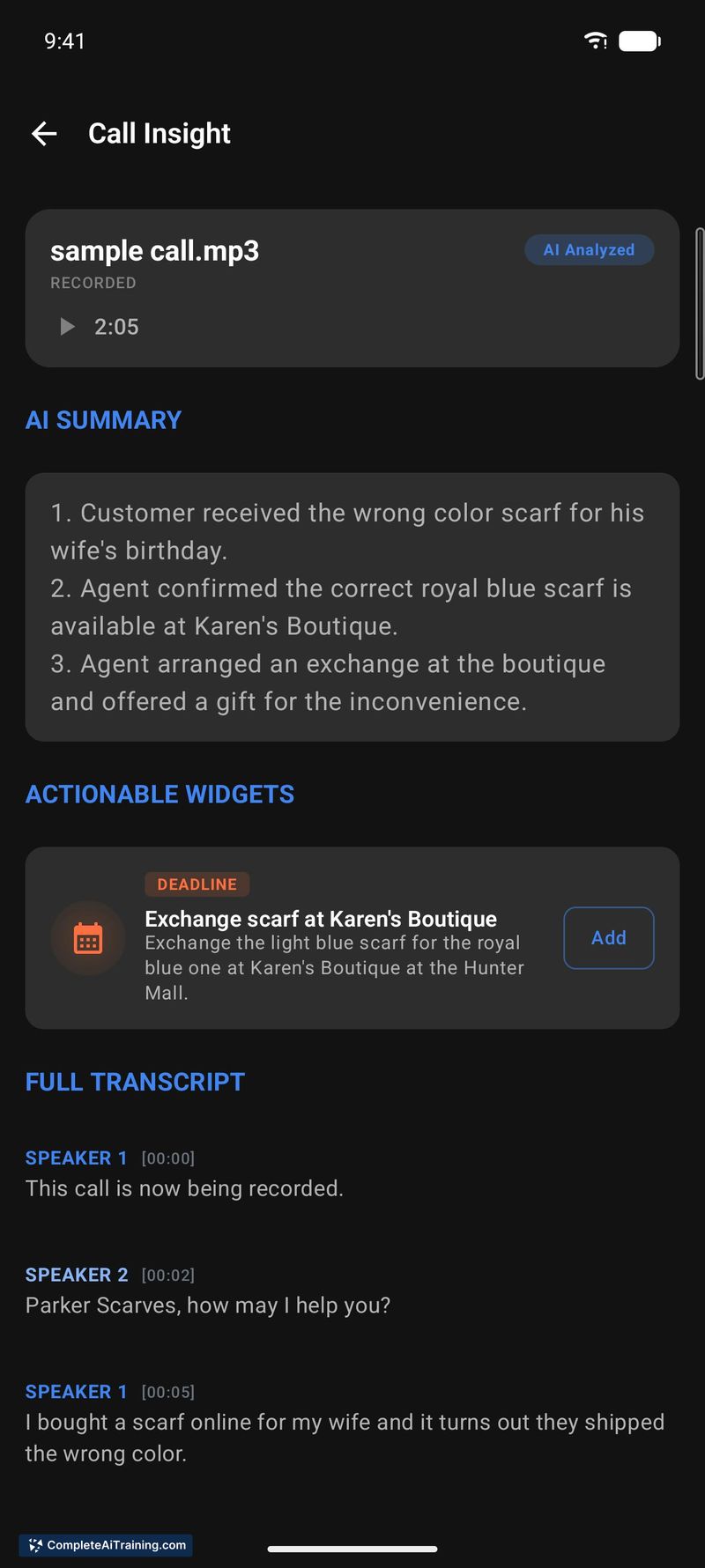
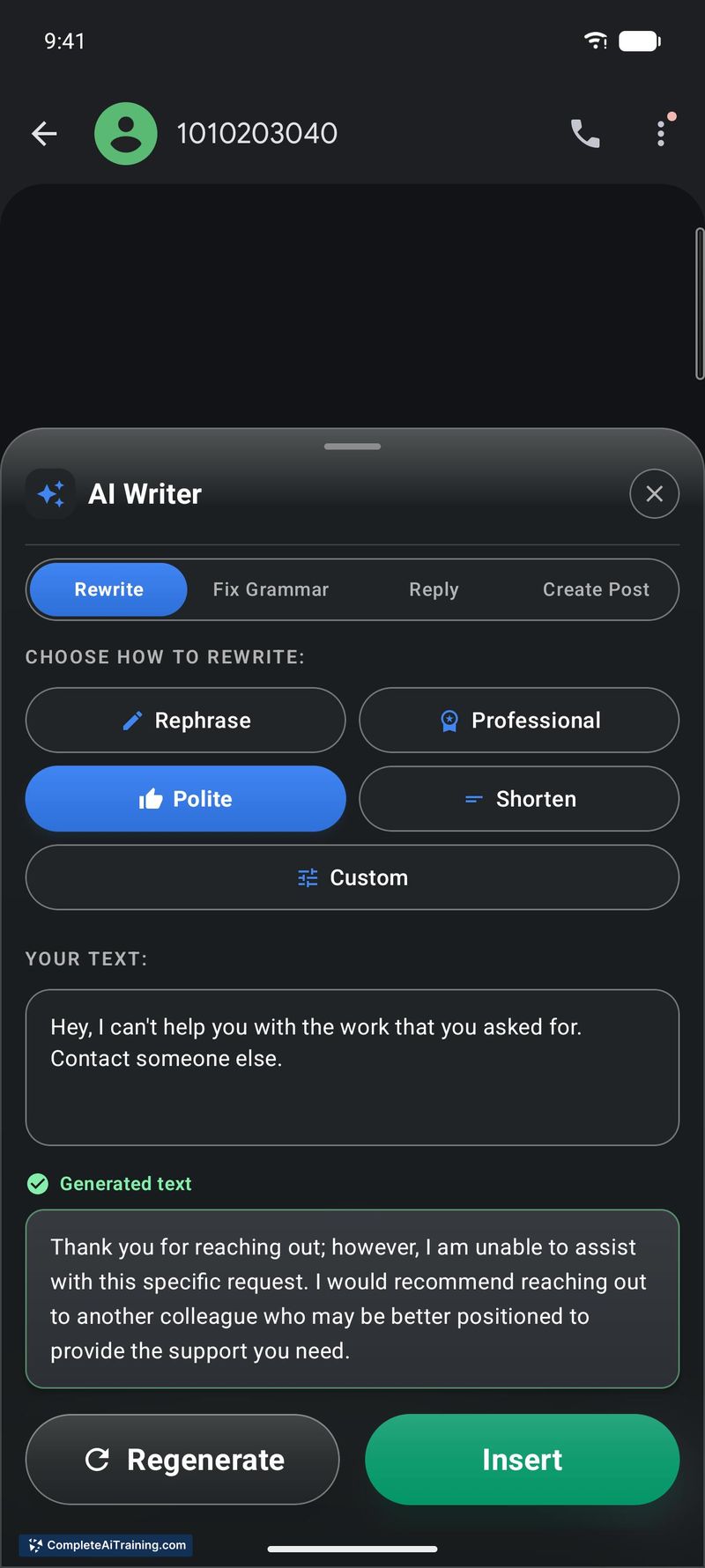
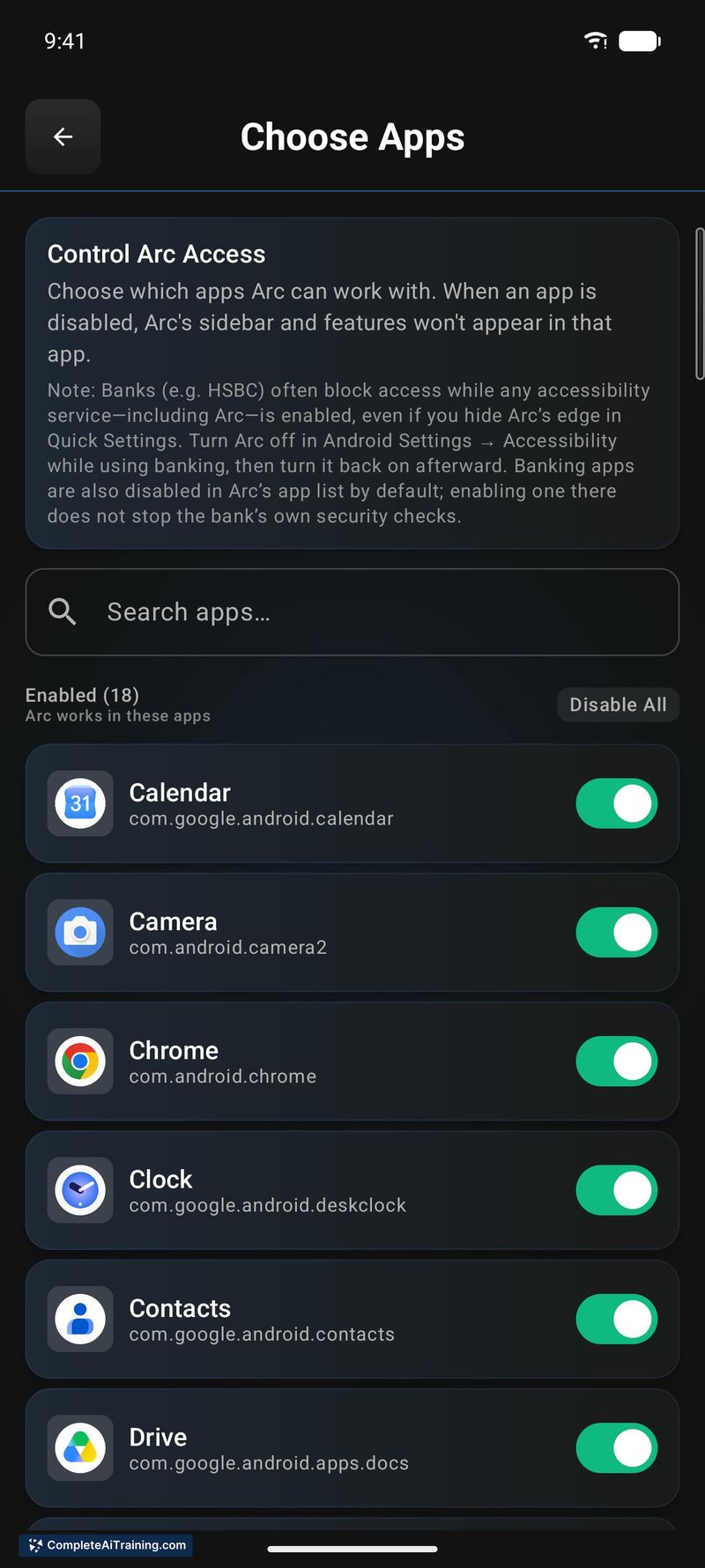


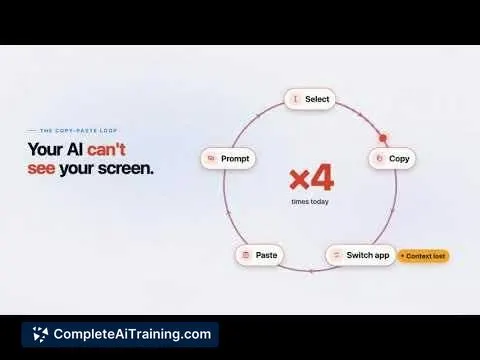
Arc approaches mobile and desktop AI assistance by eliminating the copy-paste loop between apps and chatbots. Instead of moving text into a separate tool, you invoke Arc directly over whatever you're looking at, and it acts on the screen's contents. The assistant is free to start, doesn't require a credit card, and works across Android and Mac with the same feature set.
Key Features
- Screen-aware overlay: Arc floats above any app and reads what's on the screen, removing the need to manually copy and paste content into a chatbot.
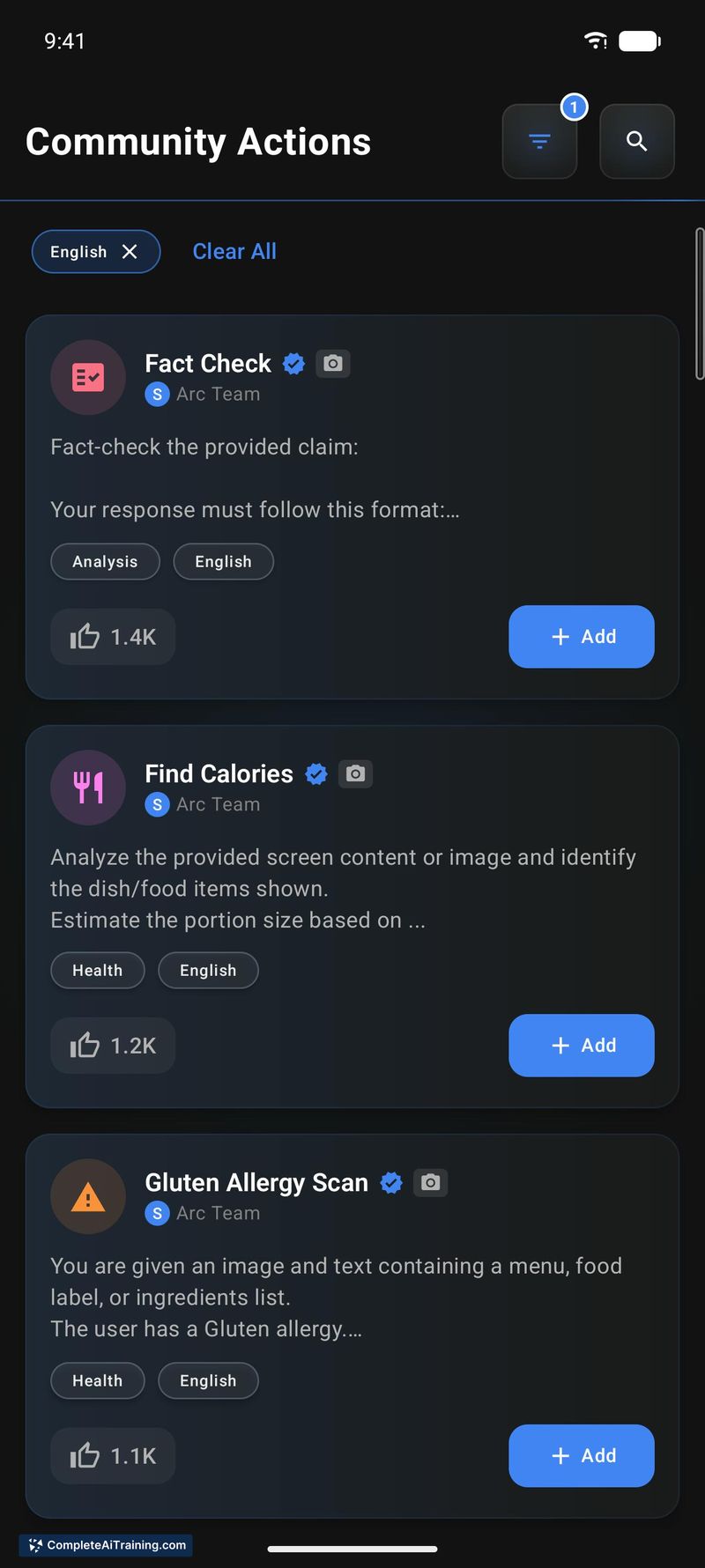
- One-tap actions: Preset and community-built actions let you summarize articles, rewrite messages, fact-check content, analyze spreadsheets, or extract calorie information from food photos with a single tap.
- Info Vault for AI Writer: Stores your personal details so the AI Writer can fill them in automatically when composing replies or messages.
- AI Call Analysis and Flashcards: Two newer capabilities-AI Call Analysis processes call content, while Flashcards generates study cards from anything you read on screen.
- Smart Extract: Pulls structured data directly off your screen without manual entry.
Pricing and Value
Arc is free to start, with no credit card required for initial use. The available materials do not outline any paid tiers, usage limits, or future pricing changes. As of this writing, the full pricing model remains undefined beyond the free entry point.
Pros
- Works on top of any app without requiring per-app integrations or plugins.
- Available on both Android and Mac, keeping the same assistant across phone and laptop.
- Over 500 community-contributed actions expand what the tool can do beyond its built-in defaults.
- Screen-reading and read-aloud functions add accessibility and hands-free utility.
- No credit card needed to begin using the tool.
Cons
- No iOS or Windows version exists yet, which excludes a large portion of mobile and desktop users.
- The tool is not well suited for people who need deep, multi-turn research sessions-Arc is built around single-screen, quick-action interactions rather than extended conversational threads.
- The free tier's long-term limits are unspecified; users who adopt it heavily may hit undisclosed caps later.
Arc fits workflows where frequent, short AI actions happen across many different apps-think quick summaries, tone adjustments on replies, or fact checks while reading. It's less appropriate for users who spend most of their time inside one or two dedicated platforms that already have native AI features, or for those on iOS and Windows who can't access the tool at all. If your daily routine involves constant app-switching just to get small AI tasks done, Arc removes that friction without asking for payment upfront.
Jobs Arc suits
Useful in almost any job. We checked Arc against 500+ jobs; these get the most out of it.



