
AI tool
Halo
Halo adds a Dynamic Island-style interface to the Mac notch for notifications, dictation, and system controls. It is for MacBook users who want app alerts, music playback, call management, and a cursor companion in one toolbar. The tool costs $9.9...
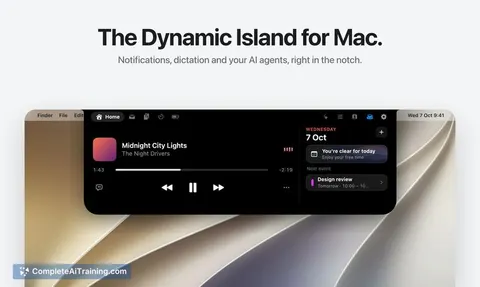
About Halo
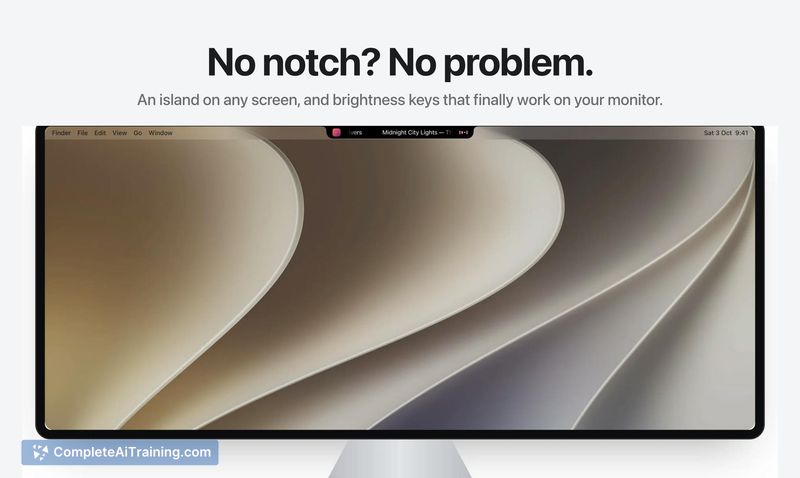
Halo is a Mac utility that places a Dynamic Island-style interface in the notch-or draws one on screens without a notch. It handles notifications from any app, system-wide dictation triggered by holding the Fn key, and a small interactive face called Buddy that tracks cursor movement and monitors AI agent activity. The tool is sold for a one-time payment of $9.99 with no subscription or account required.
Review
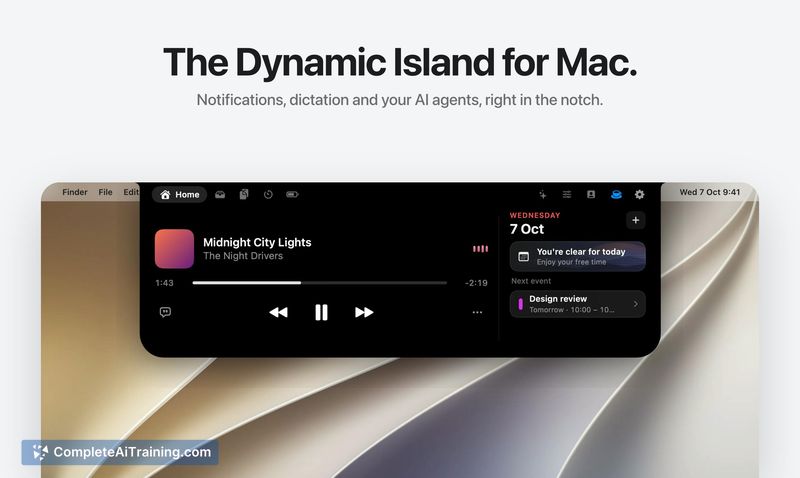

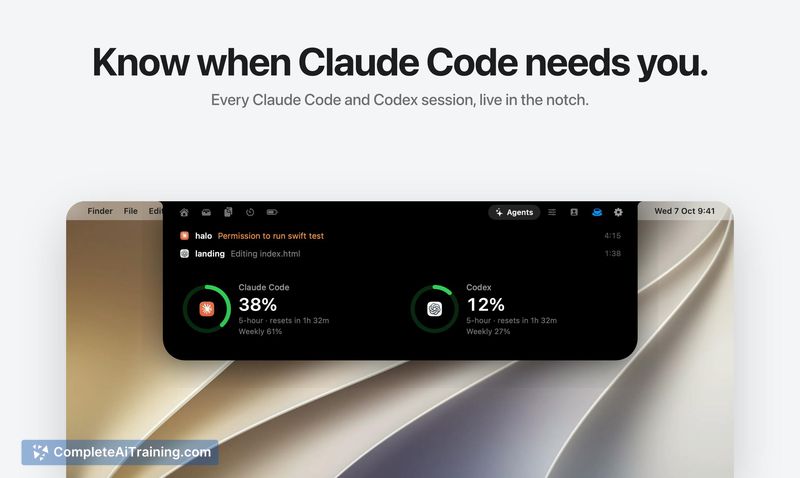
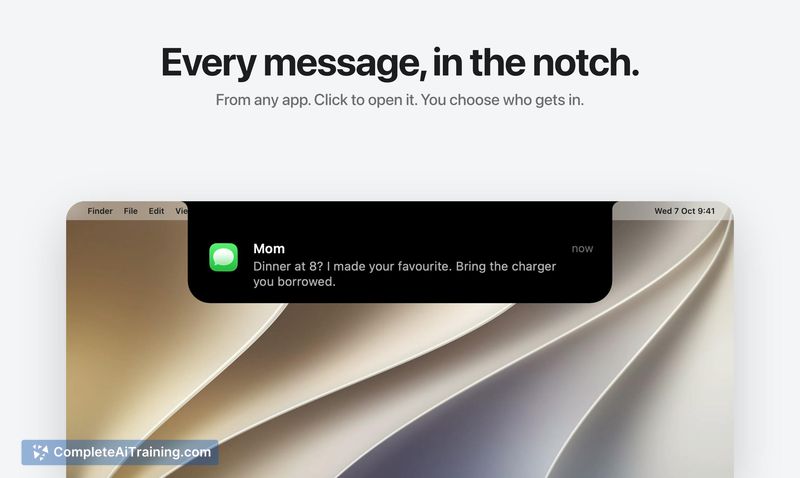
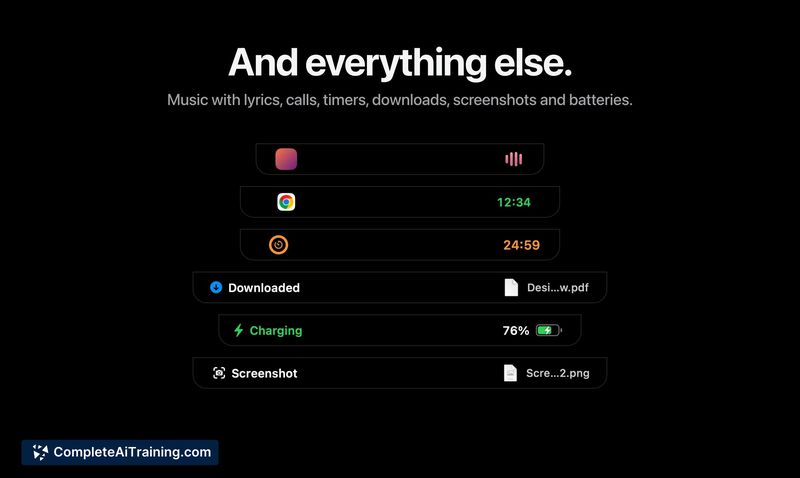
Halo 2.0 packs several distinct functions into a single strip of screen real estate. Its approach is local-first: dictation runs on-device by default, and the AI agent monitoring reads files the tools already write rather than sending data over the network. The feature set spans productivity, system control, and lightweight entertainment, all accessed from the menu bar area.
Key Features
- Notch notifications: Alerts from any app appear in the notch instead of the standard macOS notification corner. Users choose which apps are allowed to send notifications there.
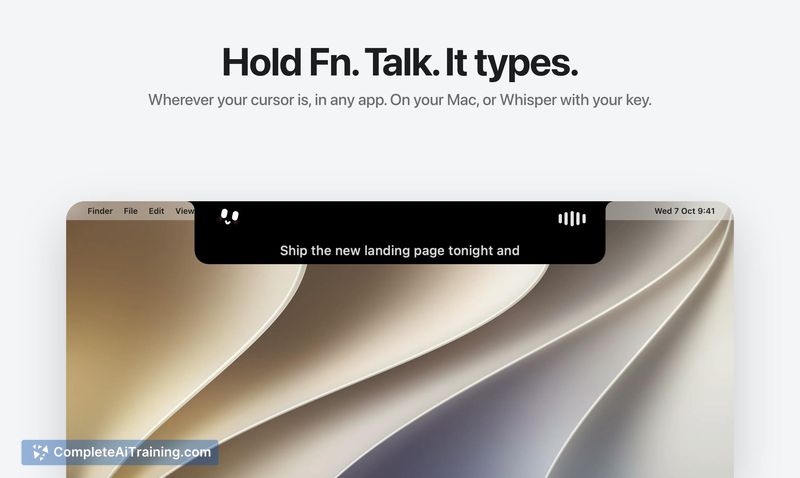
- Fn-key dictation: Holding the Fn key activates speech-to-text that types directly at the cursor in any application. It runs locally on the Mac, with an optional switch to Groq's Whisper API using a personal key.
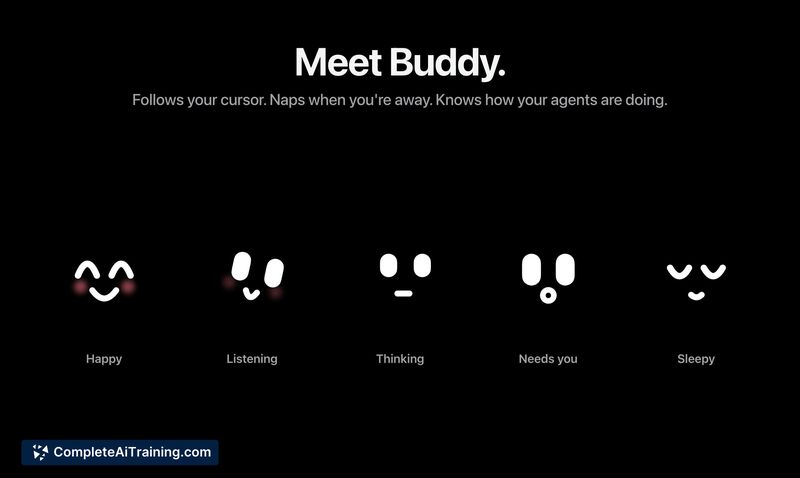
- Buddy face: A small animated character beside the notch follows the cursor, naps when the system is idle, and displays status indicators for Claude Code or Codex sessions-showing when an agent is running or waiting for input.
- Media and system controls: The tool shows music playback with synced lyrics, manages active calls and timers, provides a file shelf, and adjusts external monitor brightness.
- AI agent rate-limit tracking: Halo reads rate-limit data from Claude Code's status line and Codex session logs without network calls. It shows 5-hour and weekly limits with reset times and handles model switches without losing track.
Pricing and Value
Halo costs $9.99 as a single purchase. There is no recurring subscription, no account creation, and no in-app purchases mentioned. Dictation operates entirely on-device unless the user opts into the cloud-based Whisper transcription, which requires a separate Groq API key and incurs whatever costs Groq charges independently.
Pros
- Consolidates notifications, dictation, media controls, and agent monitoring into one compact interface element.
- Runs dictation locally by default, keeping speech data off external servers.
- AI agent tracking reads existing local files rather than scraping or phoning out.
- One-time pricing with no subscription or mandatory account.
- Buddy provides at-a-glance agent status without switching to a terminal window.
Cons
- The Claude Code rate-limit display only updates while a session is running, so numbers can go stale between sessions.
- With multiple concurrent Claude Code sessions, Halo shows whichever wrote most recently-potentially displaying limits that don't match the session currently in focus.
- Users who don't interact with AI coding agents or prefer macOS's default notification behavior won't find much here that applies to their workflow.
Halo fits Mac users who spend significant time in terminal-based AI tools and want a persistent status display without checking separate windows. It also suits anyone who likes the Dynamic Island concept and wants notifications, quick dictation, and media controls condensed into the notch area. People who rarely use dictation or AI agents, or who prefer stock macOS notification patterns, probably won't get enough utility from the tool to justify adding another menu bar utility.



