AI tool
Harness by Autonomous
Harness by Autonomous is a command center for running multiple coding agents side by side in a desktop app for Mac and Linux. It lets software developers manage agents like Claude Code or Codex from one place and answer them on the go via a mobile...
About Harness by Autonomous
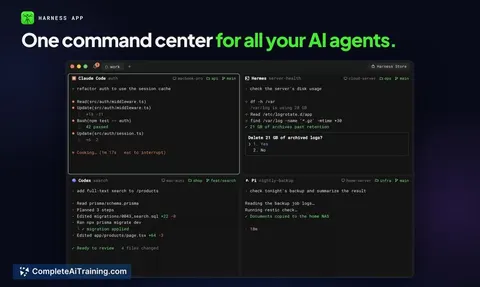
Harness is an open-source command center that runs multiple coding agents side by side on a single screen. It works as a native desktop app on Mac and Linux, a terminal command called hn, and mobile apps for iOS and Android. The tool connects local and remote machines over WebRTC with end-to-end encryption, letting you assign tasks to agents like Claude Code, Codex, Cursor, and Hermes from one interface.
Review
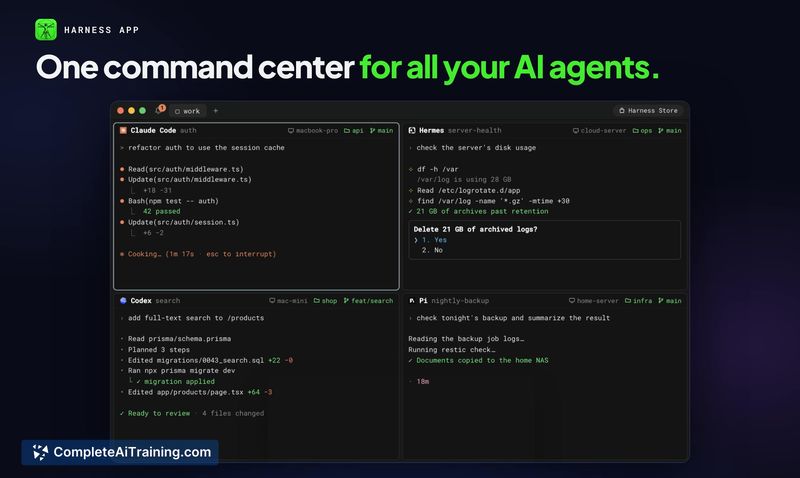
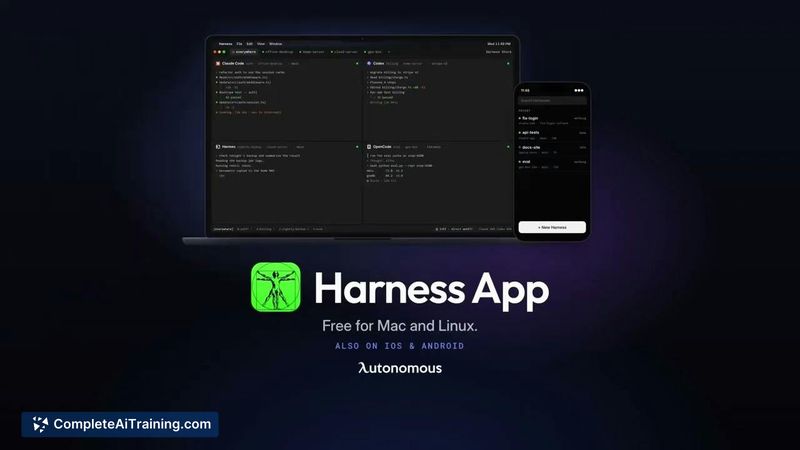
Harness addresses a specific friction point for developers who run several coding agents across different machines. Instead of switching between windows, SSH sessions, and contexts, you see every agent in its own pane within the same application. The tool is free and open source, and it launched this week with support for Mac, Linux, iOS, and Android.
Key Features
- Side-by-side panes for multiple coding agents, each on its own git branch, so agents keep working when you close the app
- Remote machine linking without SSH keys or VPN - install Harness on the remote machine, sign in, and its agents appear next to local ones
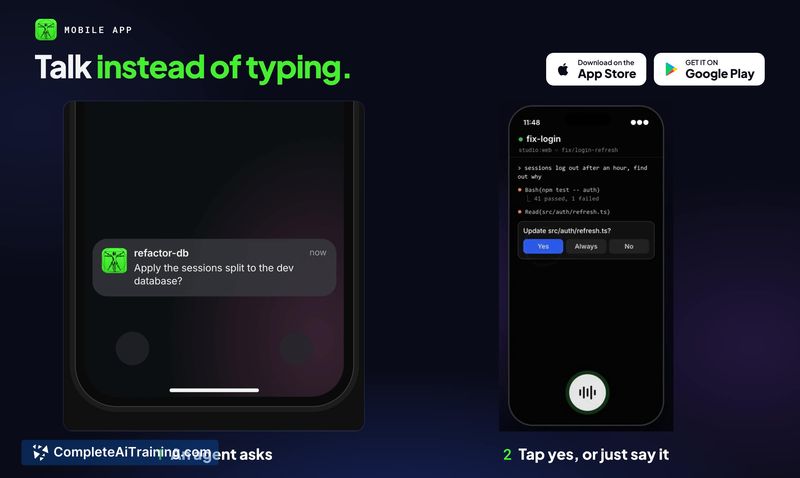
- Mobile apps for iOS and Android that let you type or speak new tasks to any agent, with the work executing on that agent's host machine
- End-to-end encryption on by default, using X25519 session keys, ChaCha20-Poly1305 for frames, and pinned Ed25519 machine identities
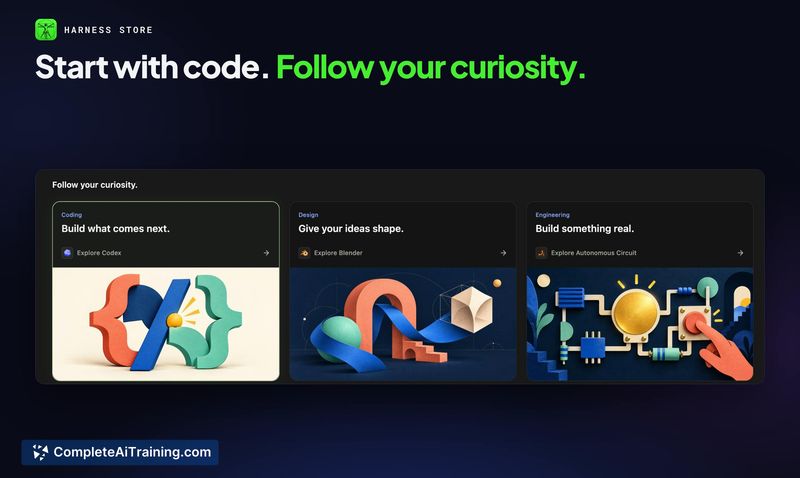
- 49 harnesses beyond code for domains like CAD, circuits, robots, games, and music
Pricing and Value
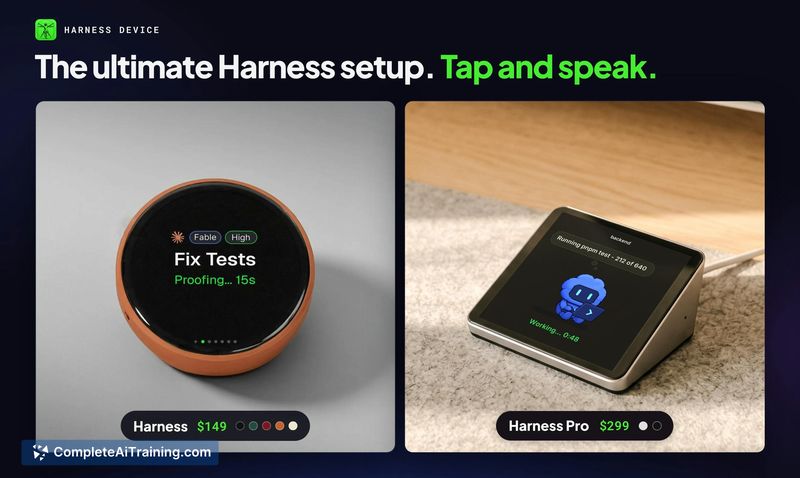
The desktop and mobile apps are free. The codebase is open source under the repository at github.com/autonomous-ai/openharness. A hardware device - an always-on display that sits by your keyboard - is sold separately. During the Product Hunt launch week, the promo code PRODUCTHUNT takes 20% off that device. Subscription pricing for the software is not mentioned; the tool appears to be free at this time.
Pros
- Consolidates multiple coding agents into one interface, removing the need to manage separate windows and terminal sessions
- Remote machine support works without SSH configuration, using WebRTC for direct connections where possible
- Encryption covers all communication paths by default, with the crypto core available for inspection on GitHub
- Mobile apps support voice input for assigning tasks to agents while away from the desk
- Open-source codebase means users can inspect, modify, and self-host if they choose
Cons
- Onboarding caused confusion for early users - a comment on the launch page mentions difficulty understanding setup before adding an agent
- Windows support is absent from the current release; the desktop app runs only on Mac and Linux
- The tool is not well suited for developers who use a single coding agent on one machine and don't need multi-agent orchestration or remote access
Harness fits developers who regularly switch between coding agents or maintain agents on separate machines and want a unified view. It also works for students on a budget, since the software is free and open source. Teams that rely on a single agent and a single workstation won't find much reason to adopt it, but anyone managing parallel agent tasks across local and remote environments may find the pane-based layout and mobile access practical.