AI tool
Helicon
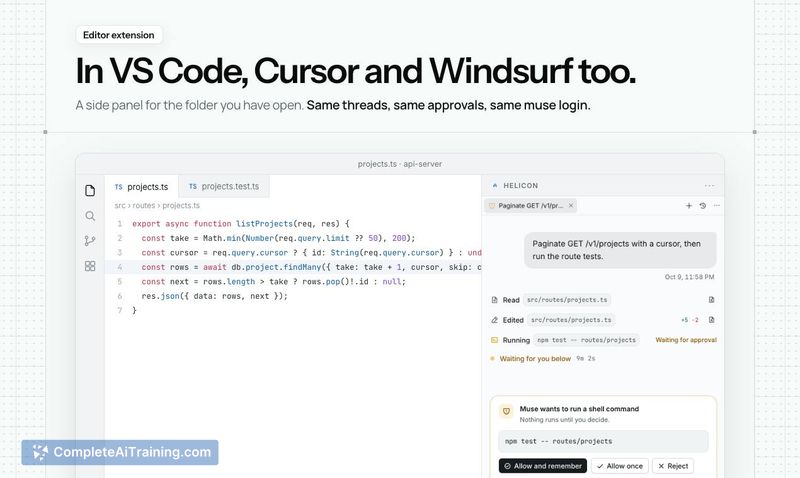
Helicon is a desktop GUI and VS Code extension for Meta's Muse Code agent. It adds session history, inline diffs, plan usage meters, and native Windows support for developers who already use Muse on the command line.
About Helicon
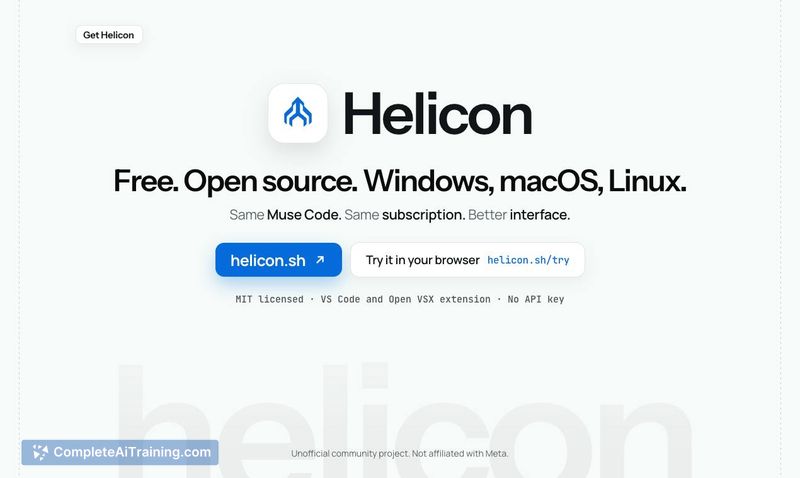
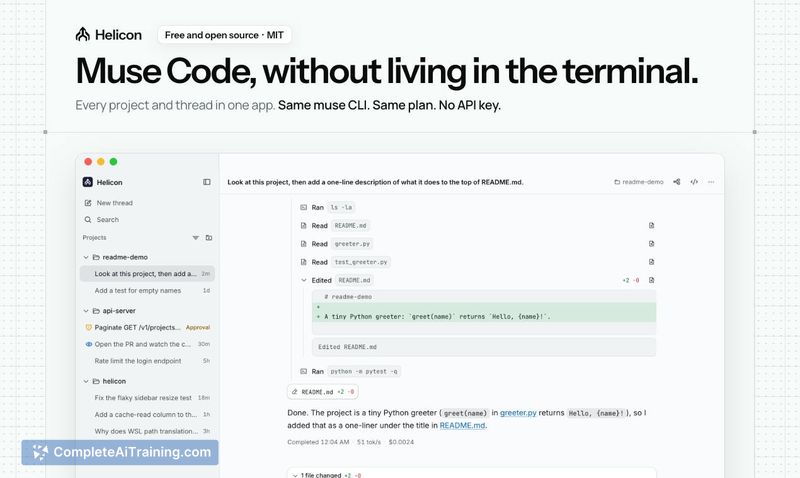
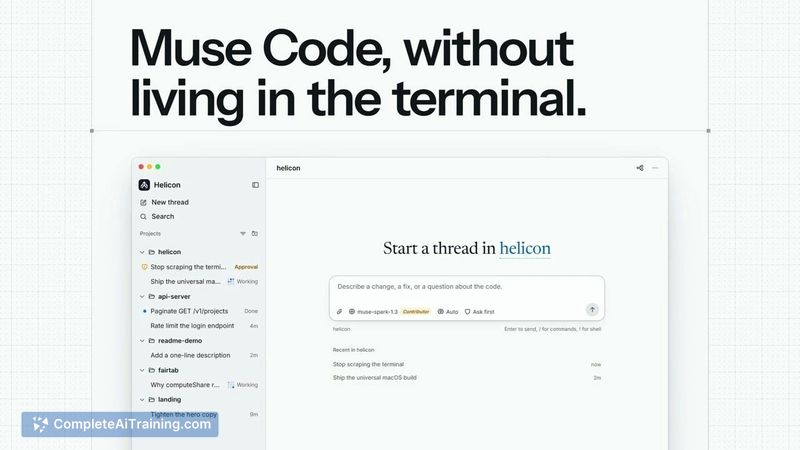
Helicon is an open-source desktop application and VS Code extension that gives Meta's Muse Code a graphical interface. It wraps the existing Muse CLI you already have installed, organizing your work into projects and sessions in a sidebar. The tool is community-built, MIT-licensed, and not affiliated with Meta.
Review


Muse Code ships as a terminal-only agent, which leaves out session management and visual diffing. Helicon fills that gap by layering a UI on top of the CLI you already use, on the plan you already pay for. It doesn't bypass any of Muse Code's approval steps or introduce its own API key requirements.
Key Features
- Session sidebar - Lists every project and session, including ones you started in the terminal. You can switch between them without leaving the window.
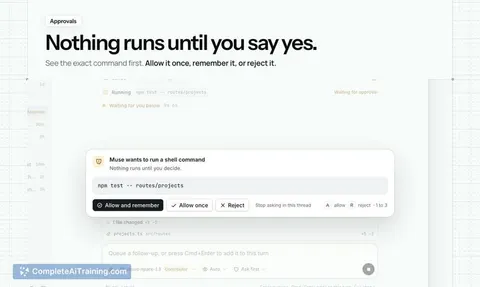
- Readable approvals - Shows each approval request exactly as Muse Code asks for it. The tool never skips or auto-approves anything.
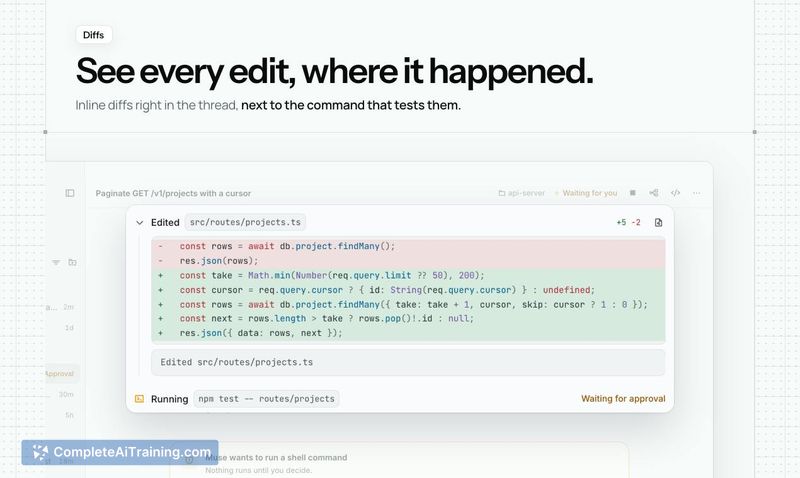
- Inline diffs - Displays code changes directly where the edit happened, rather than requiring you to parse a terminal diff.
- Plan meter - Surfaces your real 5-hour and weekly usage against Muse Code's plan limits, plus what each thread would have cost at API rates.
- Native Windows support - Runs on Windows without WSL. If you already have Muse set up inside WSL2, Helicon detects and uses that configuration.
Pricing and Value
Helicon is free and MIT-licensed. It doesn't require its own API key - it uses your existing Muse login and the plan you already pay for. There is no separate subscription or usage-based charge for the tool itself.
Pros
- No additional API key or account needed beyond your existing Muse setup.
- Runs natively on Windows, macOS, and Linux, plus ships as a VS Code and Open VSX extension.
- Surfaces plan usage data so you can see how close you are to your 5-hour and weekly limits.
- Code is open-source (MIT) with contributions from multiple developers outside the original creator.
- Browser demo available at helicon.sh/try so you can evaluate it before installing.
Cons
- The Windows installer isn't code-signed yet, so SmartScreen may flag it and require manual override.
- As a community project, support and updates depend on contributor availability rather than a dedicated team.
- Not well suited for users who prefer staying entirely in the terminal and don't want a GUI layer between them and Muse Code.
Helicon makes sense if you already use Muse Code and want session management, visual diffs, and plan tracking without switching to a different agent. It's less relevant if you're comfortable with the terminal workflow or don't use Muse Code at all. The tool does one specific thing - wrap the CLI you already have - and it sticks to that scope.