AI tool
Hintly for Google Meet™
Hintly for Google Meet™ provides real-time definitions, fact checks, and memory prompts during calls by reading live captions. It is for professionals who want in-call assistance without a bot joining the meeting.

About Hintly for Google Meet™
Hintly for Google Meet™ is a Chrome extension that displays real-time hints during Google Meet calls. It reads Meet's own live captions to detect terms, names, and acronyms, then surfaces definitions, fact-checks claims, and logs tasks without a bot joining the call. The tool stays off until the user manually activates it.
Review
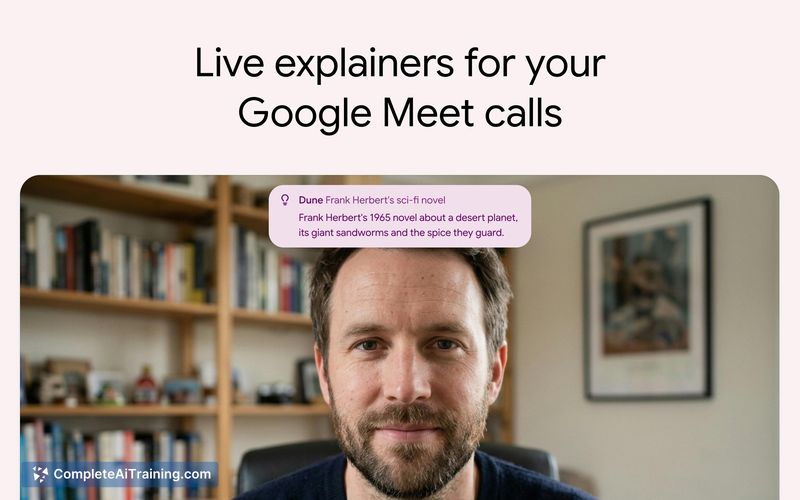
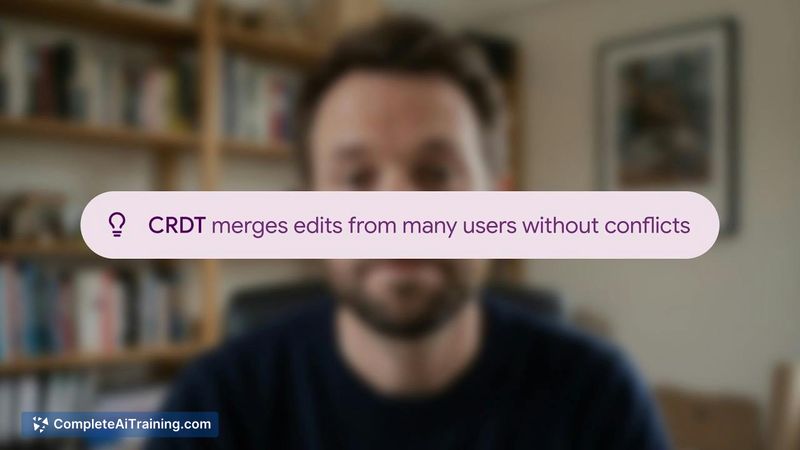
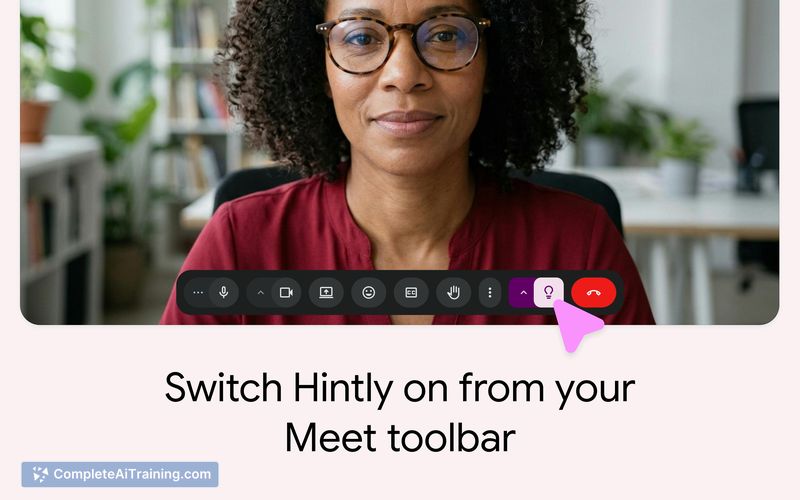
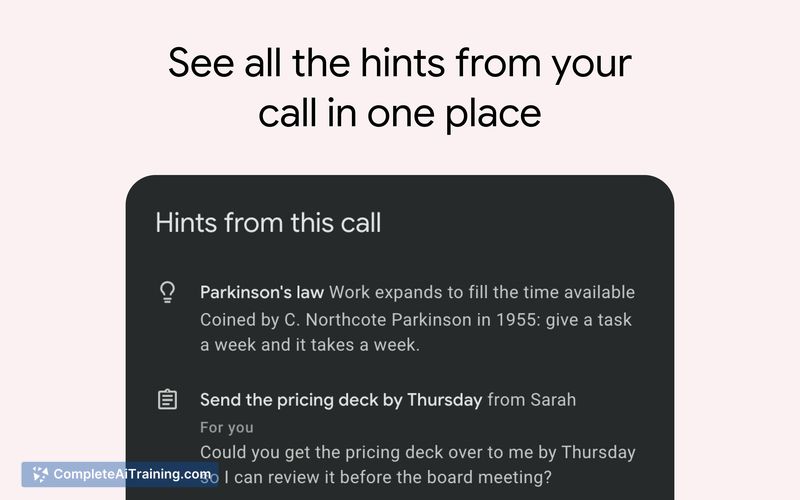
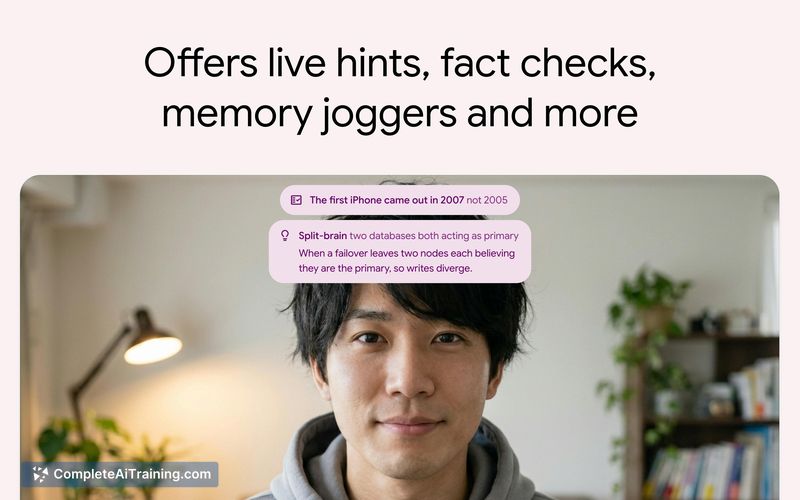
Hintly for Google Meet™ addresses a specific problem: the awkward moment when a term slips your mind mid-call and you can't discreetly look it up. The extension sits in the Meet toolbar and reacts to live captions, so no external bot appears in the participant list. It was built by a solo maker who launched it after experiencing that exact situation.
Key Features
- Defines terms, names, and acronyms as they appear in Meet's live captions
- Fact-checks claims made during the call in real time
- Surfaces details about people mentioned, using only information from the current call
- Logs tasks that are intended for the user
- Stays silent when uncertain about a term rather than guessing
Pricing and Value
The first 60 minutes of use are free. The maker uses Polar as the merchant of record for handling subscriptions, sales tax, and VAT. Specific pricing tiers beyond the free trial are not detailed on the current product page, so exact costs after the initial 60 minutes remain undefined at this time.
Pros
- No bot joins the call; it relies entirely on Meet's native caption feed
- Manual activation means it doesn't run or listen without the user's knowledge
- Refuses to guess when confidence is low, avoiding confidently wrong interruptions
- Task logging captures action items directed at the user during conversation
- Built with Supabase for billing logic that lives in the database, allowing local testing of migrations
Cons
- Cross-meeting memory is not available; the tool only references the current call, so returning topics or people from past meetings won't be recognized
- No option to upload a company glossary or internal acronym list, which limits recognition of organization-specific terminology
- Not well suited for users who need persistent, multi-session context or custom knowledge bases tied to their team's internal language
Hintly for Google Meet™ fits professionals who occasionally blank on terms during calls and want a quick, discreet reference without tab-switching. It's less useful for teams that rely heavily on proprietary jargon or need continuity across recurring meetings. The free 60-minute trial gives enough time to test whether its live caption-based approach works in your typical call environment.