AI tool
Interior AI
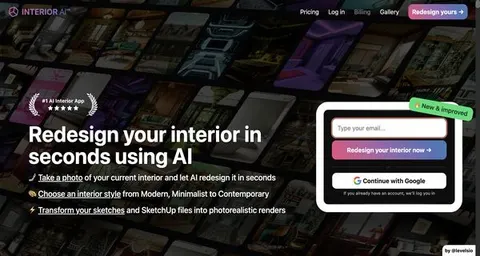
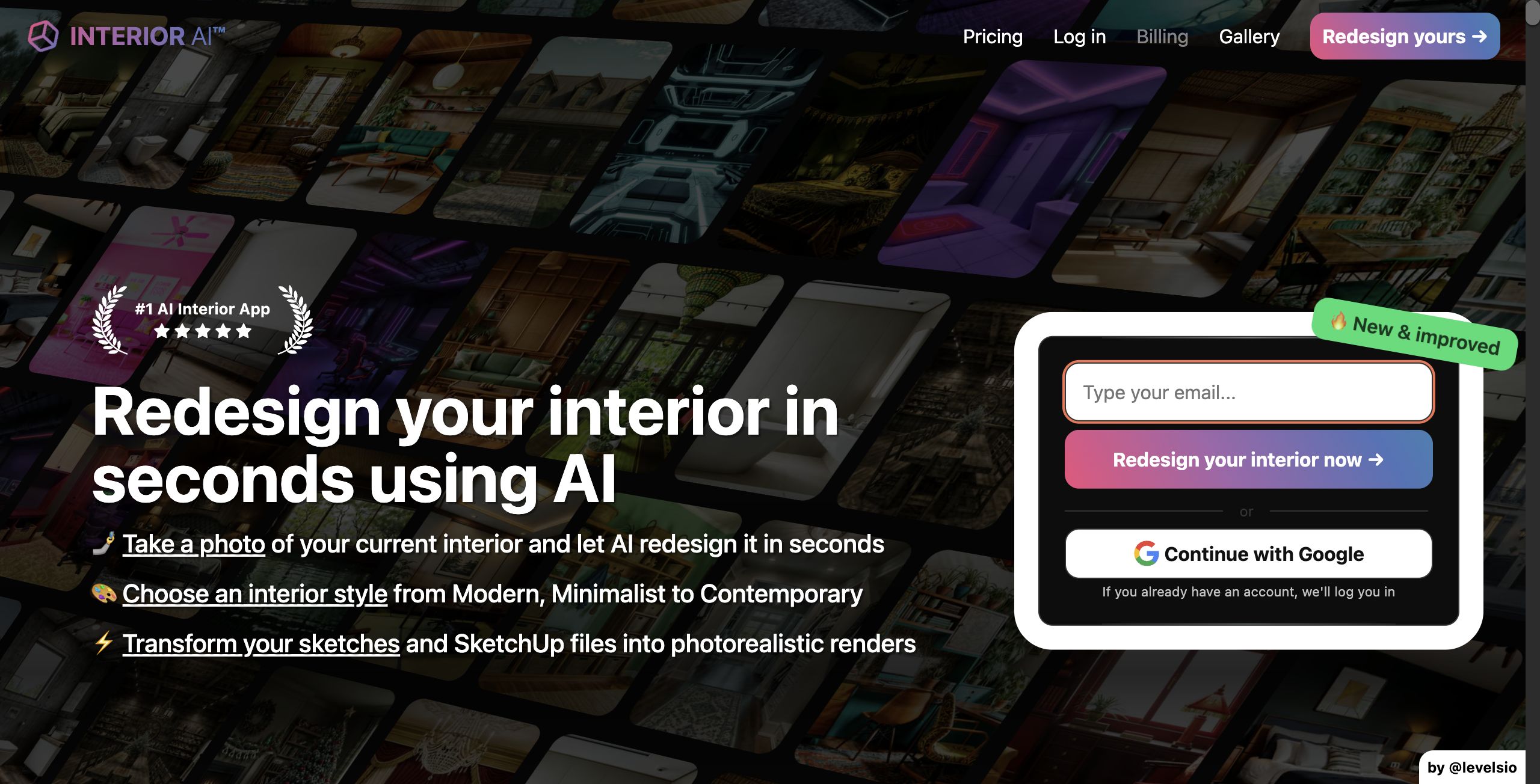
Transform your space effortlessly with InteriorAI. Upload an image of any room and explore 17 unique styles for redesign inspiration or virtual staging, all powered by AI innovation in interior design.
About: Interior AI
InteriorAI is an innovative platform that revolutionizes the way you envision and design interior spaces. By simply uploading a photo of an empty room, users can engage the power of artificial intelligence to transform their surroundings. The tool offers a diverse selection of 17 pre-defined design styles, allowing for customized layouts and aesthetics tailored to individual preferences. Whether you are looking to ideate new interior concepts or virtually stage properties for real estate, InteriorAI provides a seamless solution.
Key features include intuitive image uploads, quick processing of design transformations, and a user-friendly interface that encourages exploration of various design themes. Its versatility makes it suitable for homeowners, interior designers, and real estate professionals alike. What sets InteriorAI apart is its ability to merge advanced AI technology with user-centric design, providing a practical and engaging way to visualize spaces. This tool not only enhances creativity but also streamlines the design process, making it an invaluable asset for anyone looking to reimagine their living or working environment.
Review: Interior AI
Introduction
Interior AI is an innovative AI image generator platform designed to revolutionize the way interior design is envisioned. Its primary purpose is to transform ordinary room photographs into beautifully restyled spaces using artificial intelligence. Whether you are an interior designer seeking creative inspiration, a real estate professional looking for virtual staging solutions, or simply a homeowner exploring design ideas, Interior AI offers a fast and accessible tool for generating photorealistic interior renders. Reviewing this platform is relevant in today’s rapidly advancing field of AI-driven design tools, as it showcases how technology can simplify and enhance the creative process.
Key Features
Interior AI is equipped with a comprehensive set of functionalities aimed at delivering high-quality interior design transformations:
- AI-Powered Redesign: Simply upload a photo of your current interior, and the AI quickly reimagines it in seconds.
- Style Variety: With over 17 preselected interior styling options—from Modern and Minimalist to Contemporary and Eclectic—you can experiment with multiple aesthetics without the complexity of traditional design tools.
- Photorealistic Renders: The tool produces high-resolution, realistic images that closely resemble professionally designed interiors, making it ideal for client presentations and virtual staging.
- Sketch2Image and SketchUp Support: For designers who prefer to start with draft sketches or wireframes, Interior AI transforms these inputs into polished, photorealistic renders.
- Virtual Staging: Particularly useful for real estate agents, this feature helps furnish empty homes, leading to faster sales and potentially higher property prices.
- 3D Flythrough Videos: Convert your AI-generated images into immersive virtual reality experiences, enriching the presentation of interior designs.
Pricing and Value
Interior AI offers several pricing tiers tailored to different user needs, ensuring a range of options for both casual users and professionals:
- Pro Plan: Priced at $199 per month (billed yearly), this plan allows for up to 1,000 interior designs per month and includes the Virtual Staging AI feature at a competitive annual rate.
- Premium Plan: At $499 per month (billed yearly), users can create up to 5,000 interior designs along with additional features like the magic photo editor and the ability to produce up to 8 designs in parallel.
- Business Plan: For users with extensive requirements, the Business Plan at $1,699 per month (billed yearly) offers up to 25,000 interior designs, unlimited design storage, priority response times, and advanced parallel processing with up to 16 designs at once.
The pricing structure reflects the range of features available and positions Interior AI as a cost-effective solution compared to traditional interior design services. For professionals who need high volume and rapid iterations of designs, the value proposition is particularly strong.
Pros and Cons
- Pros:
- Fast and efficient interior redesign, delivering high-quality, photorealistic images within seconds.
- Wide range of preselected design styles that cater to diverse aesthetics.
- Versatile functionality with support for sketches, SketchUp renders, and even 3D flythrough videos.
- Competitive pricing plans that scale with the needs of individual professionals and businesses.
- Effective virtual staging, which can be a game changer for real estate professionals.
- Cons:
- Results may be highly dependent on the quality and angle of the input photos.
- While presets streamline the process, there might be limited room for deep customization beyond the available styles.
- Users seeking highly complex architectural modifications may need more specialized software.
Final Verdict
Overall, Interior AI is a compelling tool for anyone involved in interior design, virtual staging, or real estate marketing. Its quick turnaround, diverse style options, and high-resolution outputs make it ideal for professionals who need to generate mood boards, client presentations, or digitally staged properties with minimal effort. However, if your design requirements call for highly customized architectural detailing, you might find the preset-driven approach somewhat limiting. In summary, Interior AI is highly recommended for interior designers, real estate agents, and home owners looking for a fast, reliable, and visually impressive design ideation tool.
Jobs Interior AI suits
We checked Interior AI against 500+ jobs; these get the most out of it.
Alternatives to Interior AI
Other tools that do the same main job. Our AI compared Interior AI with similar tools and kept the ones you could use instead.