
AI tool
Takes for Mac
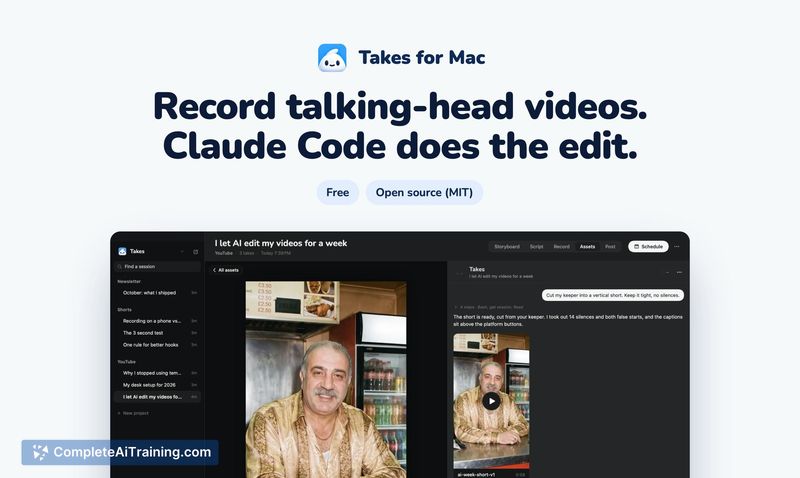
Takes for Mac records your camera and screen together with a script-following teleprompter. It uses your own Claude plan to cut filler words, add captions, and create social cuts based on frame notes. The tool is for video creators who want to ski...
About Takes for Mac
Takes for Mac is a free, open-source macOS application for recording talking-head videos. It combines a voice-following teleprompter, one-button camera and screen recording, and AI-assisted editing through Claude Code. The app stores every take as a plain file in local folders and requires an Apple silicon Mac running macOS 15, along with a paid Claude plan for the editing features.
Review
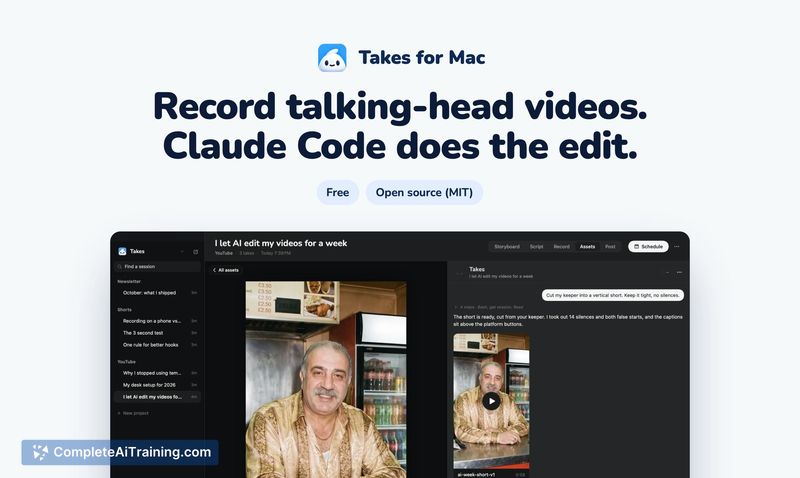


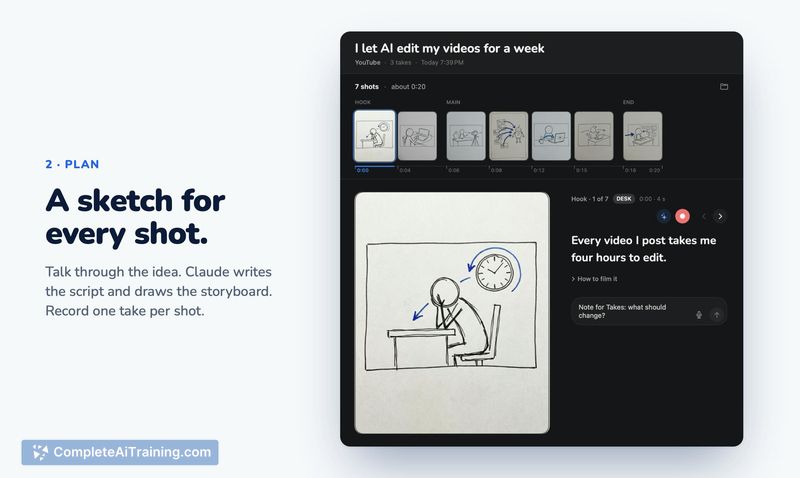
Takes for Mac approaches video creation by removing the traditional timeline editor entirely. Instead of dragging clips around, you record directly into the app and let Claude Code handle cuts, captions, and formatting. The tool is built by a solo developer who originally made it for personal use, and it's now available under an MIT license with no account required.
Key Features
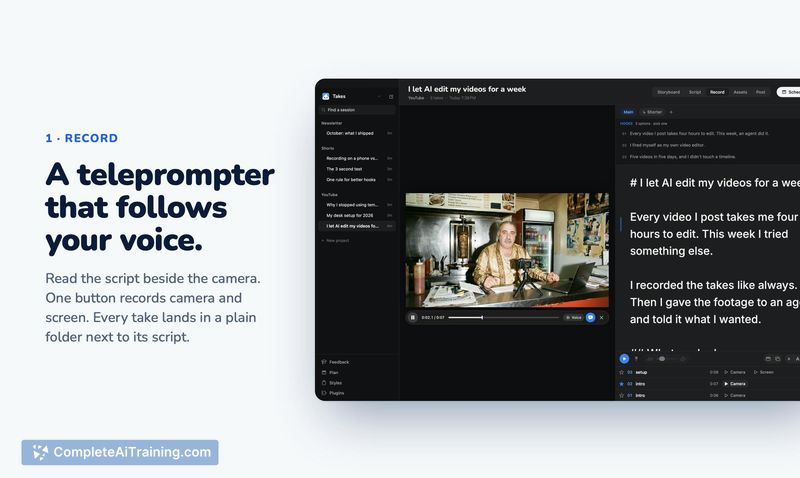
- Voice-following teleprompter: A script display positioned next to the camera lens scrolls in sync with your speech, so you can read naturally while maintaining eye contact with the lens.
- One-button recording: A single click captures both camera and screen simultaneously. Each recording session saves its take alongside the script in a plain folder on your Mac.
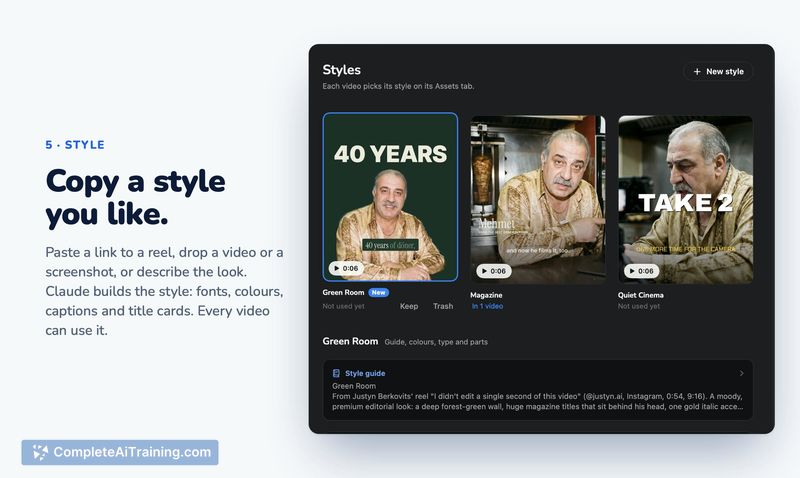
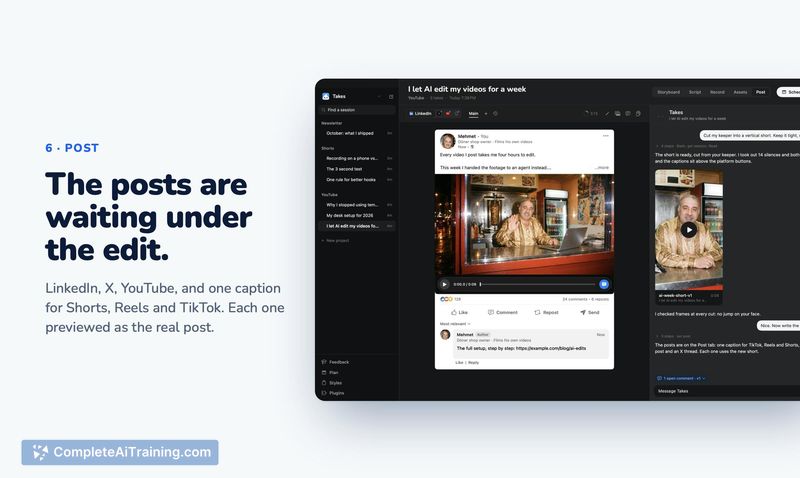
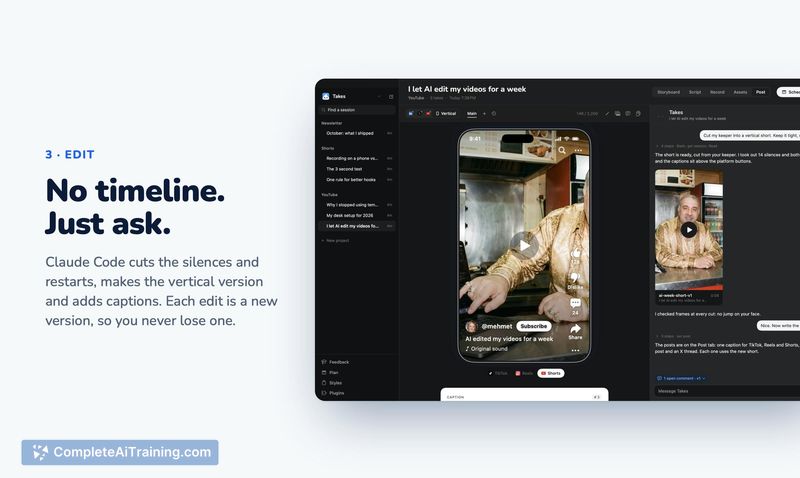
- Claude Code editing: On your own Claude plan, Claude Code cuts silences, filler words, and false starts, generates a 9:16 vertical version, adds captions matching your style, and drafts social media posts.
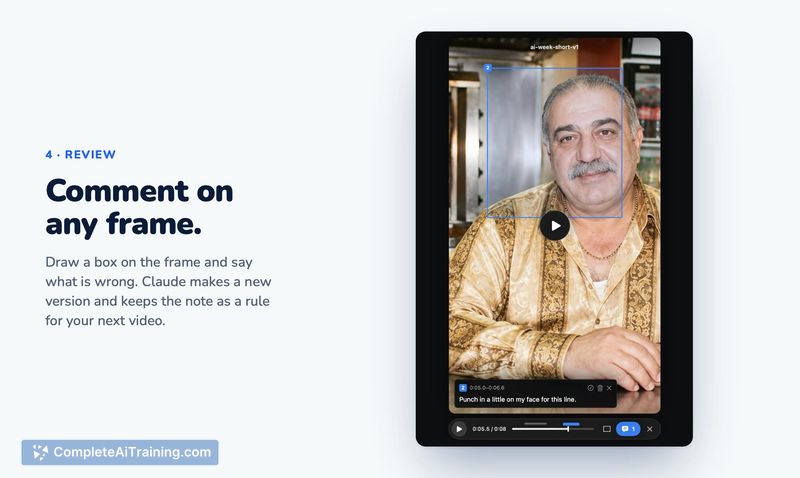
- Frame-level notes: You can leave notes on specific frames or time ranges ("too fast here," "crop tighter"). Claude processes these notes and produces a new version while keeping previous versions intact.
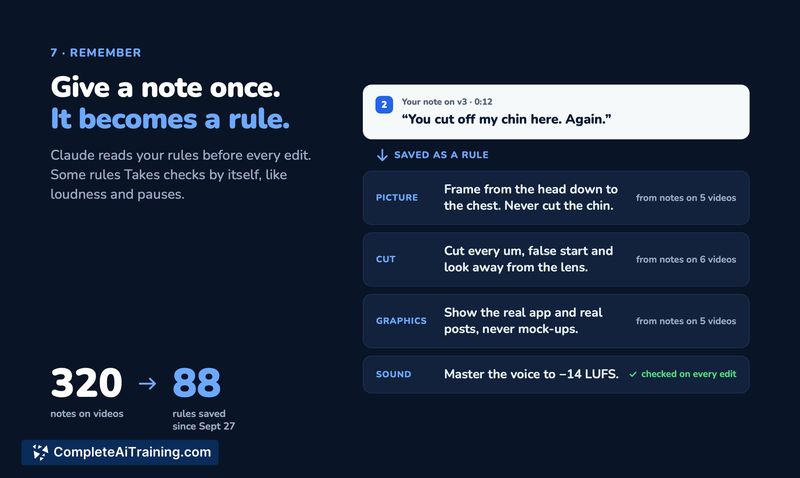
- Persistent editing rules: Notes that apply beyond a single video get converted into rules that Claude reads before every subsequent edit. The developer reports that roughly 320 notes have condensed into 88 rules, reducing repeated feedback.
Pricing and Value
Takes for Mac is free and open-source under the MIT license. There are no accounts, no subscriptions through the app itself, and no in-app purchases. The editing functionality depends on a paid Claude plan from Anthropic, which the user must already have or obtain separately. The developer has not announced any monetization model for the tool.
Pros
- Runs entirely on local files with no cloud uploads or account creation required.
- Keeps every edit version, so reverting to an earlier cut takes one click.
- Plain folder structure means you can open any take in a separate editor if needed.
- Rules system accumulates preferences over time, reducing how often you repeat the same correction.
- FFmpeg handles all processing locally-cuts, crops, captions, and loudness normalization run on your machine.
Cons
- Rendering can be slow. One user reported a 60-second recording taking roughly an hour to process, though performance varies by machine specs.
- No XML or project file export for finishing work in Resolve or Premiere. The developer notes this is not yet built.
- The tool is not well suited for users who need precise manual control over a timeline or who work on Intel-based Macs, since it requires Apple silicon and macOS 15.
Takes for Mac fits solo creators who record talking-head content regularly and want to avoid traditional video editors. It's particularly relevant for people already using Claude who prefer keeping their footage local and are comfortable with an editing workflow driven by natural language notes rather than a timeline. Teams collaborating on edits or users who need round-tripping to professional NLEs will find the current feature set limited.



