AI tool
Rushilo
Rushilo is a desktop video editor that lets you control cuts, captions, and timeline edits using your own AI coding agent like Claude Code or Codex. It is built for creators who want agent-driven editing with full manual control, local file proces...
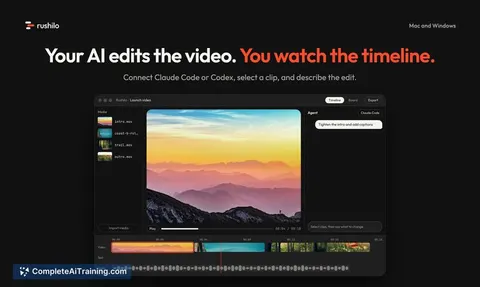
About Rushilo
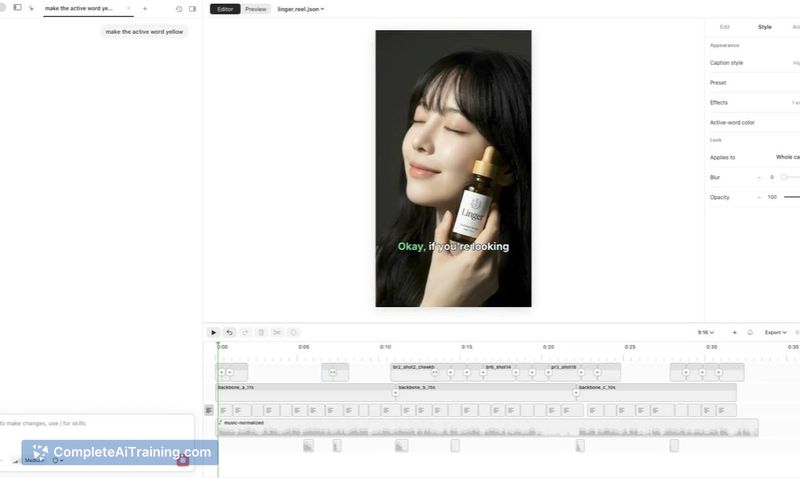
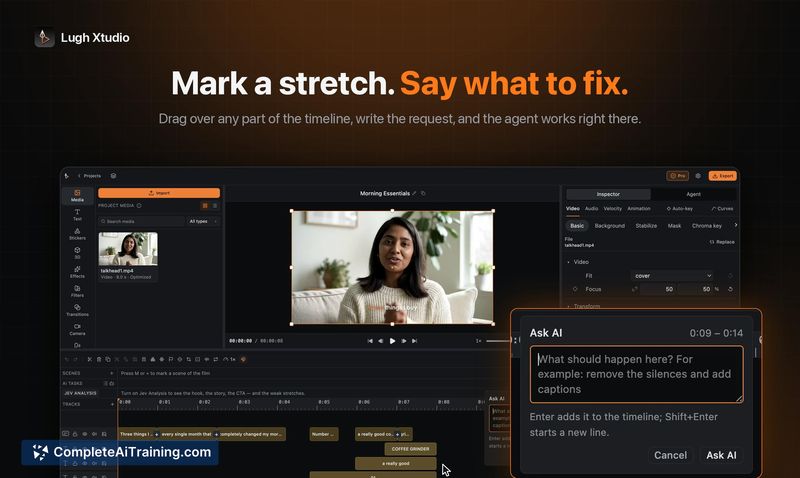
Rushilo is a desktop video editor for Mac and Windows where your own AI agent-Claude Code or Codex-performs the edits. You select a clip, type an instruction like "trim the intro and add captions," and each change appears on a visible timeline with the ability to undo. The tool ships no AI of its own, so there are no credit charges; files remain on your disk and your API keys stay in your keychain.
Review
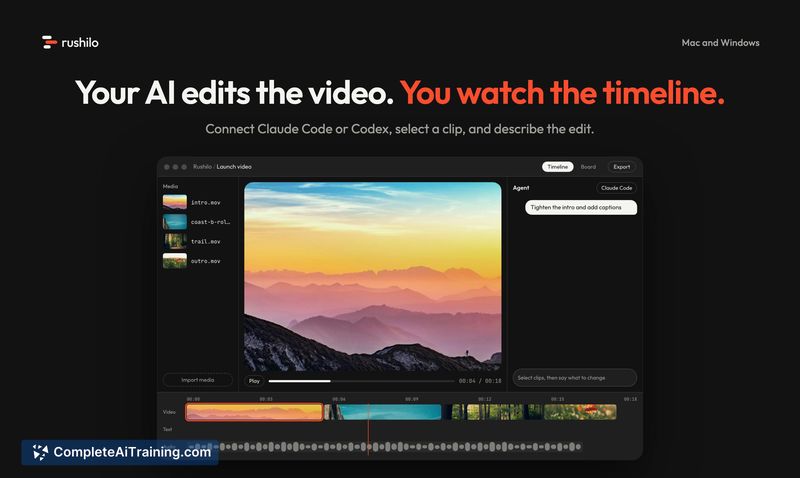
Rushilo takes a different path from most AI video tools by letting you connect an agent you already pay for instead of charging a second time for AI processing. The editor is a normal desktop app with a timeline where every agent action lands as an undoable step. This review looks at what version 1.0 actually ships and where the boundaries sit.
Key Features
- Agent-driven timeline editing. Claude Code or Codex runs in a built-in panel next to the timeline. You give a natural language instruction, and the agent calls Rushilo's tools to trim, split, caption, cut filler words, resize, or export. Each completed turn produces a card summarizing the change and a single Undo for the whole turn.
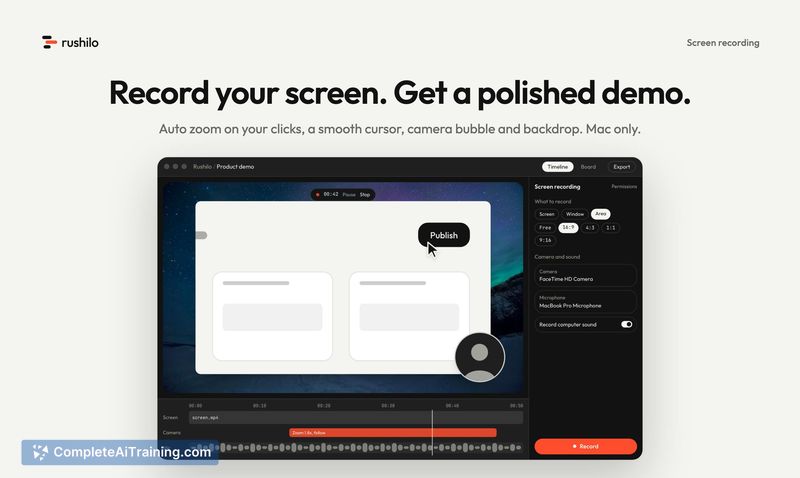
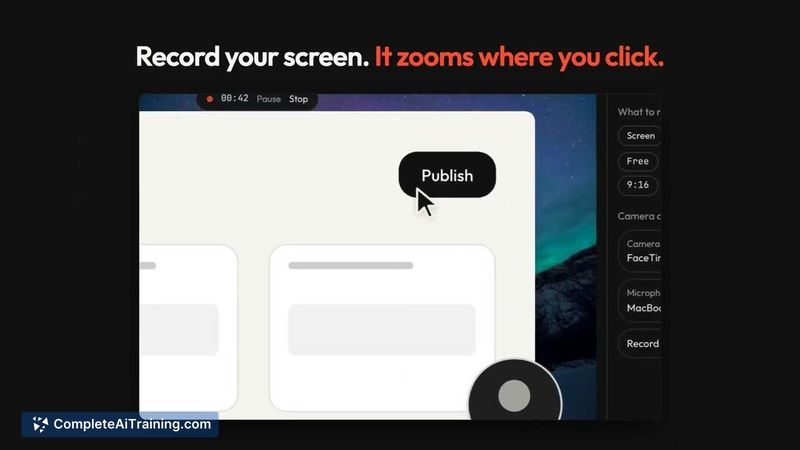
- Screen recording with auto zoom (Mac). The recorder captures clicks, smooth cursor movement, a camera bubble, and backdrops, then zooms automatically on interaction points.
- On-device Whisper captions and transcript editing. Captions are generated locally using Whisper, not a cloud service. You can edit the transcript to remove filler words directly.
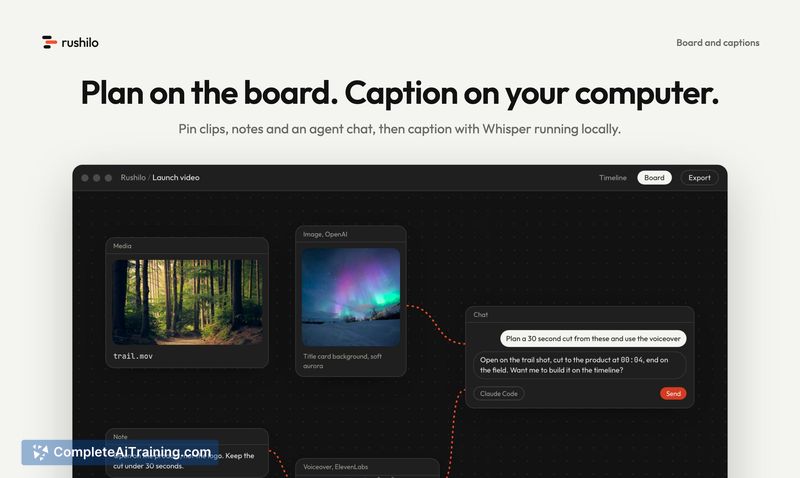
- Planning board. A space to arrange clips, write notes, and chat with the agent before committing to cuts.
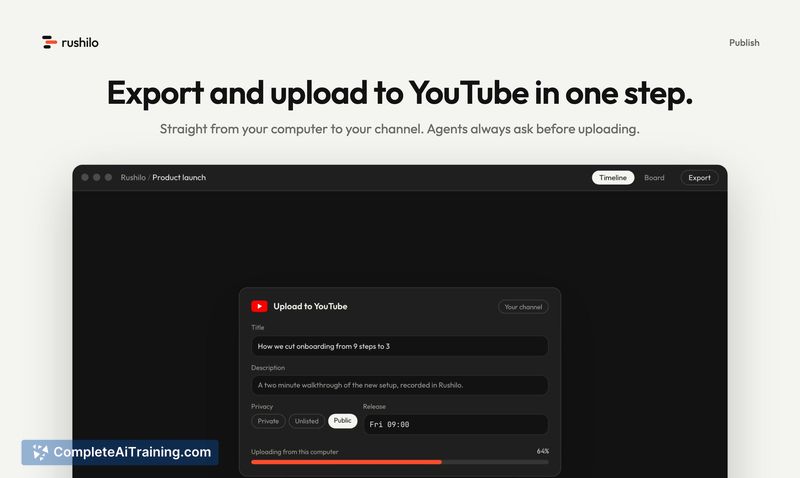
- Export and direct YouTube upload. Videos can be exported in landscape, vertical, or square aspect ratios and uploaded straight to YouTube from within the app.
Pricing and Value
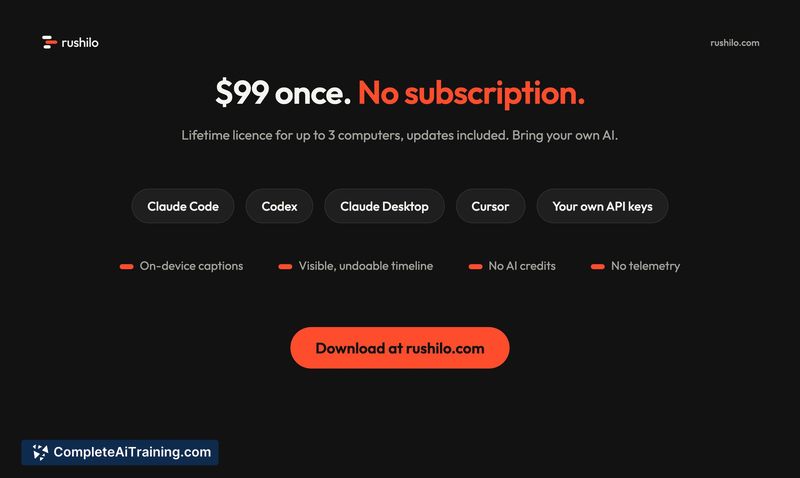
Rushilo costs $99 as a one-time payment, which covers use on up to three computers and includes updates. There is no subscription. Because the tool does not ship its own AI, you don't buy credits-you use your existing Claude Code or Codex subscription or API keys. The cost of those external services is separate and not controlled by Rushilo.
Pros
- Edits appear step-by-step on a standard timeline, so you can inspect, undo, or manually adjust any change the agent makes.
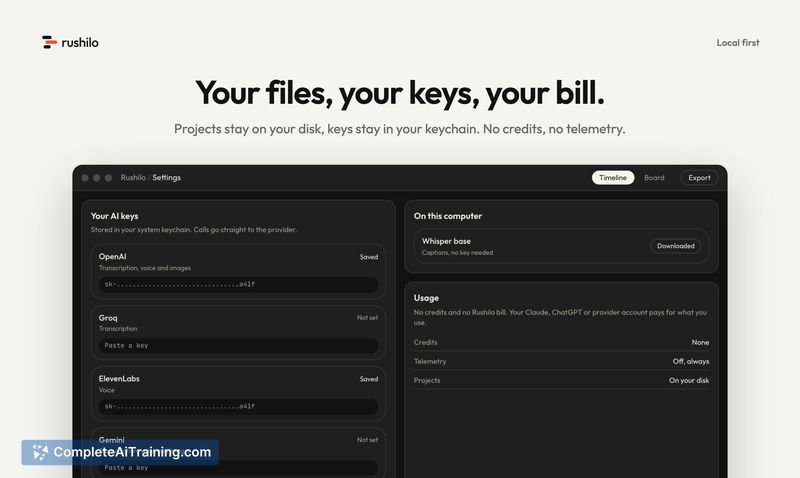
- No credits, no telemetry, and no intermediary server-files and API keys never leave your machine.
- Works with multiple AI clients: the built-in panel supports Claude Code and Codex, and it also connects to Claude Desktop, Cursor, or any MCP client.
- Screen recording on Mac includes automatic click-zoom and camera bubble, which saves a separate recording step for demo creators.
- One-time $99 price for three machines avoids recurring charges.
Cons
- You must bring your own AI subscription or API keys; the editor does nothing agent-driven without an external service you pay for separately.
- The tool is not well suited for users who want a fully autonomous AI that delivers a finished video without reviewing or touching a timeline.
- Color correction is not yet available, based on the maker's public responses, so grading footage still requires another tool.
Rushilo fits someone who already uses Claude Code or Codex and wants that same agent to handle video cuts with full visibility into what changed. It's built for people who record product demos or short social videos and prefer a timeline they can override over a black-box render. Teams working with long-form projects where an agent needs to understand extended timeline context may hit limits, as the current scope of agent understanding for longer videos hasn't been detailed.