AI tool
Lums
Lums unifies checking, cards and cash into one app, chat with your money in plain language, get 14-day cash projections, AI insights, auto-categorized transactions and privacy-first protection.
About Lums
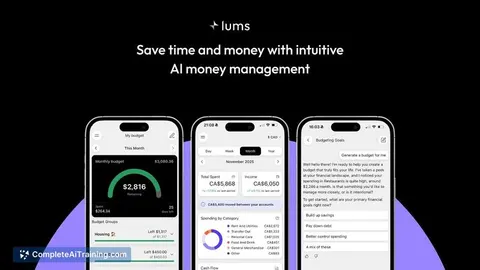
Lums is an AI-powered budgeting app that lets you "chat with your money" to build and manage a budget quickly. It supports multi-currency accounts and auto-categorizes transactions to give a clearer view of spending and recurring charges.
Review
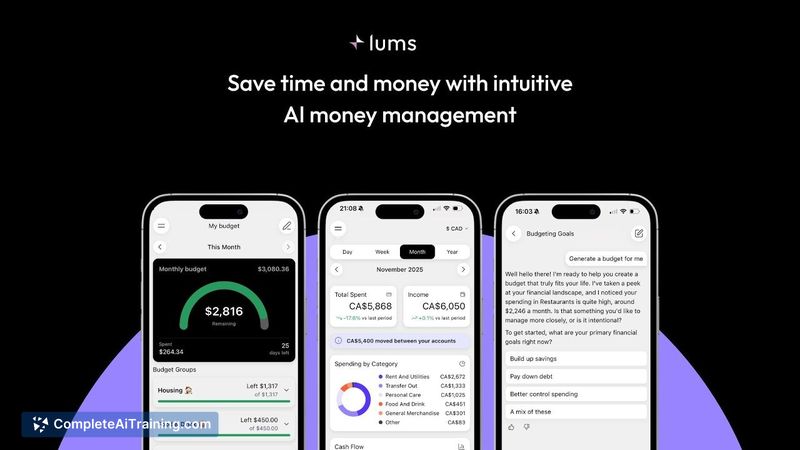


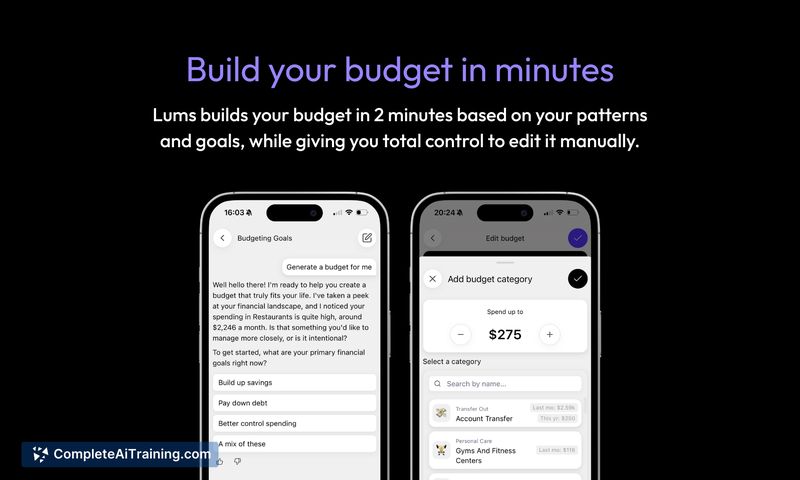

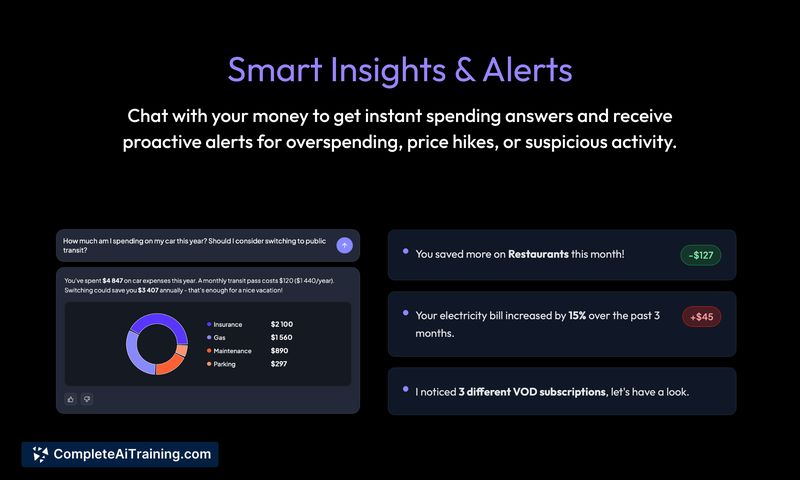
Lums emphasizes conversational money management through an in-app chat interface and visual insights. The app aims to reduce manual bookkeeping by automatically organizing transactions, projecting short-term cash flow, and surfacing subscriptions or hidden costs.
Key Features
- Chat-based financial questions: ask plain-language queries like "What recurring charges do I have?" and get instant answers.
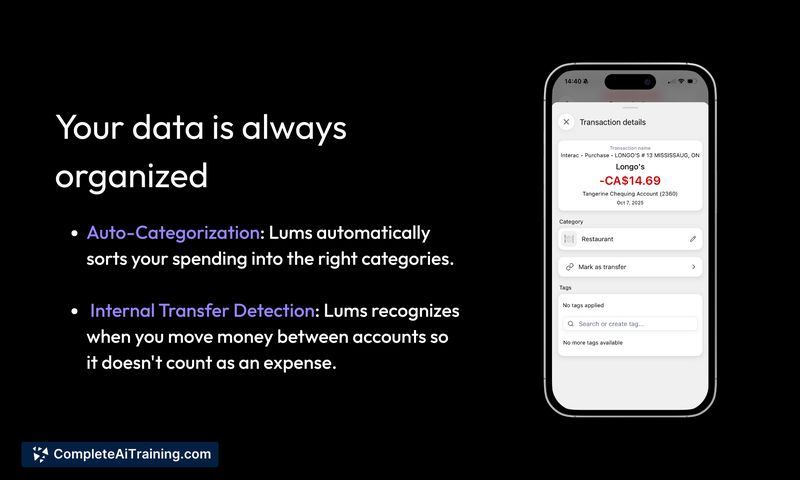
- Auto-categorization and internal transfer detection to keep transaction data organized without manual tagging.
- 14-day cash projection to help anticipate short-term balance changes.
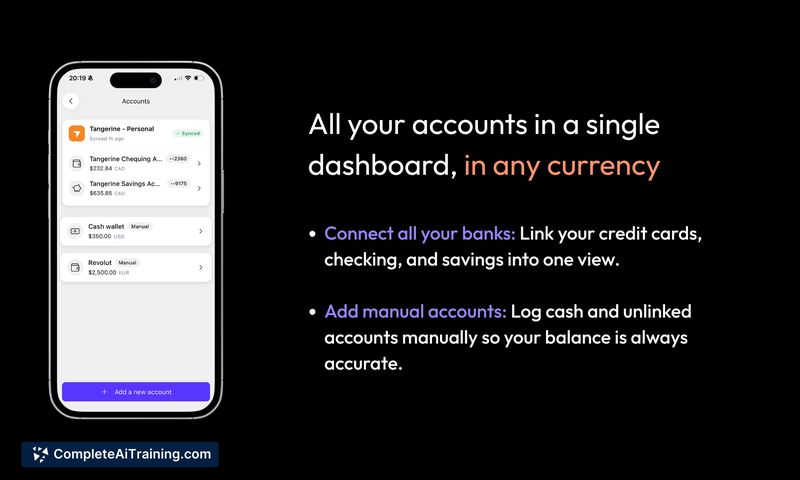
- Multi-currency account management so accounts in different countries can be viewed together.
- AI-driven charts and insights that provide visual breakdowns of spending and trends.
Pricing and Value
At launch Lums is offering a promotional 2 months free with no credit card required, and the platform lists free options as part of its offering. The model appears to be subscription-based after any trial period. The value proposition centers on saving time by automating categorization, surfacing recurring charges, and providing quick cash projections and visuals that help users make informed short-term decisions.
Pros
- Conversational interface makes common financial questions easy to ask and understand.
- Fast budget setup - the product claims budgets can be built in about two minutes.
- Handles multiple currencies and consolidates accounts for clearer overall tracking.
- Automatic categorization and transfer detection reduce manual cleanup.
- Privacy-first messaging and the ability to review privacy policies provide reassurance for sensitive data.
Cons
- Initial launch is focused on the USA, so availability may be limited for international users at first.
- As with any new AI categorization, some transactions may be misclassified and require manual correction while the system learns.
- Relies on third-party bank connection services, which can lead to gaps depending on your financial institution's support.
Overall, Lums is well suited for people who want a fast, conversational way to monitor spending, discover subscriptions, and plan short-term cash flow-especially those with accounts in more than one currency. It's a practical choice for busy users who prefer automated categorization and visual summaries over manual budgeting spreadsheets.
Alternatives to Lums
Other tools that do the same main job. Our AI compared Lums with similar tools and kept the ones you could use instead.