AI tool
Maildun for Mac
Maildun for Mac is a native email builder that combines a drag-and-drop editor with AI-assisted design and MCP-based agent workflows. It is for designers and developers who want to create, brand, and publish email templates directly on macOS.
About Maildun for Mac
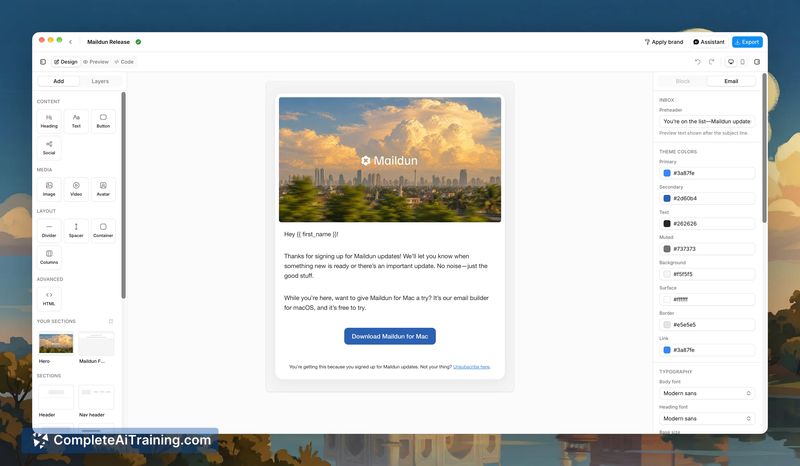
Maildun for Mac is an agentic email builder that runs natively on macOS. Built with Tauri 2, React 19, and shadcn/ui, it shares the same UI kit and theme tokens as its web counterpart. The tool lets you design emails through a drag-and-drop editor, connect external AI assistants like Claude or ChatGPT using your own API key, or hand control to coding agents via a built-in MCP server.
Review
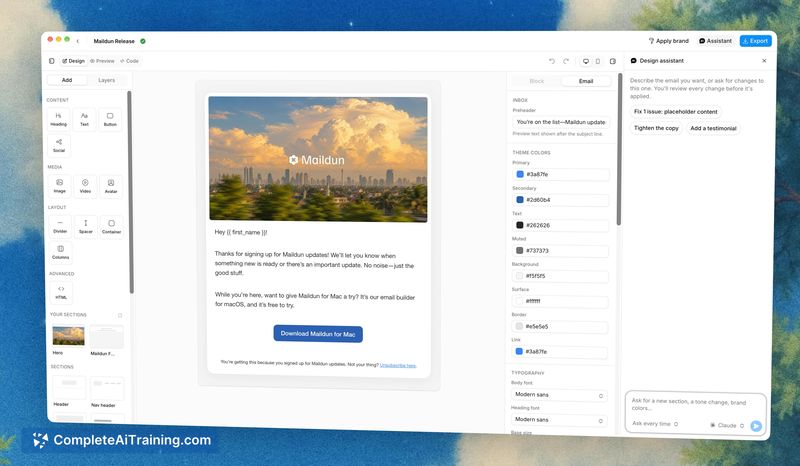
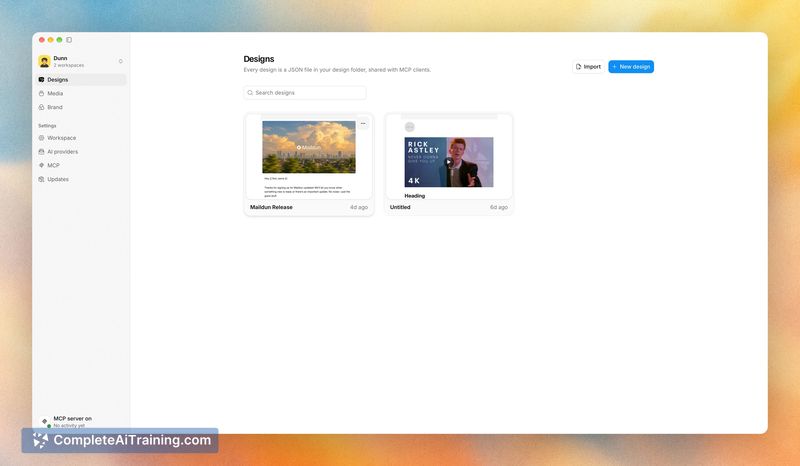
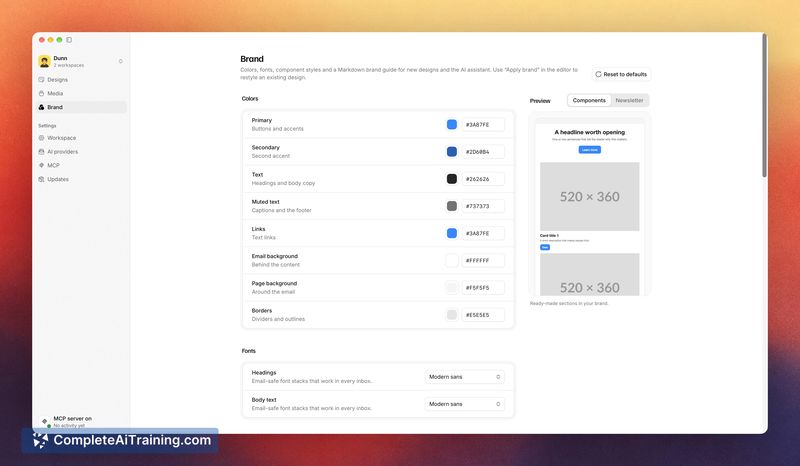
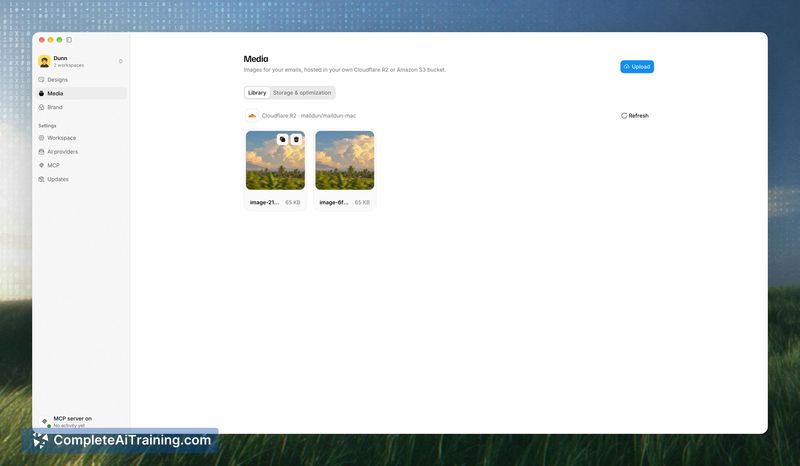
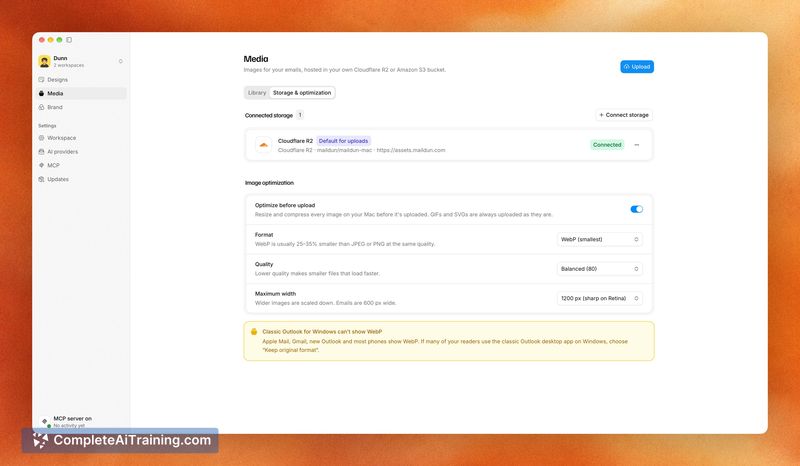
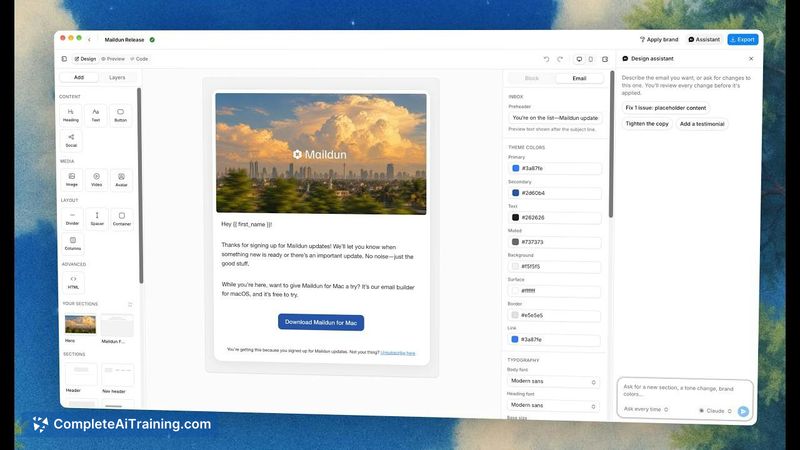
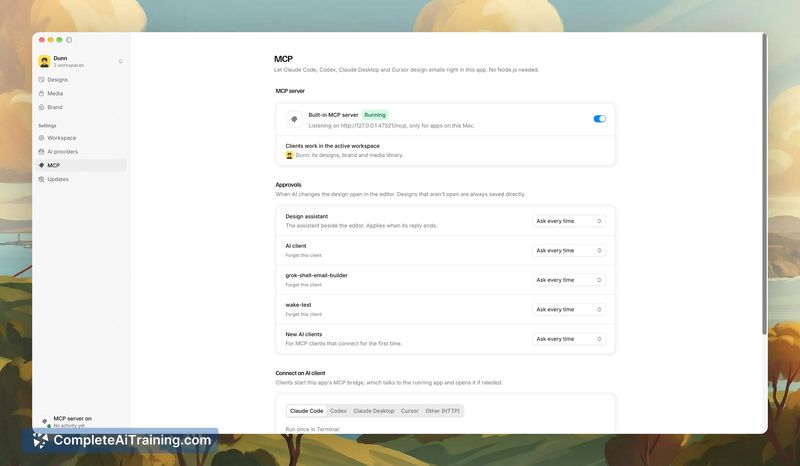
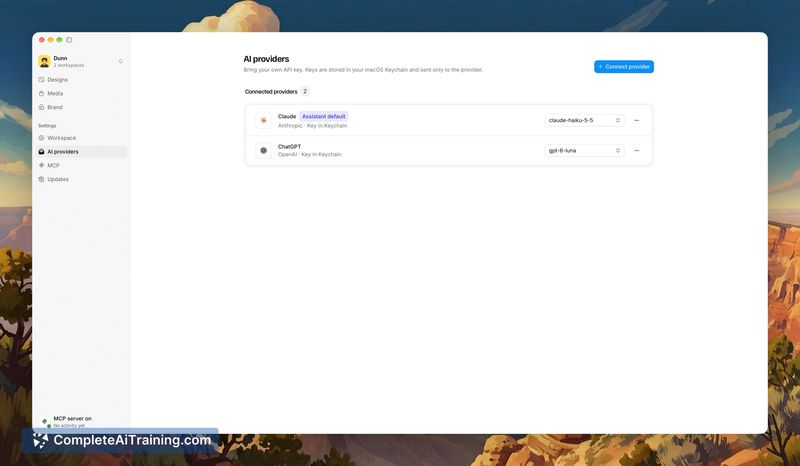
Maildun for Mac takes a multi-modal approach to email design, giving you three distinct ways to work: manual editing, AI-assisted design, and agent-driven creation over MCP. The native macOS app handles image processing locally before upload and runs its MCP server without requiring Node.js. It's a tool that seems built for designers and developers who want to switch between direct control and automation without leaving their workspace.
Key Features
- Drag-and-drop editor with blocks, sections, an inspector, and both desktop and mobile previews.
- AI-assisted design where you connect your own Claude, ChatGPT, Gemini, or Grok API key. The assistant edits through validated tools and presents each change as a live proposal you can accept or reject.
- Built-in MCP server that lets Claude Code, Codex, Claude Desktop, or Cursor list, create, and edit emails in your active workspace, complete with its brand and media settings.
- Workspaces organized per client or product, each with separate designs, brand configurations, and media storage.
- Brand component styles that work like shadcn/ui for email-button style, shape, size, image corners, cards, and dividers. New designs start on-brand, and an "Apply brand" function restyles existing ones.
Pricing and Value
Maildun for Mac is currently listed as free. The reference content does not specify whether this is a launch promotion, a time-limited trial, or the permanent pricing model. No details about future pricing tiers or paid add-ons are available at this stage.
Pros
- Accepts and rejects AI changes individually instead of overwriting entire designs, which preserves manual work.
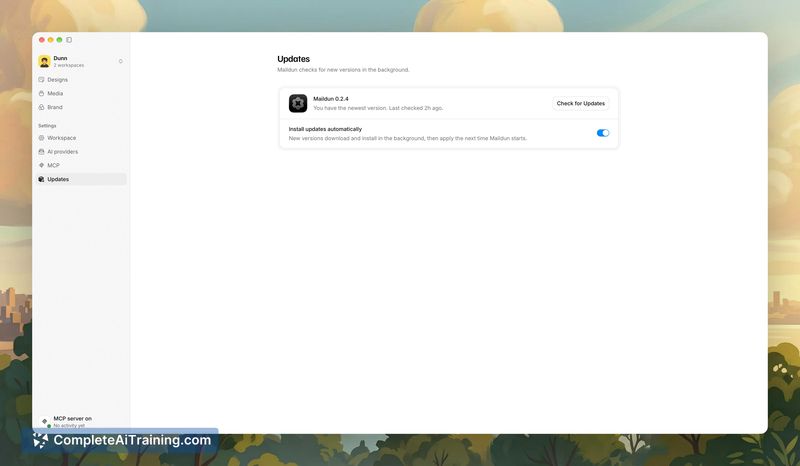
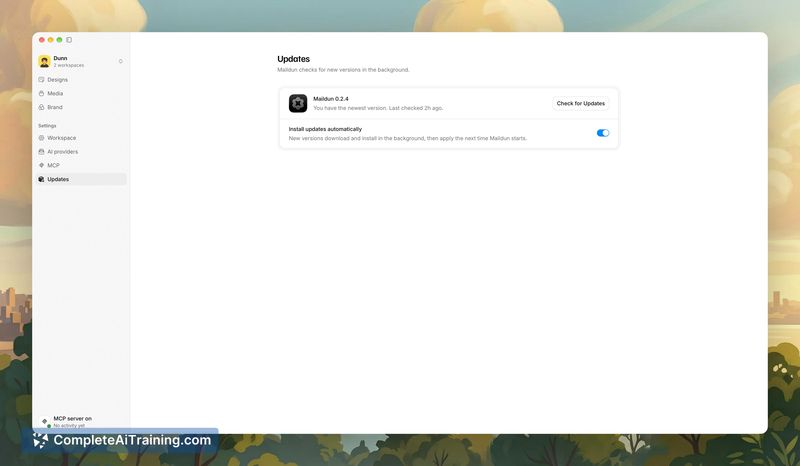
- Processes images on-device-resizing and converting to WebP-before uploading to your own Cloudflare R2 or Amazon S3 bucket.
- Shares a UI kit and theme tokens with Maildun on the web, so the interface remains consistent across platforms.
- Runs the MCP server natively without Node.js, reducing external dependencies.
- Publishes designs to maildun.com as public or draft templates, with updates that keep the same link working.
Cons
- Requires macOS, so teams on Windows or Linux cannot use it.
- AI features depend on external API keys from third-party providers, which means separate accounts and potential usage costs beyond the tool itself.
- Not well suited for users who prefer a fully guided, template-first email builder with built-in sending and analytics-Maildun for Mac focuses on design and export, not campaign management.
Maildun for Mac fits designers and developers who already work with AI coding agents or want granular control over email design while keeping assets in their own cloud storage. The MCP server integration makes it a practical option for those using Claude Code or Cursor in their daily workflow. For teams outside the Apple ecosystem or those seeking an all-in-one campaign platform, the tool's scope may feel narrow.