AI tool
Motionflare
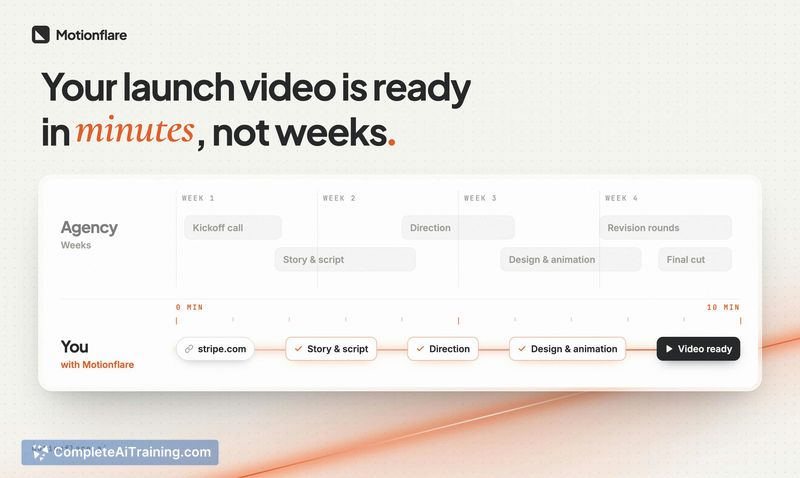
Motionflare generates product videos from a website URL, using its real brand assets to write and animate a motion graphics or live-action style ad. It is for founders and marketing teams who need finished videos in minutes without manual editing ...
About Motionflare
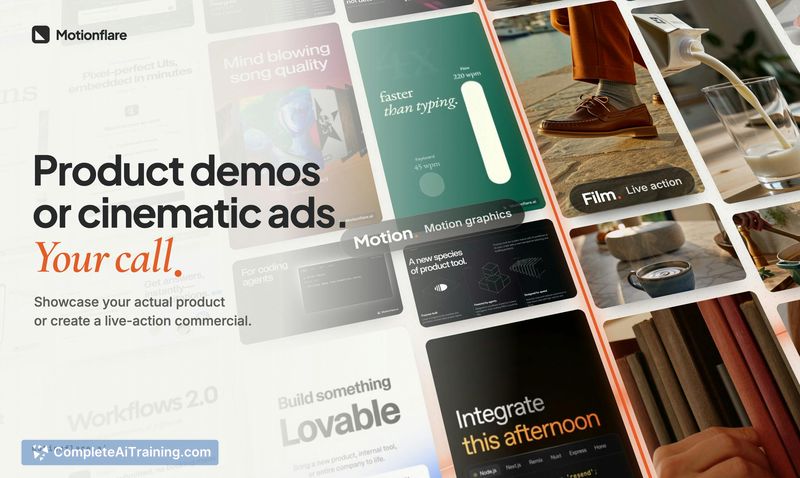
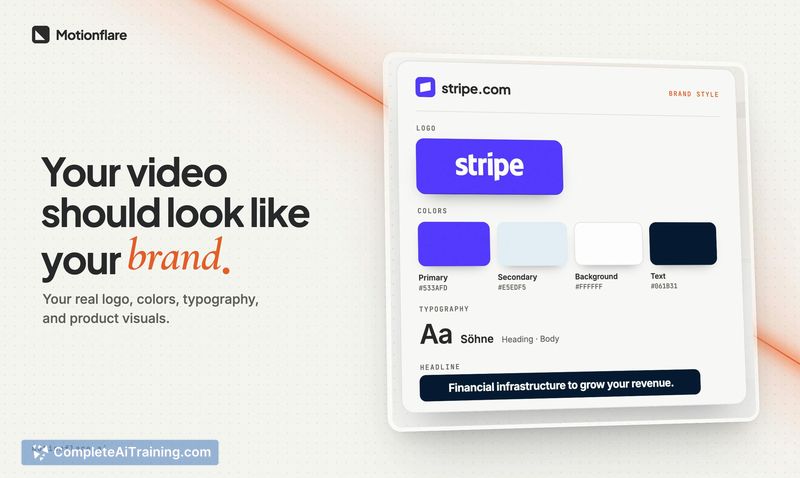
Motionflare is a tool that converts a website URL into a marketing video or brand film. It reads the site's logo, colors, copy, and screenshots to produce motion graphics with music and optional narration. Users can also switch to a Film mode that generates a live-action style commercial, then refine the output through a chat interface and export in up to 4K resolution.
Review
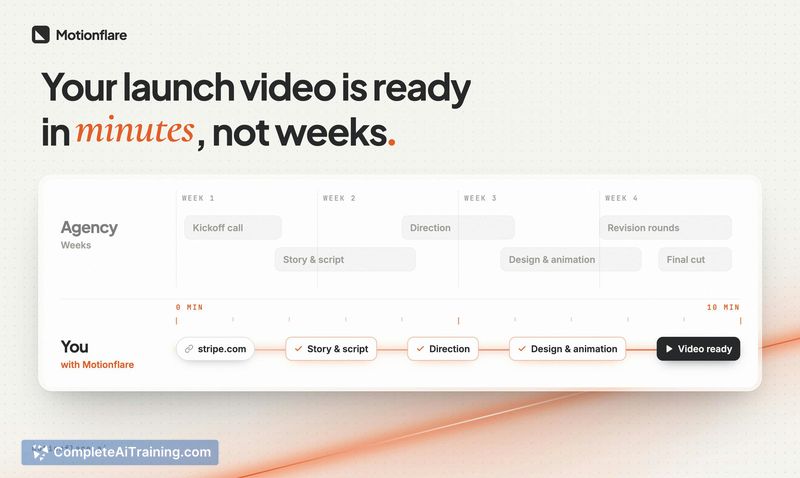
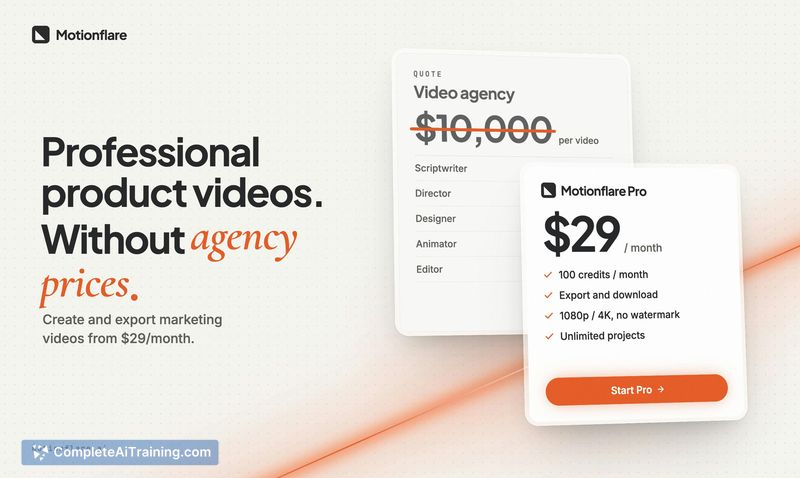
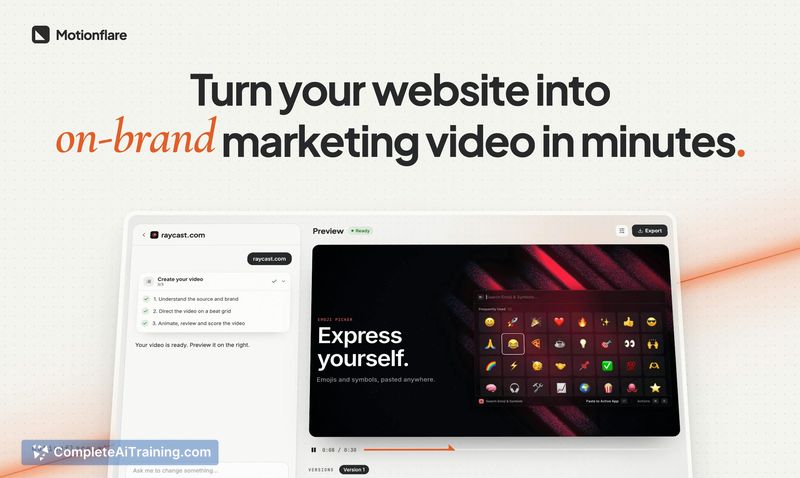
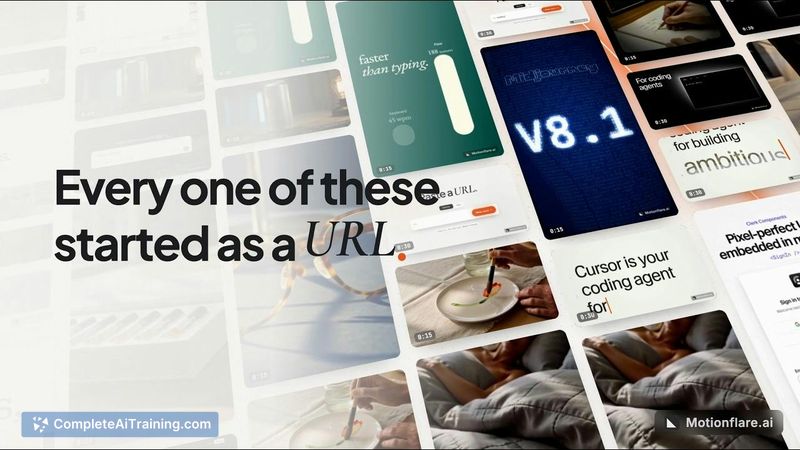

Motionflare targets a specific friction point: the time and cost of producing a product launch video. Instead of manual keyframing or agency fees, the tool automates scriptwriting, animation, and editing from a single URL input. The output isn't a template-driven slideshow - it builds the video from elements actually found on your site.
Key Features
- Motion mode: Creates motion graphics from your brand assets, up to 90 seconds long. The tool pulls your logo, colors, fonts, and copy directly from the submitted URL.
- Film mode: Generates a live-action style commercial with people, voiceover, and sound. Length ranges from 5 to 45 seconds, exportable in 4K.
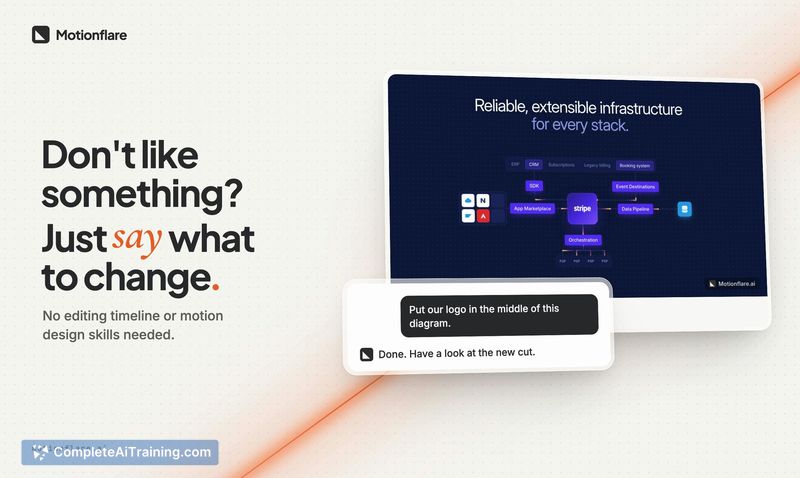
- Chat-based refinement: An editor interface where you describe changes in plain text. Only the specified part of the video changes, leaving the rest intact.
- Screenshot upload: You can attach up to 10 screenshots (PNG, JPG, WebP). These take priority over publicly scraped images, which helps when the product lives behind a login.
- Voice selection: 12 English voices are available, with samples playable before generation. Voiceover can be turned off entirely. Japanese is fully supported, including four native voices and on-screen text.
Pricing and Value
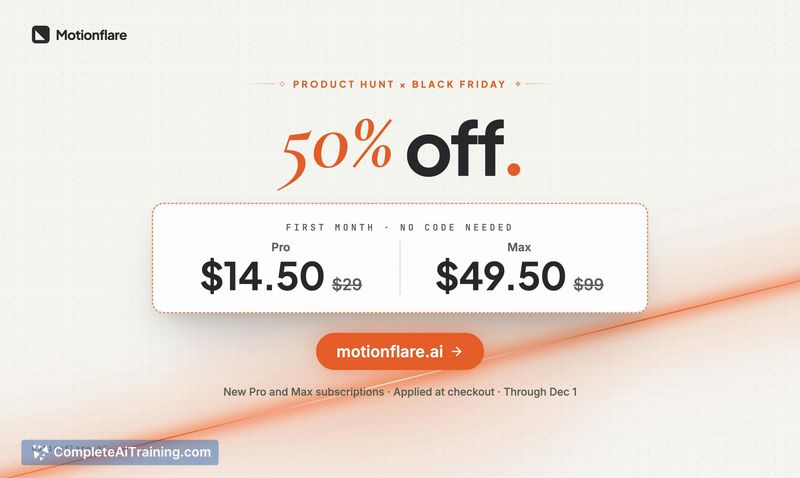
The first video is free to preview, no credit card required. The Pro plan costs $29 per month. At the time of this review, a Black Friday discount (through December 1) reduces the first month of Pro to $14.50, applied automatically at checkout. A Max plan exists but specific pricing for it was not detailed in the available information. No free tier beyond the initial preview was mentioned.
Pros
- Generates a complete video from a URL in under 10 minutes, with no manual animation work.
- Chat-based editing targets specific segments, so you don't regenerate the entire video for one fix.
- Accepts user-uploaded screenshots, which means products behind authentication can still be featured.
- Multiple voice profiles with previews let you match tone to brand before committing.
- 4K export is available - not all tools in this category output above 1080p.
Cons
- Sparse landing pages with minimal content produce videos that lean heavily on type and motion, which may not suit products needing rich visual demonstration.
- The tool is not well suited for users who need to cut together multiple disparate clips under a custom voiceover track - the founder notes this isn't what Motionflare is built for.
- Pricing beyond the Pro plan remains unclear, and there is no ongoing free tier for casual or infrequent use.
Motionflare fits teams that need a product video quickly and don't have budget or time for an agency. It's most practical when your public site already contains enough substance to fuel a narrative - or when you can supplement with screenshots. For multi-clip, timeline-heavy edits with custom pacing, a traditional video editor remains the more appropriate tool.