AI tool
Multimodal Agents by Sierra
Multimodal Agents by Sierra handles customer service conversations using voice, text, and visuals together. The agent automatically switches between modes to explain issues aloud, show comparisons, or leave written references. It is built for busi...
About Multimodal Agents by Sierra
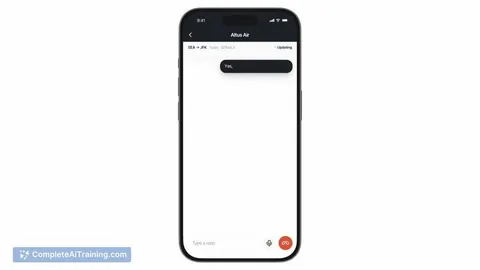
Sierra's Multimodal Agents let customer conversations move between voice, text, and visual elements within a single interaction. The agent decides when to switch modes based on what's happening in the conversation - for example, showing a product comparison card when someone is weighing options, or dropping a text summary they can refer to later. It's built on Sierra's MCP UI integration, which lets businesses create interactive components once and deploy them across every channel the agent lives on.
Review
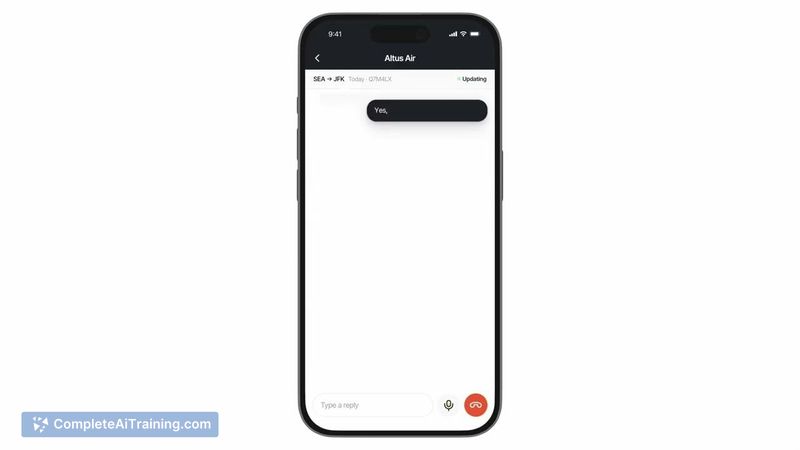
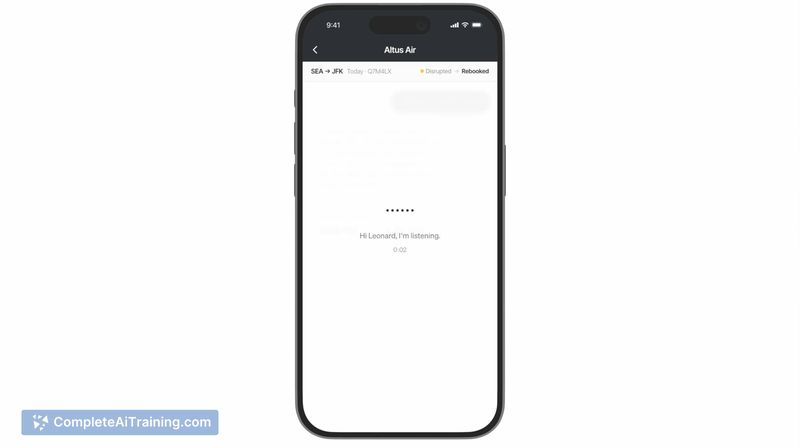
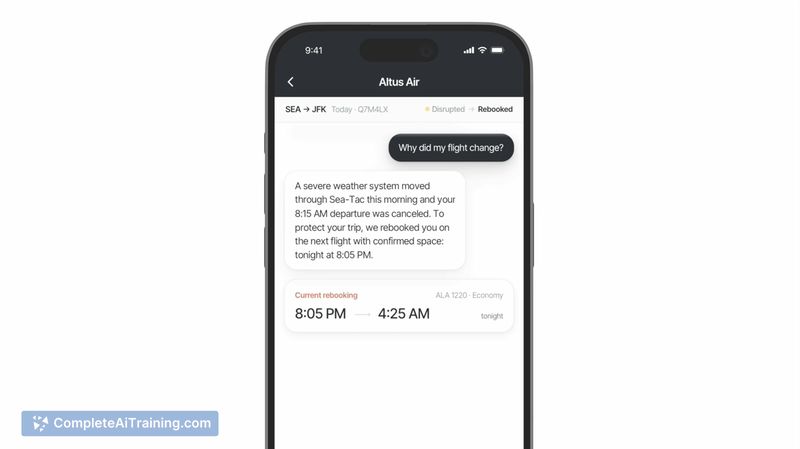
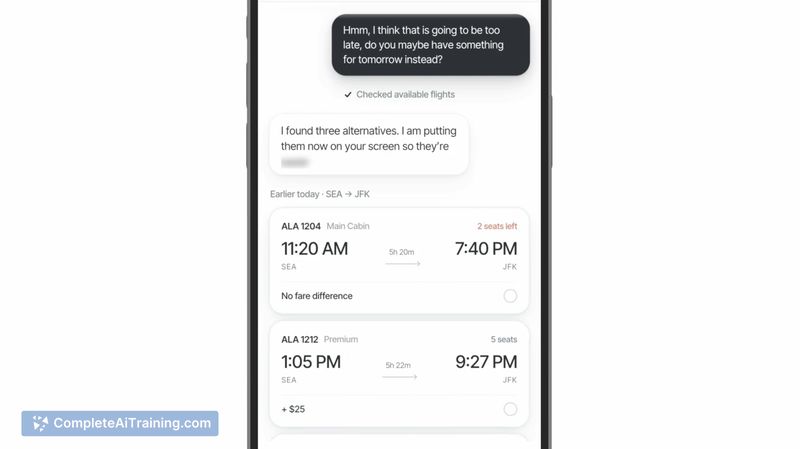

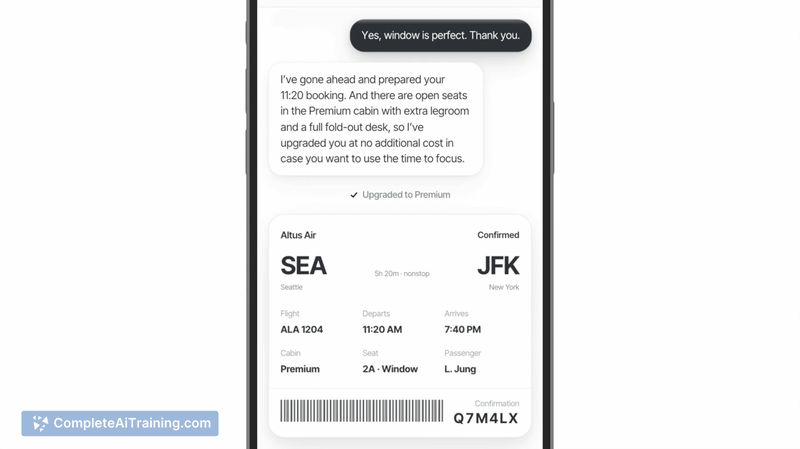
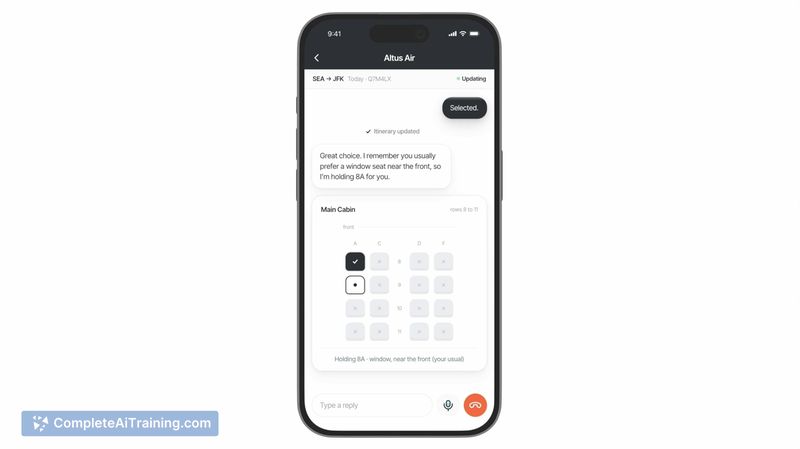
Multimodal Agents by Sierra pushes past the single-channel limitation that most AI agents operate within. Instead of forcing a customer to stay in voice or chat, the agent shifts modes as the conversation requires. This review looks at what's currently shipping, where the gaps are, and who would actually benefit from this approach.
Key Features
- Automatic mode-switching between voice, text, and visuals. The agent reads conversation context to determine when a visual component or text reference would work better than continuing in voice.
- MCP UI integration for embedding custom interactive components. Businesses build things like product cards, comparison tables, calendars, and forms, then drop them into conversations.
- Build-once components that function across all channels where the agent is deployed. Updates to a component reflect everywhere immediately, without redeploying or maintaining separate versions per channel.
- Full-screen expansion for components that need more space than an inline embed provides.
Pricing and Value
Sierra lists the product as "Payment Required," but specific pricing tiers or per-conversation costs are not defined in the available reference content. The value hinges on reducing channel-specific rebuild work: a component built once in MCP UI works on web, mobile, and other surfaces the agent supports. For teams currently maintaining separate UI implementations per channel, that consolidation could lower maintenance overhead.
Pros
- Conversation context drives mode selection, so the customer doesn't have to predict upfront whether voice, text, or visuals will suit their need.
- Custom components get built once and propagate everywhere, cutting out per-channel duplication.
- Updates to components are instant across deployments - no separate versioning or redeployment steps.
- Full-screen expansion gives complex components (like detailed forms or calendars) the space they need without leaving the conversation.
- Voice, visual, and text context appear to carry across mode switches rather than restarting the interaction, based on the product description.
Cons
- The agent makes mode-switching decisions autonomously, and the reference content doesn't clarify whether customers can override that choice mid-conversation. On a phone call with no screen, or in a quiet office where someone can't speak, a wrong mode pick could stall the interaction.
- Failure handling for mismatched modes is not documented. If the agent pushes a visual to someone who can't view it, the fallback behavior remains unclear.
- This tool is not well suited for businesses whose customer interactions are exclusively single-channel by design - voice-only hotlines or text-only chat support won't use the multimodal switching, and the build-once component advantage matters less when there's only one surface to support.
Multimodal Agents by Sierra fits teams that already handle customer conversations across multiple channels and want to stop rebuilding UI components for each one. The automatic mode-switching addresses a real friction point - customers rarely know in advance which medium will work best - but the absence of documented override controls and failure paths leaves open questions about edge cases. Companies with purely single-channel support workflows won't see much return here.
Jobs Multimodal Agents by Sierra suits
We checked Multimodal Agents by Sierra against 500+ jobs; these get the most out of it.
Alternatives to Multimodal Agents by Sierra
Other tools that do the same main job. Our AI compared Multimodal Agents by Sierra with similar tools and kept the ones you could use instead.