AI tool
nana
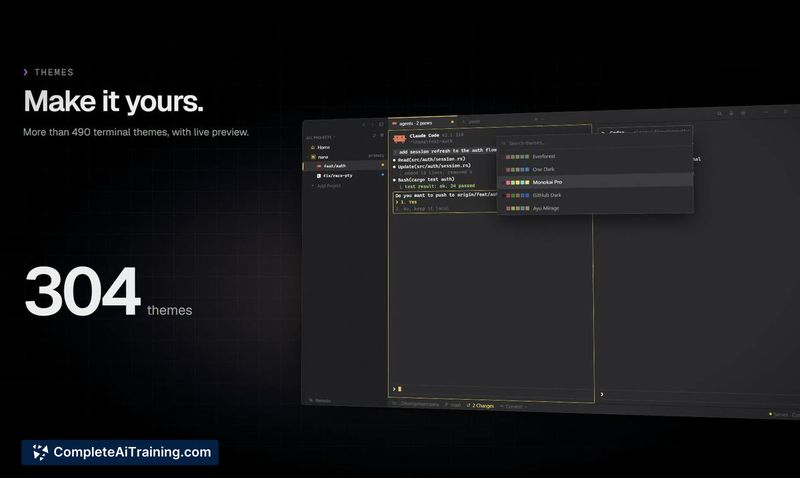
Nana is a terminal for managing multiple AI coding agents side by side in split panes, each isolated in its own git worktree. It detects agent state and notifies you when one needs attention. The tool is built for developers running several AI cod...
About nana
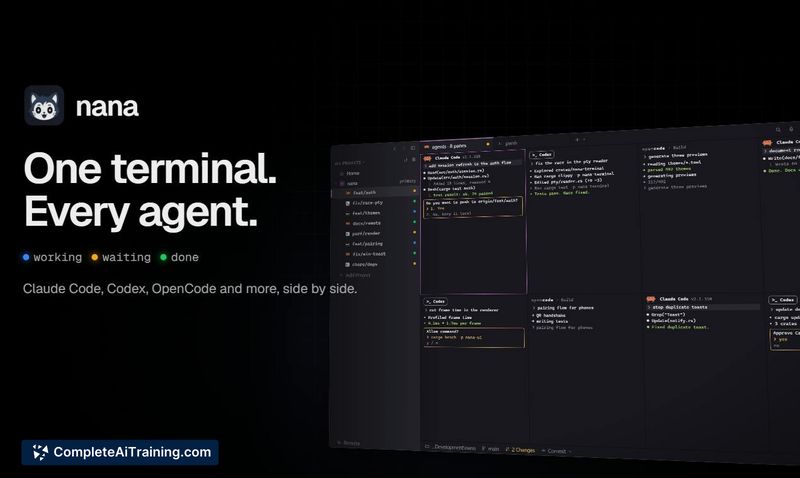
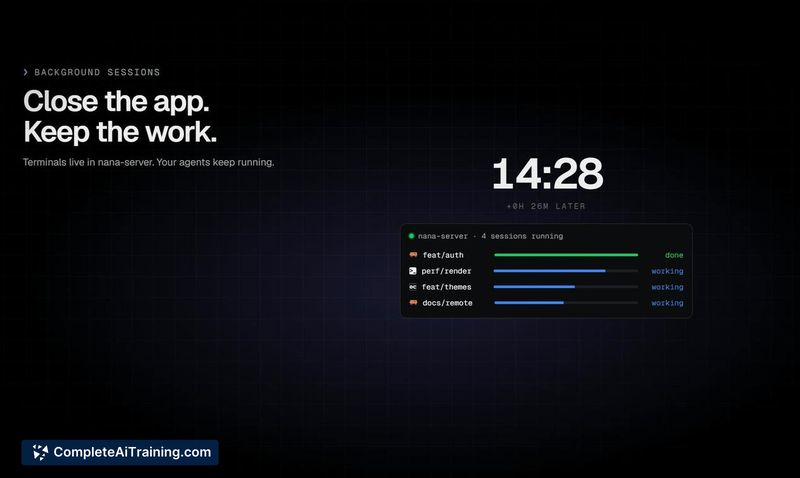
Nana is a native terminal multiplexer built for Windows. It lets you run multiple coding agents like Claude Code, Codex, and OpenCode in split panes, each isolated on its own git worktree. The tool displays agent status at a glance and keeps terminals running in a background server process even after you close the app window.
Review
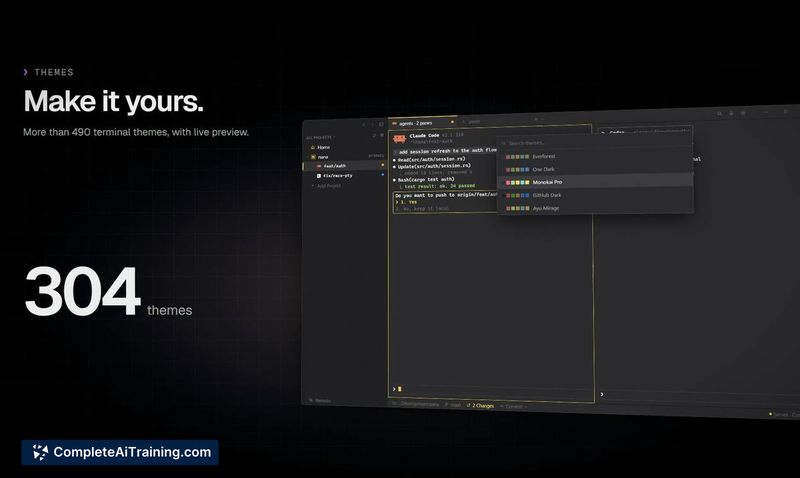
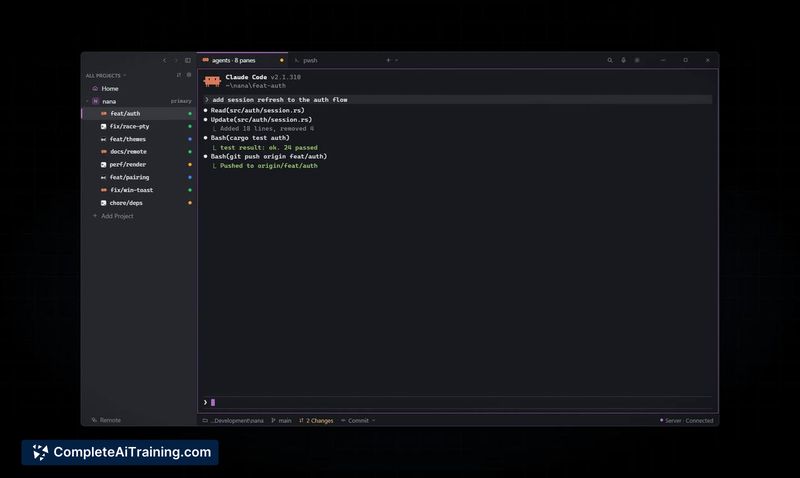
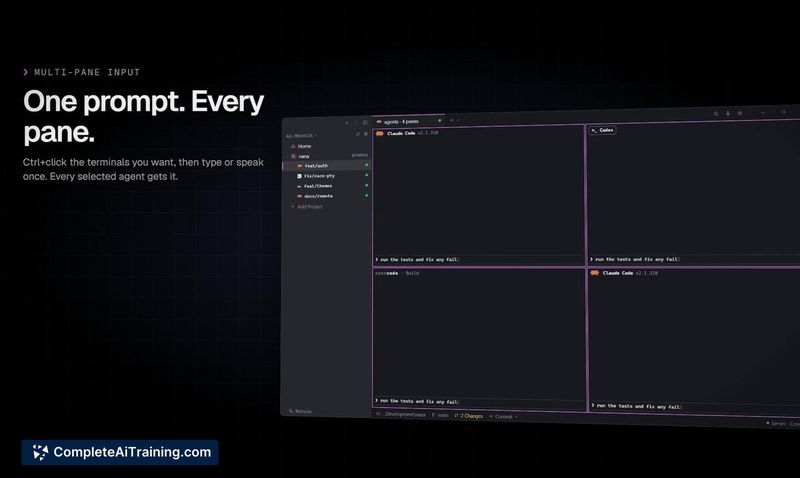
Nana addresses a specific friction point for developers who run several AI coding agents simultaneously: losing track of which terminal needs attention. Rather than wrapping agents in a new interface, it layers organization and visibility on top of the CLI tools you already use. The free beta is available now for Windows 10 and newer, with no admin rights required for installation.
Key Features
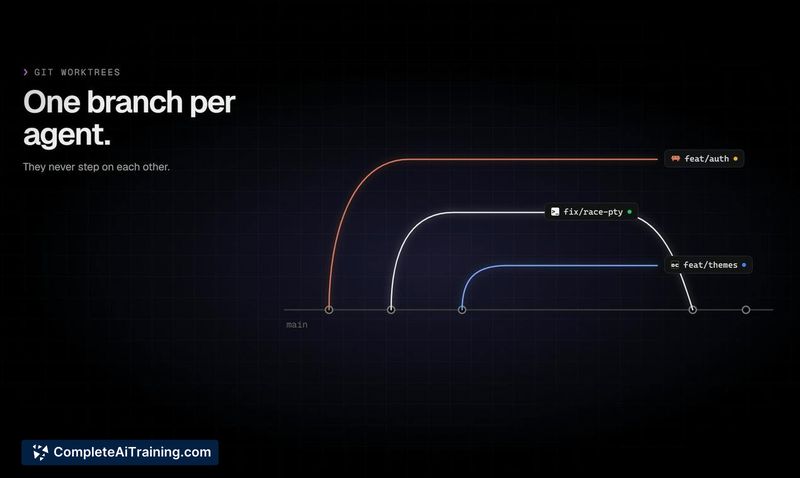
- Split-pane terminal multiplexing with each pane tied to its own git worktree, preventing file conflicts between agents.
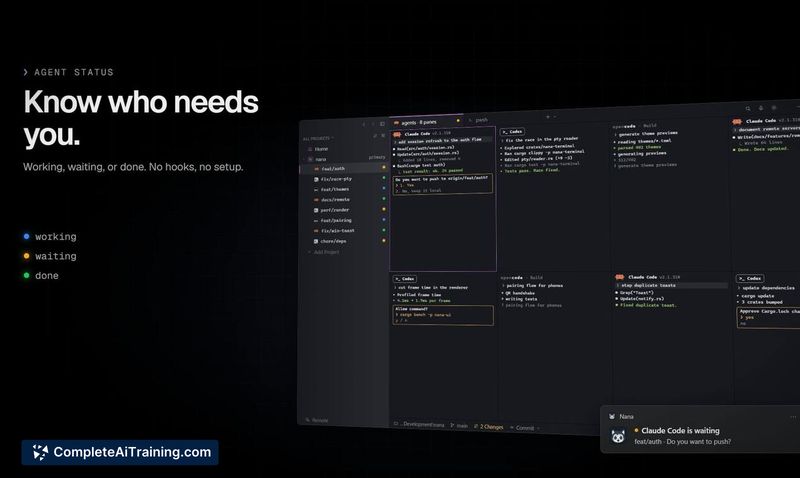
- Automatic agent recognition for 12 tools (Claude Code, Codex, OpenCode, Copilot, Cursor, Droid, and others) with status indicators showing working, waiting, or done.
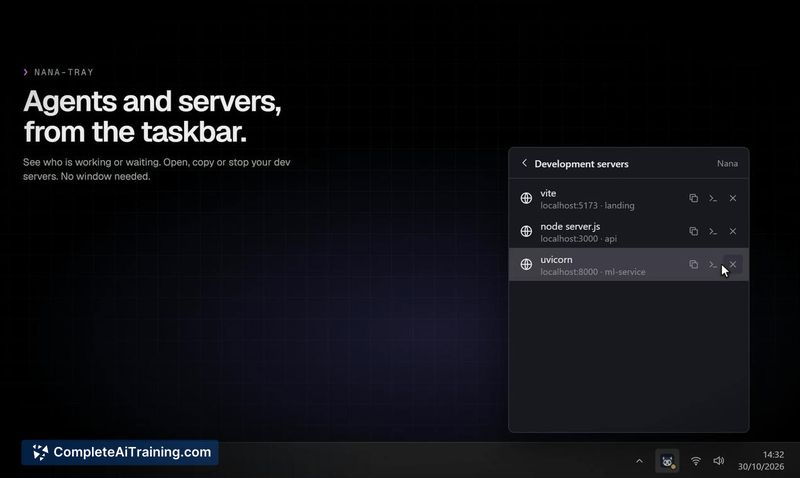
- Windows notifications that alert you when an agent is waiting for input, so you don't leave a session idle.
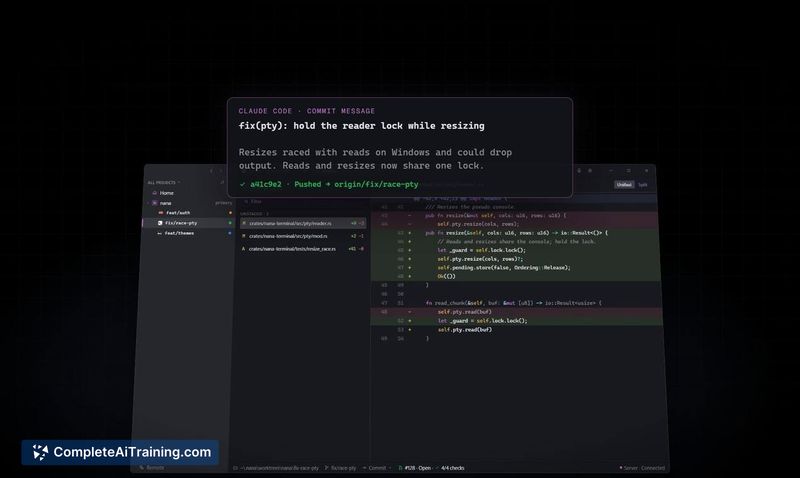
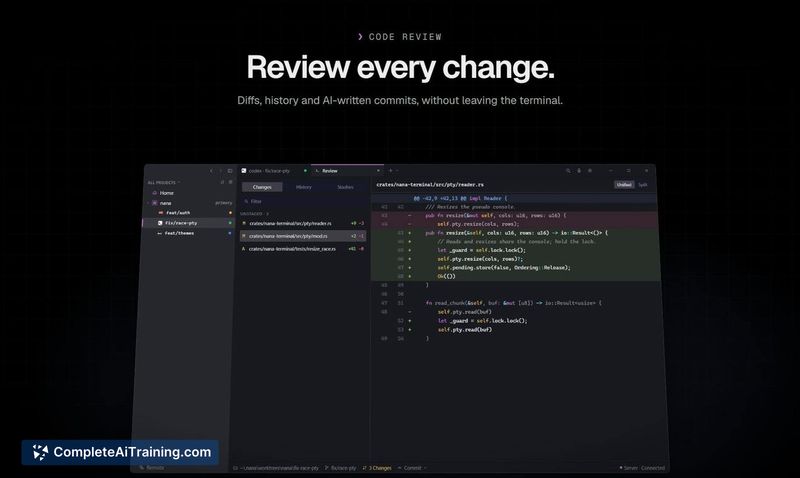
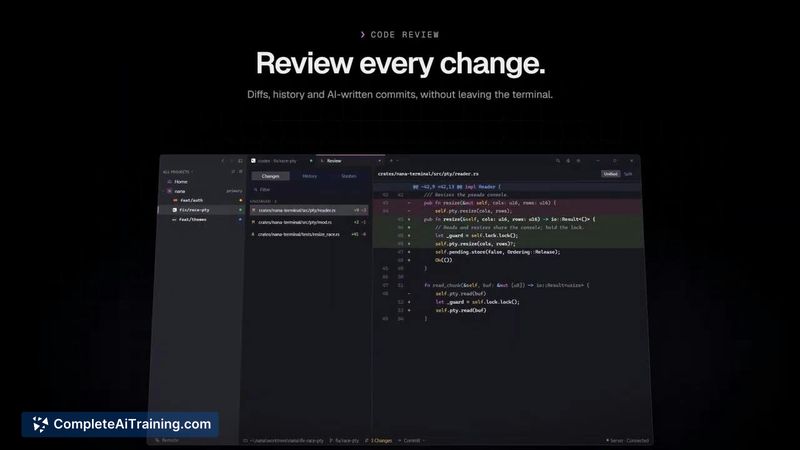
- In-app diff review that lets you inspect changes and have the AI CLI write commit messages without switching tools.
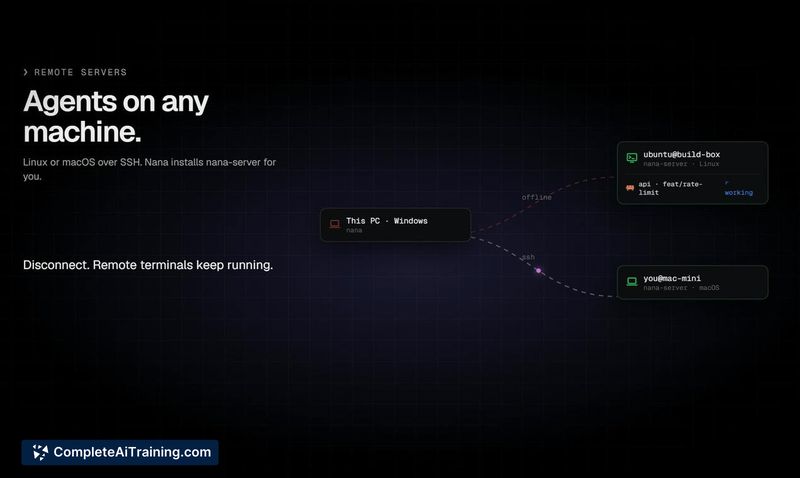
- Background server process that keeps terminals and agents running when the window is closed, including over SSH on Linux and macOS.
Pricing and Value
Nana is currently in a free beta phase. The maker has not announced pricing for a future release, so the long-term cost structure is not yet defined. For now, Windows users can install and use the full feature set at no charge.
Pros
- Worktree-per-pane isolation means agents won't step on each other's file changes.
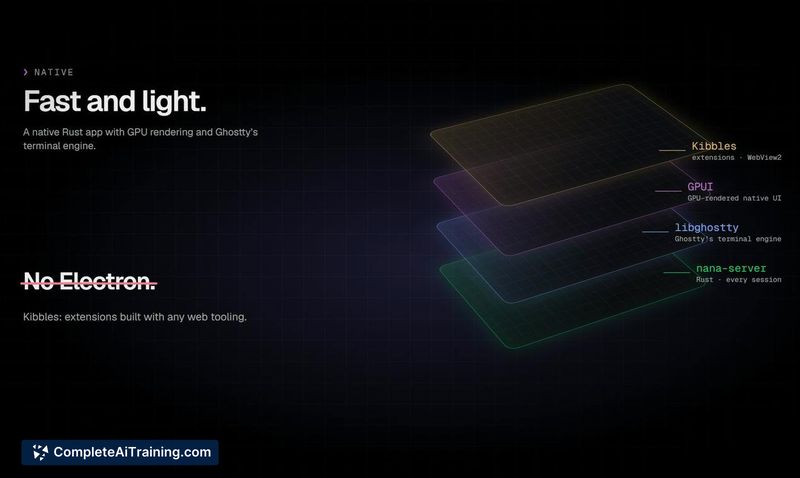
- Native Rust build (GPUI and Ghostty's terminal engine) keeps resource usage lower than Electron-based alternatives.
- Agent status detection requires no hooks or manual configuration.
- Closing the app window doesn't kill running agent processes.
- Works with the AI CLIs you already have installed-no vendor lock-in.
Cons
- Windows-only for the native app; macOS and Linux access is limited to SSH connections from a Windows host.
- The agent recognition list covers 12 tools, so less common or custom agent CLIs won't get automatic status tracking.
- Not well suited for developers who work with a single coding agent at a time and don't need multiplexing or worktree isolation.
Nana fits a workflow where multiple AI agents run in parallel and context-switching between terminals has become a bottleneck. Developers who juggle Claude Code, Codex, and similar tools in separate git branches will find the status overview and worktree isolation immediately useful. Those who stick to one agent or prefer integrated IDE copilots likely won't get much out of it.