AI tool
Wavefunction
Wavefunction is a minimal, open-source desktop coding agent that lets developers run multiple tasks in parallel using spawned subagents. It connects to ChatGPT, OpenRouter, Anthropic, Google AI Studio, or local models via Ollama. The tool is built...
About Wavefunction
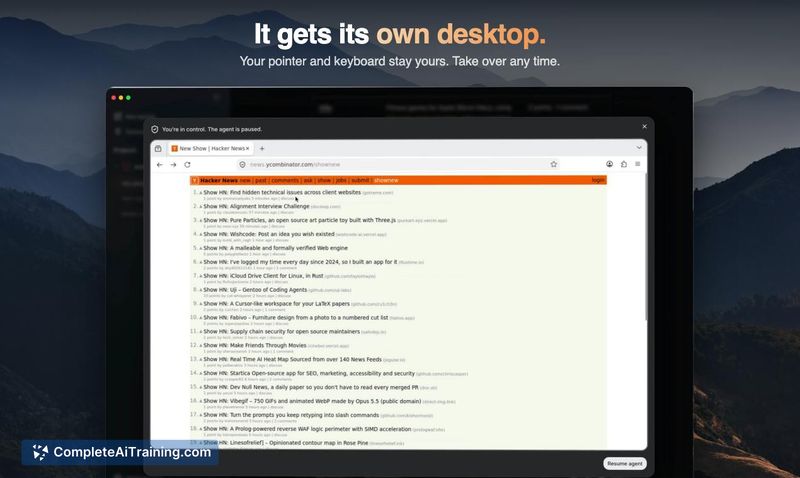
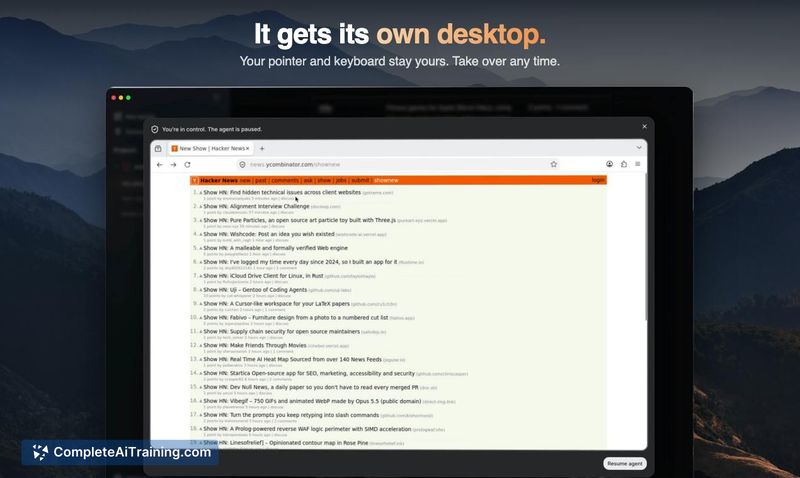
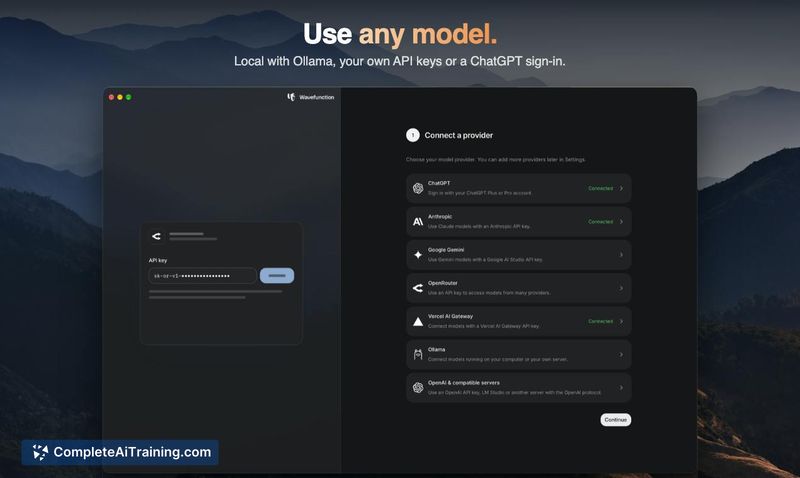
Wavefunction is a free, open-source coding agent built as a minimal desktop app for macOS. It connects to a range of AI providers - ChatGPT, Anthropic, Google AI Studio, OpenRouter, Vercel AI Gateway, or local models via Ollama - without requiring separate sign-ups for each. The tool runs computer-use tasks on its own sandboxed desktop, not the user's, and supports parallel task execution through spawned subagents.
Review
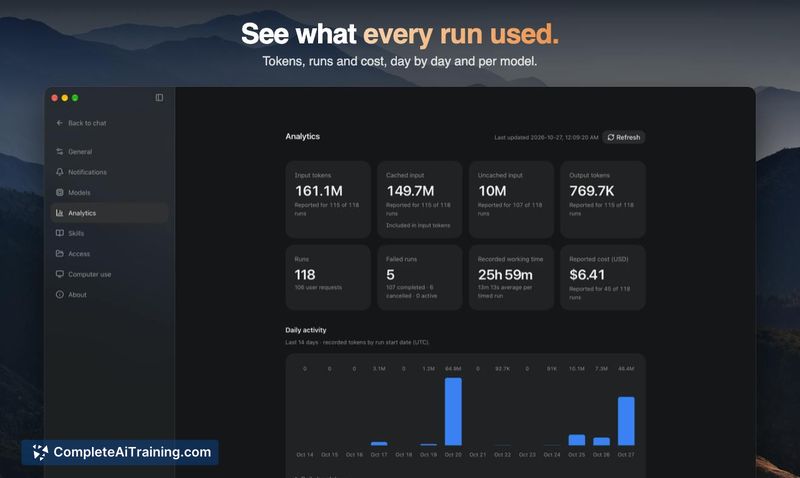
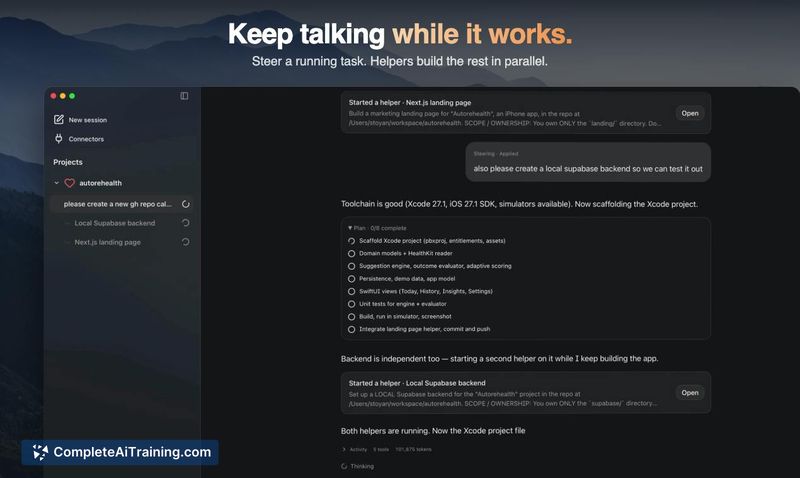
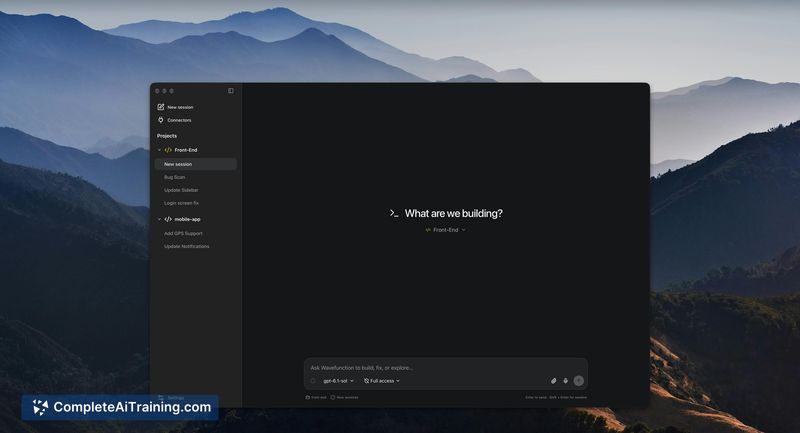
Wavefunction takes a deliberately narrow approach in a category where many coding agents are expanding into multi-purpose platforms. The app is a thin Tauri shell around a React UI, with its agent loop running on LangGraph. It's free and MIT-licensed, and the maker has focused on letting users keep a conversation going while the agent works across multiple tasks.
Key Features
- Parallel subagent execution - the main agent spawns, steers, and aggregates work from subagents, each visible as a separate session you can steer yourself
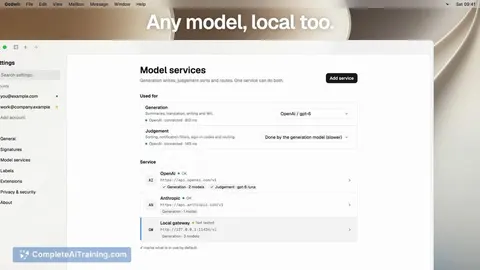
- Multi-provider model access through a single menu, including ChatGPT subscription login, API keys, and local models via Ollama
- Sandboxed computer-use desktop that isolates agent actions from your own environment
- LangGraph-based checkpoints that save agent state at every step, enabling chat rewind, forking, and pause-for-approval workflows
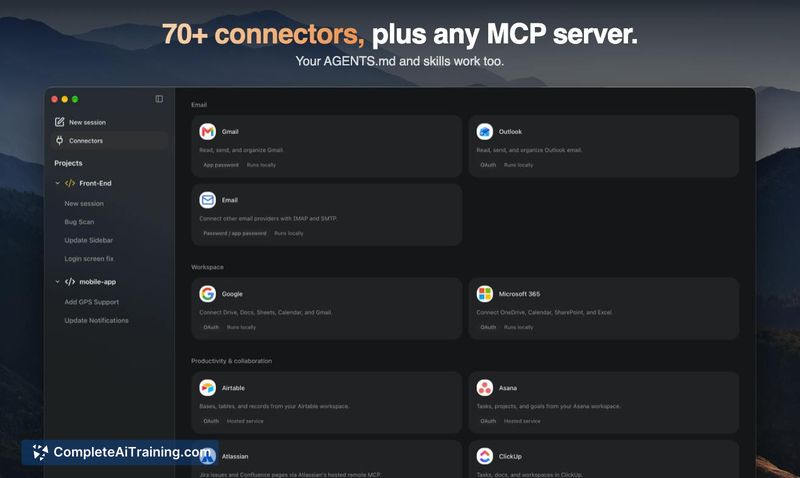
- 70+ connectors with the ability to require zero-data-retention (ZDR) models
Pricing and Value
Wavefunction is free. Users bring their own model access - either through existing subscriptions (ChatGPT), API keys (OpenRouter, Anthropic, Google AI Studio, Vercel AI Gateway), or locally run models via Ollama. The app itself does not charge a fee.
Pros
- Does not interrupt the chat flow while tasks run; you can continue talking to the agent during parallel execution
- Runs computer-use actions on a separate sandboxed desktop, not your own
- Single interface for switching between multiple model providers, including local models
- MIT-licensed and open source, with a lightweight Tauri shell instead of Electron
- Subagent sessions remain archived and searchable after the main agent cleans them from the navigation
Cons
- macOS-only at launch; Windows and Linux users cannot run the app
- No built-in diff review mechanism beyond reverting to a previous checkpoint, which may slow workflows that depend on inline diff approval
- Not well suited for users who want an integrated browser, project management panels, or automation builders inside their coding agent
Wavefunction fits developers who already have a preferred model provider and want a lightweight agent that stays out of their way during parallel work. It's less relevant for those who rely on a coding agent bundling a full workspace environment. The sandboxed desktop and multi-provider menu give users control over where their code goes, which some teams will weigh against the absence of built-in collaboration or diff tools.