AI tool
NexTalk
NexTalk is an open-source Linux voice input tool offering 100% offline privacy, sub-20ms latency, a minimalist capsule UI, and Fcitx5/Wayland integration for fast, reliable dictation.
About NexTalk
NexTalk is a modern voice input app built for Linux that provides private, offline dictation. It offers a minimalist "capsule" UI and performs local inference using Sherpa-onnx to keep audio on-device and reduce latency.
Review
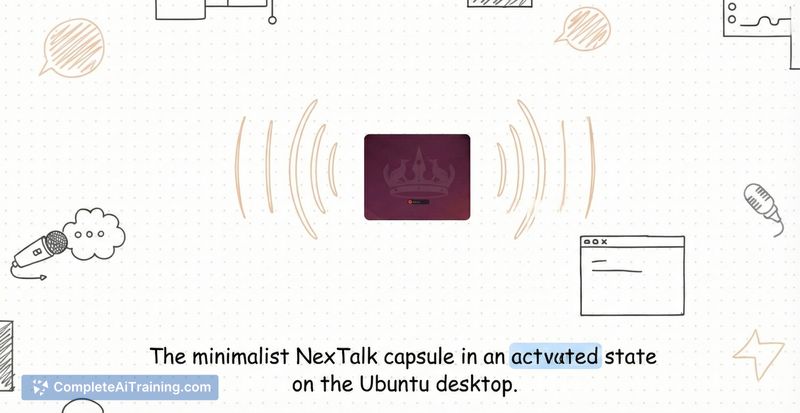
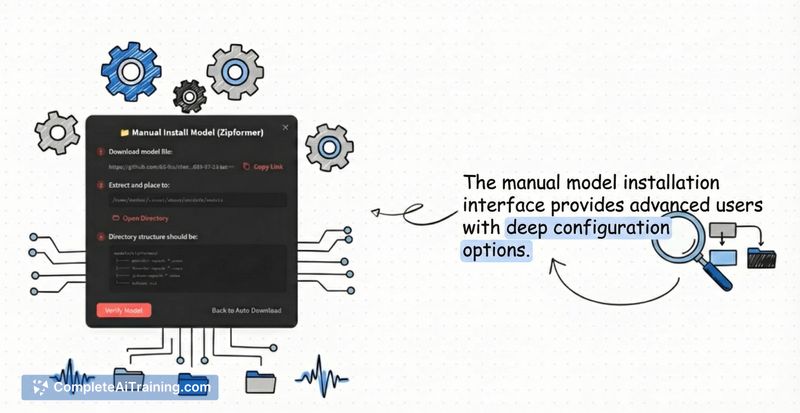
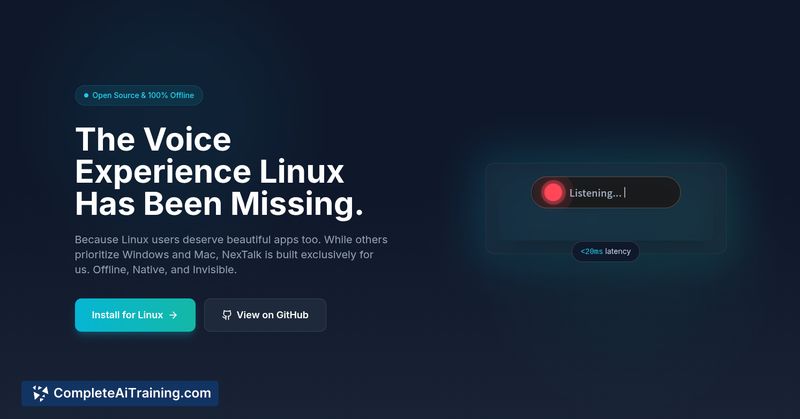

NexTalk addresses a clear gap for Linux users who want integrated, low-latency voice input without sending data to the cloud. The app combines native Fcitx5 integration, an unobtrusive interface, and local models to deliver a smooth dictation experience on compatible systems.
Key Features
- 100% offline inference via Sherpa-onnx for on-device transcription and enhanced privacy
- Transparent "capsule" UI built with Flutter for a clean, low-distraction visual that sits over the desktop
- Native Fcitx5 integration via Unix sockets for reliable compatibility with Wayland and common Linux apps
- Sub-20ms latency to provide near-instant feedback while dictating
- Open-source availability and a privacy-first approach
Pricing and Value
NexTalk is offered for free and is open-source, so there are no subscription fees or cloud costs to use the core functionality. For Linux users who prioritize privacy and local processing, it represents strong value-especially compared with cloud-based dictation services that require ongoing fees or data sharing. Note that local inference can demand reasonable CPU/GPU resources depending on model settings.
Pros
- True on-device transcription keeps audio and text private
- Very low latency, making dictation feel immediate
- Tight integration with Fcitx5 ensures broad compatibility on modern Linux desktops
- Clean, minimal UI that is unobtrusive during regular workflows
- Open-source, so users can inspect, modify, or contribute
Cons
- Linux-only, so cross-platform users will need alternative solutions on other OSes
- Local models can fall short of the accuracy of large cloud services in some languages or noisy conditions
- Optimal performance may require a newer machine or hardware acceleration for heavier workloads
Overall, NexTalk is a compelling choice for Linux users, developers, writers, and anyone who values privacy and low-latency dictation. It works best for those who primarily operate on Linux and are comfortable running local models; users who need the absolute highest accuracy or multi-OS support may need to supplement with cloud-based services.
Jobs NexTalk suits
We checked NexTalk against 500+ jobs; these get the most out of it.
Alternatives to NexTalk
Other tools that do the same main job. Our AI compared NexTalk with similar tools and kept the ones you could use instead.