AI tool
NINA
NINA is an in-app guide for B2B SaaS teams that answers user questions by voice or text directly on the product interface. It provides real-time instructions and updates automatically when the software changes.
About NINA
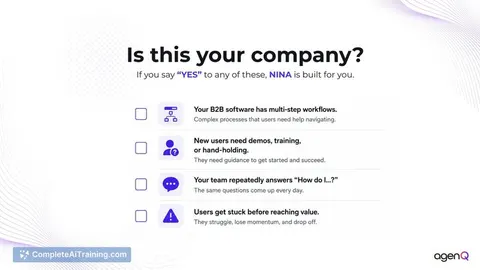
NINA is an in-app guidance tool that lives inside your product and answers "How do I…?" questions by voice or text. It walks users through workflows step by step on the live interface, not through scripted tours, chatbots, or static FAQs. The tool is built for B2B SaaS teams that currently handle these queries via onboarding calls, support tickets, and Slack channels.
Review
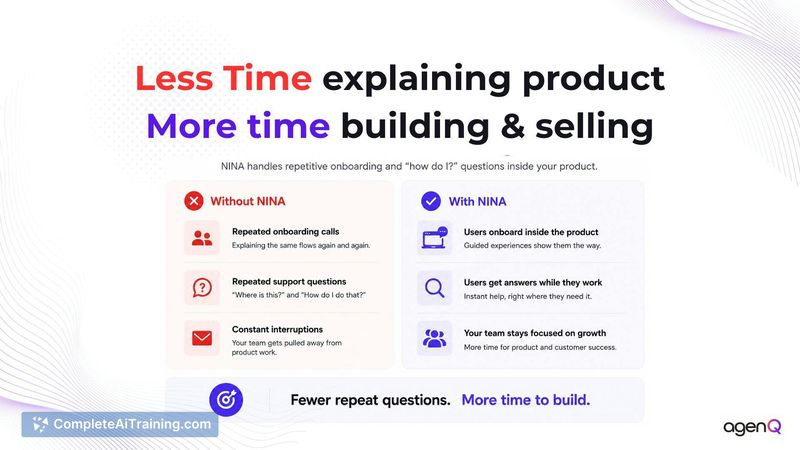
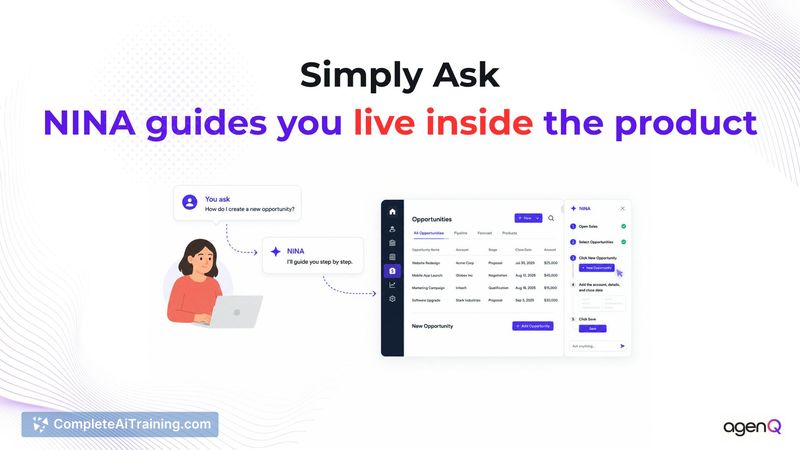
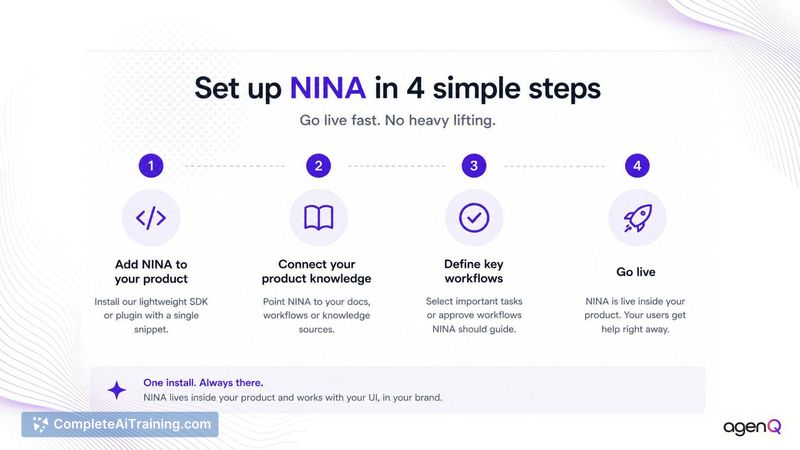
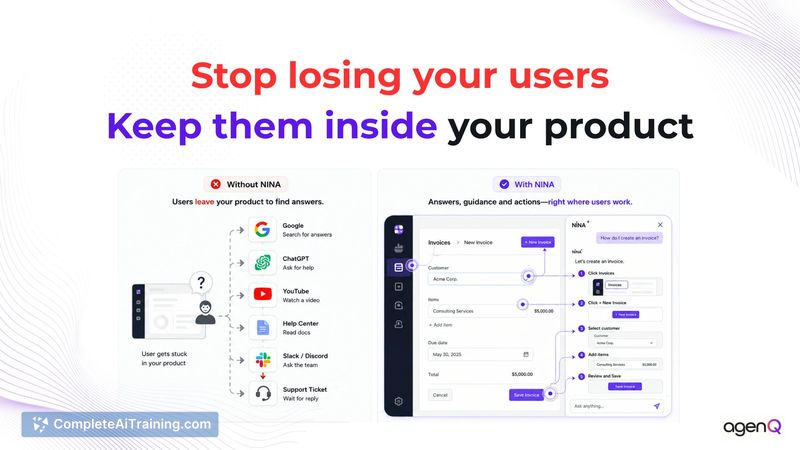
Many B2B SaaS products face a constant stream of repetitive "how do I" questions that documentation and videos fail to resolve. NINA attempts to reduce that support load by embedding real-time, context-aware guidance directly into the product UI. It draws on uploaded docs, trained workflows, and the live interface to steer users without leaving the screen they're on.
Key Features
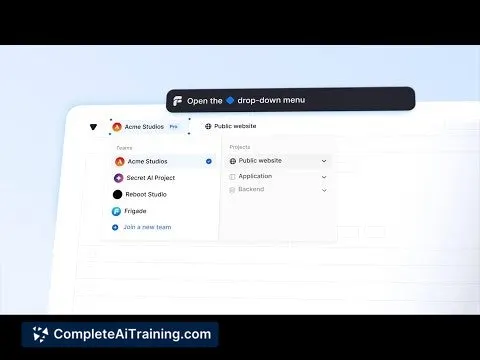
- Live interface walkthroughs: NINA highlights and points to UI elements in real time, like a GPS for the product, rather than displaying a list of steps.
- Multi-source grounding: Answers come from approved documentation, admin-trained workflows, and the current interface state captured by the SDK.
- Voice and text input: Users can speak or type their request, and NINA responds with voice output that can be customized to match the brand's tone and identity.
- UI change detection: When the interface updates, NINA flags differences for admin review and approval before adjusting its guidance paths.
- Handoff with context: If NINA cannot complete a request, it sends the full transcript and steps already tried to the support team, so the user doesn't repeat the problem.
Pricing and Value
Pricing details are not yet defined publicly. The launch page lists "Free Options," but no specific plans or tiers are described. Prospective users will need to contact the team for current pricing information.
Pros
- Reduces the volume of simple "how do I" tickets by answering users in the moment.
- Guidance stays anchored to the live UI, so it adapts to minor label or button changes without manual re-recording.
- When the tool doesn't know an answer, it admits the gap instead of guessing, and offers to connect to human support.
- Support handoffs include the conversation transcript, which can cut down on repeated questions.
- Voice and visual identity can be configured per brand, avoiding a generic feel.
Cons
- Not well suited for products where UI elements lack stable accessible names or where frequent major redesigns break element anchoring. The SDK relies on consistent selectors, so teams with messy front-end markup may face brittle guidance.
- Cannot answer record-specific questions (e.g., "Why did my order fail?") without direct integration to backend data; such queries still require a support handoff.
- As a newly launched tool, long-term reliability and performance under heavy load have not been publicly demonstrated.
NINA fits B2B SaaS teams that see high volumes of repetitive, UI-related support questions, especially for infrequent but critical workflows like setup or configuration. It is less applicable for products where most support inquiries involve personal account data or where the front-end code lacks consistent element labeling. Teams evaluating it should test how well their existing UI supports the SDK's anchoring before committing.
Jobs NINA suits
We checked NINA against 500+ jobs; these get the most out of it.
Alternatives to NINA
Other tools that do the same main job. Our AI compared NINA with similar tools and kept the ones you could use instead.